What is ImageRework
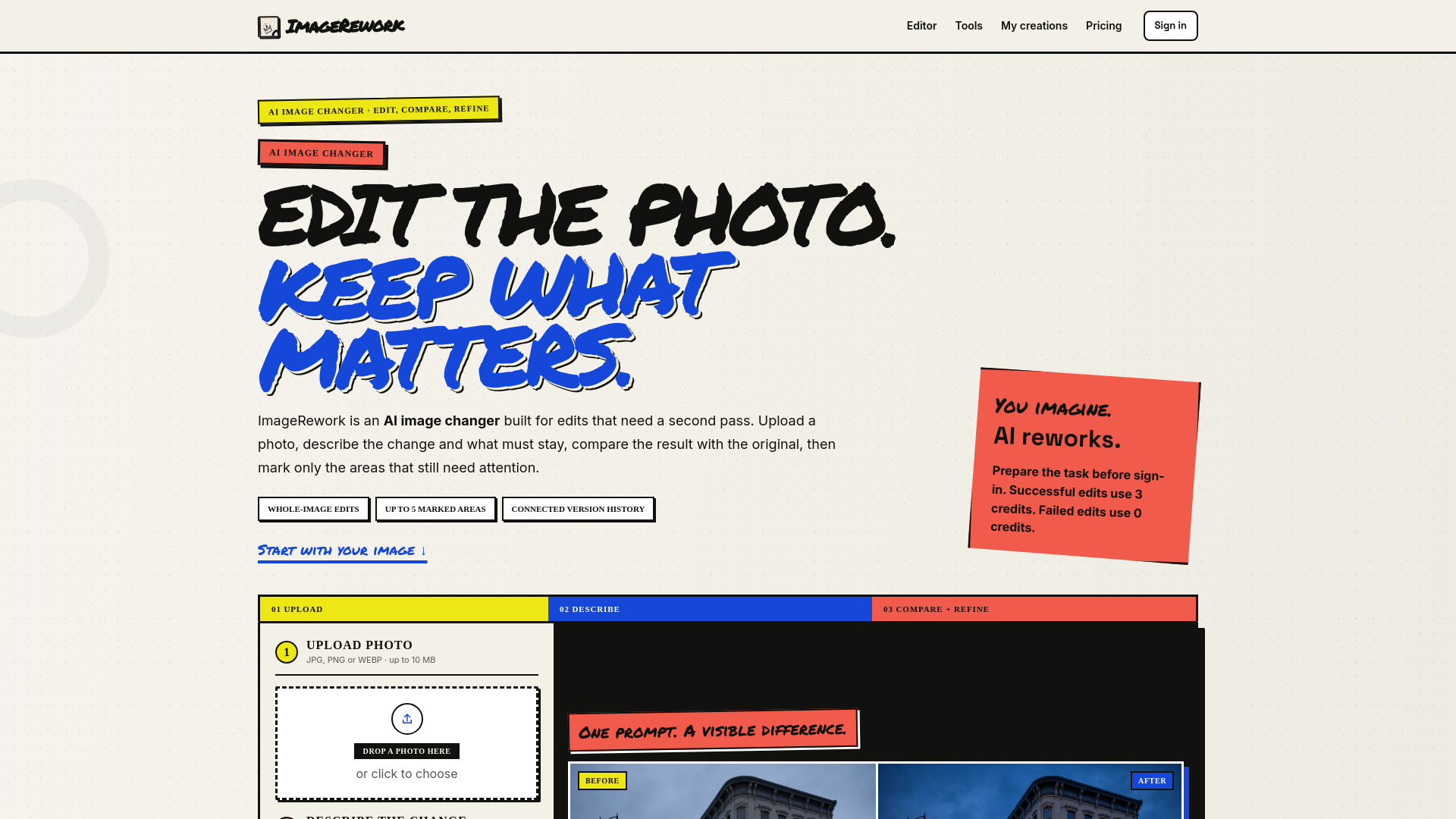
ImageRework is an AI image changer that lets you edit photos by describing changes in plain text. Unlike one-click filters, it reads a specific prompt and keeps the original image available for comparison. After the first result, you can mark up to five areas and give each a separate follow-up instruction.
How to use ImageRework
- Upload a photo – Choose a clear JPG, PNG, or WEBP under 10 MB. You can prepare the file and prompt without an account.
- Describe the change – Write one main request, then say what must stay (e.g., composition, camera angle, subject position). Concrete nouns work better than vague praise.
- Compare before and after – Drag across the result to inspect both versions. The original remains visible so you can check important details.
- Mark areas that need work – Add up to five numbered areas. Each marker can have its own instruction. The next result becomes a child version, so the earlier image remains available.
Features of ImageRework
- Whole-image edits – Change background, lighting, materials, or style with a single prompt.
- Up to 5 marked areas – Refine specific parts without starting over.
- Connected version history – Every successful edit is saved inside a project with its parent and root version. You can return to an earlier result and continue a different direction.
- Before/after comparison – Drag slider to compare original and edited image.
- Quick prompts – One-click example prompts for common edits.
- Credit system – Successful edits use 3 credits; failed, timed-out, blocked, or duplicate requests use 0 credits.
- No account needed to prepare – Choose image, write prompt, and select a quick task before signing in. Sign-in is requested only when you generate.
Use Cases of ImageRework
- Atmosphere + lighting – Turn a quiet storefront into a cinematic night scene while keeping the building and camera angle.
- Product art direction – Build a campaign scene around an existing product, keeping the product unchanged while replacing the background and lighting.
- Object removal – Clear distractions like cables, boxes, or clutter and reconstruct the surfaces behind them.
- Image-to-image style – Keep the scene but change the visual language (e.g., from photography to a hand-inked poster style).
Pricing
- Free tier – 6 signup credits. Successful edits use 3 credits. Downloads include a watermark.
- Credit packs – One-time purchases of credits. Watermark remains.
- PRO and STUDIO subscriptions – Monthly credits included, clean watermark-free downloads from current and saved results.
FAQ
What is an AI image changer? An AI image changer uses an uploaded picture as visual context and follows a written edit. ImageRework keeps the original available for comparison.
How is ImageRework different from a one-click filter? A filter applies one fixed treatment. ImageRework reads a specific prompt, including details that should remain stable. After the first result, mark up to five areas and give each a separate follow-up instruction.
Can I change only one part of a photo? Yes, with a limitation. Create a result, open marked-area refinement, and place markers on the parts that need attention. Markers guide the model but are not strict pixel locks.
Do I need an account before I prepare an edit? No. You can choose an image, write the prompt, and select a quick task before signing in. Sign-in is requested only when you generate.
How many credits does an edit use? A successful whole-image edit or refinement uses 3 credits. New accounts receive 6 credits. Failed, timed-out, blocked, and duplicate requests use 0.
Do credit purchases remove the watermark? One-time credit packs do not. Active PRO and STUDIO subscriptions unlock clean downloads.
What images work best? Use a clear JPG, PNG, or WEBP under 10 MB. Keep the main subject and important edges visible.
How do I keep the rest of the image unchanged? Name the change, then list preservation rules such as camera angle, composition, position, product shape, identity, or lighting.
Can I return to an earlier result? Yes. Every successful edit is saved inside a project with its parent and root version. You can inspect the sequence and return to an earlier result.
Is this a strict mask-based photo editor? Not in the first release. Numbered areas are strong visual guidance for a generative refinement, not a hard Photoshop-style mask.