
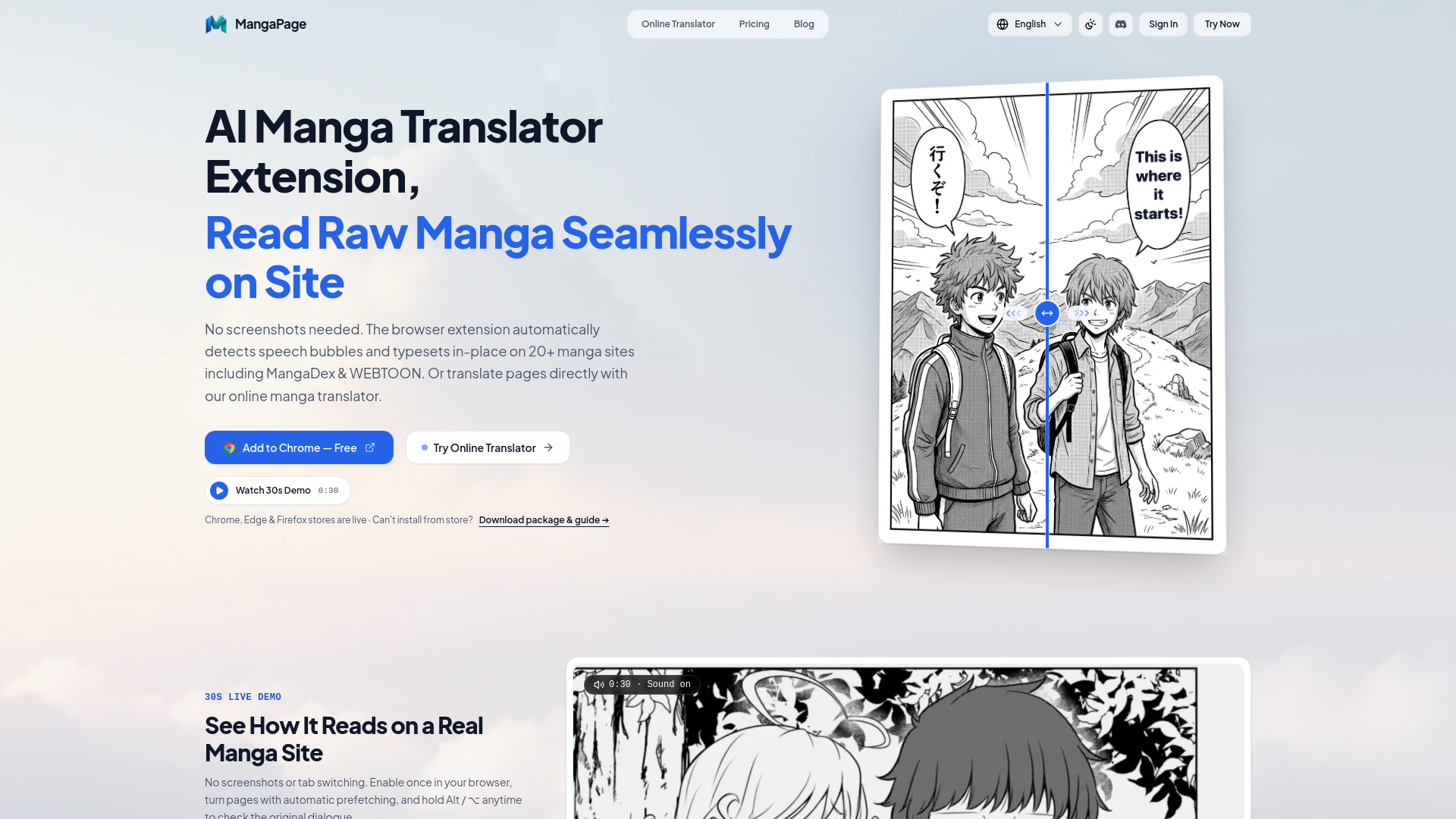

MangaPage-AI Manga Translator
AI Translate
AI tool for translating manga and removing speech bubble text
Check pricingVisit site

Object Remover AI
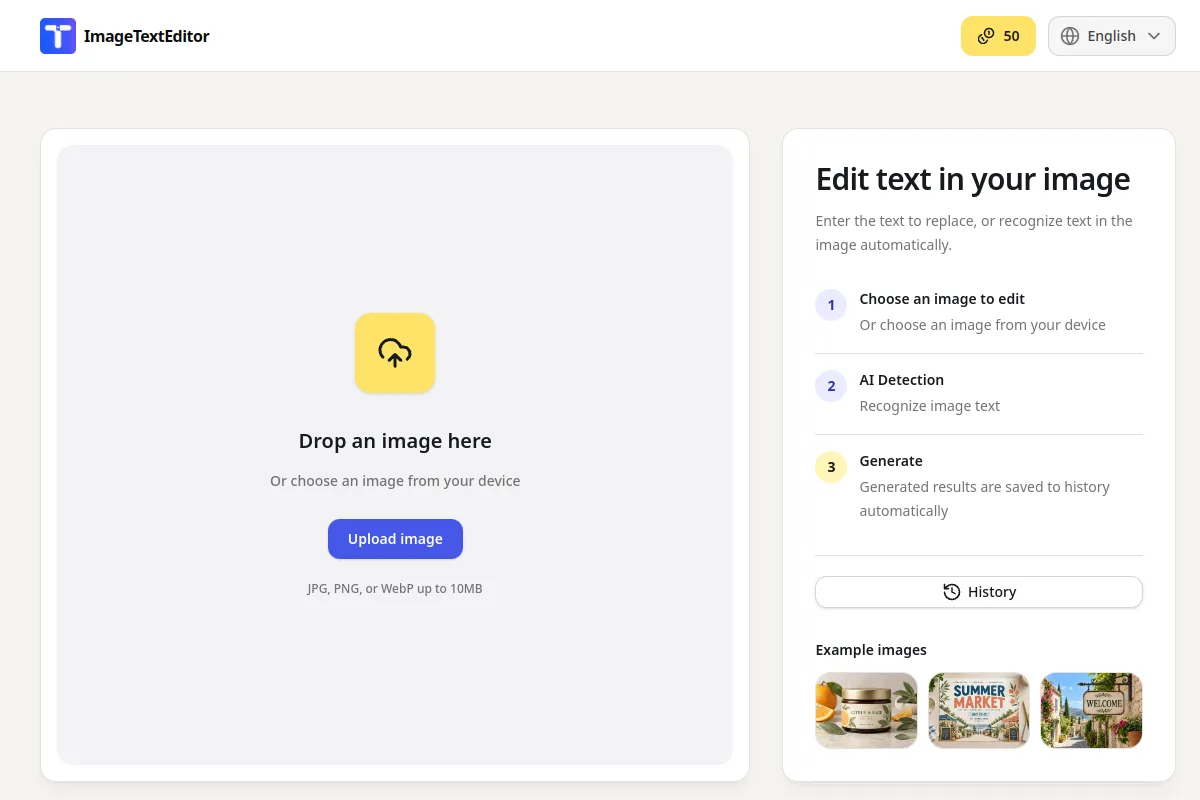
Edit embedded image text by uploading JPG, PNG, or WebP files, replacing words, removing labels, extracting copy, or translating content.
Explore other tools in related categories.
AI Translate
AI tool for translating manga and removing speech bubble text


AI Photo Editor
Edit photos by describing changes in text, including background replacement, object removal, lighting adjustments, and style changes.

AI Photo Editor
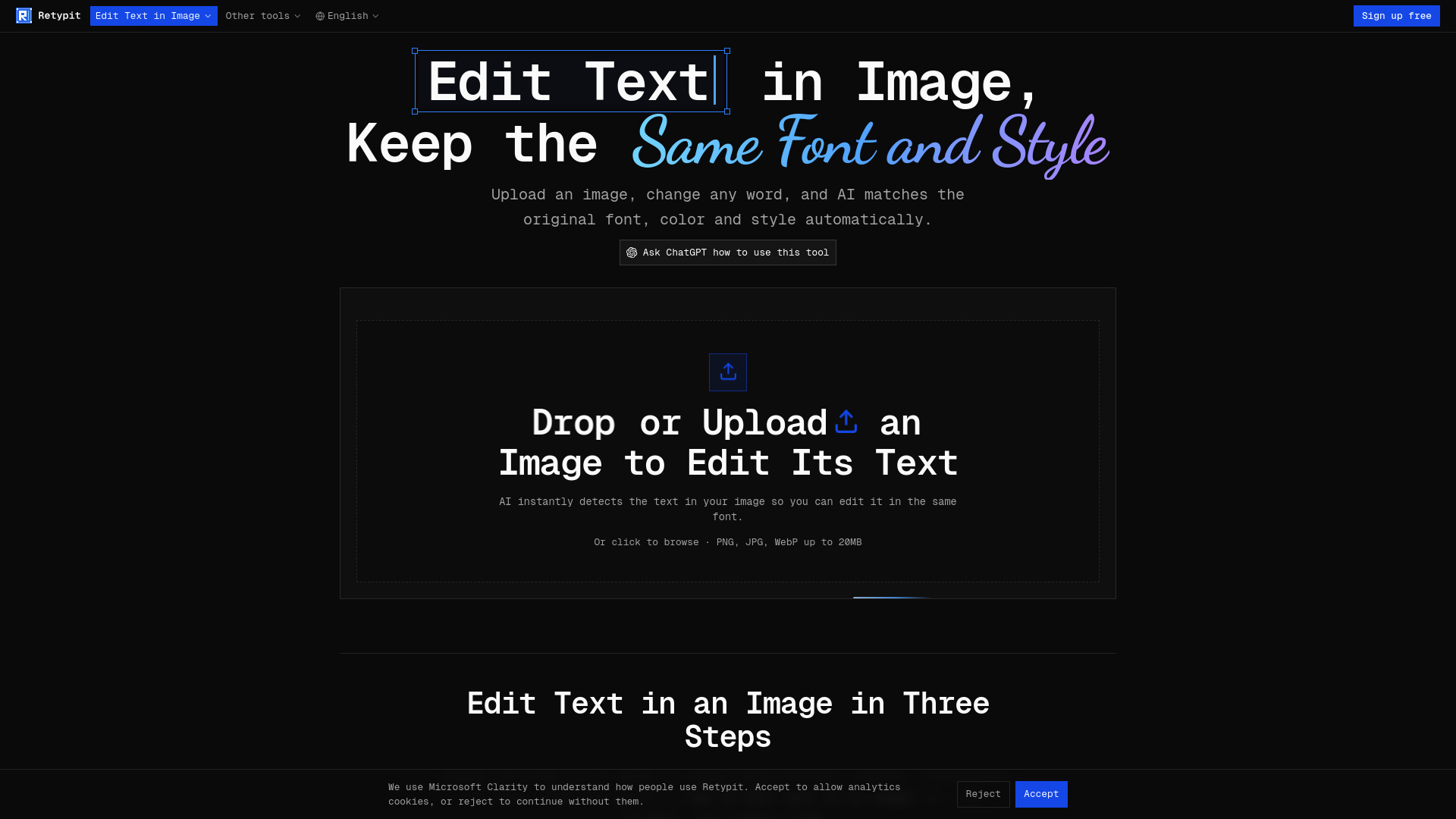
AI image text editor that preserves the original lettering style
ImageTextEditor is a web-based tool that allows users to edit text embedded within image files directly from their browser. It supports common image formats like JPG, PNG, and WebP, enabling users to modify existing text, add new text, remove unwanted text, extract text into an editable format, or translate text within an image.
Yes. ImageTextEditor is designed for editing text in image files through a browser workflow. Upload an image, work with the text inside it, review the result, and download the updated file.
Start with the finished image you do have. ImageTextEditor focuses on the text embedded in that image, so you can make a targeted change without rebuilding the complete design project.
Yes. Adding text to image content is one of the confirmed image text workflows. Use it when a social post, product visual, announcement, or personal image needs a new caption.
Yes. Remove text from image content when wording is outdated or unwanted, then review the surrounding background before downloading the result.
Yes. ImageTextEditor supports extracting text from image content into editable, copyable text for screenshots, signs, printed materials, and other visual references.
Yes. Translate text in image workflows when you need to prepare visual content for another language, while keeping the original image context available for review.
Common examples include social graphics, posters, product visuals, screenshots, announcements, study materials, and multilingual content. The best fit is a task involving text that is already inside an image.
No separate Photoshop project is required for the browser workflow described here. Start with the image file you have and use ImageTextEditor for the text-focused task.
Yes. ImageTextEditor is free to try with daily credits that reset according to the available service allowance. The exact allowance can depend on the current product terms.
ImageTextEditor is positioned for global users and multilingual image text workflows. Availability, supported languages, and current service limits should be checked in the live product experience.