Newsletter
Join the Community
Subscribe to our newsletter for the latest news and updates

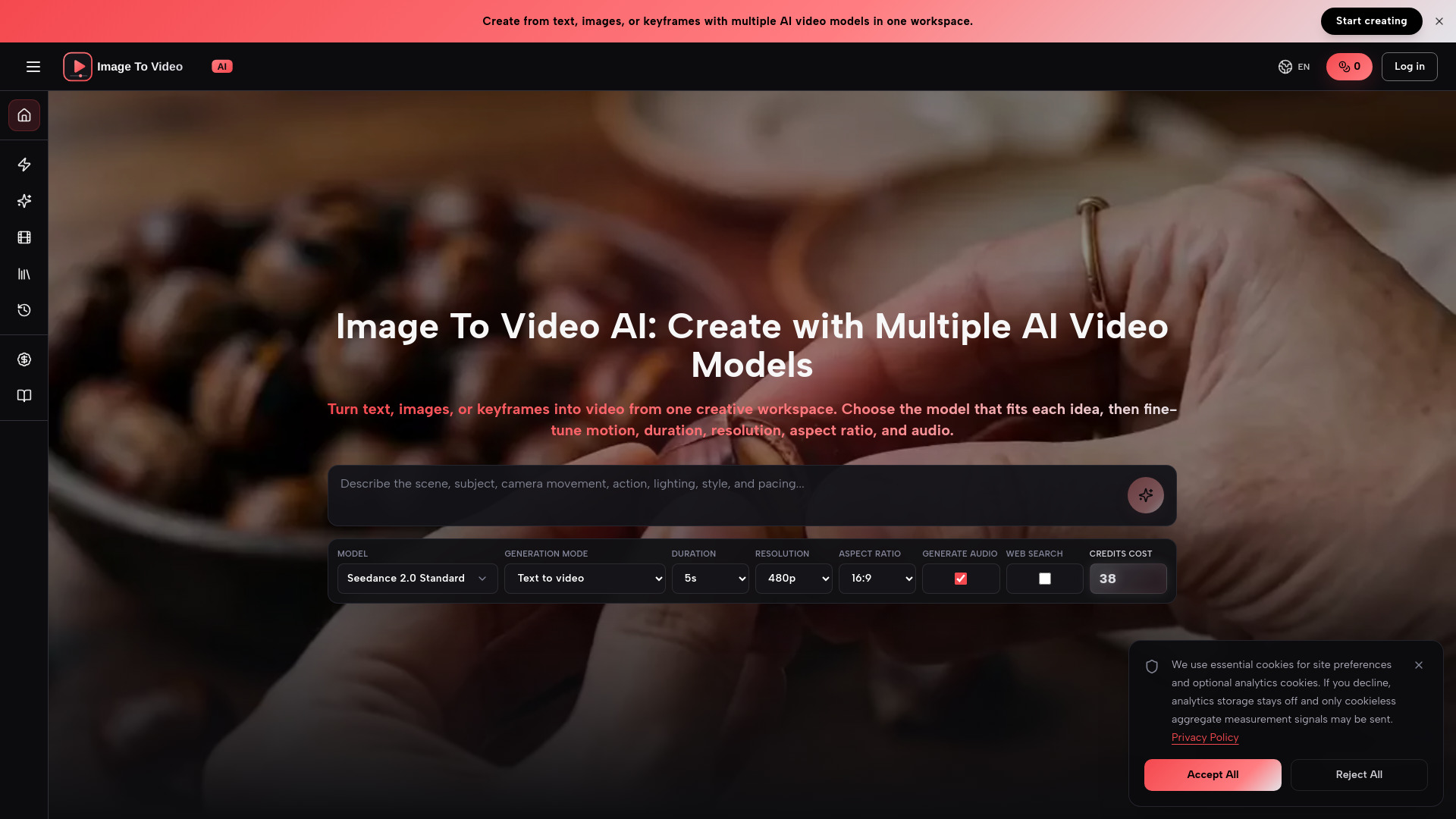
Multi-model AI video generator from text, images, and keyframes
Image To Video AI is a multi-model video creation platform that generates videos from text, images, or keyframes. It brings different AI video models and their creative controls into one workspace, allowing users to choose the model that best fits each idea and fine-tune motion, duration, resolution, aspect ratio, and audio.
Image To Video AI offers multiple pricing plans. Prices range from $29.90 to $599.00 USD, with 8 offer tiers available. Credits are used for generation; users start with 0 credits and can purchase plans to generate videos.
What is Image To Video AI? Image To Video AI is a multi-model video creation platform for generating video from text, images, or keyframes. It brings different AI video models and their creative controls into one workspace.
Can I create a video without uploading an image? Yes. Start with a prompt, choose a model that supports text-to-video, select the available output settings, and generate. Images and keyframes are optional for supported modes.
How does image to video generation work? Upload a reference image and describe how the subject, camera, background, and lighting should change. The model uses the image as visual guidance while following your prompt.
Which AI video models are supported? The workspace brings multiple video models together. Each model offers different strengths, generation modes, and controls, and the lineup can expand as new models become available.
What should I include in a prompt? Describe the subject, action, camera movement, environment, lighting, visual style, and pacing. One to three focused sentences usually provide a strong starting point.
Which video settings can I control? Available controls depend on the selected model and can include model variant, duration, resolution, aspect ratio, and audio generation.
Where are generated videos saved? Completed videos are saved automatically to your Library, where you can play, review, open, and download each result.
Can I use the generated videos for commercial projects? Yes — generated videos work for ads, product pages, social content, presentations, and campaign drafts. Review the applicable model terms and your rights to prompts and reference assets before publishing.