What is In Video AI
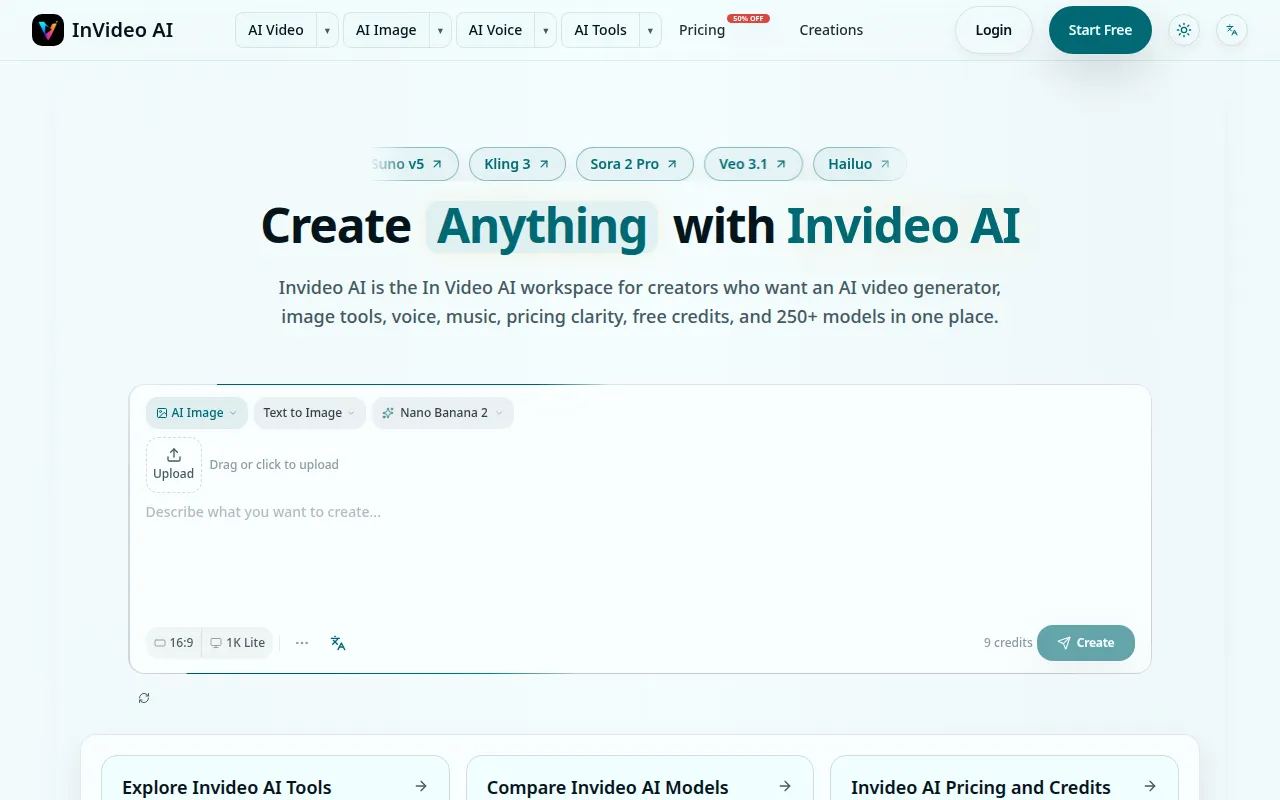
Invideo AI is a comprehensive AI creation workspace that allows users to generate videos, images, voiceovers, and music from text prompts. It integrates over 250 AI models, enabling users to compare different models and their associated credit costs within a single platform. The service aims to streamline the content creation process by eliminating the need to switch between multiple applications.
How to use In Video AI
- Start with a Prompt: Describe the desired output (video, image, voice, music) using text prompts.
- Select Models: Choose from over 250 AI models available for different content types.
- Compare and Refine: Review the generated outputs, compare different models, and adjust prompts for better results.
- Build Workflows: Use generated assets as a starting point for further creation, such as turning an image into a video or adding voiceovers.
- Export Content: Export your final creations for publishing.
Features of In Video AI
- Multimodel AI Generation: Create videos, images, voiceovers, and music from prompts.
- Extensive Model Library: Access and compare over 250 AI models.
- Credit Cost Comparison: View and compare credit costs for different models.
- Unified Workspace: Generate and manage all content types (video, image, audio) in one platform.
- Prompt-Based Creation: Generate content by describing your desired output.
- Commercial Use: Generated content can be used commercially, subject to plan and model terms.
- Free Trial Credits: Start with free credits to test workflows.
- Daily Check-in Rewards: Claim daily credits to continue creating.
- Subscription and One-Time Purchases: Flexible credit purchasing options.
Use Cases of In Video AI
- AI Video Generation: Create social media clips, ads, tutorials, and client project videos.
- AI Image Generation: Produce visuals for campaigns, concept art, or brand assets.
- Image-to-Video Conversion: Animate still images for dynamic content.
- Supporting Media Creation: Generate thumbnails, scene references, narration, and background music for video projects.
- Content Iteration: Test different prompts and models to refine creative direction.
Pricing
Invideo AI offers a tiered pricing structure based on credits. Users can start with free sign-up credits and claim daily check-in credits. Paid options include subscription plans (monthly and yearly) and one-time credit pack purchases. Credit usage varies by model, output type, and production volume. Subscription credits refresh monthly and expire after 30 days, while one-time credit pack credits do not expire. Failed generations automatically refund credits.
FAQ
- What is Invideo AI? Invideo AI is a multimodel AI creation workspace that allows users to generate videos, images, voiceovers, and music from text prompts, comparing over 250 AI models within a single platform.
- Is Invideo AI free to use? Yes, users can start with free sign-up credits and claim daily check-in credits. These free credits can be used to test AI video, image, voice, and music workflows.
- How do I create an AI video with Invideo AI? Select a text-to-video or image-to-video workflow, describe the desired clip, choose a model, and generate. You can then compare outputs, refine prompts, and continue with other media assets in the same workspace.
- Can I use generated videos and images commercially? Yes, generated videos and images can be used commercially, provided your plan and the selected model permit it. Review model terms and Invideo AI pricing details for specific usage rights.
- How much does Invideo AI cost? Pricing depends on credits, model choice, output type, and production volume. Users can start free, estimate credit needs, and upgrade to paid plans for higher limits or faster generation.
- Do unused credits expire? Subscription credits refresh monthly and expire after 30 days. Credits from one-time packs never expire. Credits from failed generations are automatically refunded.