
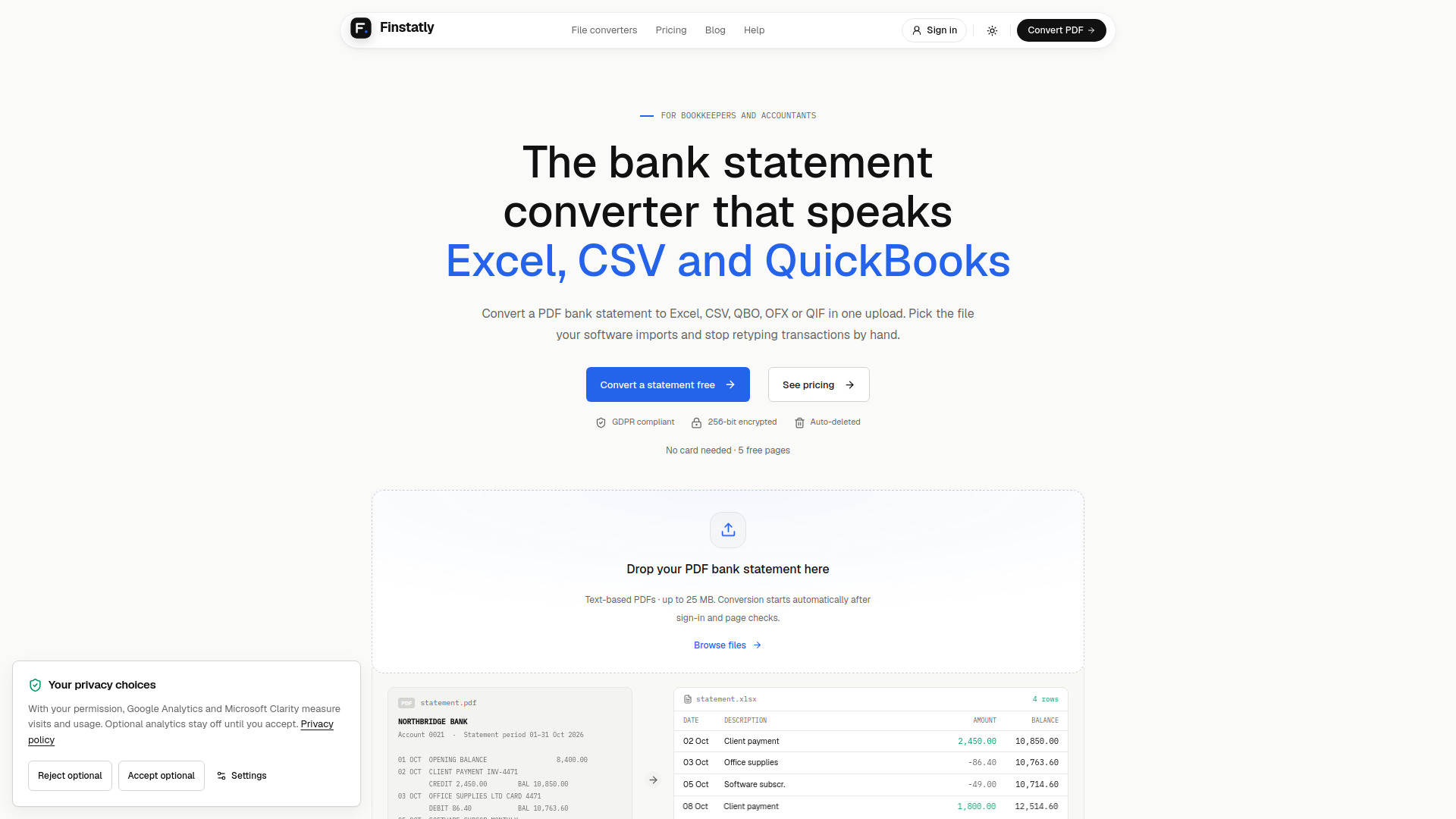

Finstatly
AI Accounting
Converts PDF bank statements into spreadsheets and accounting import files.
Check pricingVisit site

AI Accounting
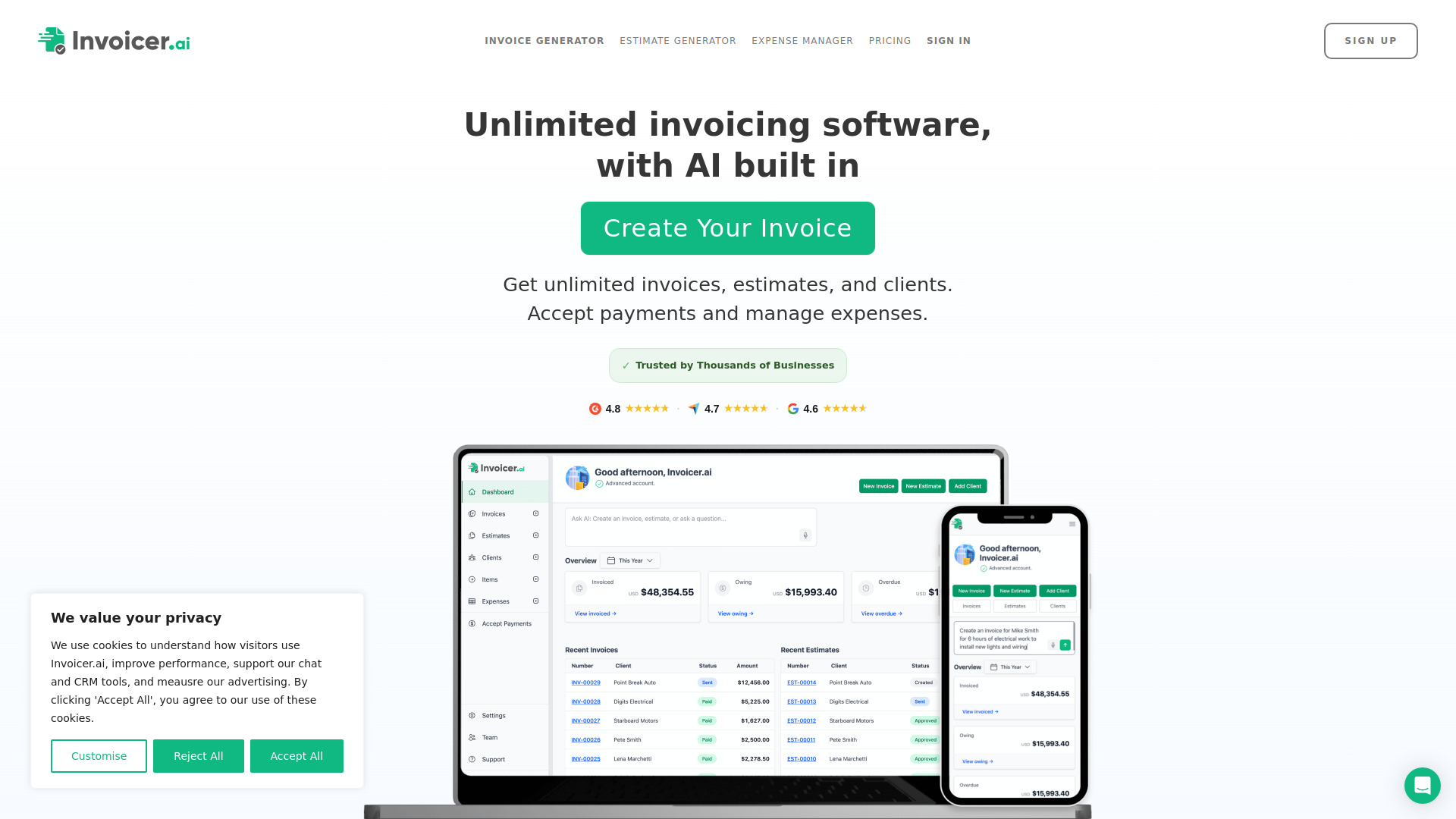
Invoicer.ai is AI-powered invoicing software for contractors, small businesses, and freelancers that helps you stay organized and get paid fast. Create professional invoices and estimate in seconds with voice or text, get smart pricing suggestions, and automatically extract and organize expenses.
Explore other tools in related categories.
AI Accounting
Converts PDF bank statements into spreadsheets and accounting import files.
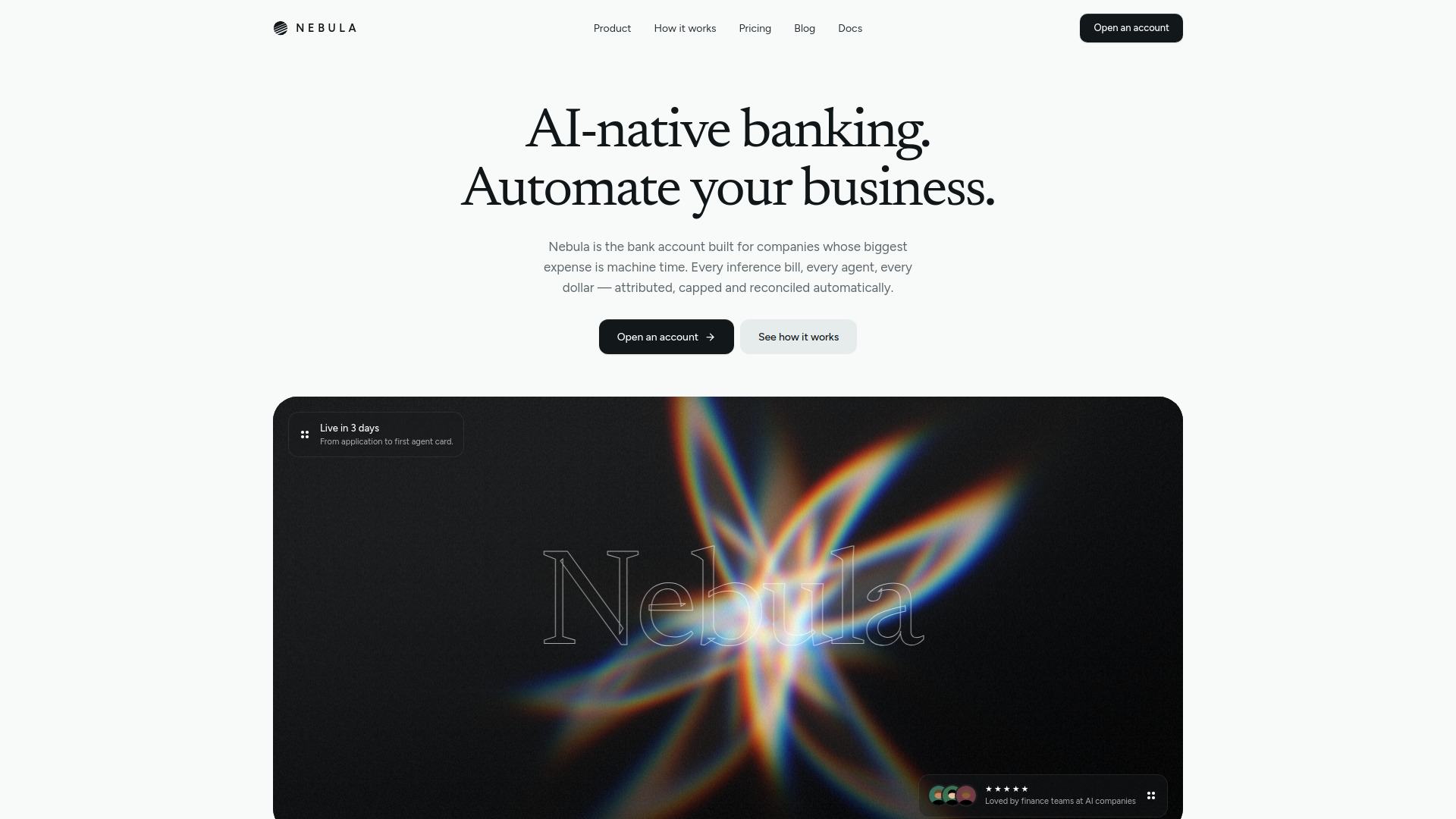

AI Accounting
Financial platform for managing AI company spending and agent payments
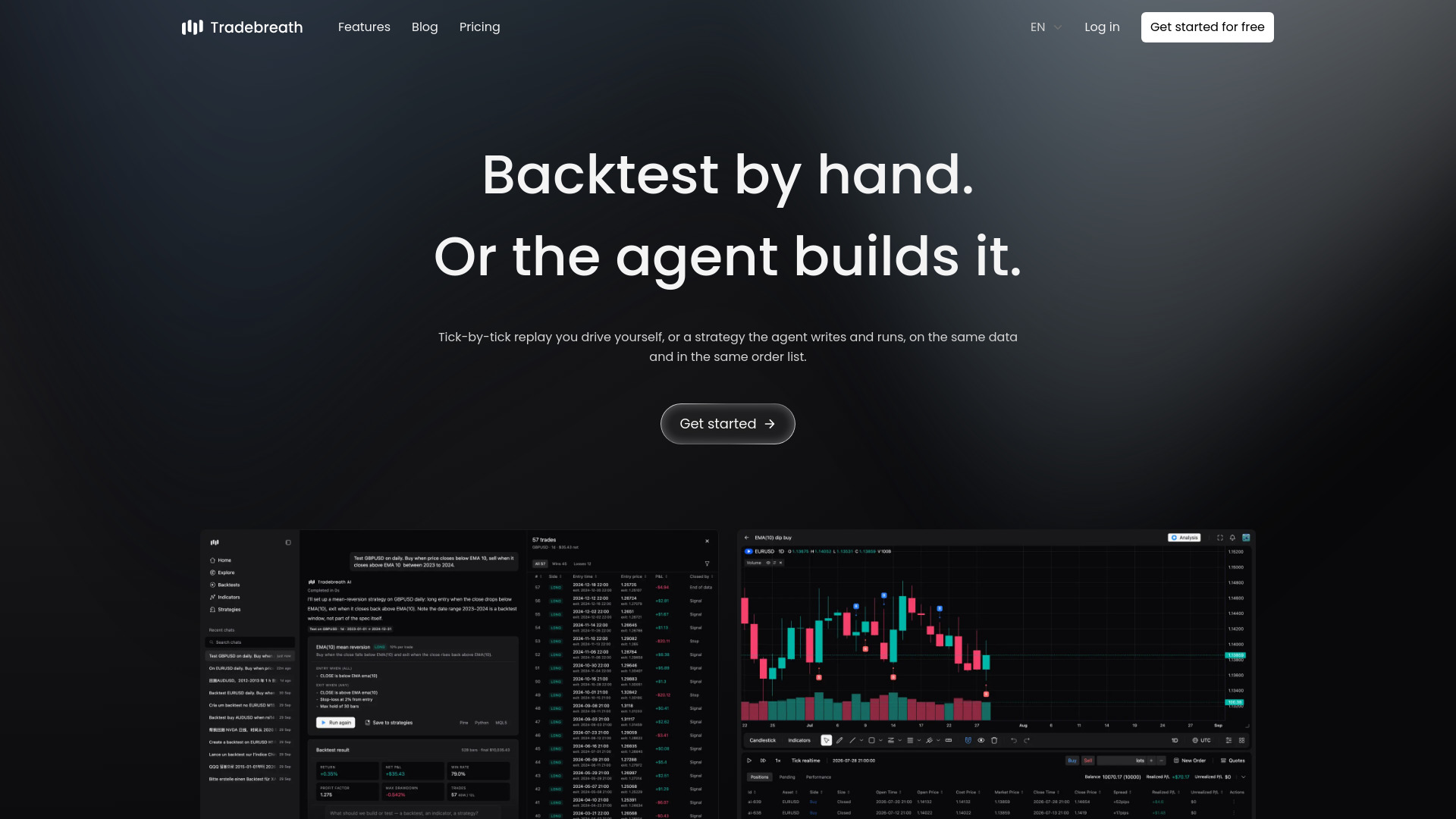

AI Trading Bot
AI-powered market replay and strategy backtesting for multiple asset classes.
Invoicer.ai is AI-powered invoicing software designed for contractors, small businesses, and freelancers. It provides unlimited invoices, estimates, and clients, and combines an AI invoice generator and AI assistant with payment processing, expense management, and real-time tracking to help users stay organized and get paid faster.
Invoicer.ai offers instant access with a free trial, 100% free, with no credit card required. The software includes unlimited invoices, estimates, and clients.
Do I need a credit card to start? No. You get instant access with a free trial, and no credit card is required.
Are there limits on invoices, estimates, or clients? No. Invoicer.ai provides unlimited invoices, estimates, and clients.
How can my clients pay? As a Stripe Partner, Invoicer supports credit cards, debit cards, mobile wallets like Apple Pay and Google Pay, bank transfers (ACH), and more, in 135+ currencies.
Can I automate payment follow-ups? Yes. Automatic late payment reminders can be sent on a schedule you choose.
Can I turn an estimate into an invoice? Yes. Clients can approve estimates, and you can convert them into an invoice in one click or use intelligent automation.
Does it work with my accounting software? Yes. QuickBooks Online and Xero integrations sync customers, invoices, payments, estimates, and expenses automatically.
How does the expense manager work? Snap a photo or upload a document, and the AI extracts the details into a searchable, organized list you can download, share with your accountant, or import into accounting software.