
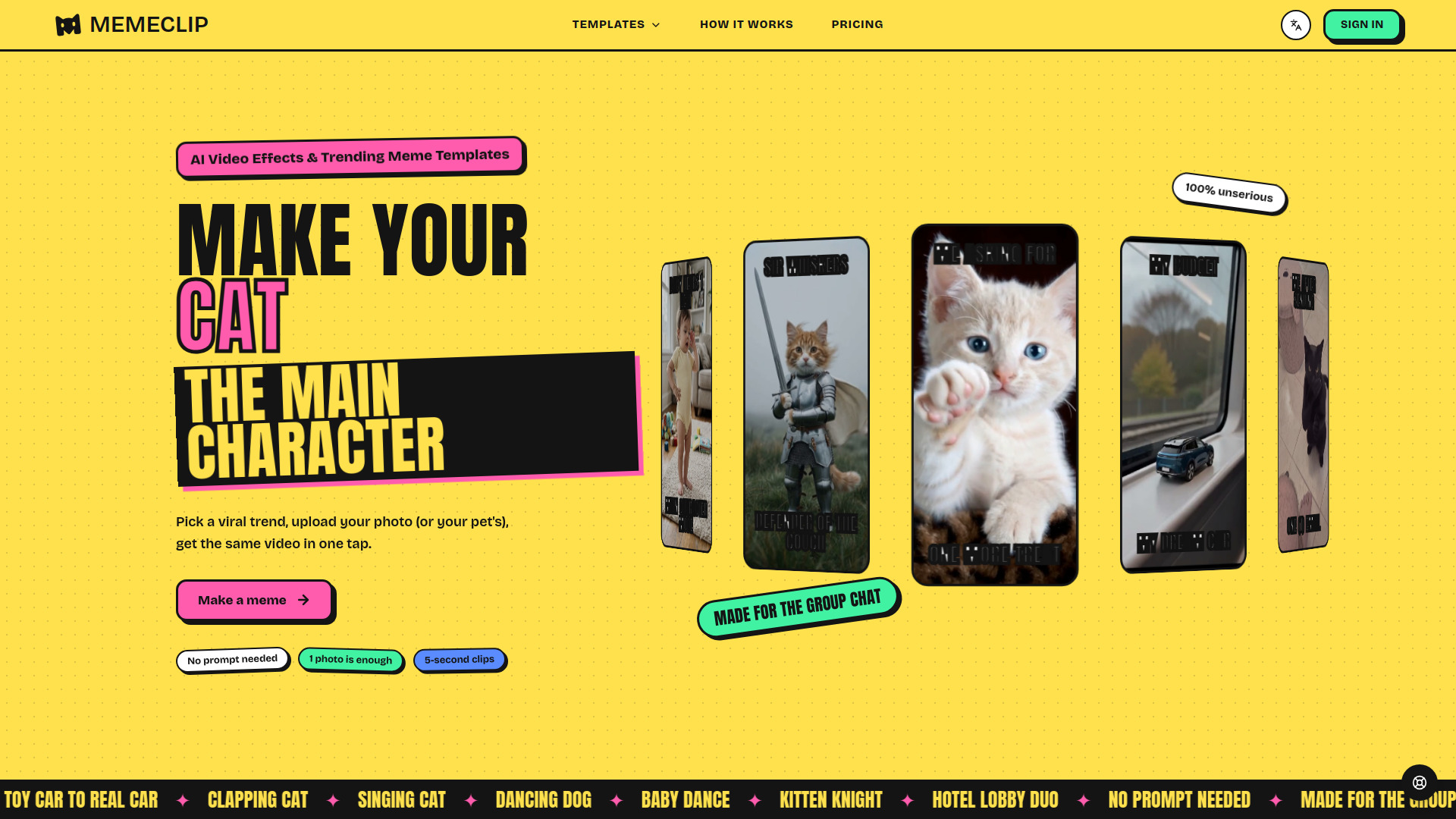

MemeClip - net
AI Video Generator
Turn photos into short AI-powered meme videos using trending templates.
Check pricingVisit site

Image to Video
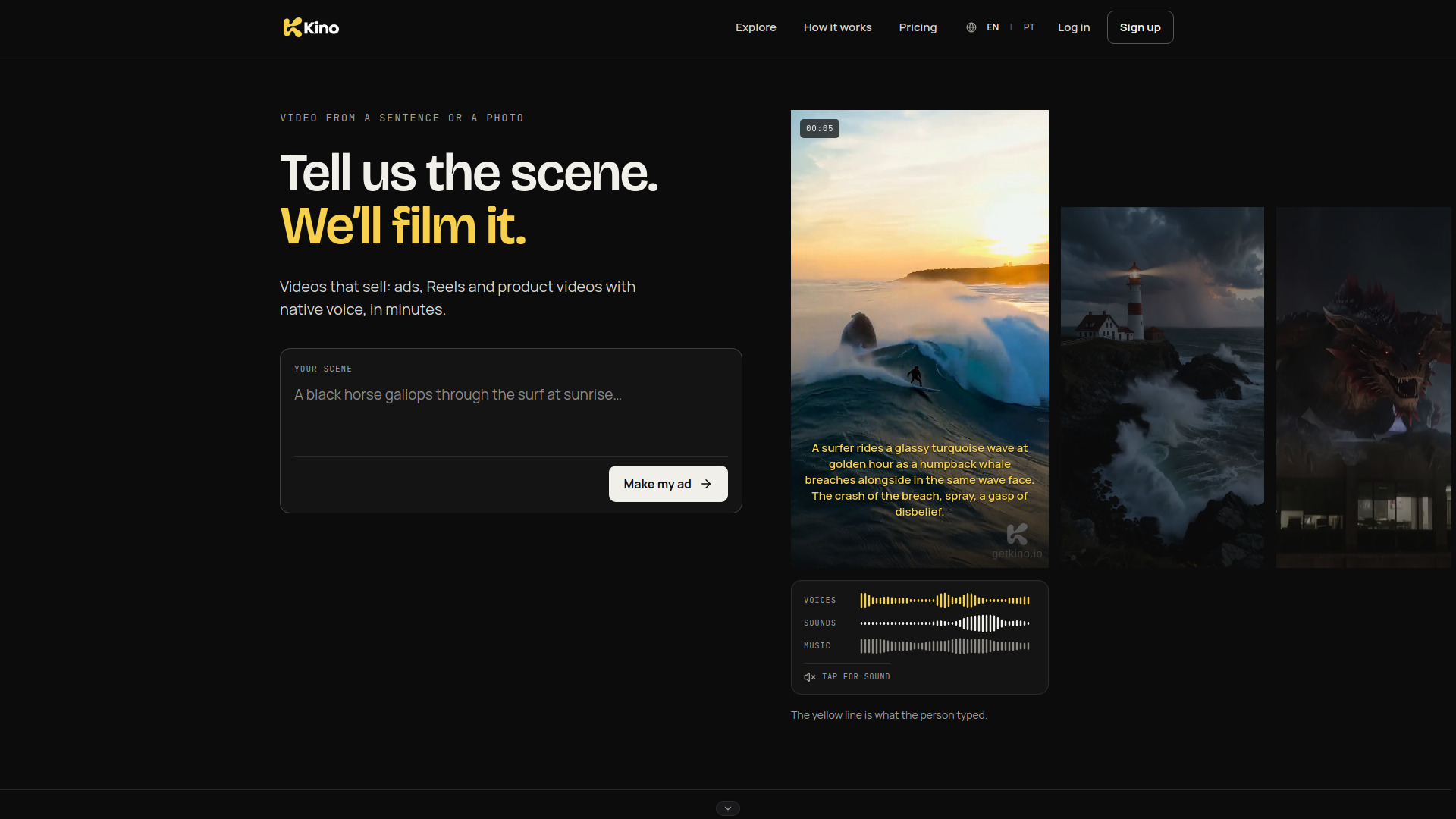
AI video generator for brands and creators: text or photo to video with voices, sound and music in one render.
Explore other tools in related categories.
AI Video Generator
Turn photos into short AI-powered meme videos using trending templates.

AI UGC Video Generator
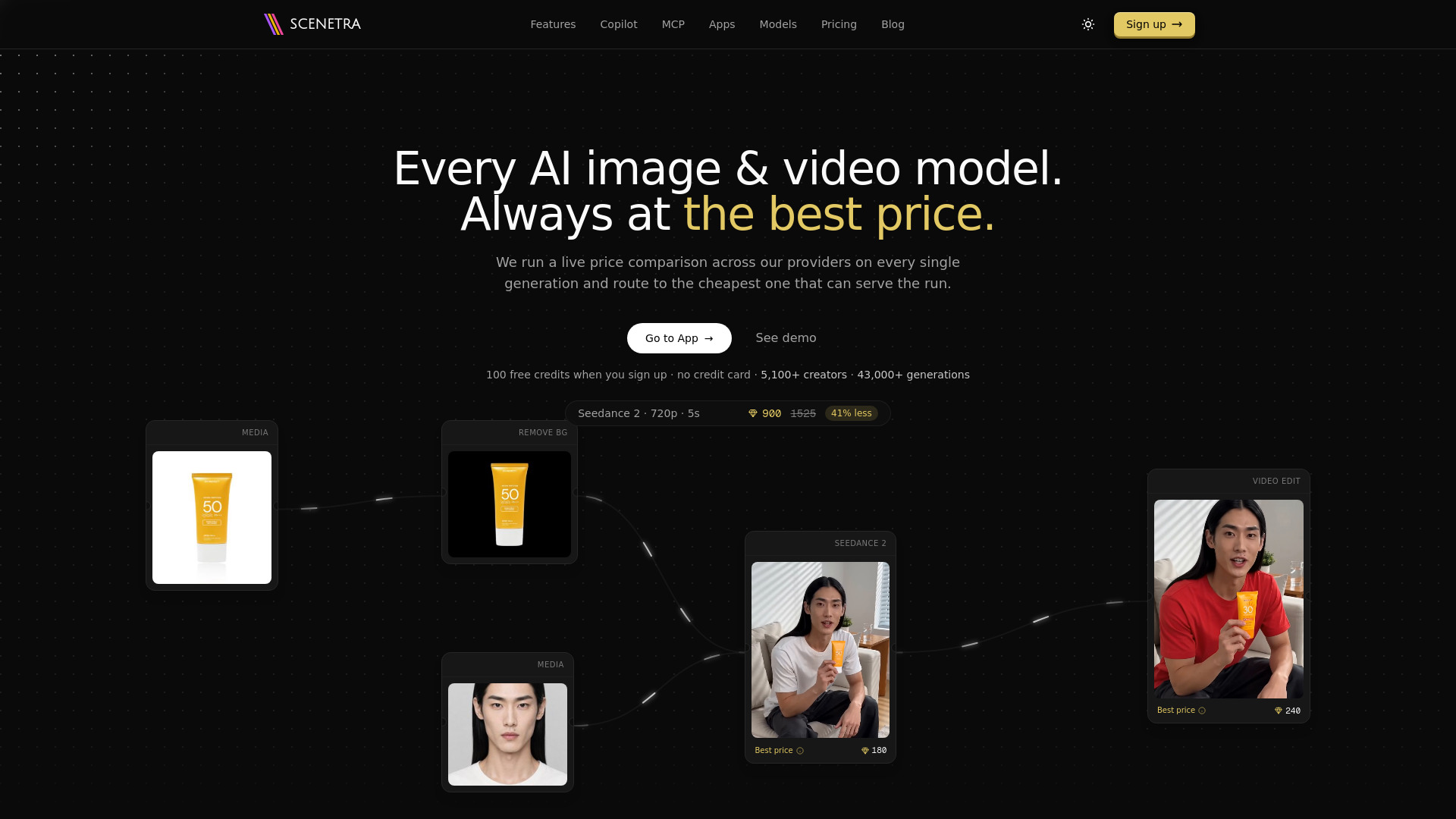
AI image and video generation at the best price: 50+ models in one visual workspace, billed at provider cost with 0% markup.

AI Reel Generator
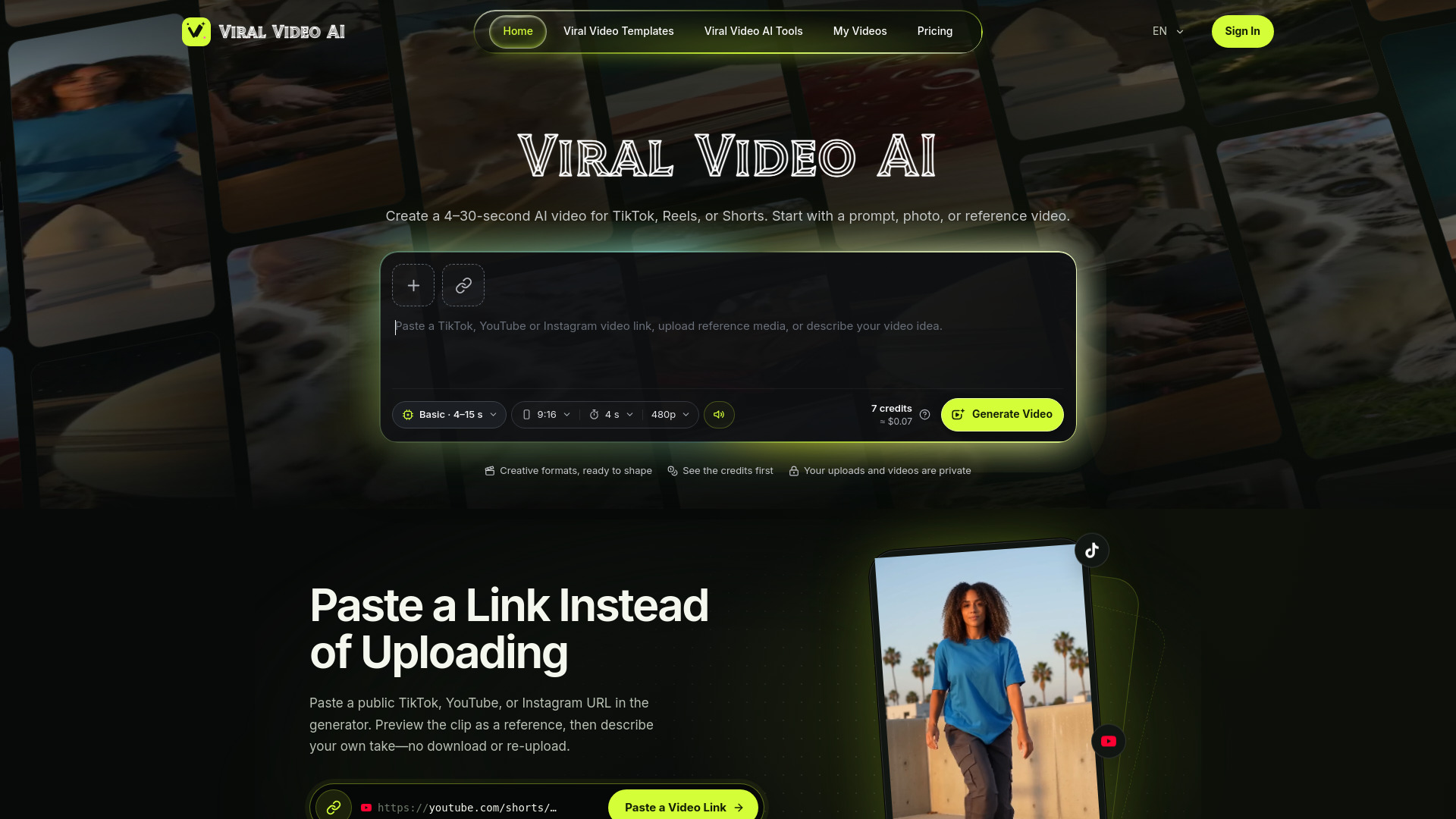
Viral AI Video Generator with Trend Templates
Kino is an online AI video generator that turns a text prompt or a single photo into a video with voices, sound effects, and music generated together with the picture. It is designed for brands and creators to produce ads, Reels, and product videos quickly. Kino Agent can write and direct the idea, or you can set everything yourself in Manual mode.
Kino uses a prepaid credit system. You can buy a credit pack or subscribe to a plan that adds credits every month. Credits you buy never expire; plan credits renew monthly and are used first. The exact price of a video is shown before you send it, and credits are charged only when the video is ready. If a render fails on Kino's side, you are not charged. Standard quality costs less per second; Studio quality costs more credits per second.
What is Kino?
Kino is an online AI video generator. You describe a scene or add a photo, and Kino makes a video with voices, sound effects, and music generated together with the picture. Kino Agent can write and direct the idea, or you can set everything yourself in Manual mode.
How do I make a video from a photo?
Add a photo of a person or a product and describe what should happen. Kino Agent writes and directs the scene from your idea and keeps the person or product from the photo. The price is shown before you send.
Do the videos come with sound, voices, and music?
Yes. Dialogue, sound effects, and music are generated in the same render as the picture, not added afterwards. You write the dialogue in your own language, including Portuguese.
What is the difference between Standard and Studio?
Standard is good quality for everyday videos, ideas, and quick tests, from 5 to 15 seconds, at the lower price. Studio makes the most realistic videos, for films and ads, from 4 to 30 seconds, and costs more credits per second. Studio opens with your first purchase.
How much does Kino cost?
Videos are paid with credits. You can buy a credit pack or subscribe to a plan that adds credits every month. Current prices are shown in the pricing section and in the app, and each video's price appears before you send it.
How do credits and prices work?
Kino runs on prepaid credits. Credits you buy never expire; plan credits renew every month and are used first. The exact price of a video is shown before you send it, and credits are charged only when the video is ready. If a render fails on Kino's side, you are not charged.
Who owns the videos I make?
You own the assets you upload and the videos you generate with Kino, and you can use your videos commercially, subject to the rights you had to what you uploaded and the license terms of the underlying video model. Kino does not claim ownership of your projects, prompts, uploads, or videos.
Which languages does Kino support?
Kino is available in English and Brazilian Portuguese, and you can switch between them at any time. Dialogue is spoken in the language you write in, including Portuguese.