What is Kivo
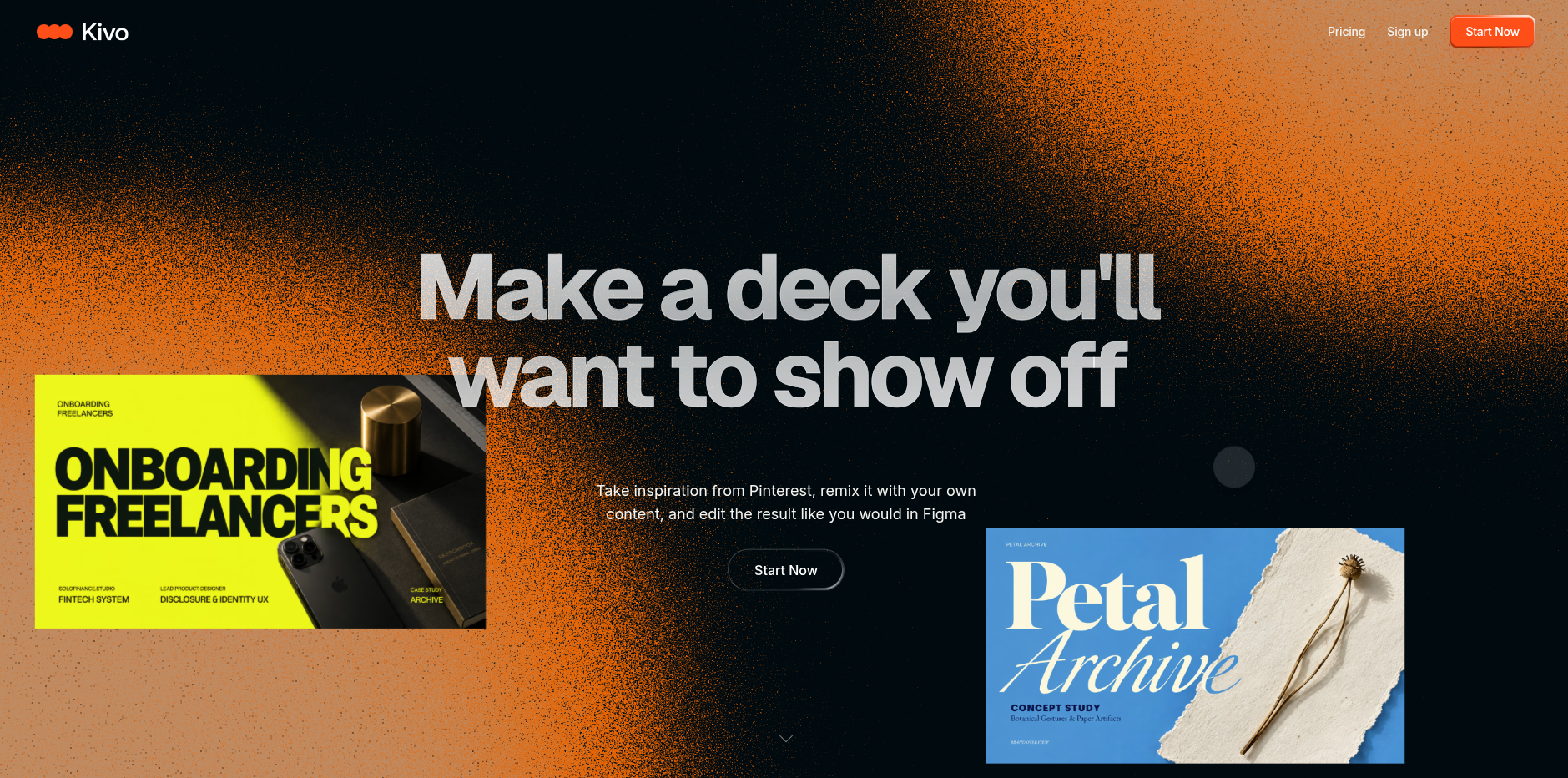
Kivo is an AI presentation maker that helps you create visually striking decks inspired by designs you love. It allows you to take inspiration from Pinterest, remix it with your own content, and edit the result like you would in Figma. The tool is designed to make presentations that you'll want to show off, with a focus on brag-worthy design.
How to use Kivo
- Start with inspiration: Choose a design reference from a gallery of options (e.g., Onboarding Freelancers, Petal Archive, Still Life) or describe your design in the provided text area.
- Generate looks: Kivo produces eight variations on your reference, each incorporating your content.
- Choose a look: Select one of the eight looks that best fits your style.
- Build the full deck: Kivo automatically builds the complete presentation from your chosen look.
- Edit like a designer: Use the built-in editor to customize the words, colors, layout, and other details. The editor provides tools for text formatting, color adjustment, positioning, and more, similar to Figma.
Features of Kivo
- AI-powered design generation: Creates eight variations of your reference design with your content.
- Full deck creation: Automatically builds a complete presentation from your chosen look.
- Advanced editing: Edit text, colors, layout, and other elements with a Figma-like editor.
- Design references: Choose from a gallery of pre-made design references to inspire your deck.
- Content remixing: Integrate your own content seamlessly into the design.
- Live preview: See changes in real-time as you edit.
- Slide management: Add new slides, reorder, and manage thumbnails.
- Color palette: Adjust fill colors, strokes, and use a color picker with hex values.
- Text properties: Control font, size, alignment, bold/italic/underline, and more.
- Position and layout: Fine-tune element positions, rotation, and dimensions.
Use Cases of Kivo
- Business presentations: Create professional decks for pitches, reports, and meetings with a unique design flair.
- Marketing and branding: Develop on-brand presentations for campaigns, product launches, and client proposals.
- Educational content: Design engaging slide decks for lectures, workshops, and training sessions.
- Creative portfolios: Showcase work in a visually compelling way for artists, designers, and freelancers.
- Event presentations: Prepare slides for conferences, webinars, and festivals with custom designs.