What is Kling 4.0 com
Kling 4.0 is an AI video generator that creates videos from text prompts or images. It allows users to generate videos with durations from 5 to 30 seconds, choose output quality, and optionally include audio. The tool is part of the Kling AI platform and supports multiple input methods including text-to-video, image-to-video, and reference-based generation.
How to use Kling 4.0 com
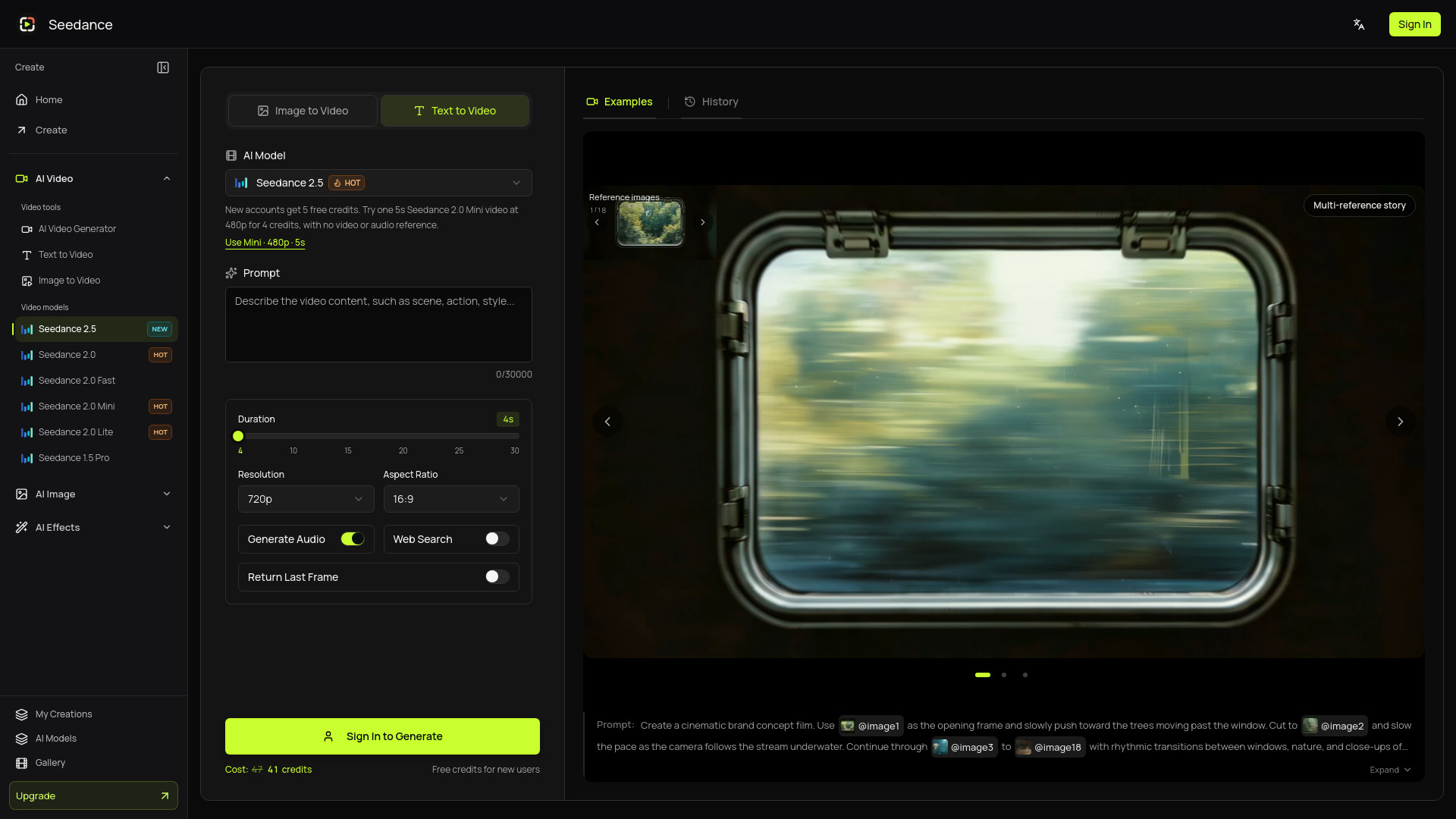
- Choose your input: Select text or image input. For image-based generation, upload a starting image and optionally an ending frame to guide the final composition.
- Direct your scene: Write a prompt describing the subject, action, setting, camera position, and lighting. For image input, describe what should move.
- Set parameters: Choose duration (5–30 seconds), resolution (720p, 1080p, or 4K), aspect ratio (adaptive or specific), and whether to include audio. You can also set batch generation (number of videos).
- Generate: Click the "Generate Video" button. The cost in credits is displayed (e.g., 160 credits for default settings).
- Review and refine: Preview the generated video in the result panel. You can revisit saved generations in "My Creations" and download selected clips.
Features of Kling 4.0 com
- Multiple input modes: Text-to-video, image-to-video, and reference-to-video.
- Flexible duration: Generate videos from 5 to 30 seconds.
- Resolution options: 720p, 1080p, or 4K output (4K requires an annual plan).
- Audio control: Option to include generated audio or keep the clip silent.
- Aspect ratio: Adaptive or selectable formats.
- Batch generation: Create multiple videos in one go.
- End frame guidance: For image-based generation, add an end frame to direct the final composition.
- Prompt length: Up to 30,000 characters.
- Result management: Preview, save, and download generated videos; access history in "My Creations".
- Credit system: Generation costs credits based on settings (e.g., 160 credits for default).
Use Cases of Kling 4.0 com
- Product reveals: Introduce a product with a clear angle and deliberate camera move.
- Social media openings: Build a short visual hook around one readable action.
- Scene studies: Explore light and composition before planning a complete sequence.
- Campaign concepts: Compare visual directions while retaining brief and reference assets.
- Story development: Explore a scene from a script, comparing framing and pacing.
- Product concepts: Try a product reveal, verifying labels, proportions, and branding.
Pricing
Kling 4.0 operates on a credit-based system. The cost per generation depends on settings such as duration, resolution, and batch size. For example, a default generation (5s, 480p, adaptive aspect ratio, audio on, 1 video) costs 160 credits. Higher resolutions (720p, 1080p, 4K) and longer durations consume more credits. 4K output requires an annual plan. Detailed pricing plans are available on the pricing page.
FAQ
What is Kling 4.0?
Kling 4.0 is an AI video generator that creates videos from text prompts or images, with options for duration, resolution, and audio.
How long can a Kling 4.0 video be?
Videos can be 5 to 30 seconds long.
What resolutions are available?
720p, 1080p, and 4K. 4K requires an annual plan.
Can I include audio?
Yes, you can choose to include generated audio or keep the video silent.
How many credits does a generation cost?
The cost varies by settings. For example, a default generation costs 160 credits. Higher resolutions and longer durations use more credits.
Can I use my own images?
Yes, you can upload a starting image and optionally an ending frame for image-to-video generation.
Where can I find my generated videos?
Generated videos are saved in "My Creations" where you can preview and download them.