Newsletter
Join the Community
Subscribe to our newsletter for the latest news and updates

Create cinematic videos from text and images with natural motion, realistic interactions, and expressive camera work.
Kling AI is a video generation model that allows users to create cinematic videos from text and images. It focuses on generating realistic motion, natural interactions, and expressive camera work.
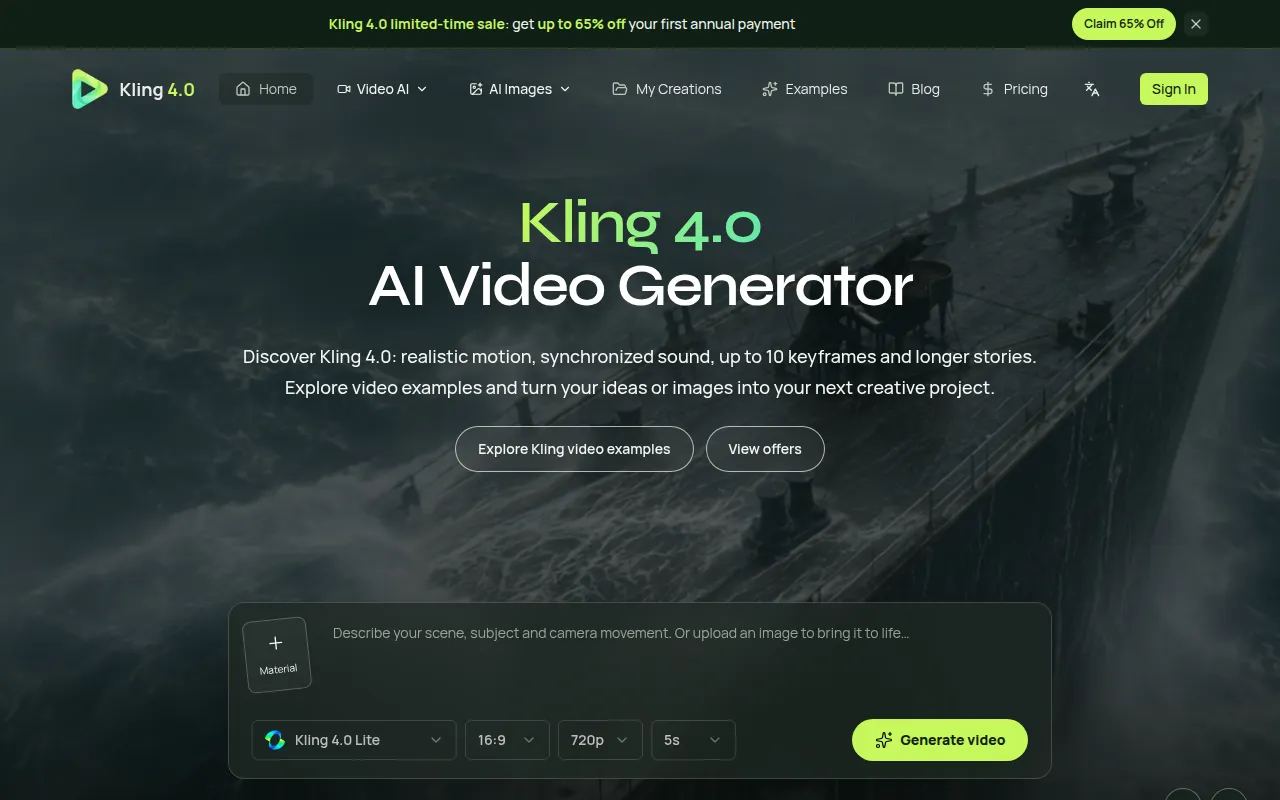
What is Kling4? Kling4 is shorthand for Kling 4.0, a Kling AI video model. This page explains its features, references, keyframes and video examples.
Can I use Kling 4.0 here right now? Open the online studio to use Kling 3.0 and other connected models. Kling 4.0 is not in the current generation catalog; available controls and credit estimates are shown for the selected model.
Are these examples generated by Kling 4.0? Examples identify their model and source. Kling 4.0 showcases and Kling 3.0 examples are separate; an example does not establish that its model is available in this studio.
Does Kling 4.0 generate 4K video? Output resolution depends on the selected model. Kling 3.0 supports 720p and 1080p here; some Seedance models offer 4K. Check the generator settings rather than assuming every model has the same options.
What is the difference between a reference and a keyframe? A reference communicates what something looks like or how it should move. A keyframe describes a specific moment in the planned sequence. Use references for consistency and keyframes for progression.
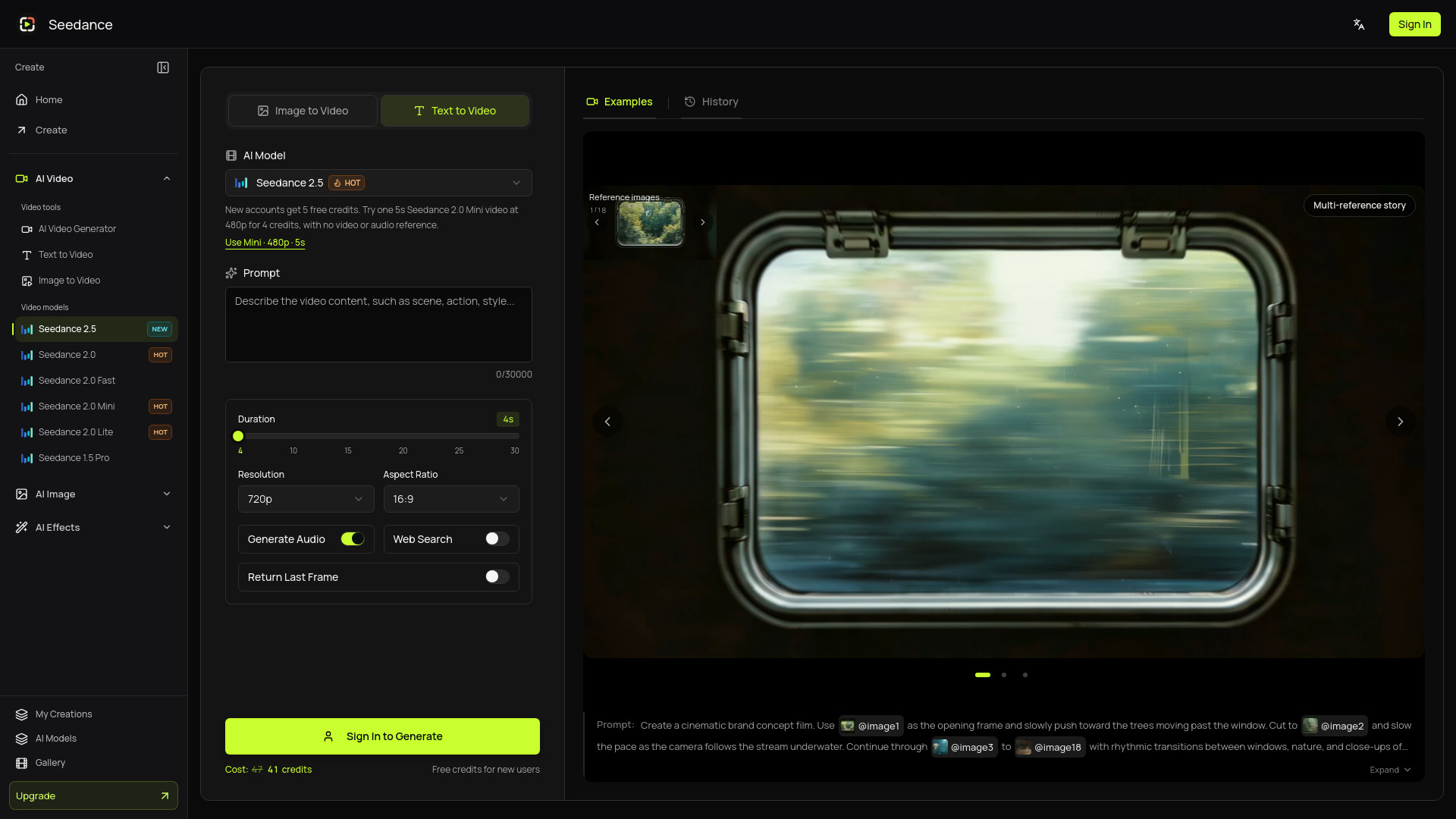
Which models can I use right now? Video: Kling 3.0, Seedance 2.5, Seedance 2.5 Lite, Seedance 2.0 Mini, Pro and Fast and Veo 3.1 fast. Images: GPT Image 2, Nano Banana 2 and Nano Banana Pro.
How are credits used? Credits are consumed when you submit a generation task, and the amount depends on the selected model, duration, output quality, aspect ratio, and enabled features such as audio. Longer or more advanced generations usually cost more credits. Before submitting, you can choose the plan, model, and settings that best match your budget and expected output quality.
What is the difference between subscriptions and credit packs? Subscriptions are built for ongoing production and include larger credit allowances, plan benefits, and better long-term value. One-time credit packs are useful when you only need a few extra videos, want to test a campaign idea, or do not want recurring billing. Many users start with a credit pack, then switch to a subscription once the workflow becomes part of their regular content pipeline.
Do credits expire? Subscription credits generally follow the subscription period, so it is best to plan production within the active cycle. One-time credit packs may have their own validity rules, shown during checkout and in your account balance. For larger projects, we recommend batching drafts, variations, and final renders within the same planning window so credits are easier to track.
What happens if a generation fails? If a task fails because of a platform-side service issue, model execution error, or system problem, credits are usually returned or compensated automatically. If the task completes successfully but the creative result is not what you expected, it is normally treated as a completed generation. Better prompts, clearer references, and more specific camera or motion instructions can significantly improve consistency.
Can I animate my own images? Yes. Image-to-video works well for product photos, portraits, character sheets, posters, concept art, real estate visuals, and ecommerce assets. For best results, use a clear image with a strong subject and describe the desired motion, camera movement, atmosphere, and any elements that should remain stable.
Can I cancel or change my subscription? Yes. You can cancel renewal from the billing or subscription management page, and you can upgrade when you need more credits or higher production capacity. Cancellation usually keeps your current paid benefits active until the end of the billing period. Proration, refunds, taxes, and payment rules may vary by provider and region.
Does an image need a prompt? A motion prompt helps explain how the reference should animate. Describe movement instead of repeating every visible detail.
Can I use generated videos commercially? Check whether your plan includes a commercial-use license and review the Terms of Service. You remain responsible for permissions to uploaded images, likenesses, music and brand assets.