
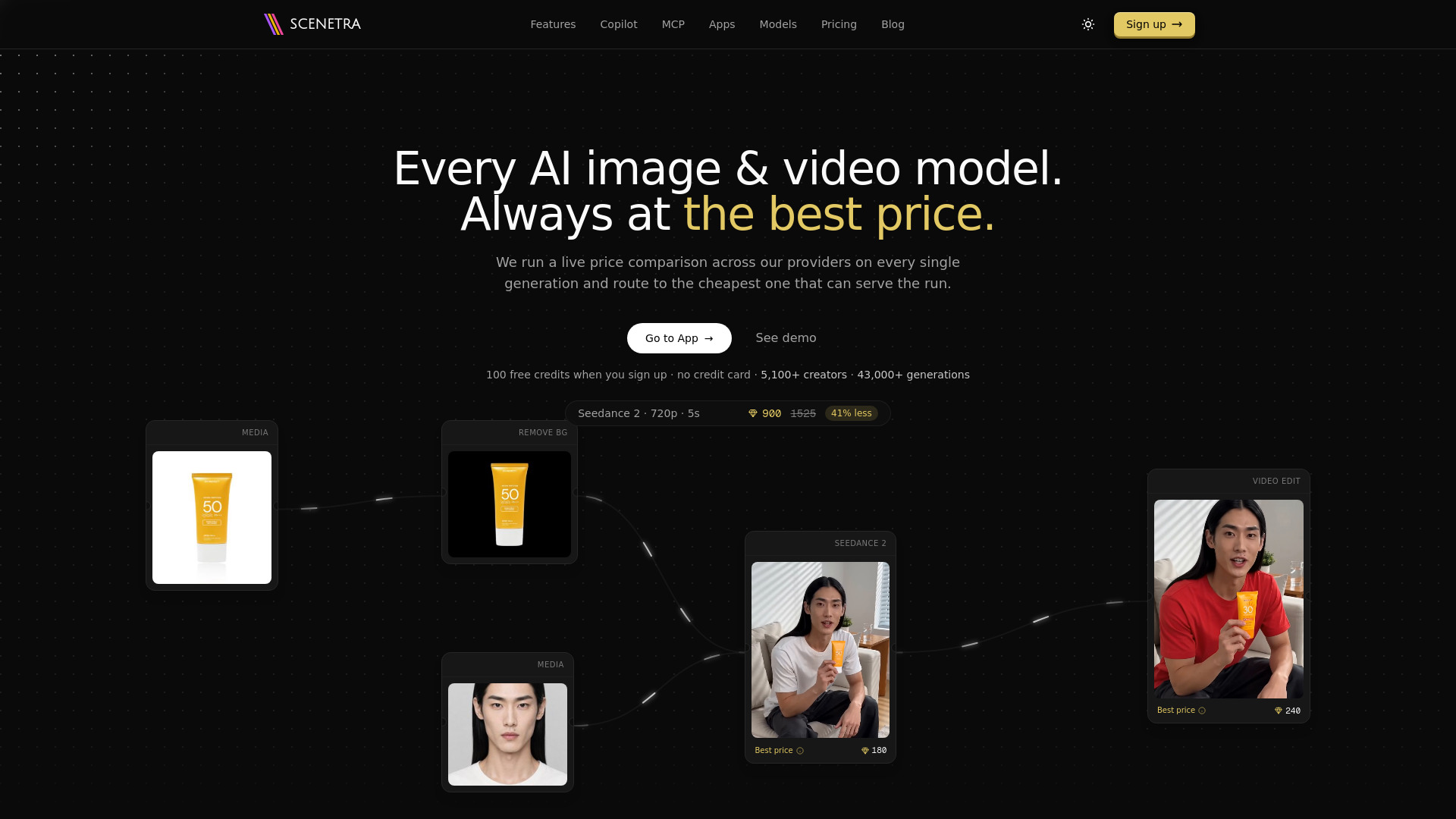

Scenetra
AI UGC Video Generator
AI image and video generation at the best price: 50+ models in one visual workspace, billed at provider cost with 0% markup.
Check pricingVisit site

AI Photo Editor
AI image generator and editor using text prompts and reference photos
Explore other tools in related categories.
AI UGC Video Generator
AI image and video generation at the best price: 50+ models in one visual workspace, billed at provider cost with 0% markup.
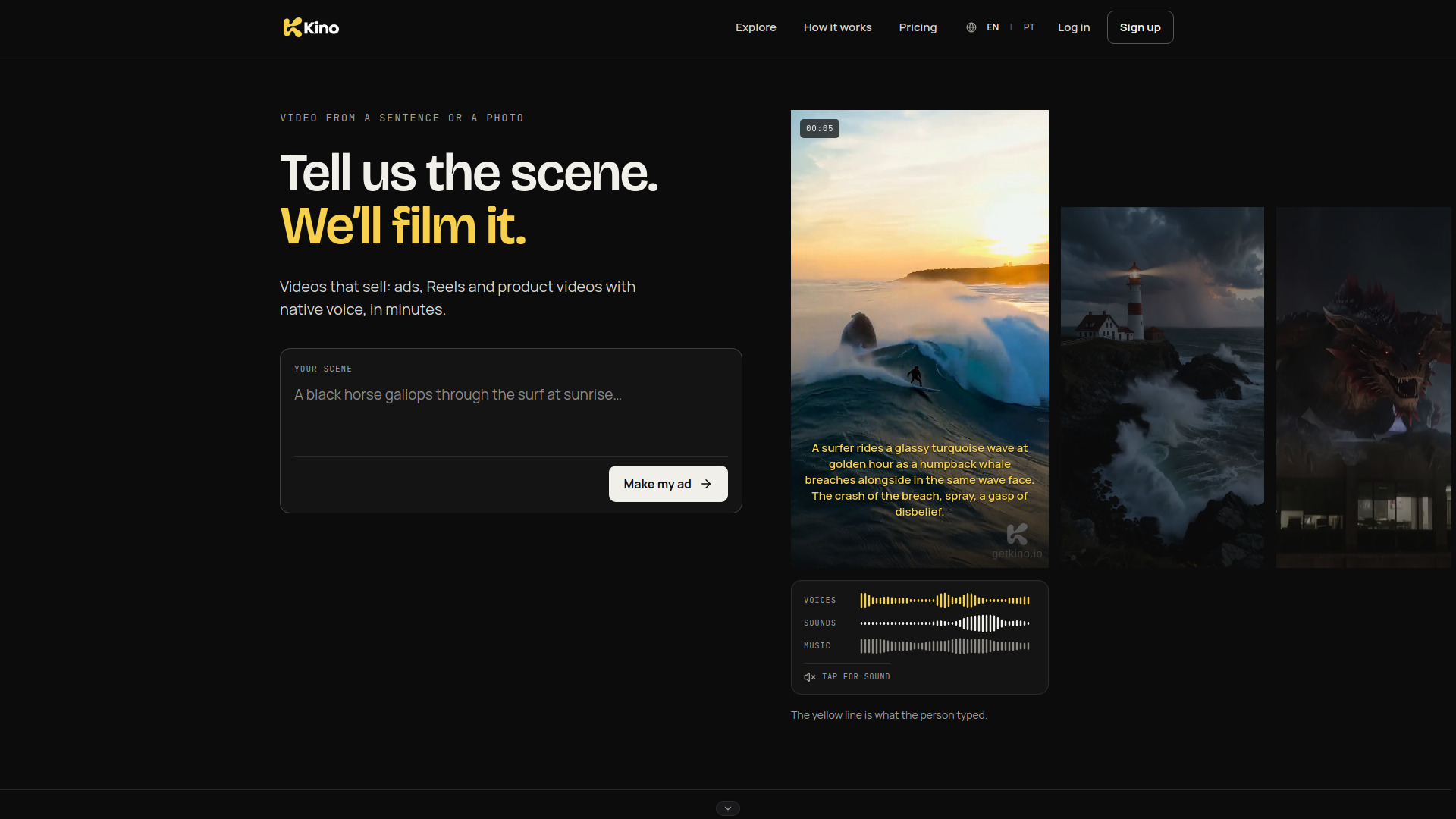

Image to Video
AI video generator for brands and creators: text or photo to video with voices, sound and music in one render.

Text to Image
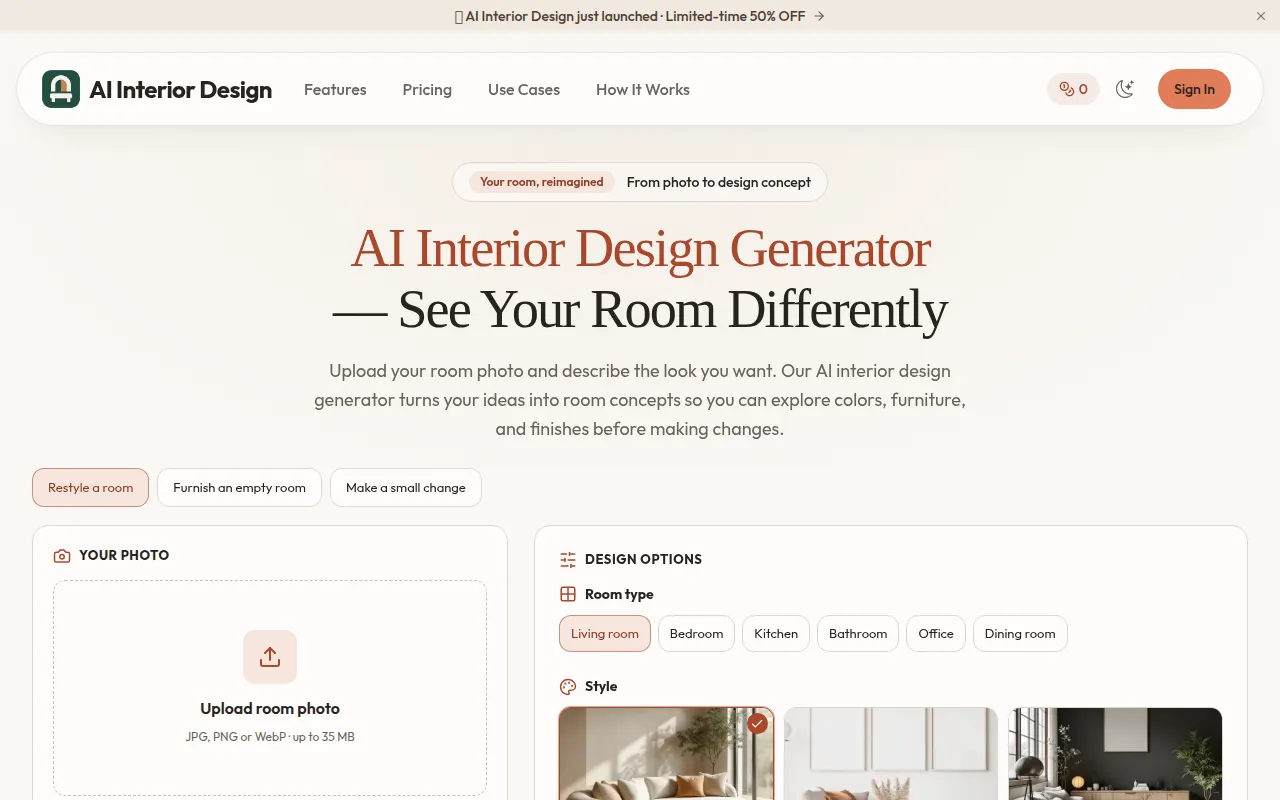
Upload a room photo and generate visual redesign concepts to compare furniture, colors, finishes, and styles before making changes.
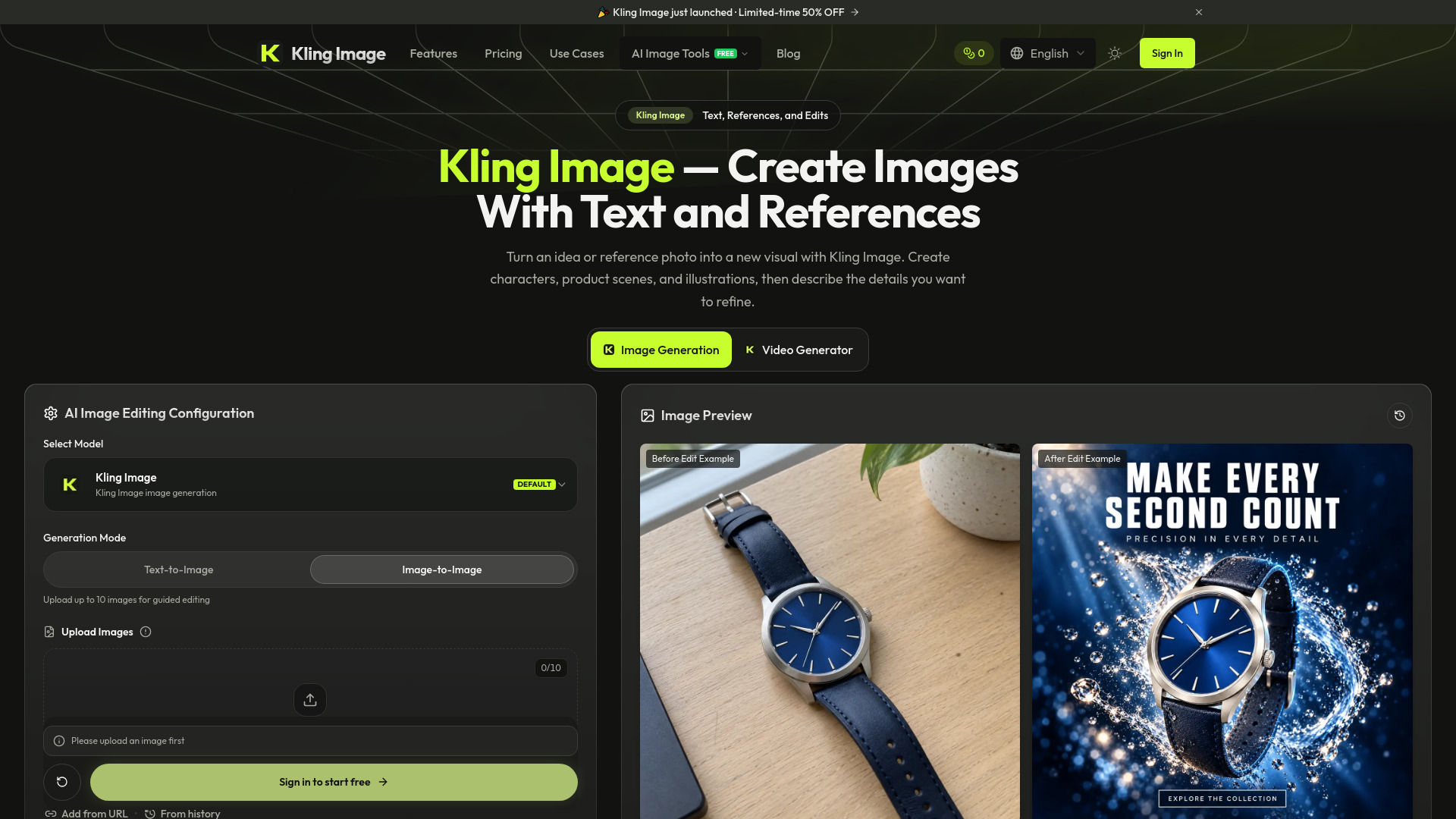
Kling Image is an AI image generation and editing model family that creates pictures from text prompts, guides them with reference images, or describes changes to an existing image. It supports creating characters, product scenes, illustrations, and campaign concepts, with the ability to refine details through clear prompts.
New accounts receive 16 starter credits. Generation costs depend on the selected model and settings. Subscriptions and one-time credit packs are available in the pricing section.
What is Kling Image? Kling Image is an AI image generation and editing model family. Create pictures from text, guide them with reference images, or describe changes to an existing image.
What can I create? Create portraits, product scenes, illustrations, and campaign concepts. Describe the composition, lighting, and style to give each image a clear direction.
Does Kling Image guarantee instant results? No. Waiting time depends on the selected model, output settings, and service load. Review the completed image before starting another version.
How do I use Kling Image? Enter a prompt or upload a reference, choose your output settings, and generate. Review the result and describe a focused change to refine it.
Can I keep a character consistent? References help Kling Image preserve recognizable character features. Reuse clear references and consistent descriptions, then check faces, clothing, and proportions in each result.
What makes a useful image prompt? Name the person or object, setting, composition, lighting, and style. For an edit, specify what should stay the same and what should change.
Can I change a product background? Yes. Upload the product image and describe the new setting. Ask Kling Image to preserve the product, then inspect its shape, packaging, and lettering.
Does Kling Image support 4K? Kling IMAGE 3.0 Omni supports native 4K output. Resolution choices depend on the selected model and settings; do not assume every version has the same options.
Can I try it before subscribing? New accounts receive 16 starter credits. Generation costs depend on the selected model and settings. Subscriptions and one-time credit packs are available in the pricing section.
Can I use more than one reference? Kling IMAGE 3.0 supports up to 10 reference images. Use distinct references for the character, product, or visual style, within the selected model’s upload limits.
Can I edit an existing image? Yes. Kling Image supports prompt-based changes to objects, backgrounds, colors, and other details. Describe a focused edit and inspect the result before continuing.
Can I use generated images commercially? Follow the applicable plan terms and make sure you have rights to your references. Image generation does not grant rights to another person’s photos, logos, or likeness.
Can I control the image style? Yes. Describe the palette, lighting, texture, and visual style, and add a suitable reference. Kling Image uses these cues to guide the result.
Is image generation the same as video generation? No. Kling Image creates still images. To add motion, download an image and upload it to the video tool, which has separate models, settings, and credit costs.
Which image model should I choose? Choose a model for the task: text generation, reference-guided creation, or editing. Compare its available resolution and credit cost before generating.