What is LightTwist
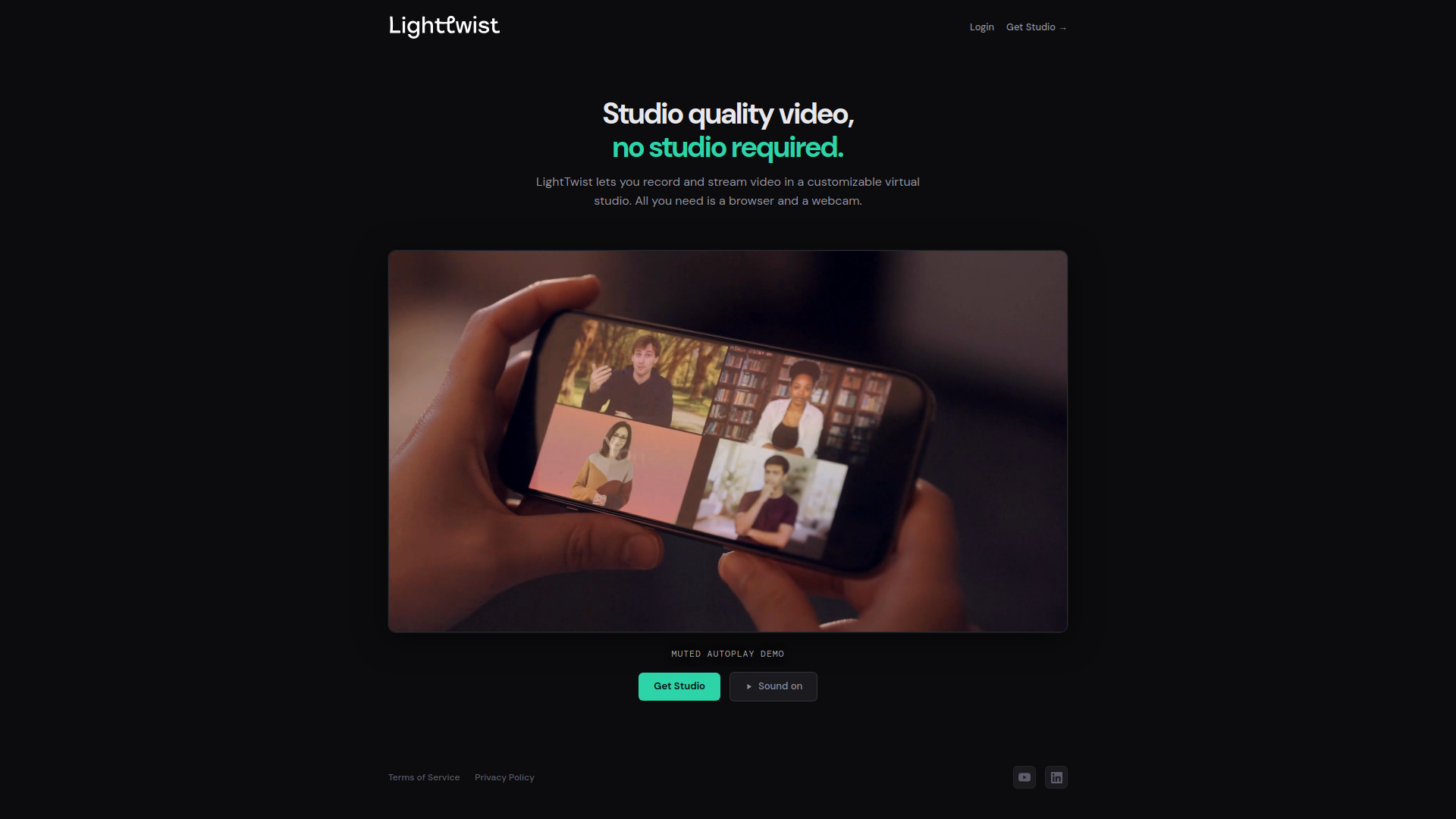
LightTwist is a browser-based virtual studio for live streaming and recording. It allows users to create professional-quality video content directly from their web browser without requiring additional software or hardware.
How to use LightTwist
- Navigate to the LightTwist website (lighttwist.com).
- The application loads directly in the browser – no downloads or installations needed.
- Set up your virtual studio by configuring scenes, sources, and effects.
- Start live streaming or recording your content.
Features of LightTwist
- Browser-based: No software installation required.
- Virtual studio capabilities for live streaming and recording.
- Real-time video production tools.
- Privacy-friendly analytics via Plausible.
Use Cases of LightTwist
- Live streaming events, presentations, or webinars.
- Recording video content for social media or professional use.
- Creating virtual studio productions without physical studio equipment.