What is LingTube
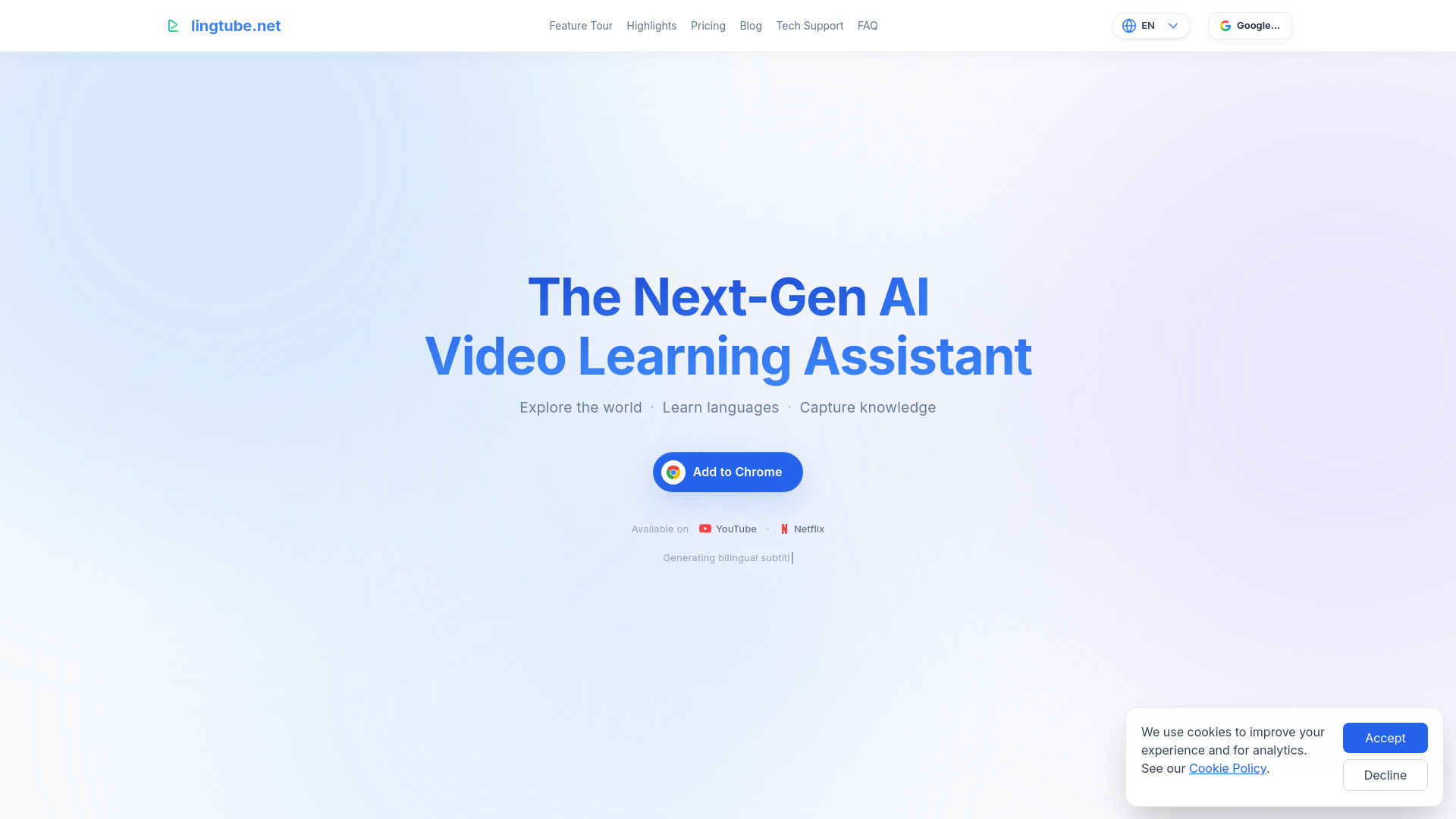
LingTube is a next-gen AI assistant for video learning, available as a Chrome extension. It provides dual subtitles, live interpretation, AI summaries, and notes for YouTube and Netflix, helping users explore, learn, and remember content more efficiently.
How to use LingTube
- Install the LingTube extension from the Chrome Web Store. No additional software is required.
- Open YouTube or Netflix and start playing a video.
- Use the extension's features: tap words for instant translation, view dual subtitles, generate AI summaries, take timestamped notes, and more.
- For videos without captions, use the transcription feature to generate high-quality bilingual subtitles.
- Access your notes and summaries anytime for review.
Features of LingTube
- Dual Subtitles: Display original and translated subtitles simultaneously for better comprehension.
- Live Interpretation: AI translates speech in real-time so you never miss a word.
- Tap to Translate: Color-coded parts of speech and instant lookup—learn as you watch.
- Transcription: Convert audio to high-quality bilingual subtitles, even for videos without captions.
- Summarize & Outline: Generate video summaries and structured outlines with one click.
- AI Q&A: Ask questions in the context of the video and get answers that help you learn.
- Timestamp Notes: Pin key points at specific seconds and jump back anytime.
- Context-Aware Translation: AI analyzes words and phrases based on context for accurate translations and grammar explanations.
- Smart CEFR Recognition: Rates words and phrases by CEFR level to help filter vocabulary by difficulty.
- Built-in NLP Engine: Performs tokenization, lemmatization, and part-of-speech tagging.
- AI Content Quality Enhancement: Self-developed technology double-checks AI-generated content to reduce hallucinations compared to traditional NMT.
- Multi-language Support: Learn English, French, Spanish, German, Japanese, Korean, Italian, or Simplified Chinese; interface and translations available in multiple languages including English, French, Spanish, German, Japanese, Korean, Simplified Chinese, Traditional Chinese, Portuguese (Brazil), Vietnamese, and Indonesian.
- Danmaku (Live Comments): Adds live comments to YouTube and Netflix for a more interactive experience.
- Shadowing: Practice speaking and compare pronunciation differences.
- Sentence Merging: Joins fragmented captions into smooth, complete sentences for better learning.
Use Cases of LingTube
- Language Learning: Improve listening, speaking, and vocabulary with dual subtitles, tap-to-translate, and shadowing.
- Efficient Content Consumption: Quickly generate summaries and outlines of long videos to save time.
- Note-Taking and Review: Capture key points with timestamped notes and review them later.
- Overcoming Poor Captions: Use transcription to generate high-quality subtitles for videos with inaccurate or missing captions.
- Real-time Understanding: Follow live streams or fast-paced speech with real-time interpretation.
- Vocabulary Building: Filter words by CEFR level to focus on appropriate difficulty.
Pricing
LingTube offers multiple subscription tiers, including Plus and Premium memberships. Users can manage their subscriptions in the settings panel. Upgrading from Plus to Premium requires canceling the current subscription and waiting until the period ends before subscribing to Premium.
FAQ
What languages are supported?
Learning languages: English, French, Spanish, German, Japanese, Korean, Italian, Simplified Chinese. Native languages (interface and translation): English, French, Spanish, German, Japanese, Korean, Simplified Chinese, Traditional Chinese, Portuguese (Brazil), Vietnamese, Indonesian.
How do I install LingTube?
Install the LingTube extension from the Chrome Web Store. No other software is needed. After installation, open YouTube or Netflix.
Why do I get a "subtitle request too frequent, please try again later" error?
This is a 429 (too many requests) limit from YouTube: too many subtitle requests from the same IP in a short time. Common causes include unclean VPN/proxy nodes (many users sharing the same IP). Try switching to a clean network, clearing browser cache and cookies, and disabling other subtitle/translation extensions, then wait and retry.
I'm a Plus member and want to upgrade to Premium. How?
The system does not support direct upgrades from Plus to Premium. Cancel the renewal in "Manage Subscription" in the settings panel; the subscription will continue until the end of the current period. After it ends, you can subscribe to Premium.