What is LiveContext
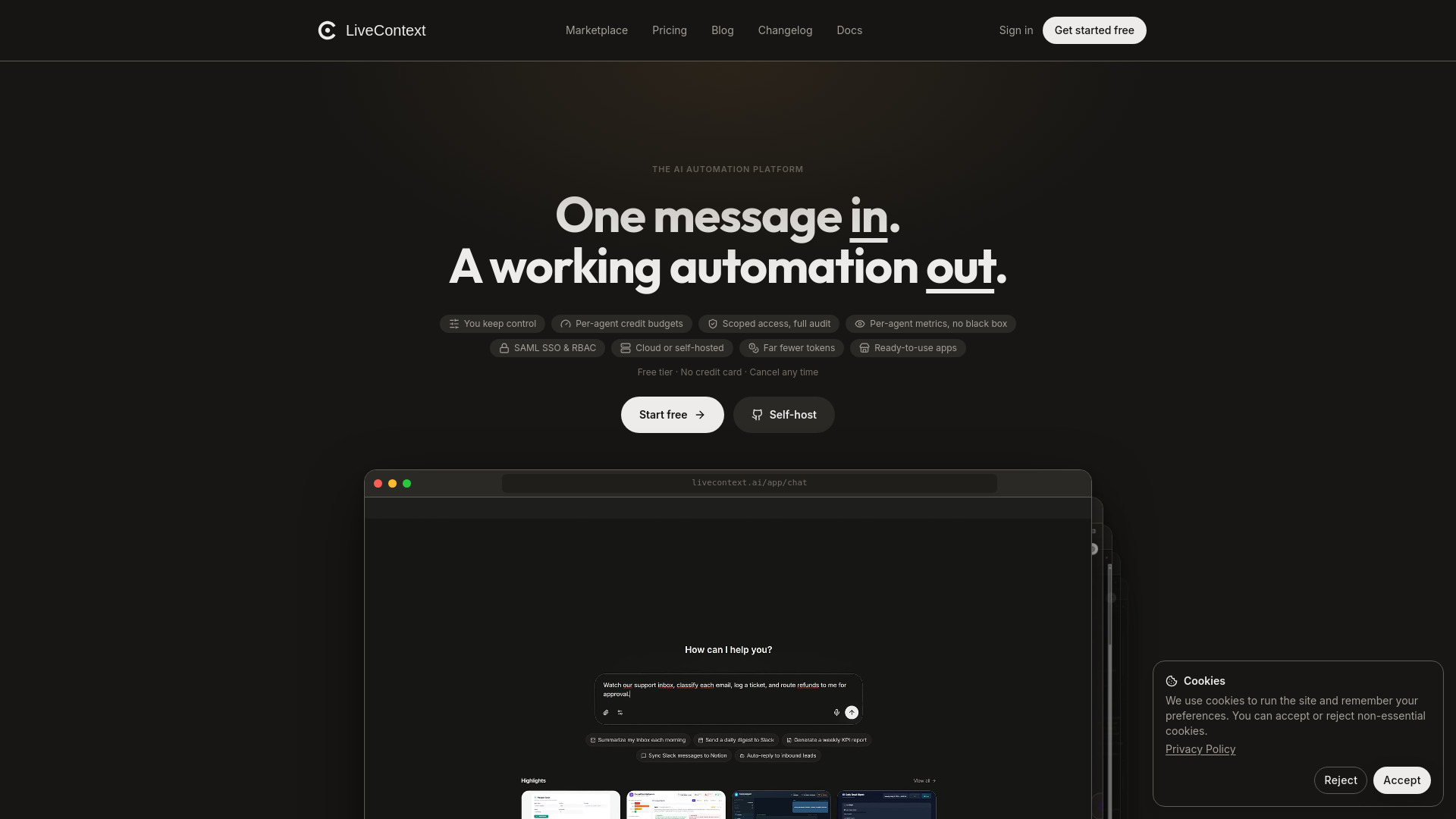
LiveContext is an AI automation platform that lets you build workflows by describing them in chat. The workflow builds itself in front of you, runs with AI agents that have scoped tool access and hard credit budgets, and ships as an app your team can use. It includes 600+ API integrations, built-in data tables, a browser-use agent, and a marketplace of forkable automations.
How to use LiveContext
- Describe the job in chat – Type what you want done, and the workflow builds itself in real time.
- Refine on a visual canvas – Use the drag-and-drop canvas to adjust steps, add logic, or connect integrations.
- Configure agents – Assign each agent a scoped set of tools, a credit budget it cannot exceed, and a model (Anthropic Claude, OpenAI, Google Gemini, DeepSeek, etc.).
- Ship as an app – Deploy the automation as an interactive app your team or customers can use.
- Monitor and audit – View per-agent metrics, full audit trails, and run logs.
Features of LiveContext
- Chat-built workflows – Describe a job in natural language; the workflow builds itself.
- Visual workflow builder – 60+ building blocks: branching, loops, parallel fan-out, sub-workflows, code, HTTP, files, AI nodes.
- Scoped AI agents – Each agent gets a defined set of tools, a hard credit budget, and a full audit trail.
- Built-in data tables – Spreadsheets that automations can create, find, and update; trigger runs on row changes.
- 600+ integrations – Connect to Gmail, Slack, Stripe, Notion, GitHub, Salesforce, HubSpot, Shopify, Google Drive, Airtable, OpenAI, Anthropic, and 14,000+ more.
- Marketplace – Fork automations built by the community; publish your own.
- Self-hosted option – Free Community Edition available via Docker on GitHub.
- Enterprise features – SAML SSO, RBAC, workspaces, full audit.
- Power tools – Code node, raw HTTP requests, database queries, custom API definitions, SFTP/file operations.
- Trigger variety – Webhooks, schedules, chat messages, manual clicks, forms, new rows, inbound emails, or other automations finishing/failing.
Use Cases of LiveContext
- Support triage – Automatically classify incoming emails, log tickets, and prepare refunds for approval.
- Customer routing – Route VIP customers to one workflow and others to another based on conditions.
- Order processing – Loop through orders, split lists, fork parallel branches for fulfillment.
- Data operations – Create, find, and update rows in built-in spreadsheets; trigger workflows on row changes.
- Approval workflows – Pause automation for human approval (e.g., refunds) while the rest continues.
- Scheduled tasks – Run automations on a schedule, via webhook, or on external events.
Pricing
- Free tier – No credit card required.
- Paid plans – Credit-based: pick a credit tier and cap spend per agent with a hard budget.
- Self-hosted Community Edition – Free, one
docker compose upon your own server, code public on GitHub. - Cloud edition – Adds managed hosting, SAML SSO, workspaces, and platform credits.