

Magi AI
Image to Video
Generate and edit videos with synchronized audio using text and references.
Check pricingVisit site
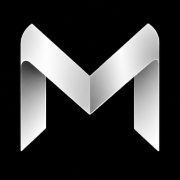
Image to Video
Online AI studio for creating 4K videos with synchronized audio
Explore other tools in related categories.
Image to Video
Generate and edit videos with synchronized audio using text and references.
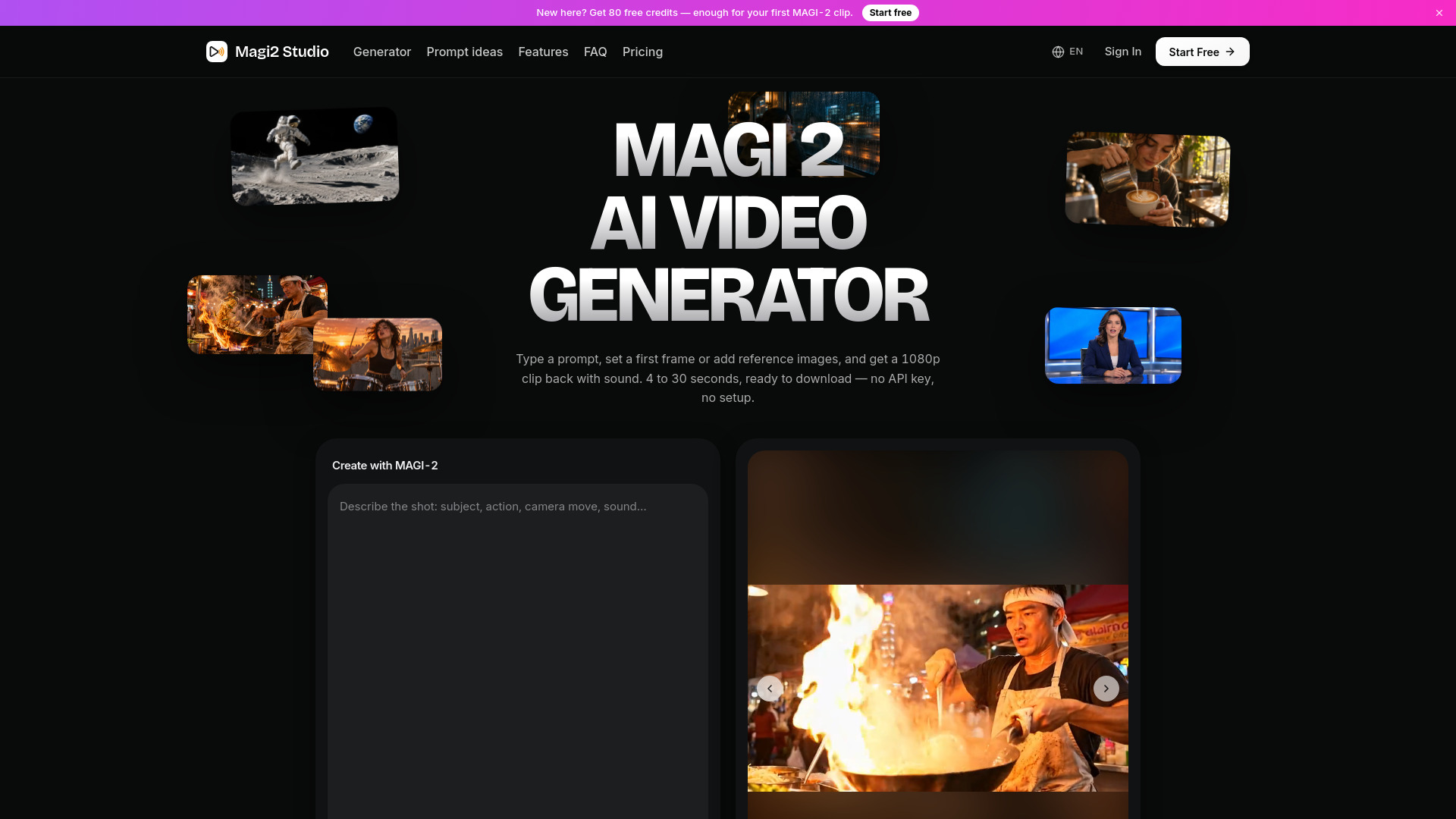

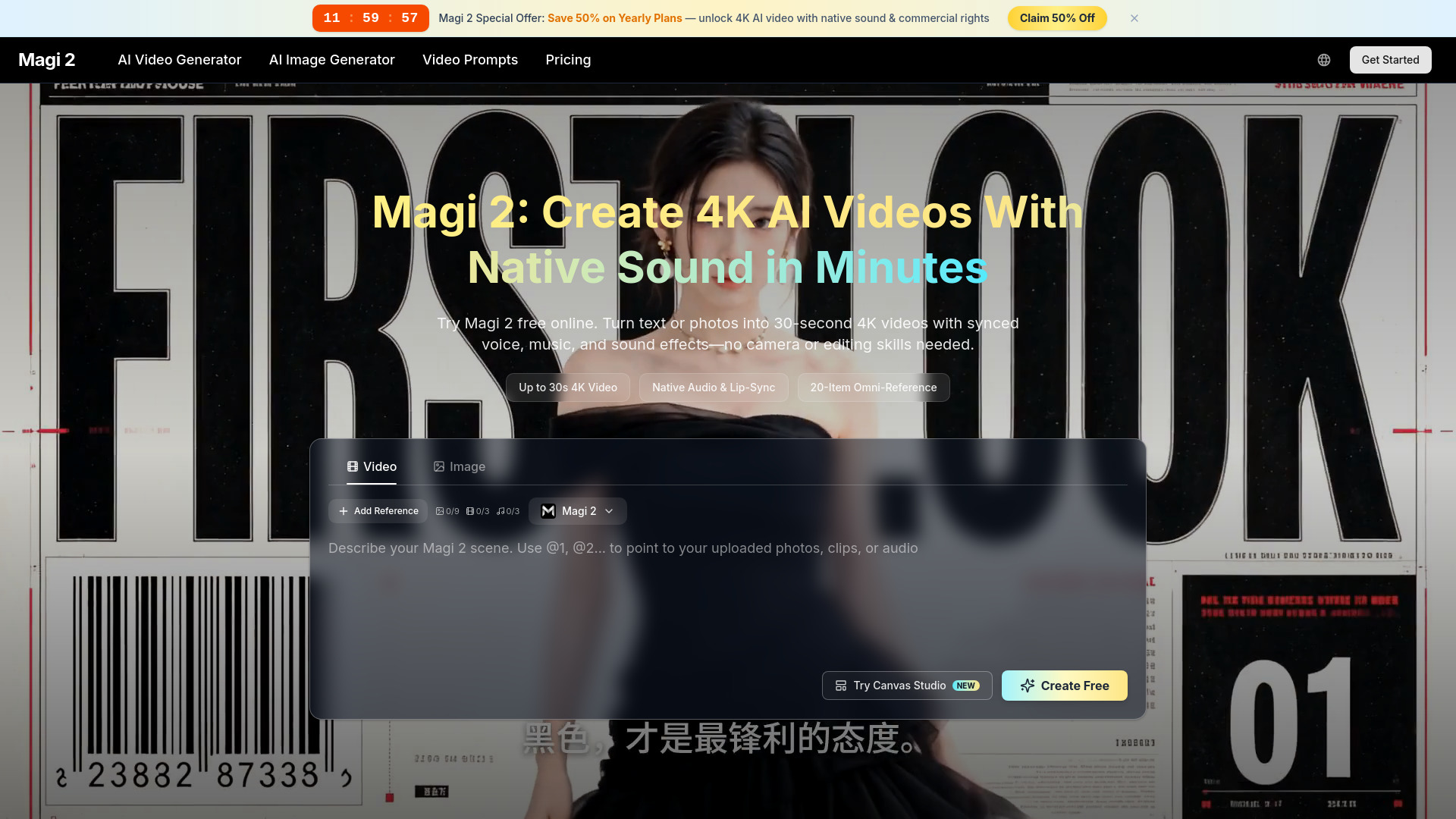
Image to Video
Browser-based MAGI-2 video generation with synchronized audio
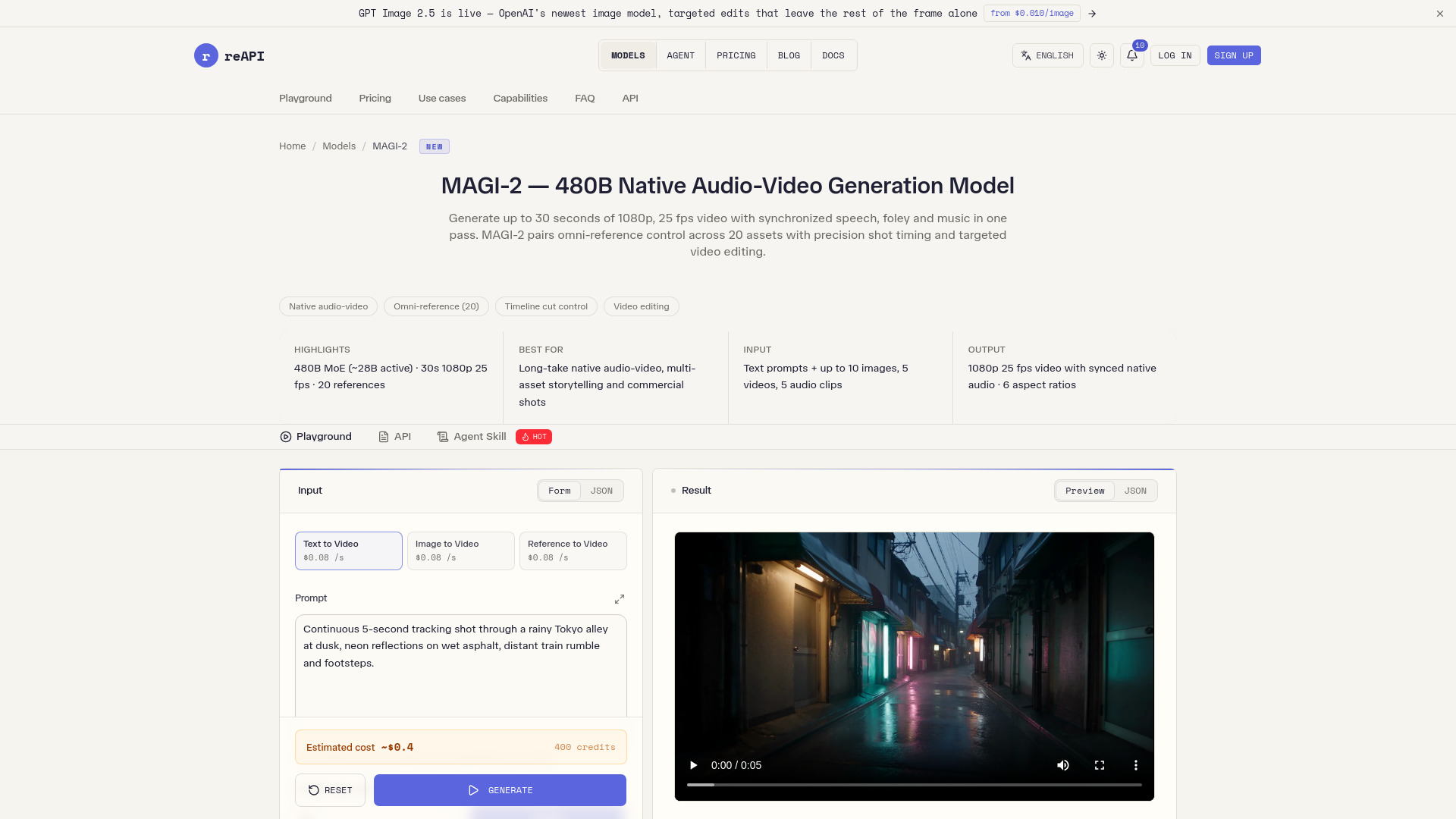

Image to Video
Unified AI API platform with model information, playgrounds, and pay-as-you-go billing
Magi 2-im is an online AI studio for creating 4K videos with synchronized audio. It is a next-generation AI video and image creation platform built around frontier audio-video modeling. It lets you turn plain text, still photos, and reference clips into smooth 1080p videos with synced dialogue, sound effects, and music in one place.
Magi 2-im offers a free tier with starter credits for new users. Paid plans include Pro, Ultra, and qualifying Credit Pack plans, which come with a commercial license. Users can also earn bonus free credits through daily check-ins and friend invites.
What is Magi 2? Magi 2 is a next-generation AI video and image creation platform built around frontier audio-video modeling. It lets you turn plain text, still photos, and reference clips into smooth 1080p videos with synced dialogue, sound effects, and music in one place.
Can I try Magi 2 for free? Yes! New users receive free starter credits when signing in so you can test text-to-video, image-to-video, and AI image tools before choosing a paid plan. You can also earn bonus free credits through daily check-ins and friend invites.
How long and sharp are videos made on this platform? You can generate single-run videos up to 30 seconds long in crisp 1080p Full HD quality. Pick from six native aspect ratios including 16:9 widescreen, 9:16 vertical, 1:1 square, 4:3, 3:4, and 21:9 cinematic.
Does Magi 2 generate sound and voice automatically? Yes. Unlike older silent generators, our unified engine creates video and native audio together in one stream. That means natural lip-synced speech, realistic foley sound effects, room ambience, and background music stay synced to your visual action.
How do characters and products stay consistent across shots? With omni-reference support, you can attach up to 20 reference files—combining images, video clips, audio tracks, and start or end frames. The model reads those references to preserve faces, outfits, logos, and art styles across every shot.
Can I edit an existing video clip? Yes. Built-in video editing controls let you change scene objects, outfits, lighting, or backgrounds while keeping your original camera path and timing steady.
Do I get commercial rights for my creations? Paid Pro, Ultra, and qualifying Credit Pack plans include a commercial license. You can download an official PDF commercial license certificate right from your account dashboard and use your outputs in ads, client work, YouTube channels, and online stores.
Are my prompts and generated videos kept private? Yes. Paid plans include private generation mode so your prompts, uploads, and finished clips stay visible only to you. You can manage or permanently delete your assets anytime from your dashboard.
Do I need a powerful computer or editing software? Not at all. All rendering happens on fast cloud servers, so everything runs smoothly online across desktop and mobile with zero downloads required.