


Magi 2-si
AI Video Generator
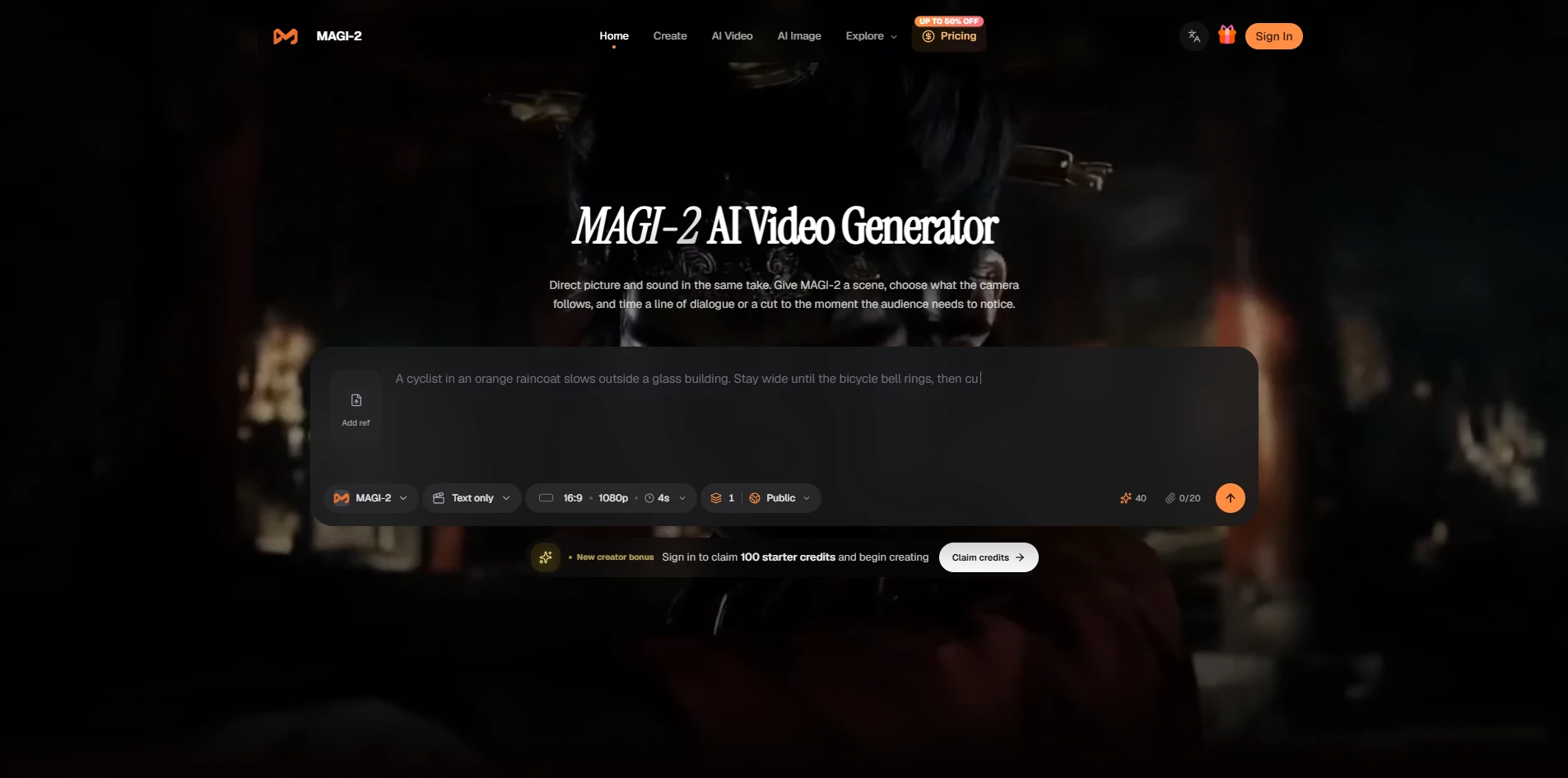
Magi 2 AI video generator: create 4–30 second 1080p videos with native sound, lip sync and precise shot cuts from text, images or reference clips.
Check pricingVisit site

Image to Video
AI video creation and editing with directed visuals, dialogue, sound, and shot timing
Explore other tools in related categories.
AI Video Generator
Magi 2 AI video generator: create 4–30 second 1080p videos with native sound, lip sync and precise shot cuts from text, images or reference clips.

AI Lip Sync Generator
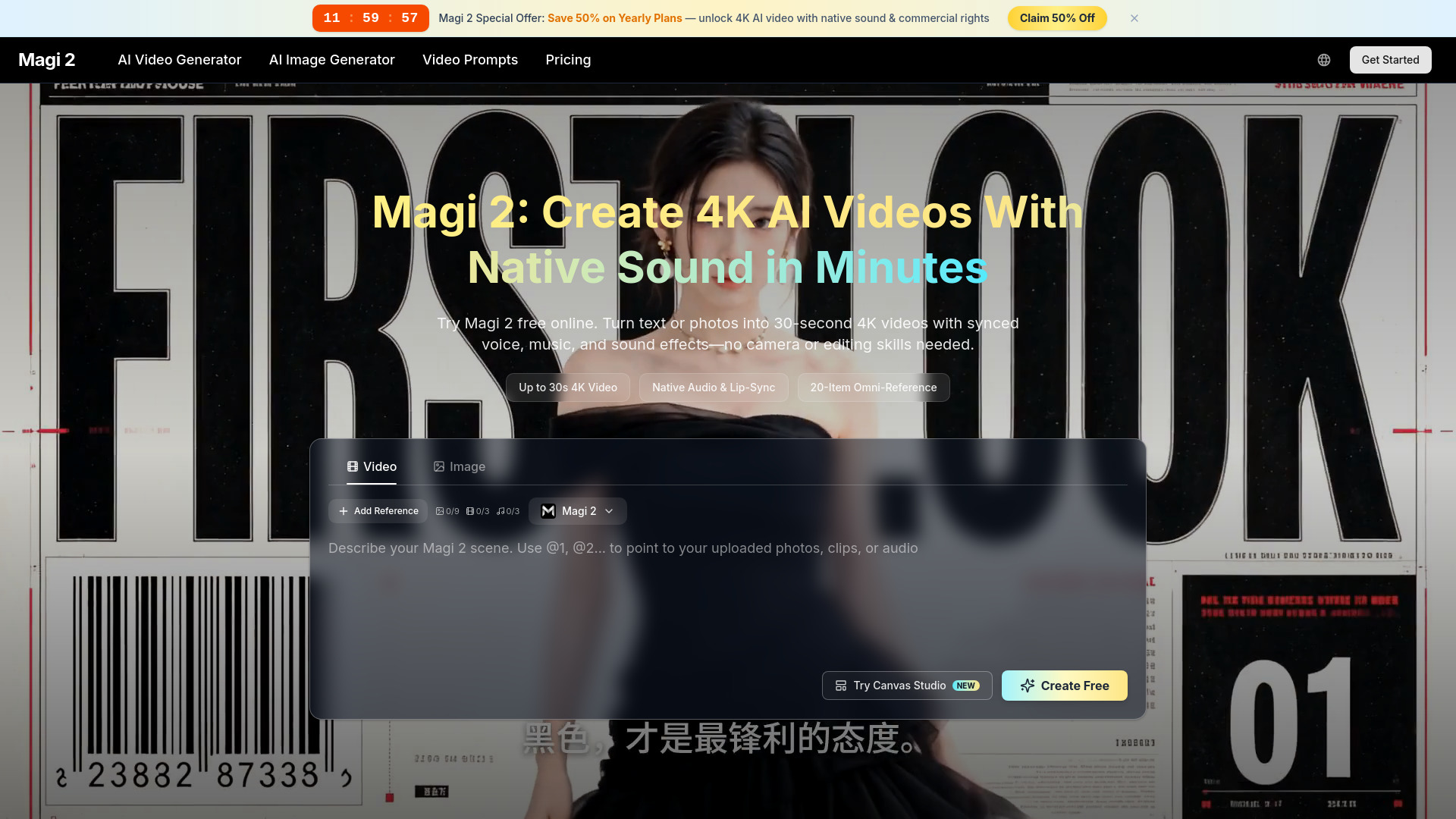
Online AI studio for creating 4K videos with synchronized audio
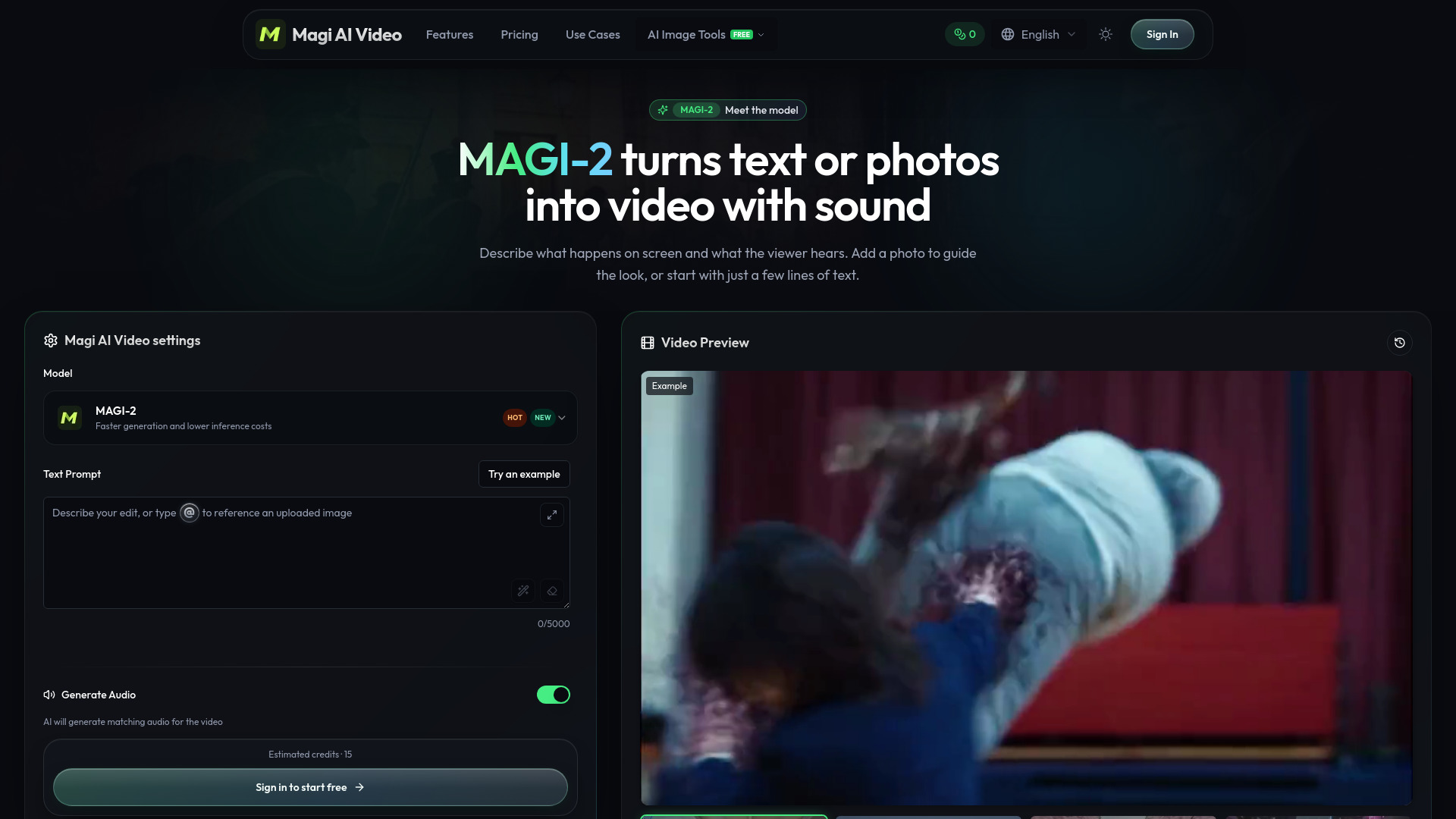

Image to Video
Generate and edit videos with synchronized audio using text and references.
MAGI-2 is an AI video generator that enables users to direct picture and sound in the same take. It creates scenes using text, images, video, and audio, allowing users to plan cuts, direct dialogue, and edit existing footage. The tool generates up to 30 seconds of 1080p video at 25 frames per second, providing room for an entrance, an exchange, and a reaction within a single scene.
MAGI-2 uses a credit-based system. Generating a video costs 40 credits. New users can sign in to claim 100 starter credits. Pricing plans offer up to 50% off.
Can I start a MAGI-2 scene with text alone?
Yes. Describe the subject, what changes on screen, and what you hear. A line such as "a baker squeezes the paper bag and looks up as the shop bell rings" gives MAGI-2 a sound source, a reason to move, and a clear place to point the camera.
When should I edit an existing video with MAGI-2?
Choose a MAGI-2 edit when a take already has a performance or camera move you want. Describe the detail to change and the details that should carry over. For a change of costume, review moments where a hand passes in front of the fabric.
How much camera direction does MAGI-2 need?
Give MAGI-2 exact cut points for a timed reveal or a music cue. When exploring a story, try giving MAGI-2 just the beats. Its camera planning can suggest viewpoints you can evaluate before committing to a detailed shot list.
How do I review a shot with fast movement?
Watch the MAGI-2 clip at normal speed first. Then look at the frames before and after a fast turn or an object passing behind another subject. If the direction becomes hard to follow, widen the framing or split the action across two shots.