What is MAGI2 AI Video
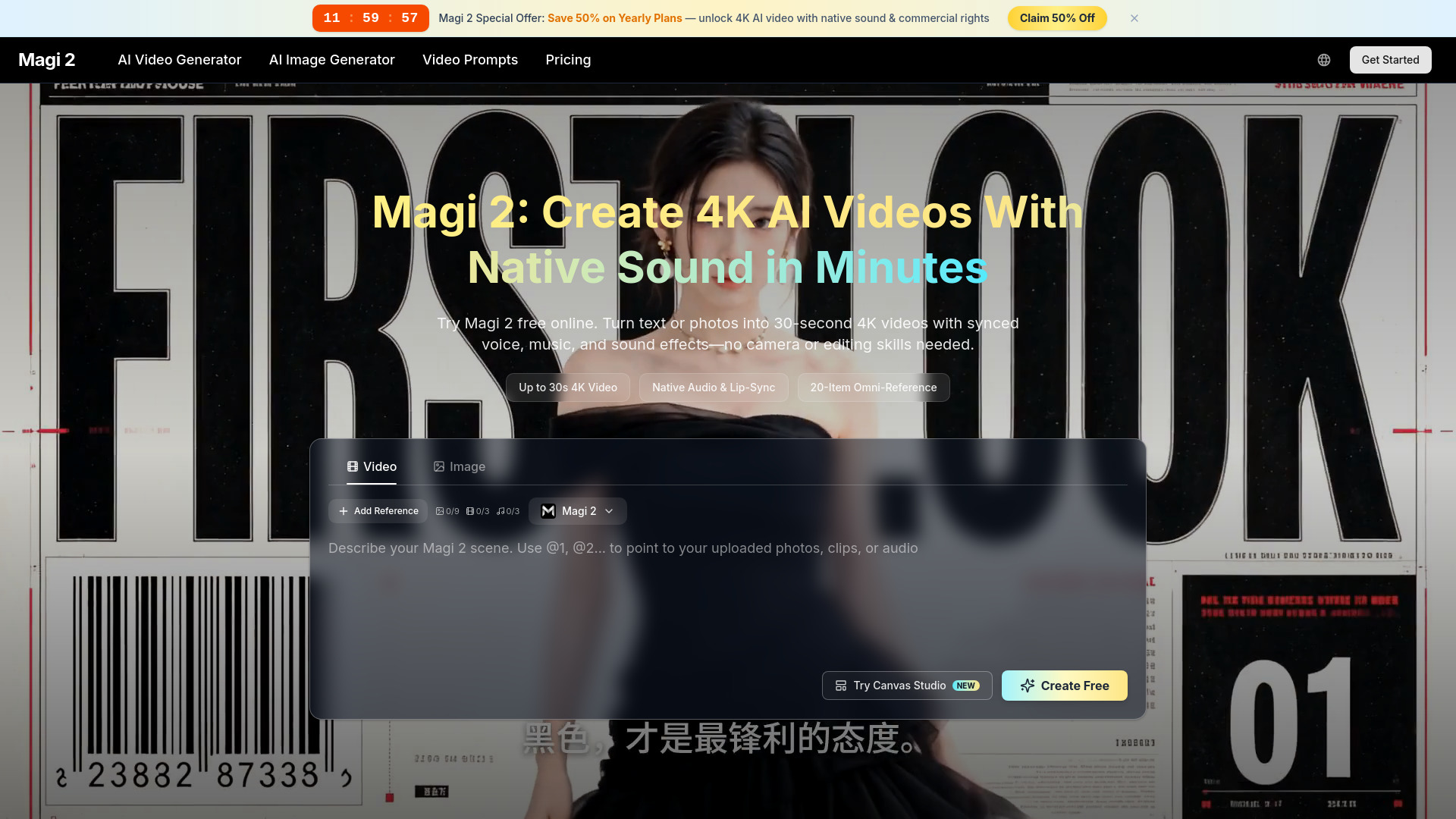
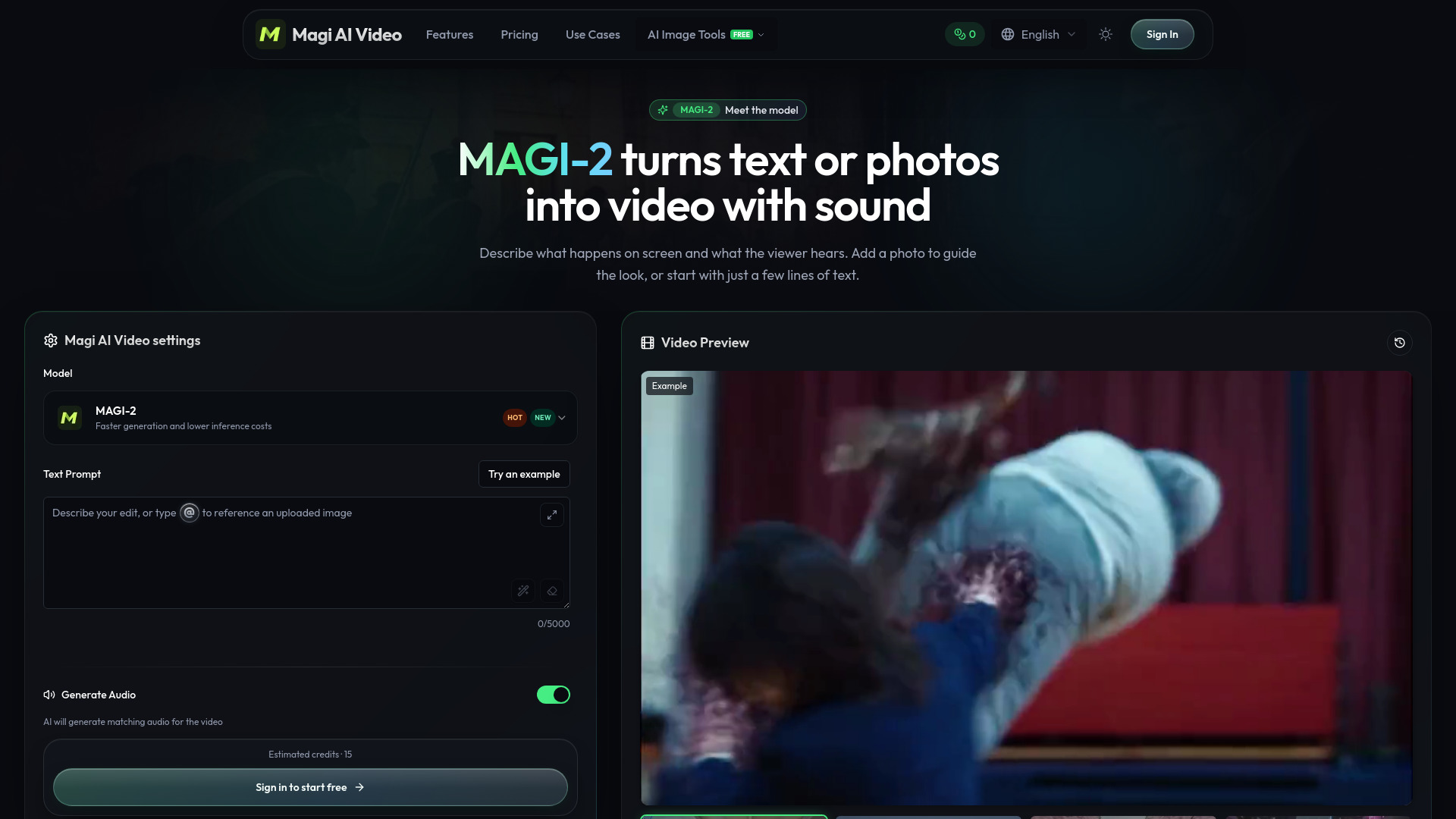
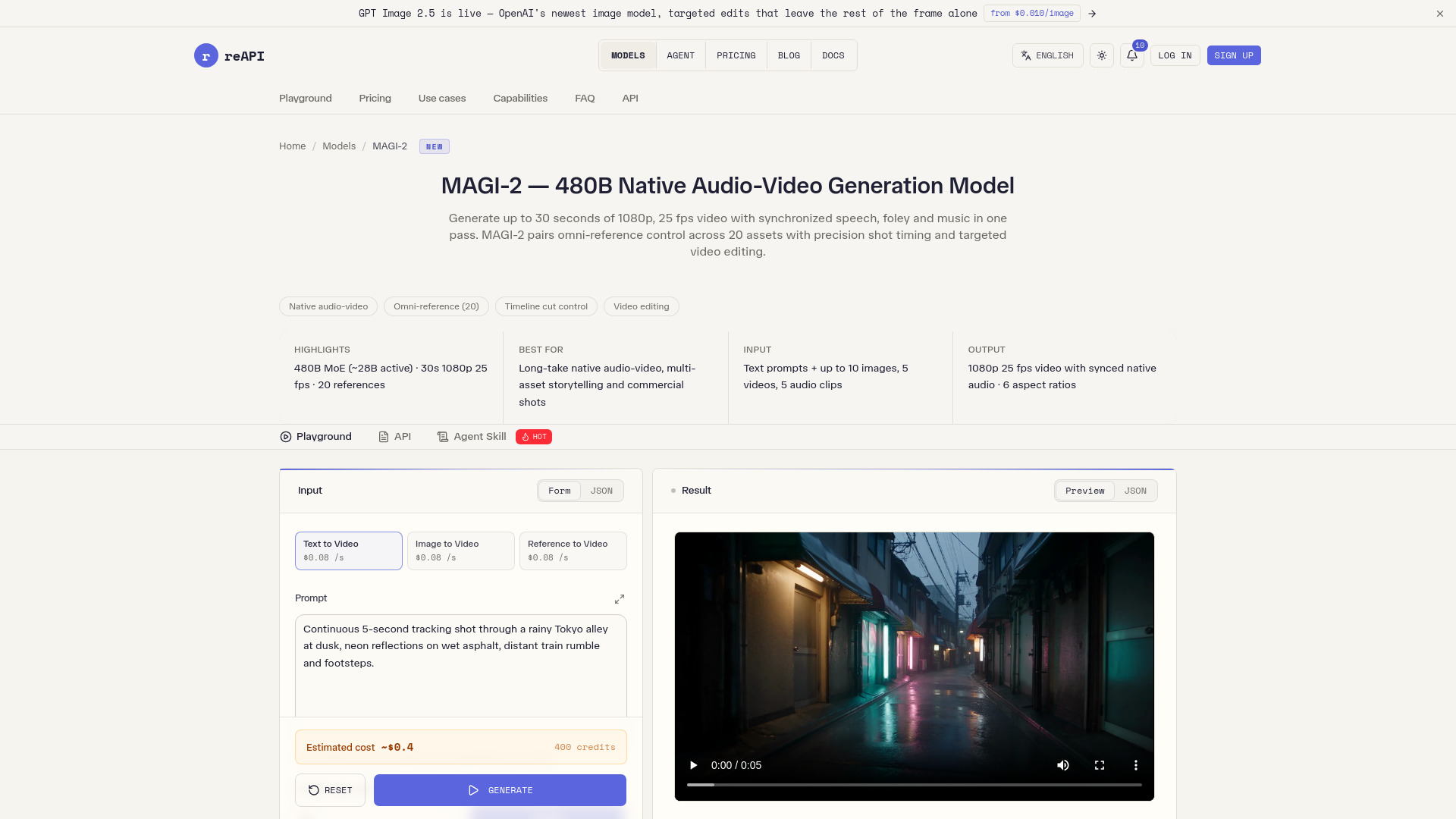
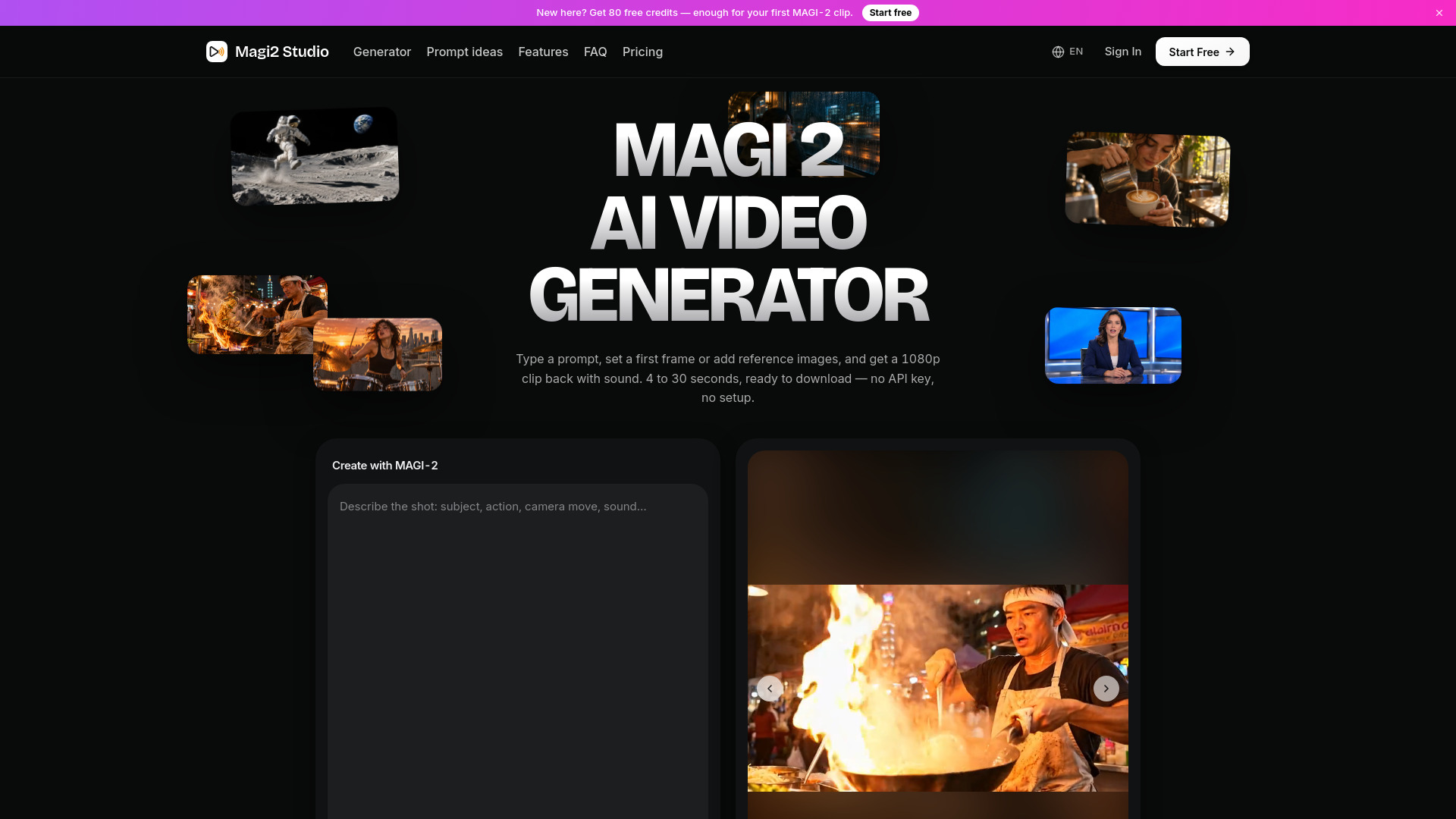
MAGI2 AI Video is a browser-based video generation tool that uses Sand.ai's MAGI-2 model to create 1080p clips with synchronized audio from text prompts, images, or references. It produces videos ranging from 4 to 30 seconds in length, with native sound generated alongside the visuals.
How to use MAGI2 AI Video
- Sign in to Magi2 Studio (new accounts receive 90 free credits).
- Enter a text prompt describing the subject, action, camera move, and sound.
- Optionally, upload a first frame, first and last frames, or reference materials (up to 10 images, 5 videos, and 5 audio clips).
- Choose an aspect ratio (16:9, 9:16, 1:1, 4:3, 3:4, or 21:9) and a clip length between 4 and 30 seconds.
- Click 'Generate video' to create the clip.
- The generated video with audio is ready to download.
Features of MAGI2 AI Video
- Text to video: Generate videos from descriptive prompts.
- First frame and first+last frame control: Set the opening shot or define both start and end frames for motion interpolation.
- Reference inputs: Attach up to 10 images, 5 videos, and 5 audio clips to maintain character, product, motion, or sound consistency.
- Native audio: Audio (dialogue, foley, ambience, music) is generated together with the video, including lip-synced speech.
- Resolution and length: Outputs 1080p at 25 fps, with clip lengths from 4 to 30 seconds.
- Aspect ratios: Supports 16:9, 9:16, 1:1, 4:3, 3:4, and 21:9.
- Multi-shot capability: Can include multiple shots in one clip by describing cuts in the prompt.
- Browser-based: Runs entirely online with no GPU or installation required.
Use Cases of MAGI2 AI Video
- Storyboards & previz: Visualize scenes and camera movements for film and video planning.
- Social shorts: Create engaging short-form content for social media.
- Character scenes: Generate consistent character performances with dialogue and lip-sync.
- Product shots: Showcase products with controlled motion and sound.
- Music & lyric visuals: Produce visuals that sync with music or lyrics.
- Game & world concepts: Conceptualize game environments and world-building ideas.