

QuestStudio
AI Ad Creative
An AI studio for creating and refining images, videos, voice, and music.
Check pricingVisit site
AI Pixel Art
AI pixel art generator for game assets. Describe a character, item or scene and get pixel art with at most 16 colours that you can edit, animate and export.
Explore other tools in related categories.
AI Ad Creative
An AI studio for creating and refining images, videos, voice, and music.

AI Floor Plan Generator
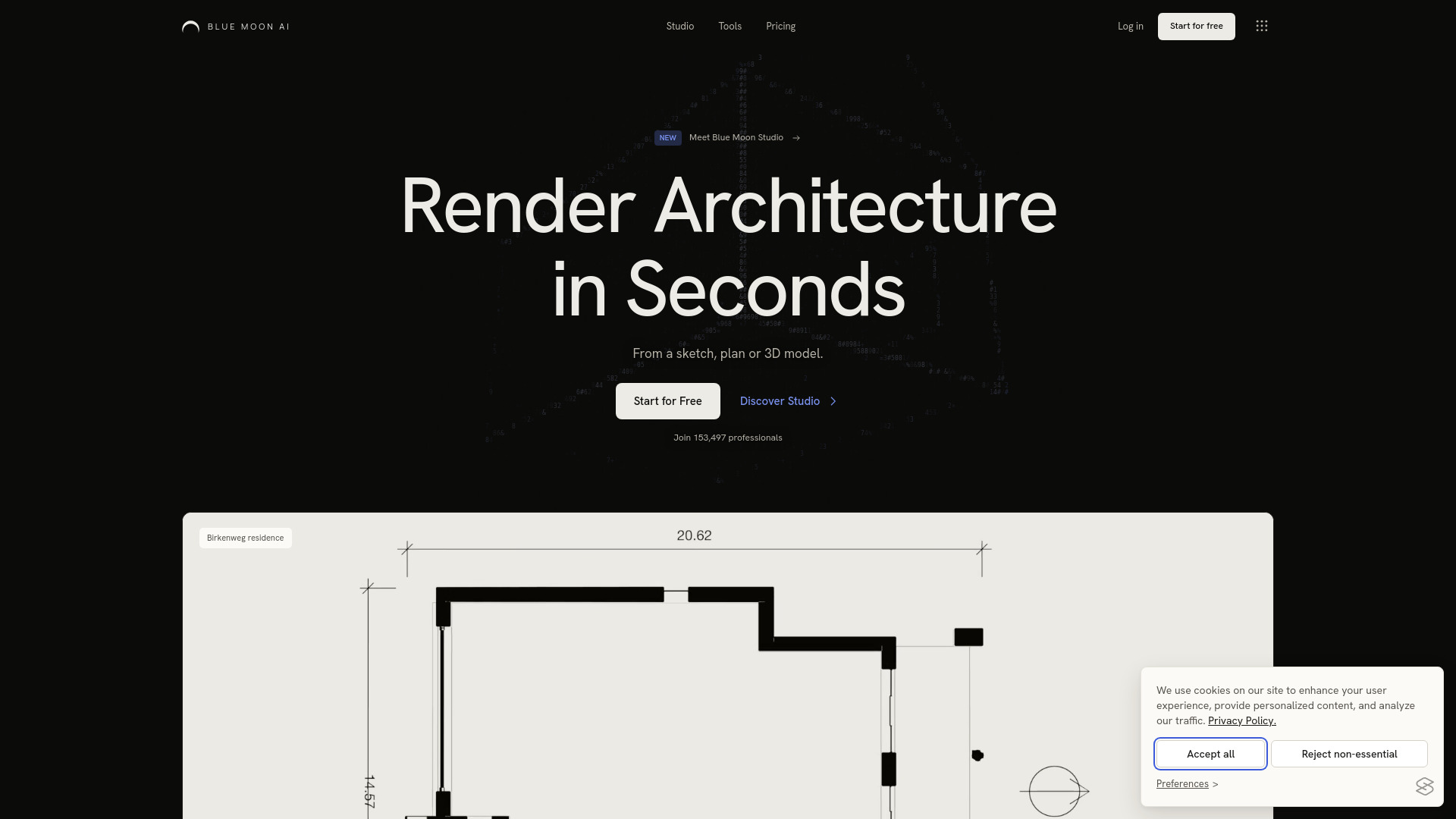
AI architecture visualization with project-based Studio and image tools

AI Website Builder
An AI assistant for chat, research, image generation, and web development
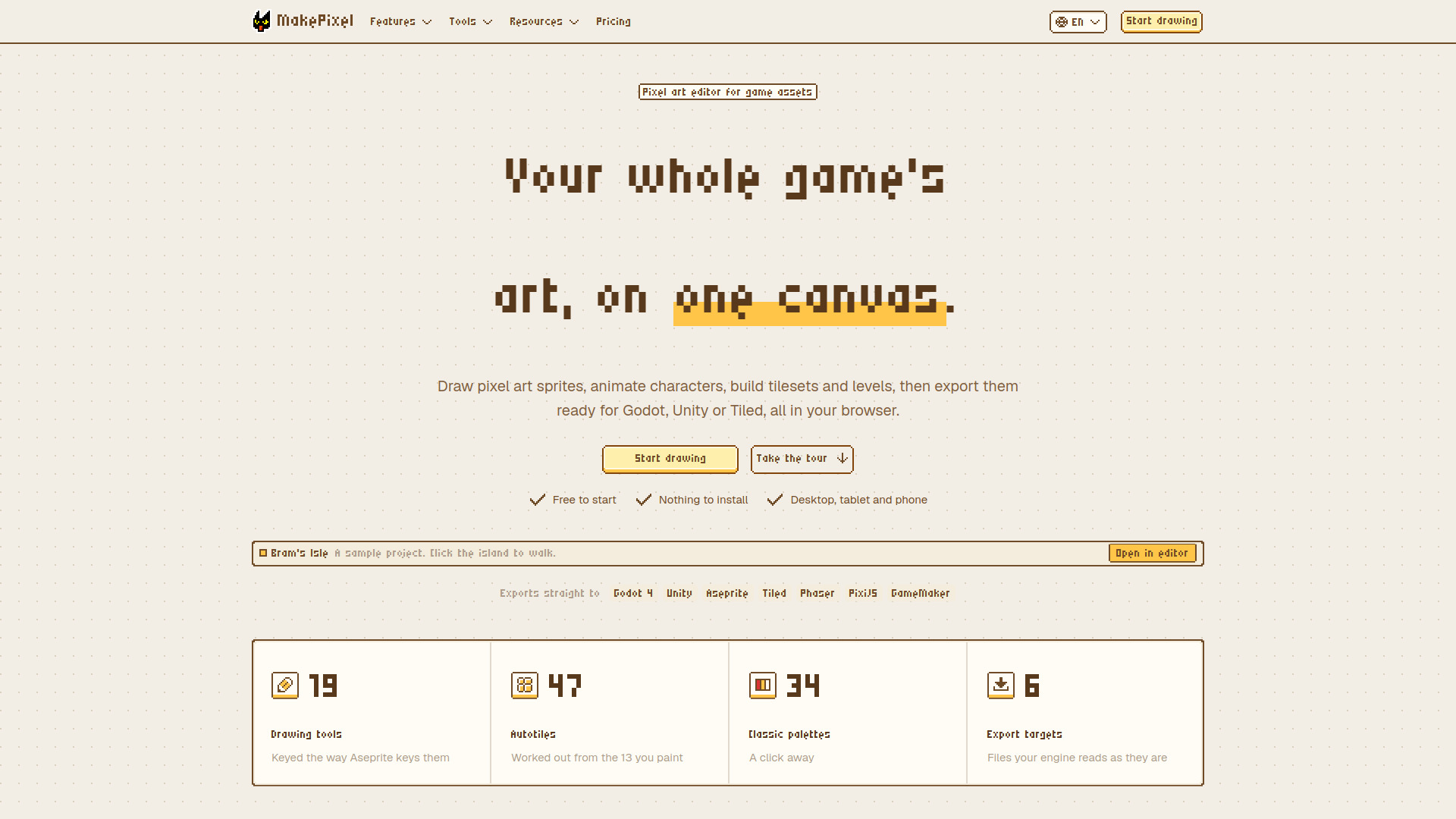
MakePixel is a browser-based pixel art editor for game assets. It lets you draw sprites, animate characters, and build tilesets on one canvas, then export directly to Godot, Unity, or Aseprite. The editor runs in your browser on desktop, tablet, or phone, and works offline. It is an editor first: every tool works without AI, but it also includes an AI pixel art generator that creates editable pixel art from a text description.
MakePixel is free to use with 50 MB of storage. Drawing, animation, tilesets, characters, linked assets, and all import/export formats are included for free. A Pro plan adds version history, scene playtesting, a connection for AI coding tools, more colour themes, and 10 GB of storage. AI pixel art generation costs 1 credit per picture.
Is MakePixel free?
Yes. Drawing, animation, tilesets, characters, linked assets, and every import and export format are free, with 50 MB of storage. Pro adds version history, scene playtesting, the connection for AI coding tools, more colour themes, and 10 GB of storage.
Do I need to install anything?
No. MakePixel runs in the browser on a desktop, tablet, or phone, and it keeps working when your connection drops.
Can I use it alongside Aseprite?
Yes. MakePixel opens .aseprite files and saves them back with layers, cels, tags, palette, blend modes, and opacity intact, and the editor uses Aseprite's default shortcuts.
Which game engines does it export to?
Godot 4 (SpriteFrames, AnimatedSprite2D scenes, and TileSets with terrains), Unity through its Aseprite Importer, and sprite sheets with JSON for Phaser, PixiJS, and GameMaker. Tilesets also export for Tiled.
Can I build levels in it, or do I still need Tiled?
You can build them here. Paint maps with your own tilesets on the same canvas, with terrain that joins its edges for you and object layers for everything else, then export the map for Tiled (TMX or TMJ), as a Godot scene, or as a PNG.
Is this an AI art generator?
No. MakePixel is an editor first: every tool works without AI, and the image-to-pixel-art converter runs in your browser. When you want a head start, describe a character, an item, or a scene and AI makes pixel art you can edit pixel by pixel, for 1 credit a picture.
Can it turn a picture into pixel art?
Yes, for free. Drop in a photo, a sketch, or an upscaled sprite, pick the size and how many colours, and it becomes a pixel image you can keep editing. It can remove the background, and in upscaled or AI-made pixel art it finds the pixel grid, so every pixel lands on one cell.
How big can a sprite or a project get?
A sprite can be up to 1024 × 1024 pixels with 1,024 frames, 64 layers, and 256 colours. A project holds up to 5,000 items.
What happens if I close the tab or go offline?
Your work saves as you draw. Changes made offline are kept on your device and sent when you are back online, and deleted items can be restored from the trash.
Does it work on a tablet or a phone?
Yes. There is a touch layout with pinch to zoom, two-finger tap to undo, three-finger tap to redo, and a long-press eyedropper.