
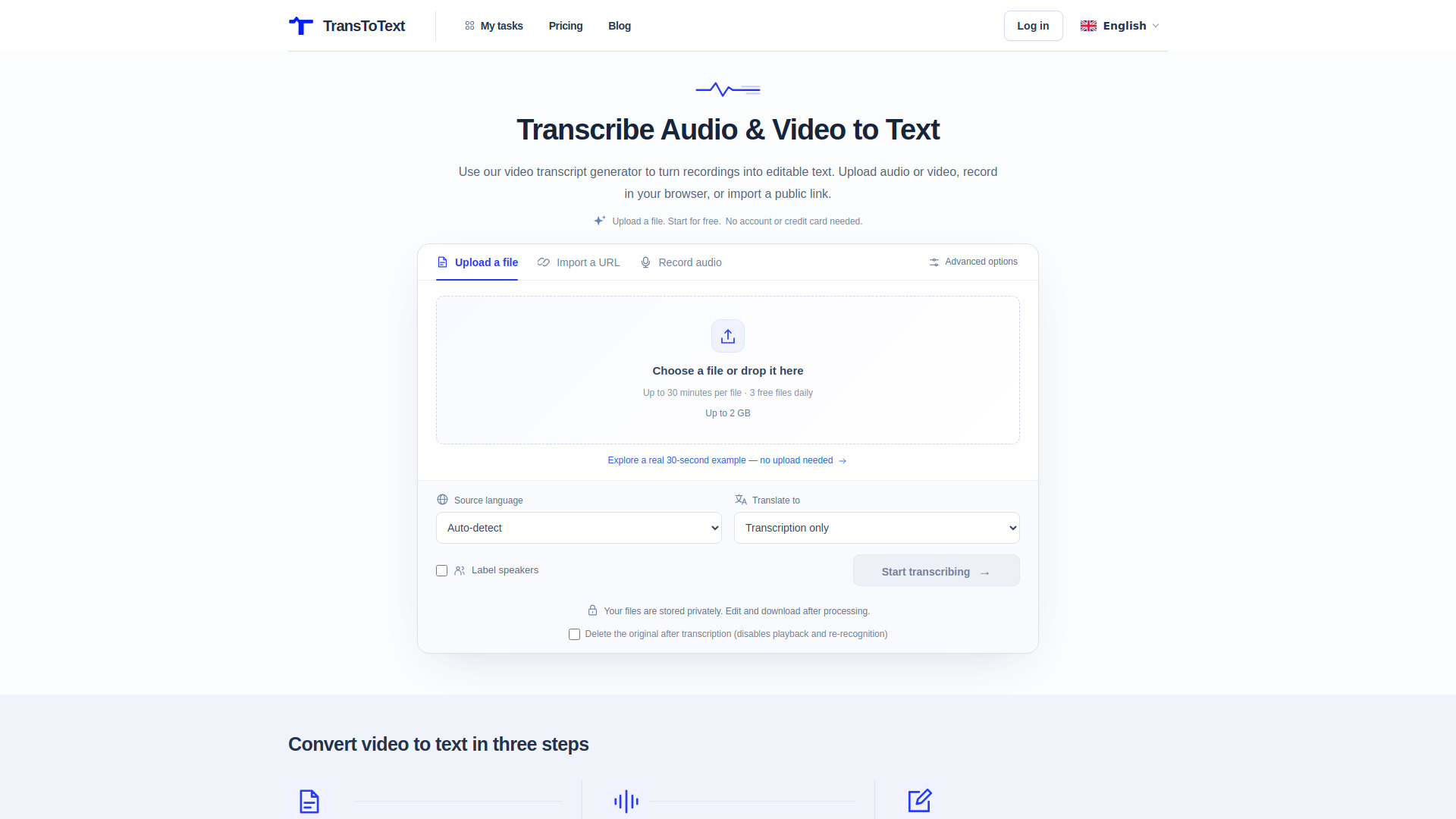

TransToText
AI Subtitle Generator
Transcribe, edit, translate, and subtitle audio and video online.
Check pricingVisit site

AI Translate
AI tool for translating manga and removing speech bubble text
Explore other tools in related categories.
AI Subtitle Generator
Transcribe, edit, translate, and subtitle audio and video online.

AI Translate
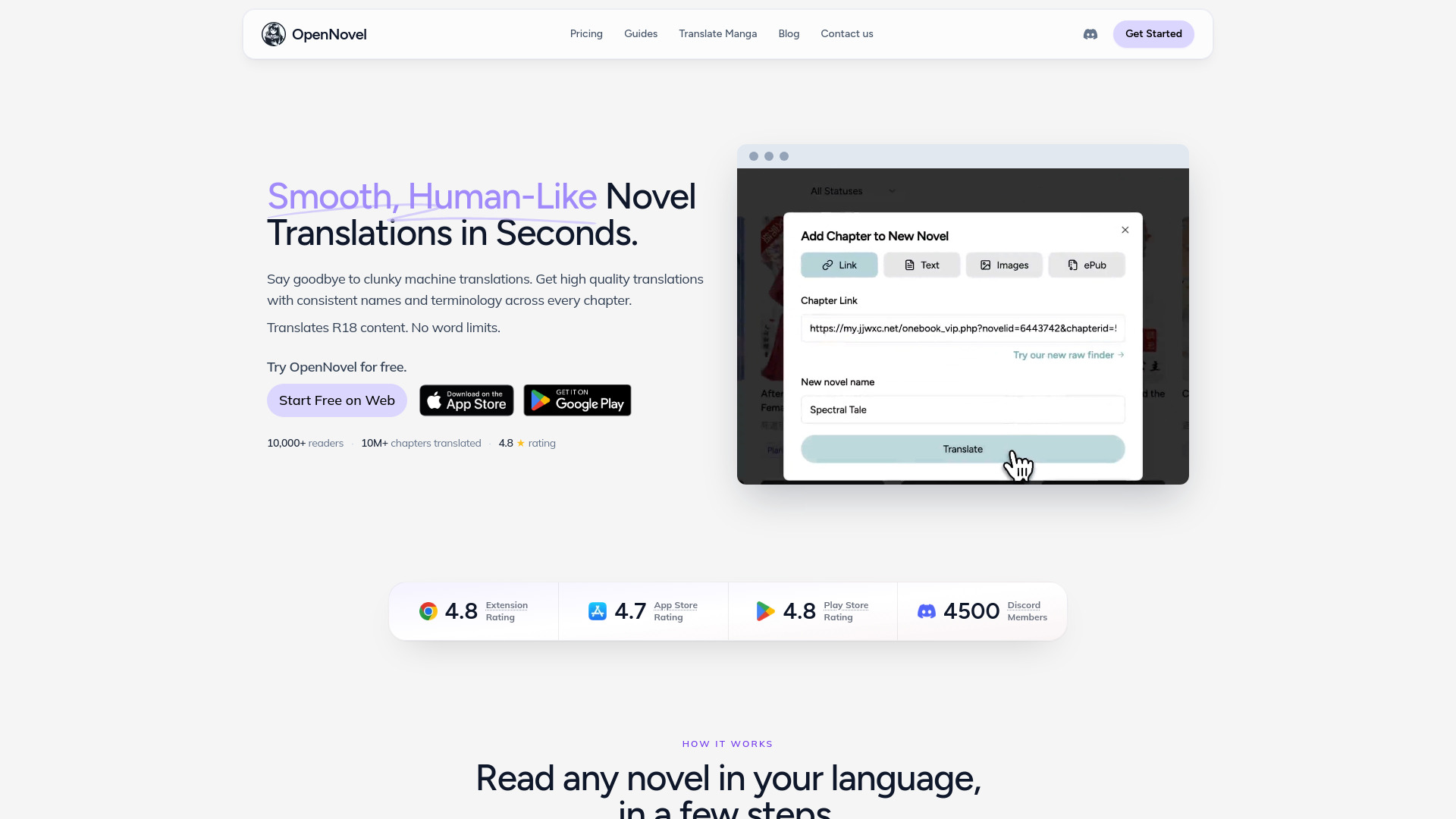
AI-powered novel translation with consistent terminology across chapters

AI Translate
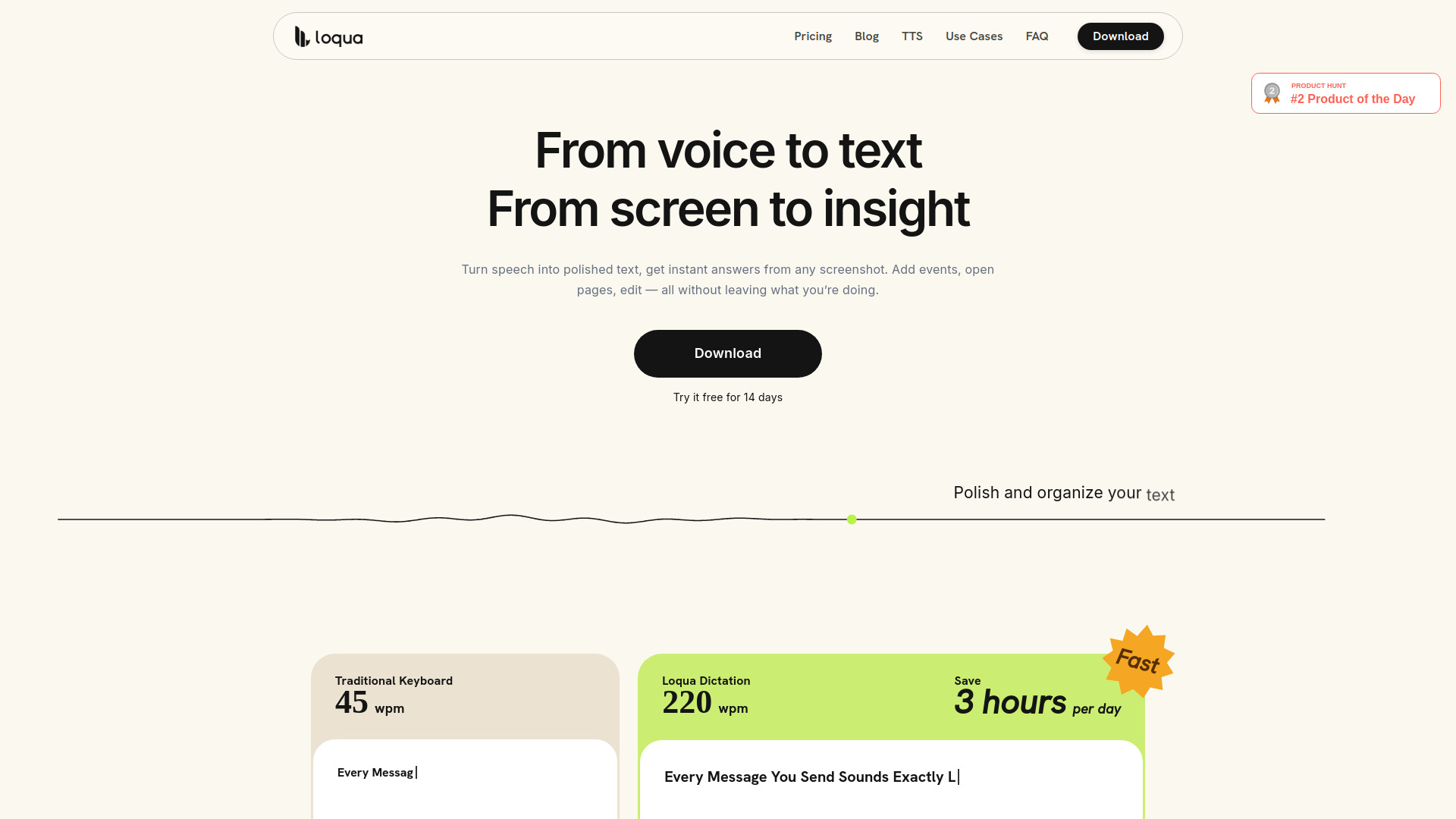
AI voice typing and productivity assistant for Mac and Windows
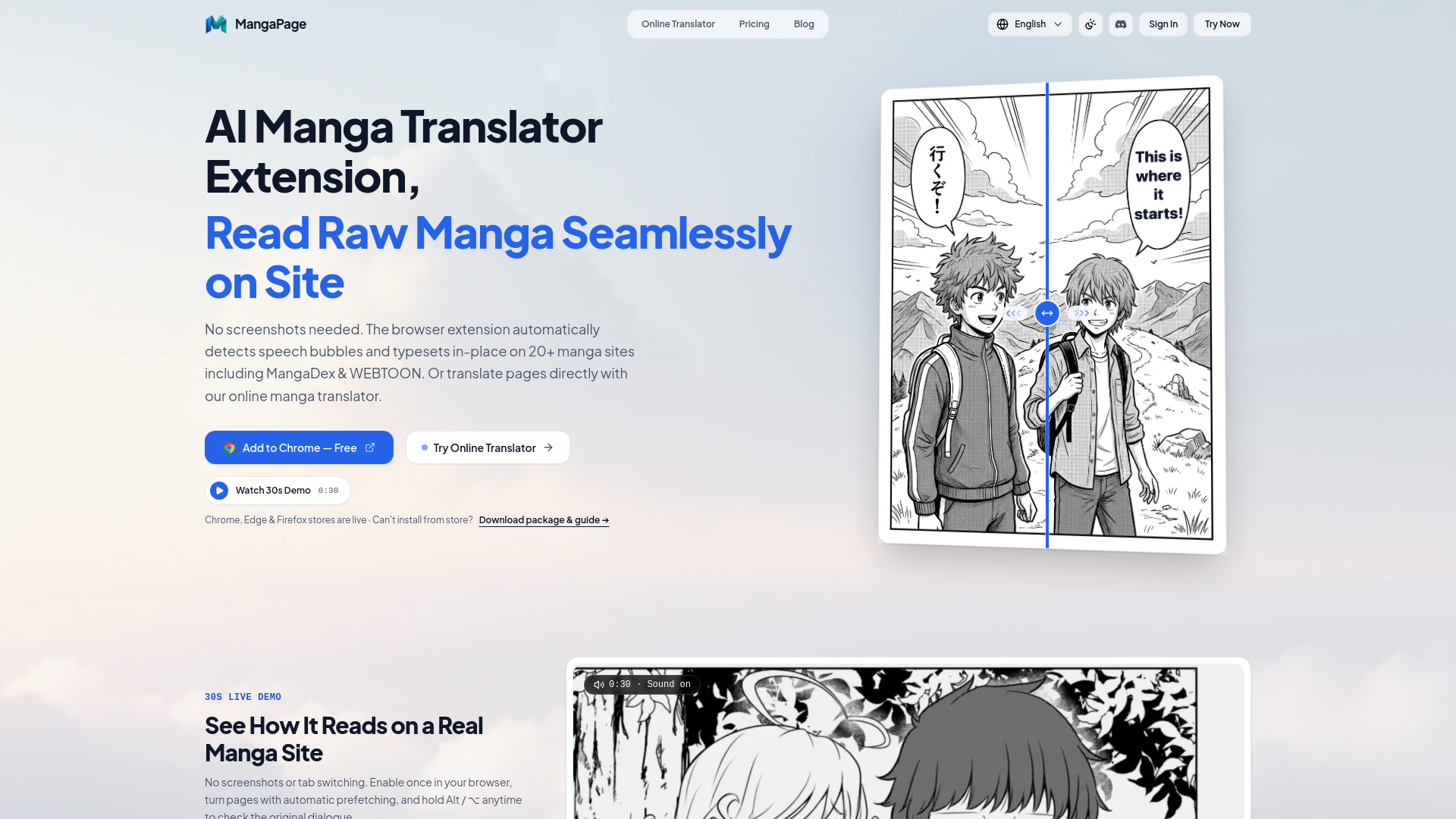
MangaPage is a browser-based AI manga translator and bubble cleaner for raw comics. It detects speech bubbles, erases the original text, translates the dialogue, and typesets the new text back into the bubbles. It supports Japanese, Korean, and Chinese manga, manhwa, and webtoons, translating into 20 target languages. The tool is available as a browser extension for Chrome, Edge, and Firefox (including Firefox for Android) and as an online translator that runs directly in the browser without installation.
For the browser extension: Install from the official store, grant reader page access, and translate pages in place as you scroll or click. Hold Alt/⌥ to peek at the raw page.
MangaPage uses a credit-based system: each manga translation or text removal pass costs 1 credit per page. Free accounts receive 30 free pages on signup and +3 free pages daily on check-in. Paid plans include:
Specific pricing details (e.g., monthly price, credits per tier) are available on the pricing page. Payments are processed via Stripe, supporting cards, Apple Pay, and Google Pay.
What does MangaPage do?
MangaPage is a browser-based AI manga translator and bubble cleaner for raw comics. It finds speech bubbles, erases source text, translates lines, and sets new text back inside.
Which languages does the AI manga translator support?
It translates Japanese, Korean, and Chinese manga into 20 target languages: English, Simplified Chinese, Traditional Chinese, Japanese, Korean, Spanish, Portuguese (BR), French, German, Italian, Russian, Vietnamese, Thai, Indonesian, Malay, Filipino, Polish, Turkish, Ukrainian, and Hindi.
Can I try it for free without signing up?
Yes. You can test sample pages or upload your own on the homepage without an account. Registered free accounts receive starter credits plus a daily check-in bonus.
Are my uploaded manga pages kept private?
Yes. MangaPage only processes the comic pages you upload for translation or text removal. Nothing is published to a public gallery or shared with other users.
How do I use this AI manga translator online?
Drop one or multiple JPG, PNG, or WebP manga pages (or a whole image folder) into the workspace, choose your target language, and click Run AI Process. Within seconds you get translated pages and text-free versions ready for download or ZIP export.
Does the manga translator handle vertical Japanese text and furigana?
Yes. The OCR filters out small furigana annotations so they do not scramble the translation, and Chinese or Japanese output supports right-to-left vertical typesetting.
Can I use MangaPage just to erase speech bubble text?
Yes. Switch the workspace mode to Remove Text. It locates lettering inside speech bubbles and captions, clears the words while preserving bubble borders and background art, and lets you download clean PNGs or export a batch ZIP.
Does it work on Korean manhwa, webtoons, and full-color pages?
Yes. It works on black-and-white Japanese pages as well as full-color manhwa, webtoons, and Chinese manhua. It samples the actual background color of each bubble to avoid flat stickers.
Why doesn't the translated text look cramped inside narrow bubbles?
After clearing old lettering, MangaPage measures the full inner edge of each enclosed bubble so new dialogue has room to scale up and wrap properly.
Can I compare the original, cleaned, and translated pages?
Yes. Every finished page comes with four instant views: Result, Remove Text, Original, and Side by Side. You can zoom in and download the PNG.
How many credits does each manga translation cost?
Each manga translation or text removal pass costs 1 credit per page. You can upload multiple pages or an entire image folder to process concurrently and export finished batches as a ZIP.
What pricing plans and credit packs are available?
Monthly plans start at a monthly price for a set number of credits, and annual billing offers a discount. Pay-as-you-go credit packs are also available and valid for 180 days.
Can I translate a manga page online without installing an extension or app?
Yes. The online manga translator runs entirely in your browser. Just upload a raw image, pick your language, and translate it immediately.
Does it preserve the original artwork, line art, and screentone textures?
Yes. The AI cleans text strokes and redraws the underlying pattern rather than pasting a solid white box. Screentone dots, gradients, and panel gutters remain intact.
How do I translate a webtoon or manhwa chapter that is one long vertical strip?
Simply upload the full vertical image. The translator processes high-aspect-ratio webtoon strips continuously without chopping the image into awkward segments.
Is it free to translate manga pages online?
Yes. You can test sample pages without signing up. Free accounts receive complimentary trial credits upon registration, with daily bonus credits available.