What is Medeo Seedance 2.0
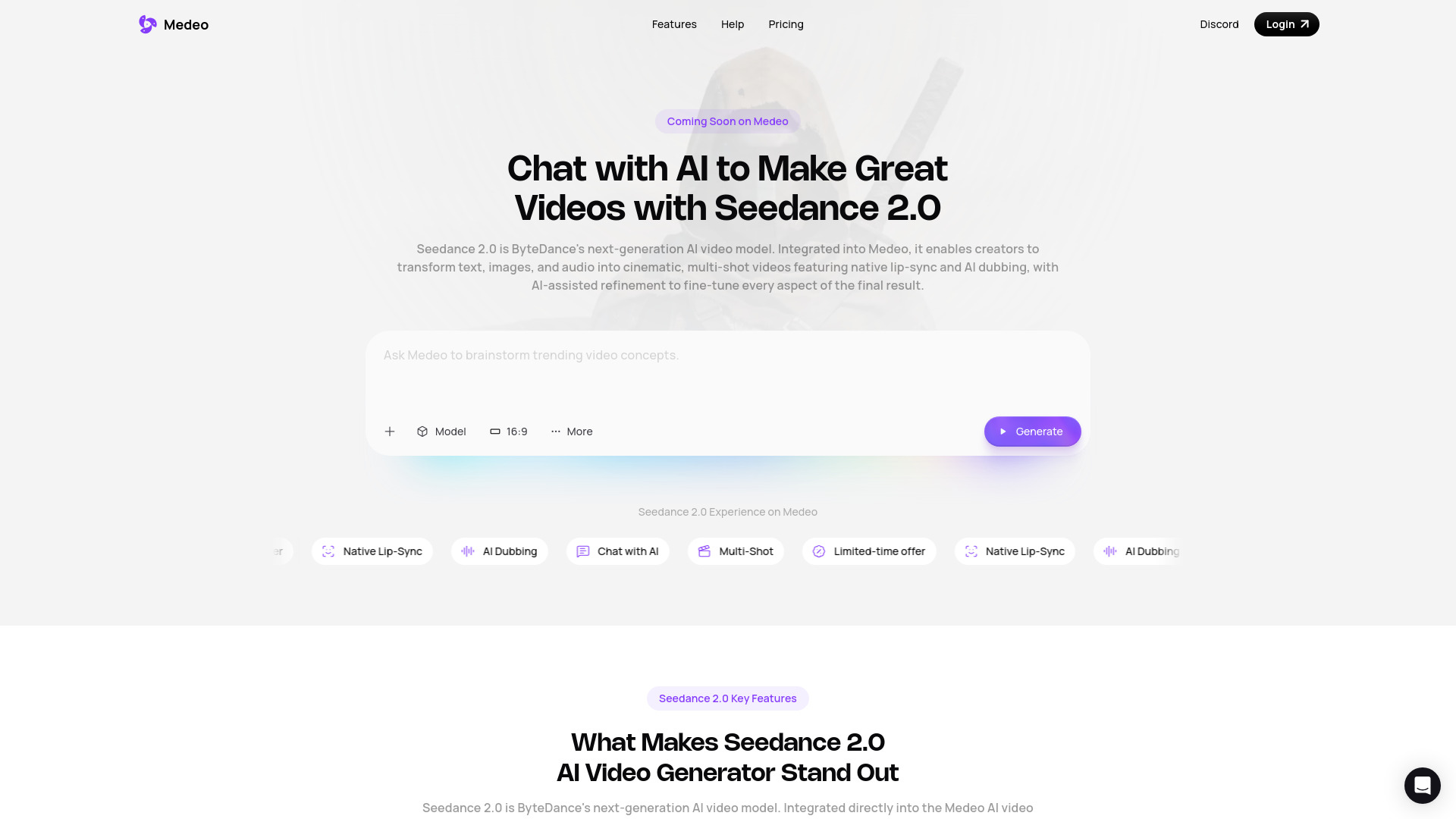
Medeo Seedance 2.0 is an AI video generator that allows users to create videos through a chat-based workflow. It is an integration of ByteDance's Seedance 2.0 AI video model into the Medeo platform, designed to transform text, images, short video clips, and audio into coherent multi-shot videos with natural motion, scene transitions, and synchronized dialogue.
How to use Medeo Seedance 2.0
- Select Seedance 2.0: Open the Medeo AI video generator and choose Seedance 2.0 from the model list.
- Configure Video Size and Duration: Customize video duration and choose from multiple aspect ratios (16:9, 9:16, 4:3, and 1:1).
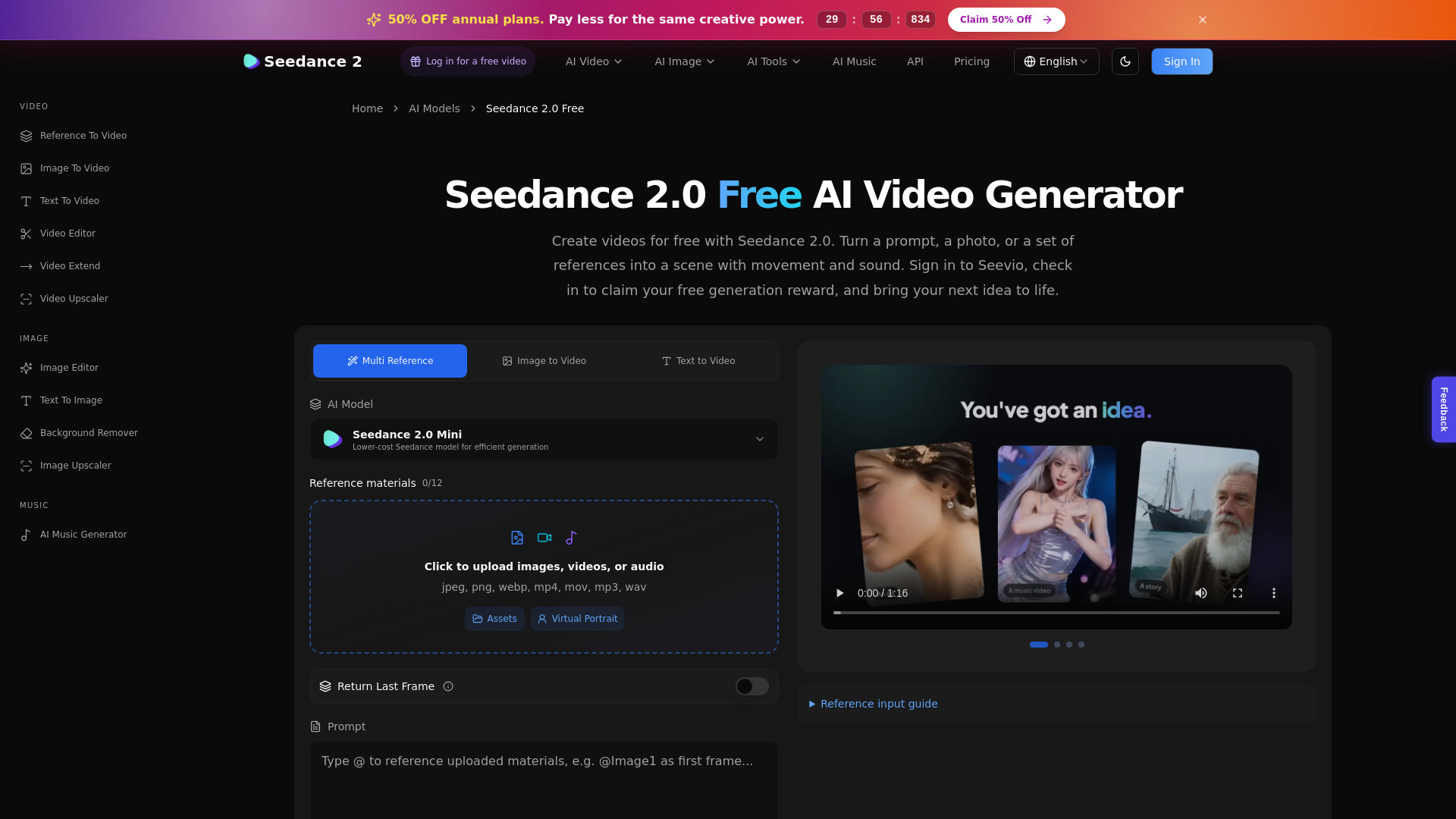
- Provide Multimodal Input: Enter a text prompt, upload reference images, import a video clip for camera language replication, or add an audio track. You can combine up to nine images, three video clips, and three audio clips in a single request.
- Generate and Refine with Chat-Based Editing: Click Generate to create multi-shot visuals with synchronized audio and lip-sync. Refine the video using Medeo's chat-based AI video editor.
Features of Medeo Seedance 2.0
- Multimodal Input: Supports text prompts, images, short video clips, and audio inputs.
- Multi-Shot Video Generation: Creates coherent multi-shot videos with natural motion and scene transitions.
- Native Lip-Sync and AI Dubbing: Generates synchronized dialogue and supports multi-language dubbing.
- Chat-Based Editing: Allows for refinement of generated videos through conversational commands.
- Customizable Video Settings: Supports various aspect ratios (16:9, 9:16, 4:3, 1:1) and duration customization.
- High-Impact Motion Scenes: Produces action sequences with realistic body dynamics and fast camera tracking.
- Frame-Level Precision: Offers control over scene transitions, visual rhythm, and layout.
- Multi-Camera Storytelling: Generates new storylines or extends existing videos with natural shot connections and audio-visual sync.
- Built-in Sound Design: Creates synchronized dialogue, ambient background sounds, and music.
Use Cases of Medeo Seedance 2.0
- Creating cinematic short films.
- Developing storytelling videos.
- Producing social media content.
- Generating character-driven scenes.
- Making product demos.
- Developing creative concept videos.
- Replicating trending clips or reimagining iconic scenes.
FAQ
- What is Seedance 2.0 and how does this AI video generator work? Seedance 2.0 is ByteDance's latest AI video model integrated into the Medeo AI video generator. It transforms text, images, short video clips, and audio into coherent multi-shot videos with natural motion, scene transitions, and synchronized dialogue — all generated from a single prompt.
- Do I need video editing experience to use the Seedance 2.0 AI video generator? No. Seedance 2.0 is designed for creators of all skill levels. The AI video generator automatically handles scene structure, motion, timing, and audio, so you can create polished videos using simple text, image, or media inputs on Medeo.
- What makes Seedance 2.0 different from other AI video generators? Seedance 2.0 focuses on multi-shot storytelling, natural camera movement, and built-in lip-syncing with audio generation. Unlike many AI video generators that produce single static shots, Seedance 2.0 creates flowing scenes with consistent characters and cinematic pacing.
- How does audio generation work in the Seedance 2.0 AI video generator? Seedance 2.0 generates audio at the same time as the video. This includes synchronized dialogue, ambient background sounds, and music that matches the scene's mood, allowing you to create complete videos without relying on external audio tools.
- What input formats does the Seedance 2.0 AI video generator support? Seedance 2.0 supports text prompts, images, short video clips, and audio inputs. In a single generation, you can combine up to nine images, three video clips, and three audio tracks. Each video or audio clip can be up to 15 seconds long.
- Why use Seedance 2.0 on Medeo instead of the official ByteDance platform? Medeo brings multi-model power into a single workflow. By integrating Seedance 2.0 alongside other top AI models in one structured environment, Medeo lets you generate and refine videos conversationally — adjusting scenes, pacing, camera angles, or dialogue — without jumping between platforms or rebuilding your video from scratch.
- What's new in Seedance 2.0 compared to earlier versions? Seedance 2.0 introduces improved multi-shot video generation, more natural motion and transitions, native lip-syncing, built-in sound design, and support for mixed inputs such as text, images, video clips, and audio in a single generation.
- Is Seedance 2.0 on Medeo really free to try? Seedance 2.0 can be accessed on Medeo as part of a special limited-time offer. Once unlocked on Medeo, creators can freely experiment with Seedance 2.0 without worrying about per-generation costs during the promotion.
- How does chat-based video refinement work on Medeo? After your Seedance 2.0 video is generated, you stay in the same conversation. Simply tell the AI what to change — such as adjusting pacing, modifying a scene, or rewriting dialogue — and it updates the video directly without needing a separate editor.