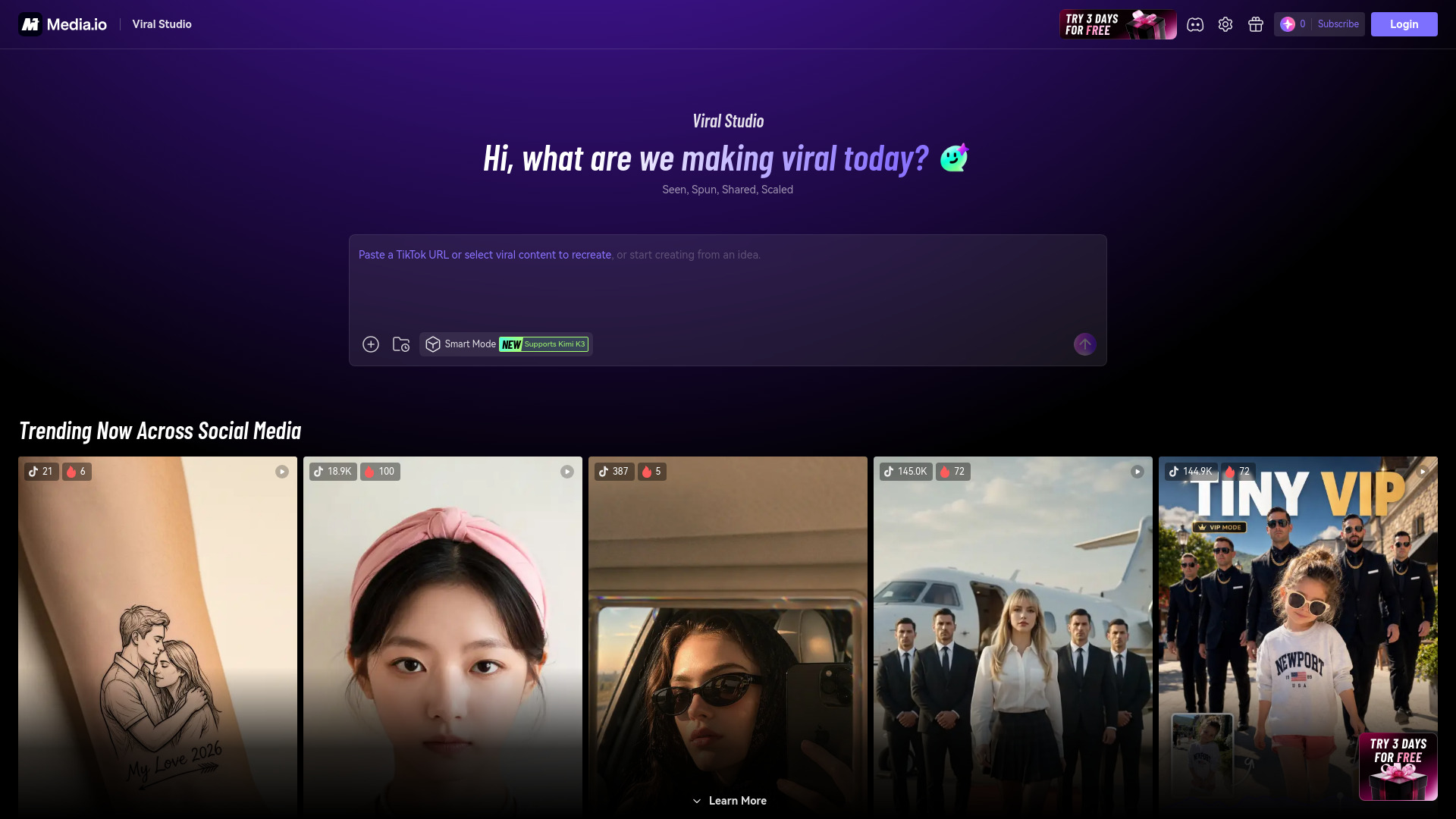
What is Media.io Viral Studio
Media.io Viral Studio is a tool designed to help users clone viral videos and images for social media. It provides a platform for creating content that mimics popular trends, allowing users to generate engaging media quickly.
How to use Media.io Viral Studio
- Access the Viral Studio tool on the Media.io platform.
- Choose the type of content you want to create (video or image).
- Select a viral template or upload your own media.
- Customize the content with your own text, branding, or modifications.
- Preview and export the final result for use on social media.
Features of Media.io Viral Studio
- Clone Viral Videos & Images: Replicate popular video and image formats.
- Social Media Optimization: Tailored for platforms like TikTok, Instagram, and others.
- AI-Powered Tools: Includes AI-driven features for content creation and enhancement.
- User-Friendly Interface: Simple navigation with a sidebar for easy access to tools.
- Dark Mode: Supports a dark theme for comfortable editing.
Use Cases of Media.io Viral Studio
- Content Creators: Quickly produce trending content to grow their audience.
- Marketers: Create engaging ads or promotional videos that align with viral trends.
- Social Media Managers: Efficiently generate content for multiple platforms.
- Small Businesses: Leverage viral formats to increase brand visibility.
FAQ
Q: What types of content can I create with Viral Studio? A: You can create both videos and images that are designed to go viral on social media.
Q: Is Viral Studio suitable for beginners? A: Yes, the tool is designed with a user-friendly interface, making it accessible for users of all skill levels.
Q: Can I use my own media in Viral Studio? A: Yes, you can upload your own videos or images to customize the viral templates.