
LogoTopAIHubs
icon of Meta Image

Meta Image

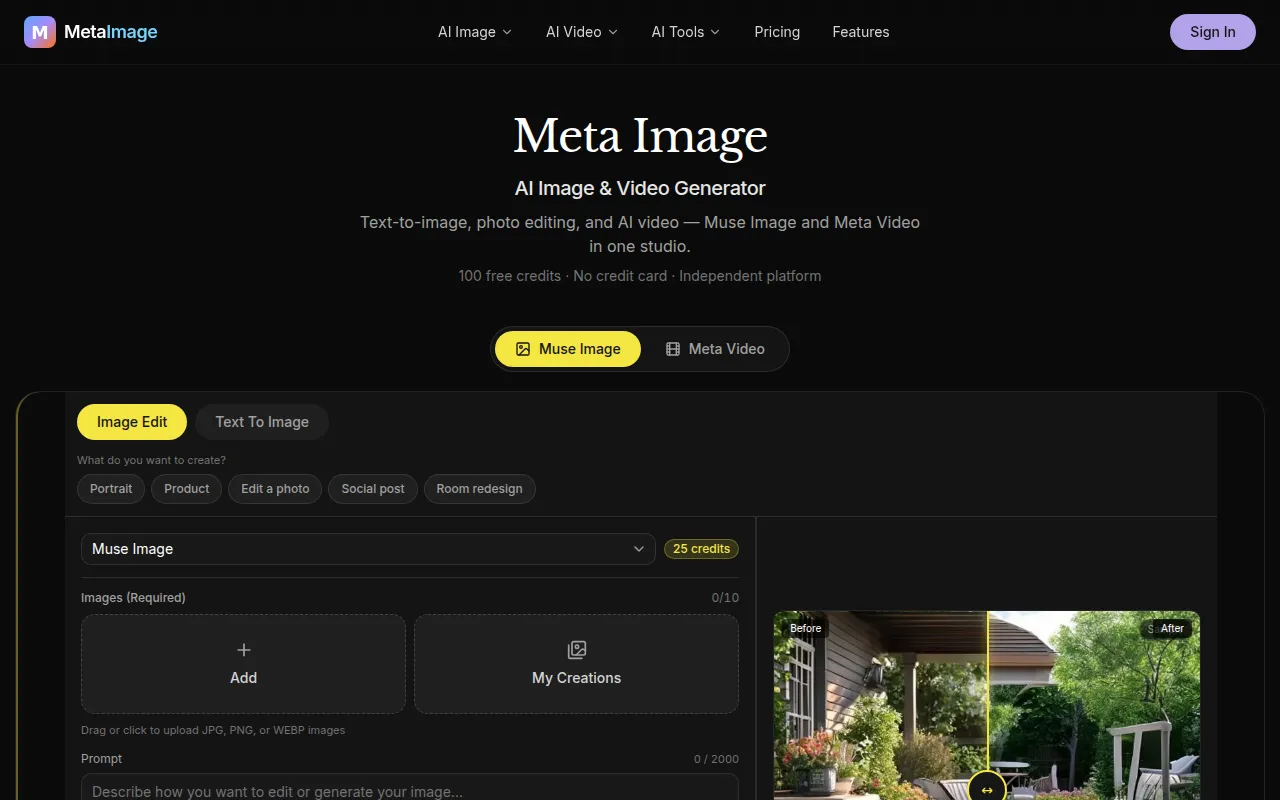
Create images and short MP4 videos from prompts or uploaded photos, with credits shown before generation.

Introduction

What is Meta Image

Meta Image is an independent AI image and video generator. It allows users to create images and short MP4 videos from prompts or uploaded photos.

How to use Meta Image
  1. Pick a mode: Choose between 'Text to Video' for prompts or 'Image to Video' when you have a starting frame.
  2. Choose an engine: Select from available engines like Kling for cinematic motion and audio, Seedance for realism and end frame control, or Gemini for shorter clips.
  3. Set output options: Define the aspect ratio, duration, and quality. The credit cost updates live before generation.
  4. Download your MP4: Preview the generated video and download it. Failed jobs automatically refund credits.
Features of Meta Image
  • AI Image Generation: Create images using the Muse Image model.
  • AI Video Generation: Generate MP4 videos using models like Kling 3.0, Seedance 2.0, and Gemini Omni.
  • Image Editing: Edit photos using natural language commands within the Muse Image model.
  • Multiple Engines: Choose from various AI engines for video generation.
  • Credit System: Free credits are provided upon signup, and credits are shown before generation.
  • Independent Platform: Not affiliated with Meta Platforms, Inc.
Use Cases of Meta Image
  • Creating cinematic video clips with specific motion and audio.
  • Generating realistic human-like video content.
  • Animating still photos into short videos.
  • Producing social media graphics and product shots.
  • Designing interior scenes with specific lighting.
FAQ
What is Meta Image?

Meta Image is an independent AI image and video generator. Create with the Muse Image model and generate video with Meta Video. Free credits are provided upon signup.

What is Muse Image on Meta Image?

Muse Image is the primary AI image model within Meta Image, powering text-to-image, editing, and multi-reference workflows.

What is Meta Video? What is Muse Video?

Meta Video is the video generation product on Meta Image, offering text-to-video and image-to-video capabilities. Muse Video is an upcoming flagship model. Kling 3.0, Seedance 2.0, and Gemini Omni are currently available.

Is Meta Image the same as searching for Muse Image?

Muse Image is the model capability, while Meta Image is the platform that provides it, including credits, history, and video generation.

Is Meta Image affiliated with Meta Platforms?

No, Meta Image is an independent platform and is not affiliated with Meta Platforms, Inc.

How do credits work?

Each generation consumes credits based on the model and settings used. Images cost a minimum of 25 credits, and video costs vary by engine. Failed jobs are refunded automatically.

How long does video generation take?

Video generation typically takes 3–6 minutes, depending on the engine and settings. Users should keep the tab open during processing.

Kling 3.0 vs Seedance 2.0 — which should I use?

Kling is better for cinematic motion and storytelling, while Seedance is stronger for realistic humans and frame control. Both can be tested with the same prompt for comparison.

What is an end frame?

An end frame is an optional second image that influences how a video concludes, supported by Kling and Seedance in Image to Video mode.

Can I reuse a frame from a previous video?

Yes, in Image to Video mode, users can select a frame from their video history.
Information

Categories

    Newsletter

    Join the Community

    Subscribe to our newsletter for the latest news and updates