What is Mica
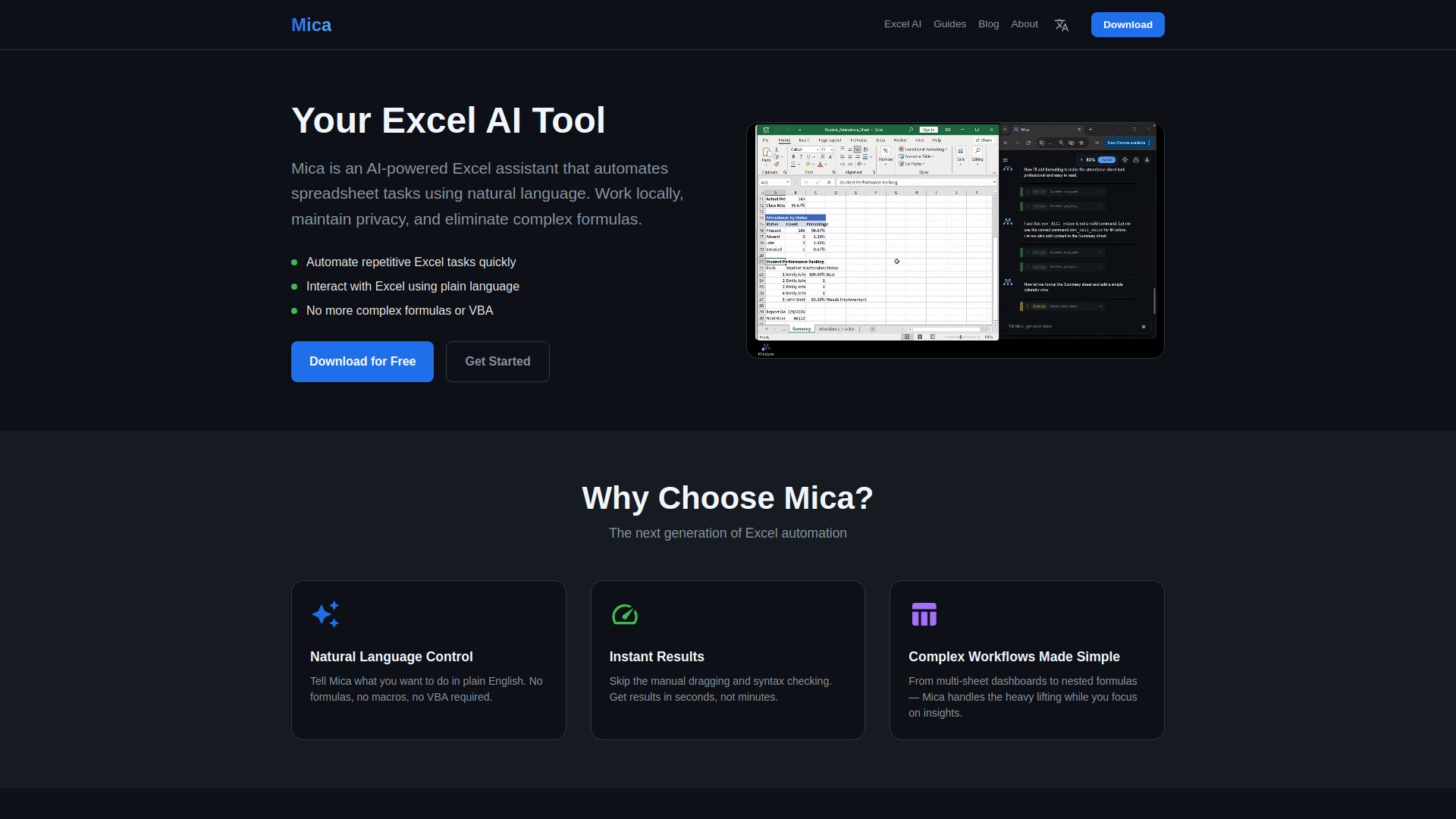
Mica is an AI-powered Excel assistant that automates spreadsheet tasks using natural language. It allows users to work locally, maintain privacy, and eliminate complex formulas. Mica is designed to control local files, automate tasks, and help users get unstuck in Excel without requiring formulas.
How to use Mica
- Install Mica: Download and install Mica on your Windows PC. It works with Excel 2007 to 365.
- Authorize: Launch Mica and authorize the connection. Your data stays local.
- Chat with Excel: Type your request in natural language. Watch Mica automate your spreadsheet.
Features of Mica
- Natural Language Control: Tell Mica what you want to do in plain English. No formulas, no macros, no VBA required.
- Instant Results: Skip manual dragging and syntax checking. Get results in seconds, not minutes.
- Complex Workflows Made Simple: From multi-sheet dashboards to nested formulas, Mica handles the heavy lifting.
- Multi-Sheet Dashboards: Generate complete attendance trackers, financial models, or data analysis sheets with summary views and calendar layouts from one prompt.
- Smart Formula Generation: Mica writes complex nested formulas like INDEX/MATCH, VLOOKUP, and conditional aggregations automatically.
- Intelligent Step-by-Step Execution: Watch Mica work through your request in real-time. Each action is transparent, showing formulas, intermediate results, and final output.
- Local Processing: Your data stays local, ensuring privacy.
Use Cases of Mica
- Student attendance systems: Generate complete attendance trackers with summary views and calendar layouts.
- Financial reports: Create financial models and reports with complex formulas.
- Project trackers: Build project trackers with multi-sheet dashboards.
- Data analysis sheets: Automate data analysis tasks and generate insights.
- Automating repetitive Excel tasks: Quickly automate repetitive tasks without manual effort.
- Interacting with Excel using plain language: Control spreadsheets using natural language commands.
Pricing
Mica is free to download and uses a pay-per-use model.
FAQ
What versions of Excel does Mica support?
Mica works with Excel 2007 to 365.
Is my data secure?
Yes, Mica processes data locally, ensuring privacy.
Do I need to know formulas to use Mica?
No, Mica uses natural language, so you can control Excel without knowing formulas or VBA.
What operating system does Mica require?
Mica is available for Windows.
How do I get started?
Download Mica for free, install it, authorize the connection, and start chatting with Excel.