What is MiniMax Design
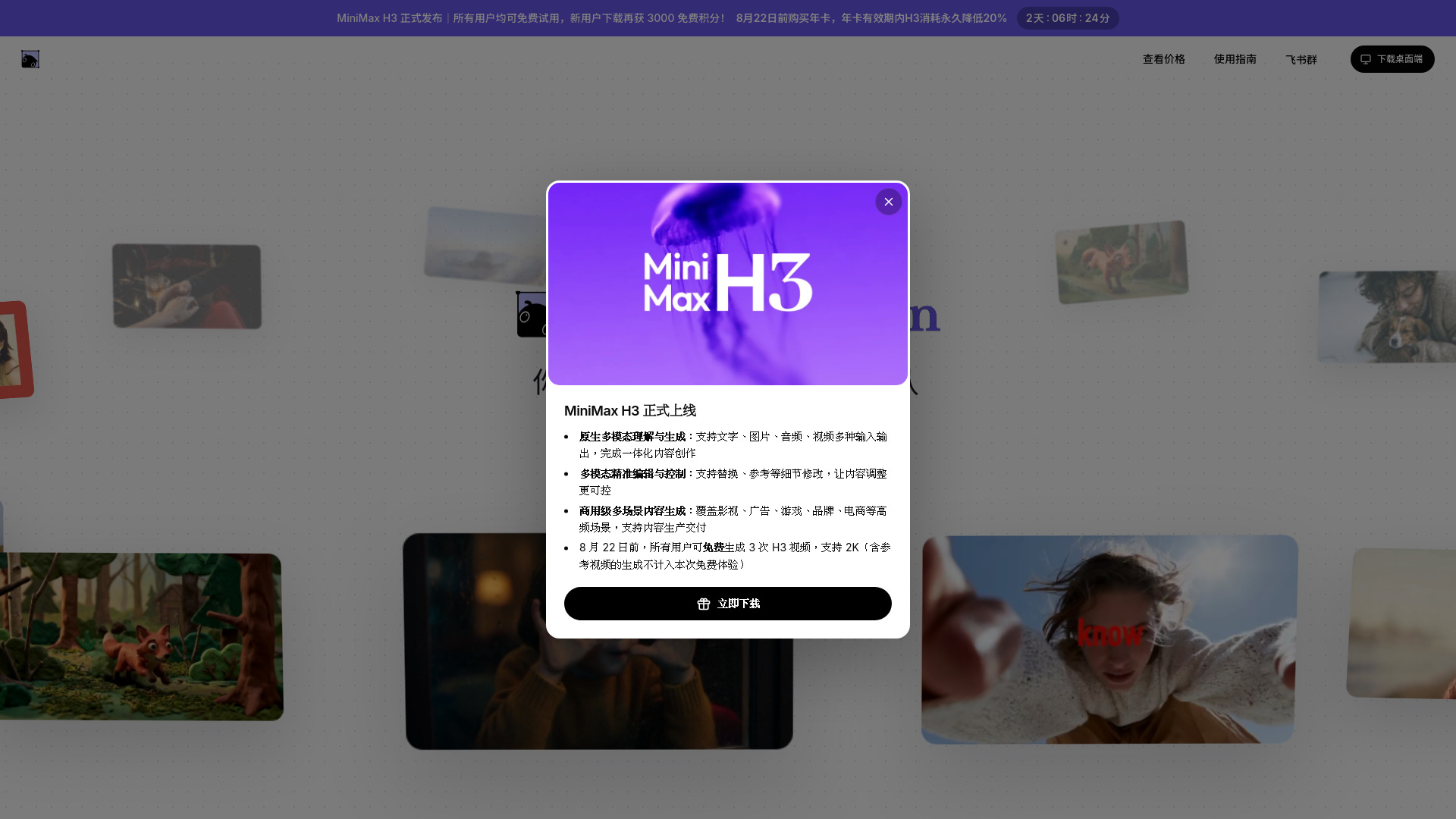
MiniMax Design is a next-generation AI-native creation platform that uses a multimodal AI Agent to assist with the entire creative workflow. It connects text, image, audio, and video models, allowing creators to have a versatile team at their fingertips. The platform is designed to understand creative intent and automatically schedule the appropriate models for tasks such as image generation, video production, voiceover, and editing, turning ideas into finished pieces seamlessly.
How to use MiniMax Design
- Describe your idea: Start by describing your creative idea or uploading a planning document. The main Agent will understand your intent and break down the tasks.
- Agent execution: The Agent automatically assigns tasks to specialized sub-agents (copy, image, video, audio) that work in parallel.
- Canvas workflow: Use the multimodal canvas to organize scripts, storyboards, images, videos, music, and editing in one place. Nodes are automatically connected.
- Use Skills and plugins: Generate custom Skills through conversation or use mature workflows from the Skill marketplace. Professional plugins unlock advanced effects.
- Local integration: Local files are automatically stored and can be used by the Agent. One-click connection to professional editing software is supported.
- Review and delivery: The Agent checks quality at key nodes and asks for your direction. It uses a knowledge base for multi-round validation before delivering the final output.
Features of MiniMax Design
- Multimodal AI Agent: Automatically schedules image, video, voiceover, and editing models based on your creative intent.
- Canvas workflow: A unified canvas for scripts, storyboards, images, videos, music, and editing with automatic node connections.
- Skills and plugins: Create reusable Skills through conversation or use pre-built workflows from the marketplace. Professional plugins provide advanced effects.
- Local asset management: Local files are automatically stored and indexed, with seamless integration into the Agent workflow.
- Parallel processing: Four specialized agents (copy, image, video, audio) work simultaneously to speed up production.
- Quality control: The Agent asks for direction at key nodes and uses a knowledge base for multi-round validation.
Use Cases of MiniMax Design
- E-commerce UGC: Create Chinese UGC product videos with real-person voiceovers and multiple versions for ad campaigns.
- Brand films: Produce cinematic brand advertisements with script, visuals, sound, and editing in one workflow.
- Motion comics: Maintain character and art style consistency for serialized episodes.
- Short dramas: Develop from setting, script, and storyboard to final episodes and promotional materials.
- Advertising: Generate ad creatives for various platforms, including batch image and video production.
FAQ
Q: What platforms does MiniMax Design support?
A: It is available for macOS (M-series and Intel chips) and Windows 10 and above (x64).
Q: Can I use my local files?
A: Yes, local files are automatically stored and can be used by the Agent. You can also connect to professional editing software.
Q: How does the Agent understand my creative intent?
A: The main Agent analyzes your description or planning document, breaks down tasks, and assigns them to specialized sub-agents.
Q: Can I reuse my workflows?
A: Yes, you can create custom Skills through conversation or use pre-built workflows from the Skill marketplace.