Newsletter
Join the Community
Subscribe to our newsletter for the latest news and updates

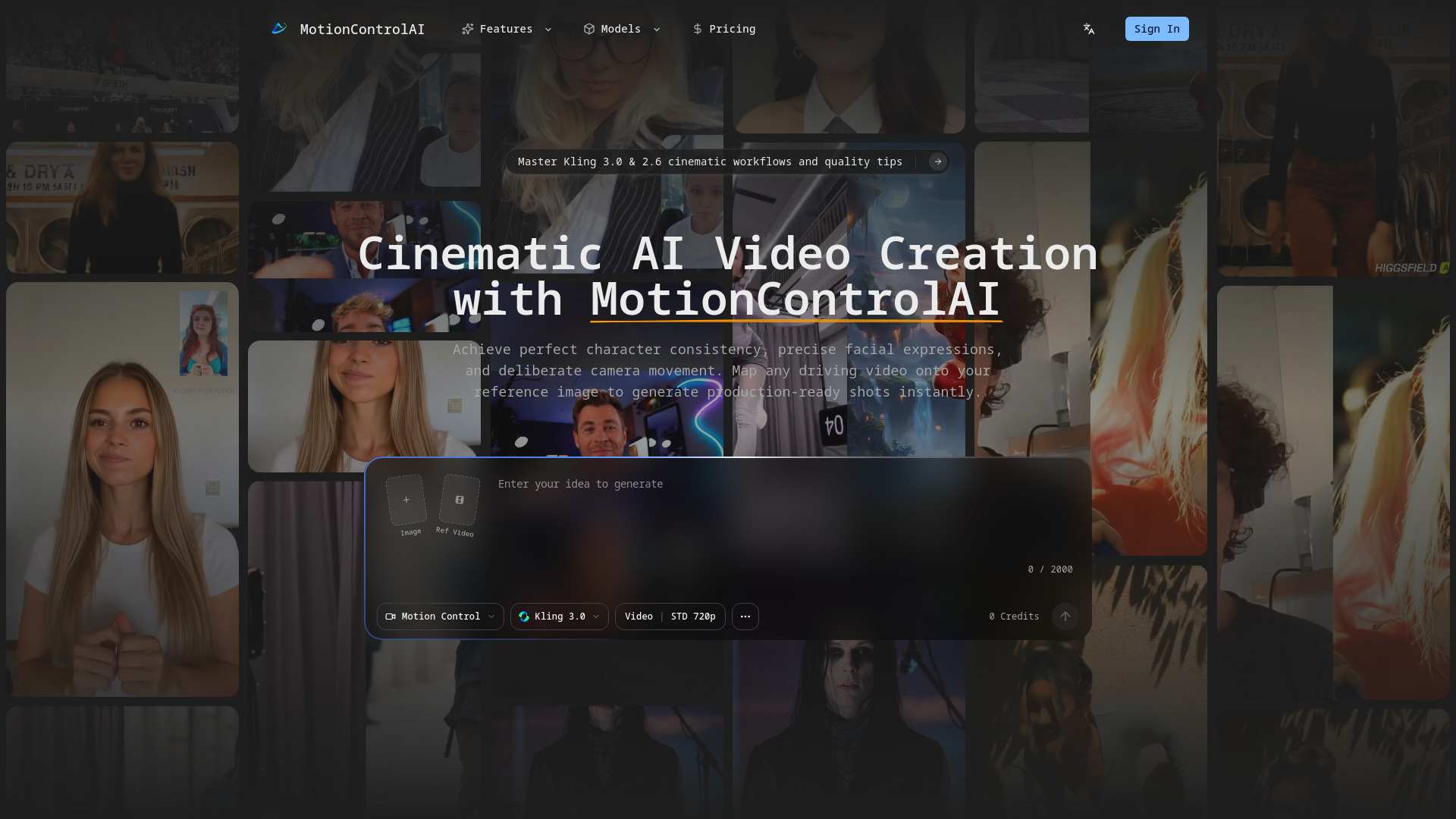
Advanced AI framework for precise character motion control and professional cinematic video generation.
MotionControlAI is an advanced AI framework designed for precise character motion control and professional cinematic video generation. It enables users to achieve perfect character consistency, precise facial expressions, and deliberate camera movement by mapping any driving video onto a reference image to generate production-ready shots instantly.
What is motion control and how does it transform AI video generation? Motion control allows creators to define precisely how a subject moves and acts within an AI-generated video. It acts as a bridge between static assets and dynamic performance, maximizing character consistency, guaranteeing predictability, and reducing failed generations. Mastering motion control is mandatory for professional video production.
How do I choose between Kling 3.0 and Kling 2.6 for my workflows? Kling 2.6 is reliable for everyday motion control tasks and offers fast generation times, suitable for standard social clips. Kling 3.0 is engineered for challenging visual scenarios, offering superior element binding logic for profile turns and facial occlusion, and yields superior results for subtle micro-expressions or dynamic camera angles.
What is the process for executing AI motion control successfully?
Which input assets guarantee the highest quality outputs? Prioritize high-resolution, frontal reference portraits with balanced lighting and minimal compression. For driving videos, use clean, rhythmic motion without unpredictable jitter or heavy motion blur. Geometric alignment between source action and target identity is crucial to avoid identity drift.
What is element binding, and why is it crucial for video generation? Element binding digitally anchors the generated subject to specific visual features, ensuring localized identity remains stable during temporal movement. Video outputs with strict element binding exhibit stronger facial consistency and reduce common failure modes like face melting or character deformation.
How should I integrate camera presets within my workflow? Leverage predefined options like smooth zoom in, dramatic zoom out, or low-angle camera down for stable visual grammar. Use zoom-in for emotional emphasis, vertical logic for perspective shifts, and fixed positions to evaluate character performance. Avoid stacking aggressive camera shifts on dense character action; lock subject performance first, then iteratively inject camera movement intent.
How do these systems handle severe edge cases and occlusions? Modern motion control architectures preserve facial identity across rapid profile turns, explosive head movements, and temporary facial occlusion using physically aware models. To maximize consistency, start with a pristine reference portrait, apply mapped action intensity, enable element binding, and use specific prompt cues. If output fractures under occlusion, reduce action complexity.