What is Motionflare
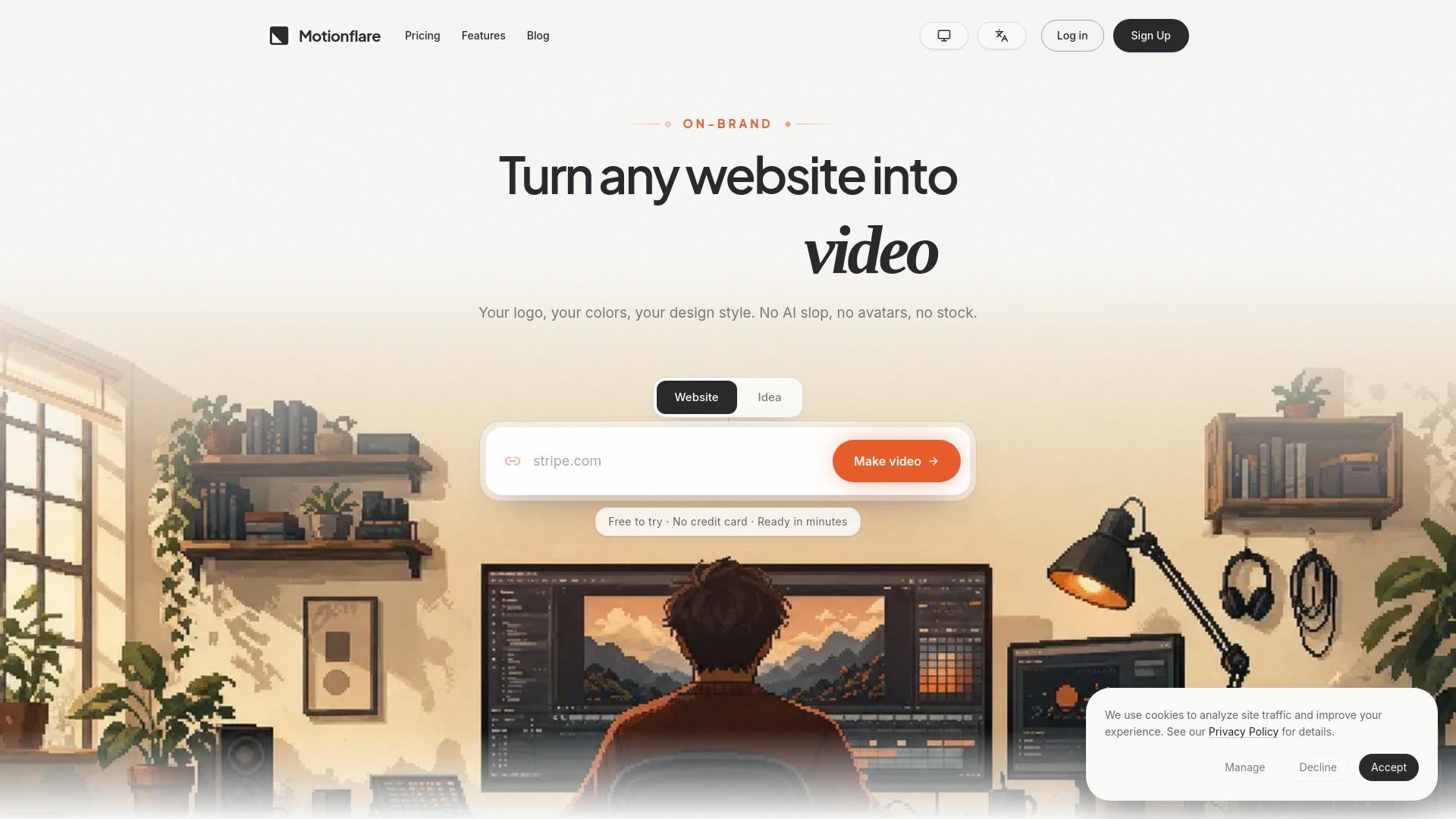
Motionflare is an AI-powered tool that creates branded marketing videos from any website URL or a simple idea. It captures real screenshots of your live site, incorporates your logo and colors, and generates a finished motion graphics video with AI voice, subtitles, and music in minutes.
How to use Motionflare
- Go to the Motionflare website.
- Choose between "website" or "idea" mode.
- If using website mode, paste a public product URL (e.g., stripe.com) into the input field.
- If using idea mode, describe your video idea in the text area (e.g., "A 30-second launch film for my AI note app").
- Click the "Make video" button.
- Motionflare reads the page, captures real UI screenshots, and generates a 30 to 60 second demo with your brand, voice-over, and subtitles.
- Preview the complete video in the browser before paying.
Features of Motionflare
- Real UI screenshots: Uses actual screenshots from your live website, not stock footage or generated approximations.
- Brand customization: Incorporates your logo, colors, and design style into the video.
- AI voice-over: Generates a voice-over for the video.
- Subtitles: Automatically adds subtitles.
- Music: Includes background music.
- Multiple modes: Create videos from a website URL or from a text idea.
- Fast generation: Ready in minutes.
- Free preview: Watch the complete video in the browser before paying.
- No AI slop: Avoids generic AI-generated content, avatars, or stock footage.
Use Cases of Motionflare
- Product demo videos: Turn a product URL into a 30-60 second demo video.
- Marketing videos: Create branded marketing videos for websites or ideas.
- Launch films: Generate launch videos for new products or apps.
- Social media content: Produce videos suitable for social media platforms.
Pricing
Motionflare offers a free plan and paid subscriptions:
- Free: 15 one-time credits to start creating and previewing videos.
- Pro: $29 per month, includes 100 credits per month, 1080p and 4K export without watermark.
- Max: $99 per month, includes 500 credits per month, 1080p and 4K export without watermark.
- One-time export: $15 for a single finished project export in 1080p or 4K without watermark, no subscription required.
FAQ
How do I turn a website URL into a product demo video? Paste a public product URL into Motionflare. It reads the page, captures real UI screenshots, and generates a 30 to 60 second demo with your brand, voice-over, and subtitles. You watch the complete video in the browser before paying.
Does Motionflare use my real product interface, or stock footage? Real interface. Screenshots are captured from the live page you paste and composed into scenes, so the video shows your actual UI rather than stock clips or a generated approximation.
What does it cost if I only need one video? The free plan includes 15 one-time credits and a complete browser preview. A subscription starts at $29 per month. If you only need to export one finished project, a $15 one-time export covers 1080p or 4K without a watermark, with no subscription.