What is Multiple Angles
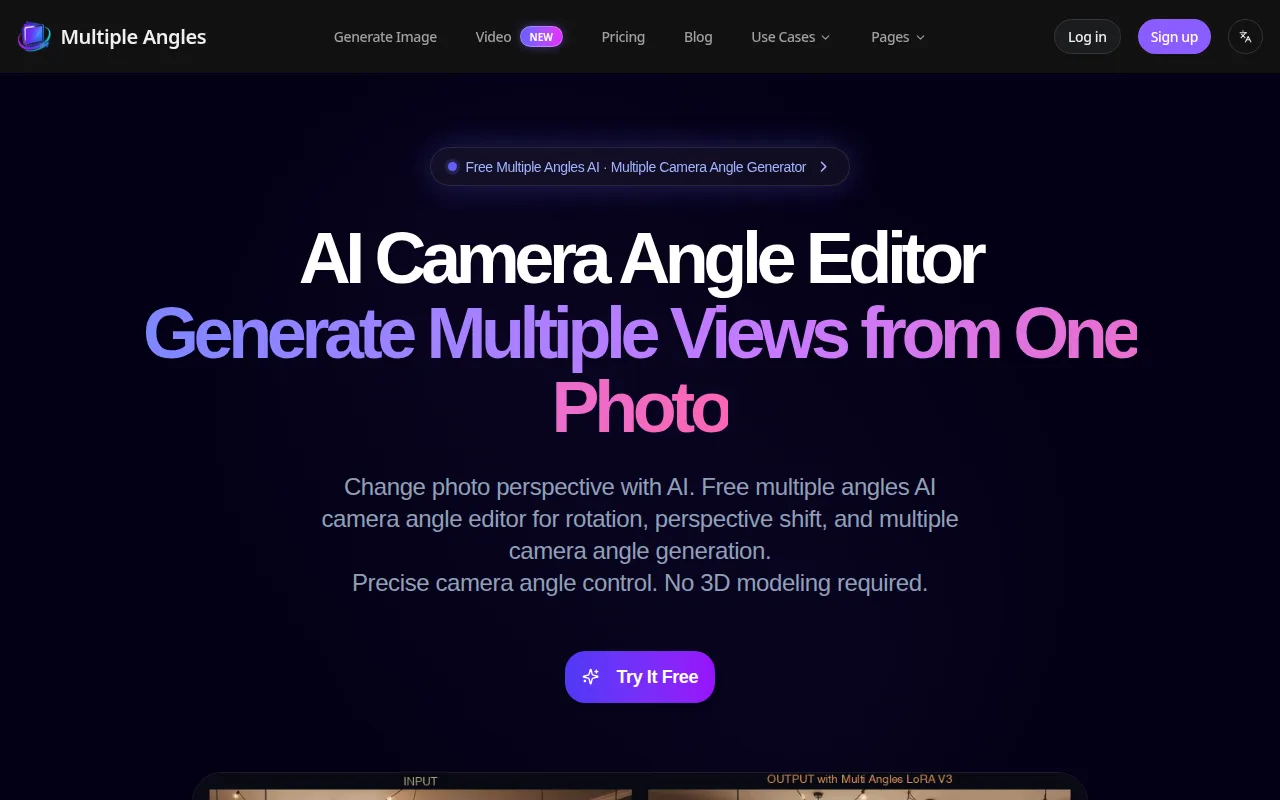
Multiple Angles is an AI-powered tool that generates multiple camera angles (front, side, back views) from a single uploaded image. It offers precise control over camera rotation, elevation, and distance, eliminating the need for 3D modeling.
How to use Multiple Angles
- Upload Image: Drag and drop or click to upload your source image (PNG, JPG, WEBP, HEIC up to 10MB).
- Adjust Controls: Utilize the 3D camera controls to adjust Azimuth (Horizontal Rotation), Elevation (Vertical Angle), and Distance (Zoom).
- Generate: Click the generate button to create new perspectives and multiple camera angle photos.
Features of Multiple Angles
- 360° Rotation & Horizontal Control: Rotate subjects across a full 360° plane for turntable animations and product views.
- Vertical Angle & Perspective Shift: Control camera elevation from -30° to 60° to adjust perspective.
- Distance Control: Adjust camera distance for framing, from close-up to wide shots.
- High Quality Output: Generate images up to 2048x2048 resolution with consistent detail.
- Fast Generation: AI-powered generation provides results in seconds.
- Batch Processing: (Coming Soon) Ability to generate multiple camera angles at once.
Use Cases of Multiple Angles
- AI Photo Perspective Changer: Visualize characters from multiple camera angles for concept art, animation, and comics.
- AI Product Angle Generator: Create front, side, and back views from a single product photo for e-commerce listings (Shopify, Amazon).
- Character Turnaround Generator: Generate multi-angle reference images from character concept art for game development (Unity, Unreal).
- 3D Modeling Reference Generator: Create multiple camera angle references for 3D modeling software (Blender, Maya, 3ds Max).
- Multi-View Product Image Generator: Produce product turntable images for marketing, advertising, and catalogs.
- Synthetic Multi-View Dataset Generator: Create large-scale multi-view datasets for machine learning and computer vision research.
Pricing
Multiple Angles offers a tiered subscription model:
- Basic: $4.9/month, includes 40 credits per month for images and videos, 30-day credit expiry.
- Standard: $9.9/month, includes 90 credits per month, 30-day credit expiry.
- Pro: $19.9/month, includes 200 credits per month, priority support, and cancel anytime option.
Credit packs are also available as an alternative to monthly subscriptions.
FAQ
- What is Multiple Angles? Multiple Angles is an AI image generator that creates multi-view perspectives from a single image, offering precise 3D camera control for consistent results.
- Which AI models power the generation features? (Information not available in the provided content.)
- What is multiple angles AI? (Information not available in the provided content.)
- What is a multiple camera angle generator? (Information not available in the provided content.)
- Can I generate a character turnaround from one image? Yes, Multiple Angles can be used to create character turnaround sheets and multi-angle reference images from concept art.
- Do you support front view, side view, back view, and top-down generators? (Information not available in the provided content.)
- Can I integrate this with my existing AI workflow? (Information not available in the provided content.)
- What image formats are supported? PNG, JPG, WEBP, and HEIC formats are supported.
- How long does generation take? Generation provides results in seconds.
- What is the output quality? Output quality is high, with images generated up to 2048x2048 resolution.
- How is my data handled? (Information not available in the provided content.)
- Can I cancel my subscription anytime? Yes, subscriptions can be canceled anytime.
- How do credits work? (Information not available in the provided content.)
- What is the refund policy? (Information not available in the provided content.)