What is Muse AI
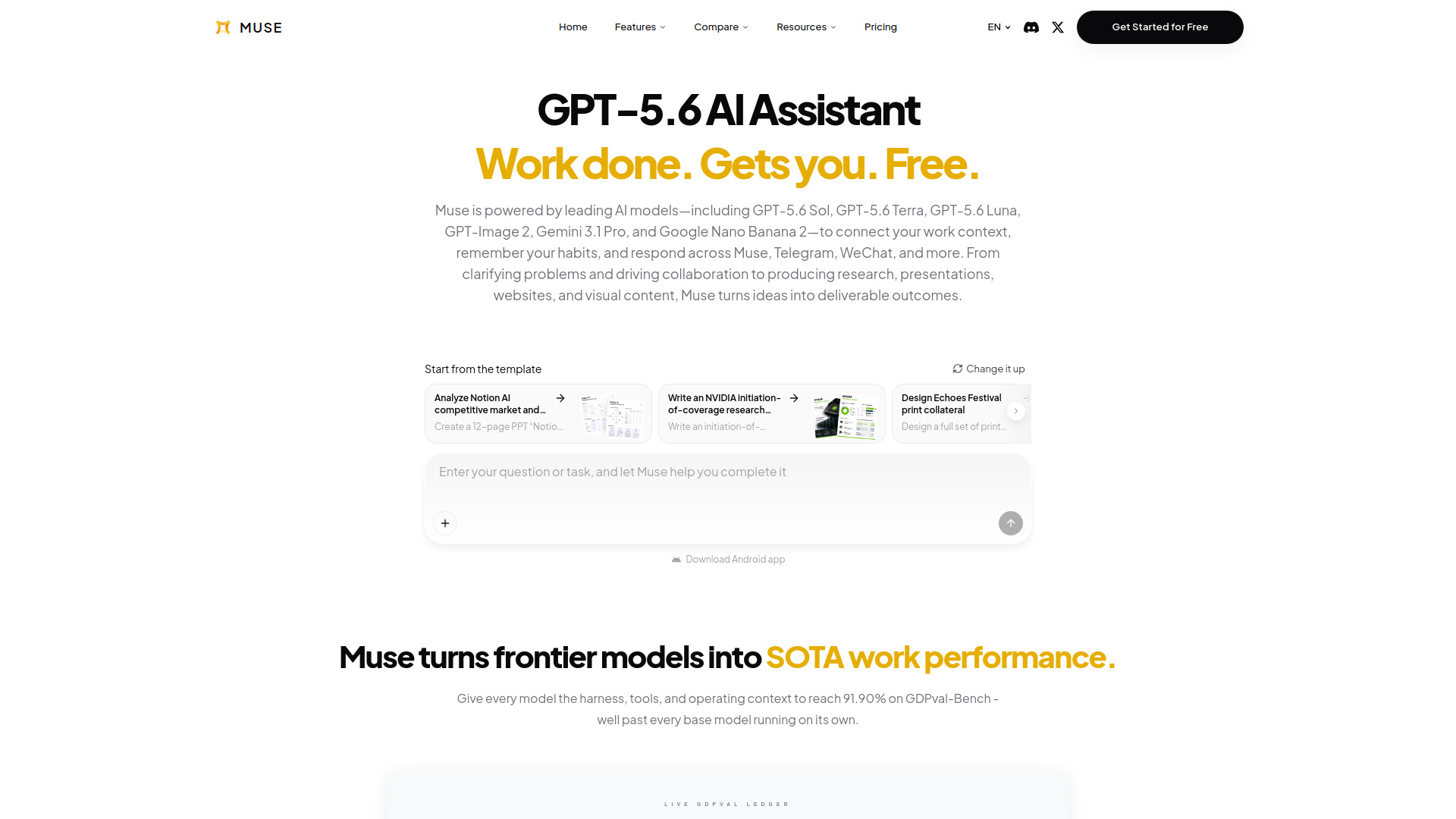
Muse is a personal AI assistant powered by leading AI models including GPT-5.6 Sol, GPT-5.6 Terra, GPT-5.6 Luna, GPT-Image 2, Gemini 3.1 Pro, and Google Nano Banana 2. It connects your work context, remembers your habits, and responds across Muse, Telegram, WeChat, and more. Muse turns ideas into deliverable outcomes such as research, presentations, websites, and visual content.
How to use Muse AI
- Start a chat: Simply type your question or task in the chat composer on the Muse homepage. No need to set up projects or choose modes.
- Choose an assistant: Muse offers 30+ assistants with different personalities, communication styles, and working rhythms. Pick one that suits your preference.
- Connect your tools: Link your email, calendar, files, chats, notes, code, and other tools to give Muse full context.
- Let Muse work: Muse can deliver websites, research, presentations, and inbox workflows based on your context and preferences.
- Pick up anywhere: Access Muse on web, mobile, and through integrations like Telegram, LINE, Slack, and more.
Features of Muse AI
- Powered by frontier models: Uses GPT-5.6, Gemini 3.1 Pro, and other leading AI models.
- Personalized assistants: Choose from 30+ assistants with distinct personalities and working styles.
- Full context: Connects with Gmail, Calendar, Drive, GitHub, Slack, Notion, and more to bring relevant context together.
- Cross-app work: Seamlessly move between different applications.
- Memory: Remembers conversations, uploaded files, delivered work, and preferences. Includes Memos for long-term memory of your standards and decisions.
- No mode switching: Just chat naturally without selecting fast mode, heavy mode, or thinking mode.
- Benchmark performance: Achieves 91.90% on GDPval-Bench, surpassing base models.
- Secure by design: You control access to your data.
Use Cases of Muse AI
- Research: Turn research into structured AI reports with Deep Research.
- Content creation: Generate essays, presentations, websites, and images.
- Workflow automation: Automate tasks across email, calendar, and other tools.
- Collaboration: Work with Muse across Telegram, WeChat, Slack, and other platforms.
- Personal productivity: Use Muse for daily reports, memos, and managing projects.
Pricing
Muse offers a free tier to get started. The webpage mentions "Get Started for Free" and lists a price of $0 for the software application. Specific paid plans are not detailed on this page.
FAQ
What AI models does Muse use? Muse is powered by GPT-5.6 Sol, GPT-5.6 Terra, GPT-5.6 Luna, GPT-Image 2, Gemini 3.1 Pro, and Google Nano Banana 2.
Can I use Muse on mobile? Yes, Muse is available on web and mobile, and there is an Android app available for download.
Does Muse remember my preferences? Yes, Muse remembers your conversations, files, and preferences, and uses Memos to store long-term memory.
Is my data secure? Muse is designed with security in mind, and you control access to your connected tools and data.
How many assistants can I choose from? Muse offers 30+ assistants from different countries, regions, personalities, and working styles.