LogoTopAIHubs
icon of Muse Video - 2

Muse Video - 2

Meta's AI video generator creating realistic videos with integrated native audio.

Introduction

What is Muse Video - 2

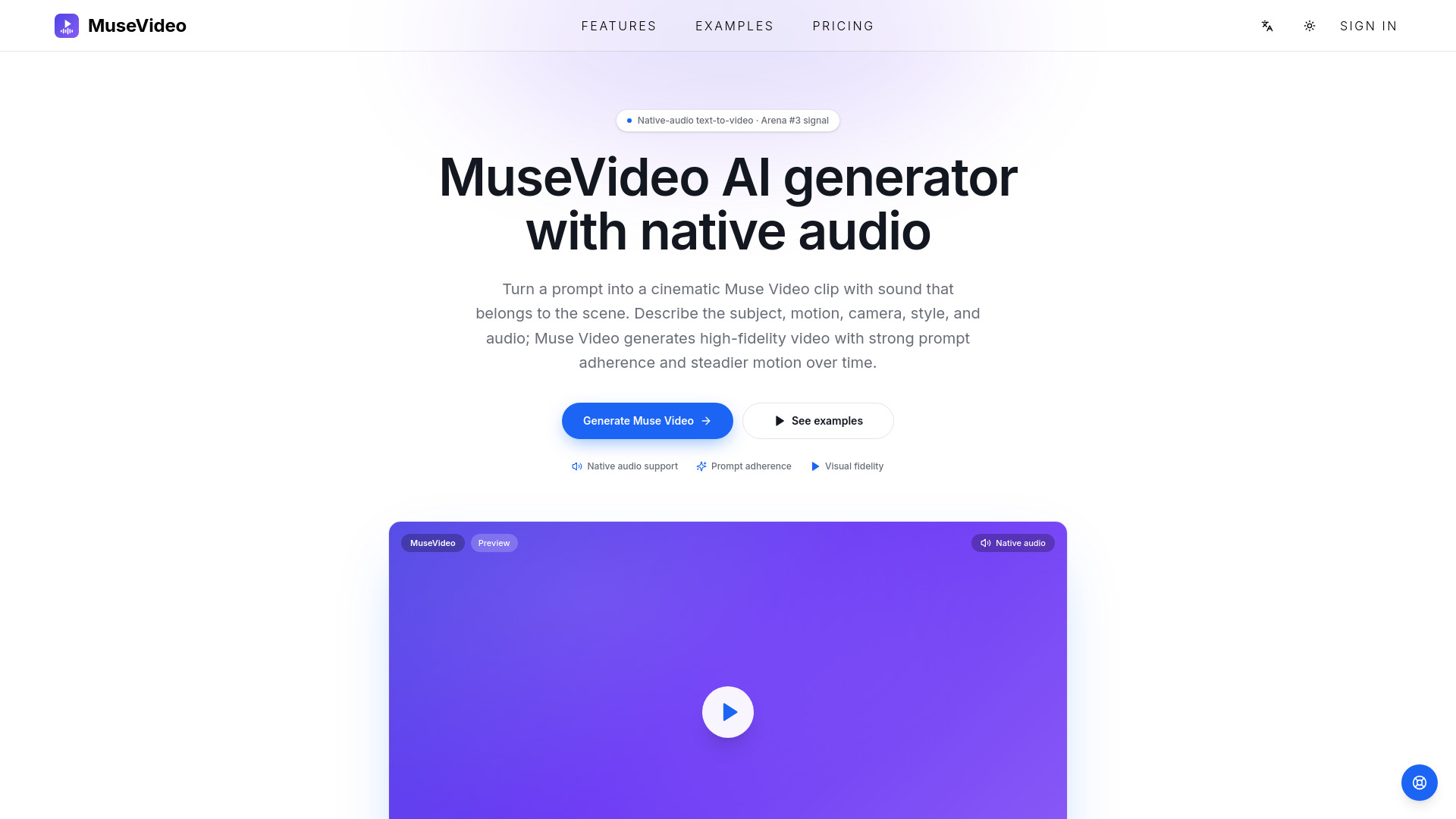
Muse Video is a native-audio text-to-video AI generator developed by Meta. It creates short video clips from text prompts, with integrated sound that matches the scene. The model focuses on prompt adherence, high visual fidelity, temporal consistency, and scene-aware audio generation.

How to use Muse Video - 2
  1. Sign in to the Muse Video platform.
  2. Write a detailed prompt describing the scene, subject, motion, camera movement, style, and desired audio.
  3. Choose an aspect ratio (16:9, 1:1, or 9:16) and duration (5s or 10s).
  4. Click generate to produce a Muse Video clip with native audio.
  5. Preview and download the result.
Features of Muse Video - 2
  • Native Audio Support: Sound is generated as part of the video, not added separately. Prompts can describe ambient sound, dialogue, effects, or music.
  • Prompt Adherence: The model closely follows the prompt for subject, action, style, framing, and camera movement.
  • Visual Fidelity: Generates clean details, convincing lighting, and sharp scene composition.
  • Temporal Consistency: Subjects, scene details, and motion remain stable across frames for smooth video.
  • Shared Base with Muse Image: Part of the same model family as Muse Image, enabling consistent visual direction.
  • Creator and Business Workflows: Suitable for social clips, ads, product stories, and cinematic b-roll.
Use Cases of Muse Video - 2
  • Creator clips for social feeds: Generate short videos with clear subjects and camera movement for TikTok, Reels, Shorts, and launch posts.
  • Small-business marketing assets: Turn product ideas, campaign briefs, or brand moods into video concepts for ads and social posts.
  • Storyboards, demos, and interactive media: Create animated product stories, website visuals, demo scenes, and interactive media with motion, style, and native audio.
Pricing

Muse Video offers monthly subscriptions, discounted yearly subscriptions, and one-time credit packs. Plans include:

  • Starter: $29.9/month – 800 credits per month.
  • Studio: $99.9/month – 4,000 credits per month (Best Value).
  • Pro: $49.9/month – 1,800 credits per month (Most Popular).

New accounts receive free starter credits. Credits are only spent on successful renders.

FAQ

What is Muse Video? Muse Video is a native-audio text-to-video model for generating short AI video clips from prompts, focusing on prompt adherence, visual fidelity, temporal consistency, and scene-appropriate sound.

Can I generate Muse Video clips here? Yes. Sign in, write a prompt, choose settings, and generate. Successful renders appear in the result panel for preview and download.

How does native audio work? Sound is part of the generation workflow. Describe both visual action and accompanying sound (ambience, dialogue, effects, mood, or music) for best results.

How do credits and pricing work? Sign in to claim starter credits. Each generation draws from your balance. Choose monthly, yearly, or one-time packs. Credits are spent only on successful renders.

Can I use the videos commercially? Paid-plan outputs can be used commercially under the terms: ads, social posts, landing pages, client concepts, and campaign assets. You are responsible for your prompts and for not infringing others' rights.
Newsletter

Join the Community

Subscribe to our newsletter for the latest news and updates