What is MuseSpark AI
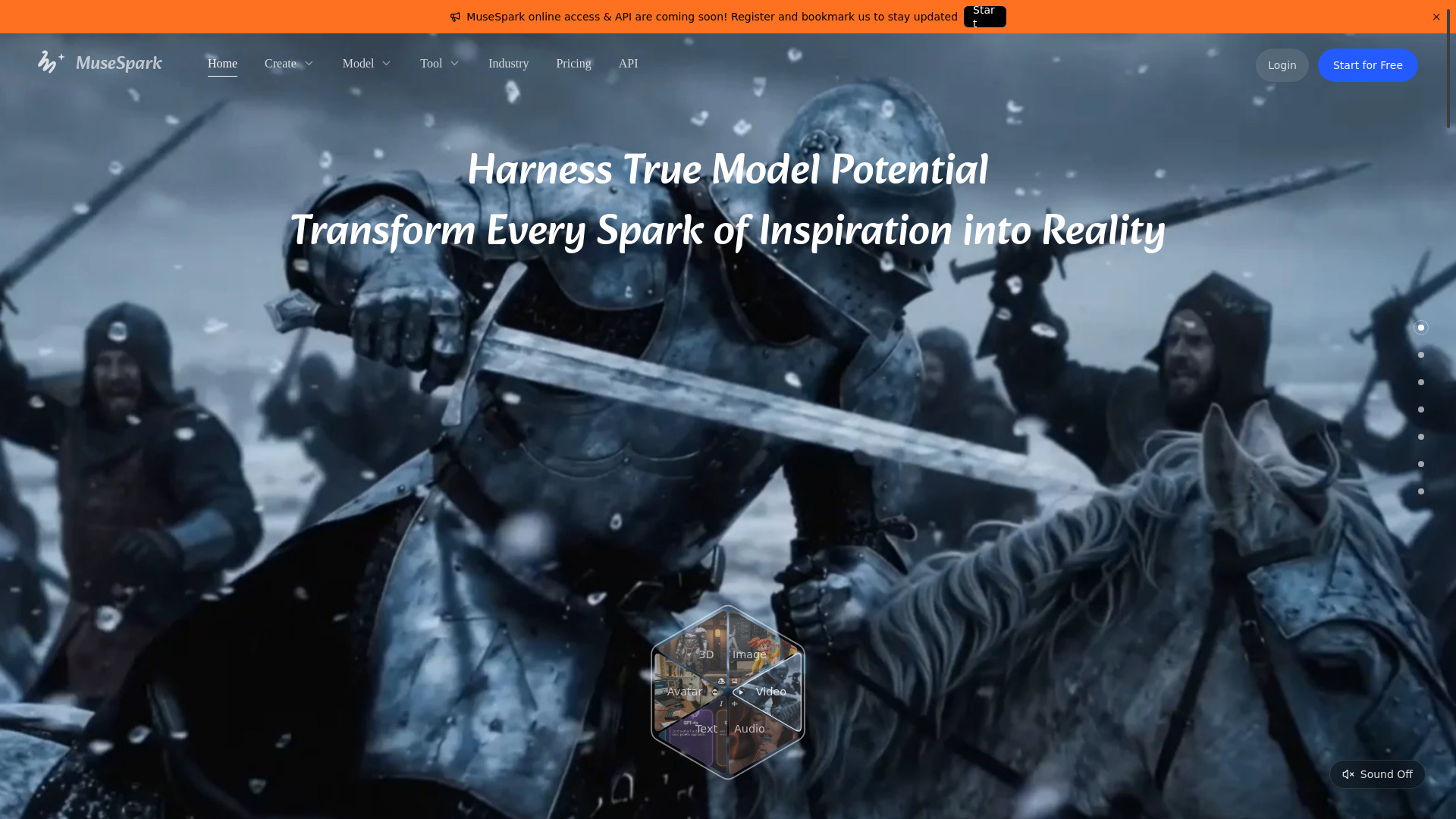
MuseSpark AI is an all-in-one AI platform for generating and editing creative media, including images, videos, and audio. It provides a visual canvas where users can create workflows by connecting nodes, each representing a specific AI task such as text-to-image, image-to-video, or video analysis. The platform emphasizes harnessing the full potential of AI models to transform creative ideas into reality.
How to use MuseSpark AI
- Start a Flow: Begin by creating a new Flow on the canvas. You can drag in assets, choose a template, or describe your idea.
- Add Nodes: Use the node-based editor to add AI image, video, or text nodes. Each node performs a specific function, such as generating an image from a prompt or analyzing a video.
- Connect Nodes: Link nodes together to create a workflow. For example, connect a text node to an AI image node to generate an image from text.
- Configure Parameters: Adjust node parameters to fine-tune the output, such as prompt text, model selection, or image dimensions.
- Run the Flow: Execute the flow to see results. You can run individual nodes, a selection, or the entire flow.
- Iterate and Refine: Use the snapshot timeline to save versions, and the logs to debug issues. You can also use the later queue to manage tasks.
Features of MuseSpark AI
- Node-based visual editor: Build complex AI workflows by connecting nodes on a canvas.
- AI Image Generation: Generate images from text prompts, edit images, upscale, remove backgrounds, and more.
- AI Video Generation: Create videos from text or images, extend videos, swap faces, translate, and apply effects.
- AI Audio Tools: Text-to-speech, audio-to-audio, video dubbing, and other audio processing.
- Template Gallery: Browse community templates for one-click forking.
- Snapshot Timeline: Save and restore versions of your flow.
- Usage Statistics: Track runs, nodes created, and media outputs.
- Keyboard Shortcuts: Customizable shortcuts for efficient workflow.
- Feature Tiers: Unlock advanced features as you level up (L1 Novice, L2 Advanced, L3 Expert).
Use Cases of MuseSpark AI
- Creative Design: Generate and edit images for marketing materials, social media, or personal projects.
- Video Production: Create promotional videos, product demos, or short-form content.
- Content Localization: Translate videos into multiple languages with dubbing and subtitles.
- E-commerce: Generate product views, try-on videos, and background replacements.
- Education: Create visual aids, explainer videos, or interactive content.
FAQ
Q: What types of media can I create with MuseSpark? A: You can create and edit images, videos, and audio using various AI models.
Q: Do I need coding skills to use MuseSpark? A: No, the node-based interface is visual and designed for non-programmers.
Q: Can I use my own images or videos? A: Yes, you can upload images and videos as inputs to nodes.
Q: Are there templates available? A: Yes, there is a community template gallery with ready-to-fork workflows.
Q: How do I save my work? A: The platform auto-saves, and you can also create manual snapshots.