

What is MuseVideo AI
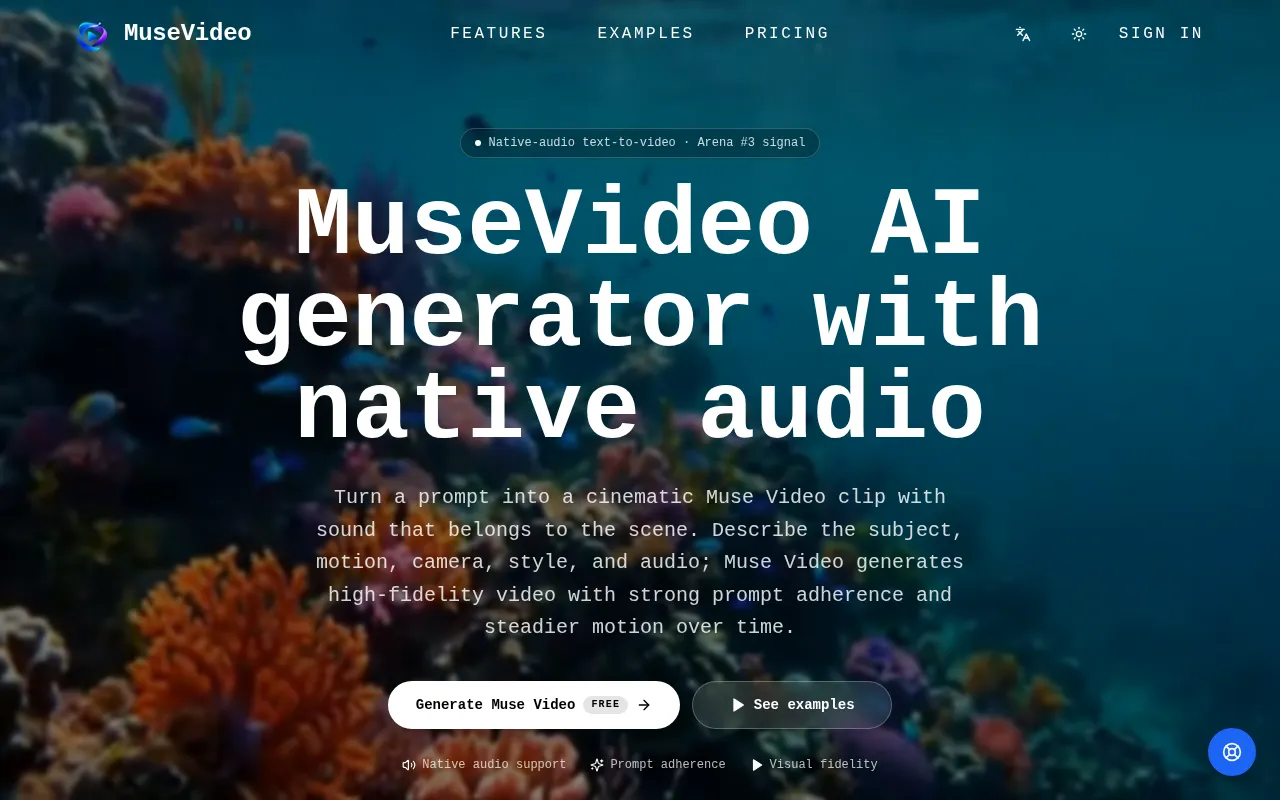
MuseVideo is an AI-powered tool designed to generate short video clips from text prompts. It focuses on creating videos with native scene audio, high-fidelity visuals, strong prompt adherence, and steady temporal consistency.
How to use MuseVideo AI
- Sign in: Access the Muse Video Studio.
- Enter a prompt: Describe the desired scene, subject, motion, mood, lighting, and camera movement.
- Select settings: Choose the aspect ratio (e.g., 16:9, 9:16), duration (e.g., 4s, 6s, 8s), and resolution (e.g., 720p, 1080p, 4K).
- Generate: Initiate the video creation process.
- Preview and Download: Review the generated video clip, which will appear in your results panel, and download it for use.
Features of MuseVideo AI
- Native Audio Support: Sound is integrated into the generation workflow, allowing prompts to describe ambient sound, dialogue, effects, or music.
- Prompt Adherence: Designed to follow prompts closely regarding subject, action, style, framing, and camera movement.
- Visual Fidelity: Aims to generate cleaner details, convincing lighting, and sharper scene composition.
- Temporal Consistency: Focuses on maintaining stable subjects, scene details, and motion across frames for continuous video.
- Shared Base with Muse Image: Benefits from the same creative model family as Muse Image, enabling precise visual direction and faithful instruction following.
- Creator and Business Workflows: Suitable for generating social posts, marketing assets, personalized visuals, product concepts, and campaign-ready clips.
- Customizable Settings: Options for aspect ratio, duration, and resolution.
Use Cases of MuseVideo AI
- Creator clips for social feeds: Generate short videos for TikTok, Reels, Shorts, and launch posts with clear subjects, camera movement, and scene audio.
- Small-business marketing assets: Create video concepts for ads, product launches, and social posts from product ideas or campaign briefs.
- Storyboards, demos, and interactive media: Produce animated product stories, embedded website visuals, demo scenes, and interactive media concepts.
- Cinematic scenes with native sound: Generate dramatic or story-led scenes with believable camera motion and synchronized audio.
- Broadcast-style video concepts: Prototype host segments, interview setups, show openers, and editorial clips with polished visuals and audio.
- Natural motion and atmospheric worlds: Create motion-heavy outdoor scenes, stylized creatures, weather, landscapes, and ambient environments.
Pricing
Muse Video offers several plans:
- Starter: $29.9/month, includes 800 Credits Per Month.
- Pro: $49.9/month, includes 1,800 Credits Per Month.
- Studio: $99.9/month, includes 4,000 Credits Per Month.
There are also options to "Bill Yearly" (with a 50% discount) and "Pay Once" for credits.
FAQ
- What is Muse Video? Muse Video is a native-audio text-to-video model for generating short AI video clips from prompts. It focuses on prompt adherence, visual fidelity, temporal consistency, and sound that fits the generated scene.
- Can I generate Muse Video clips here? Yes. Sign in, write a prompt, choose your aspect ratio and settings, then generate a Muse Video clip. Successful renders appear in your results panel so you can preview, download, and create another version.
- How does native audio work? Native audio means sound is part of the video generation workflow instead of a separate soundtrack step. For better results, describe both the visual action and the sound that should accompany it: ambience, dialogue, effects, mood, or music.
- How do credits and pricing work? Sign in, claim starter credits, and each generation draws from your balance. You can choose a monthly subscription, discounted yearly subscription, or one-time credit pack depending on how much you create. Credits are spent only on a successful render, so a failed attempt never costs you.
- Can I use the videos commercially? Paid-plan outputs can be used in commercial work under their terms: ads, social posts, landing pages, client concepts, and campaign assets. Users are responsible for their prompts and for not infringing on others' rights.