
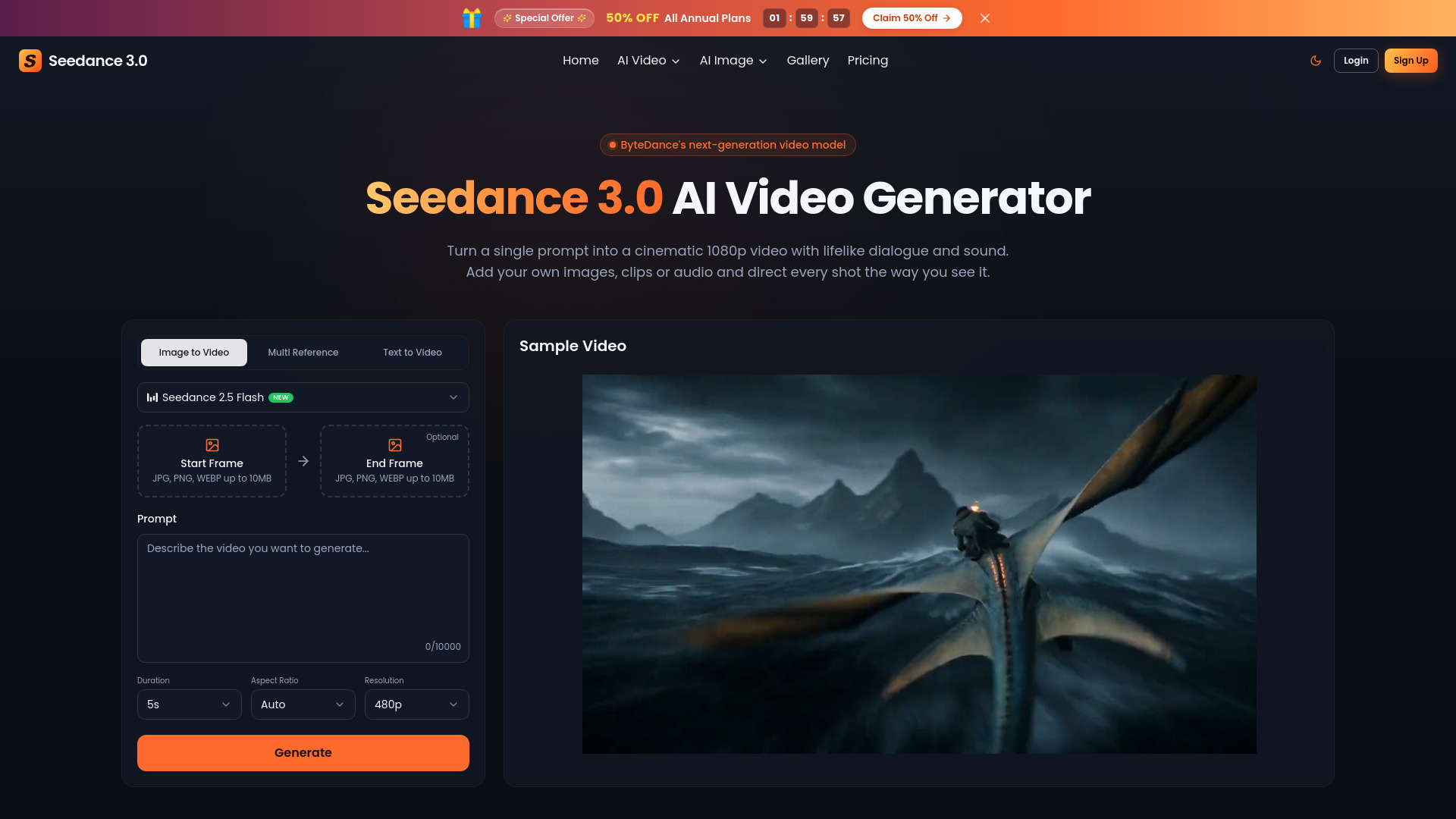
Seedance 3.0 AI Video Generator
Image to Video
AI video generator and editor with multimodal references and synchronized sound
Check pricingVisit site

AI Video Generator
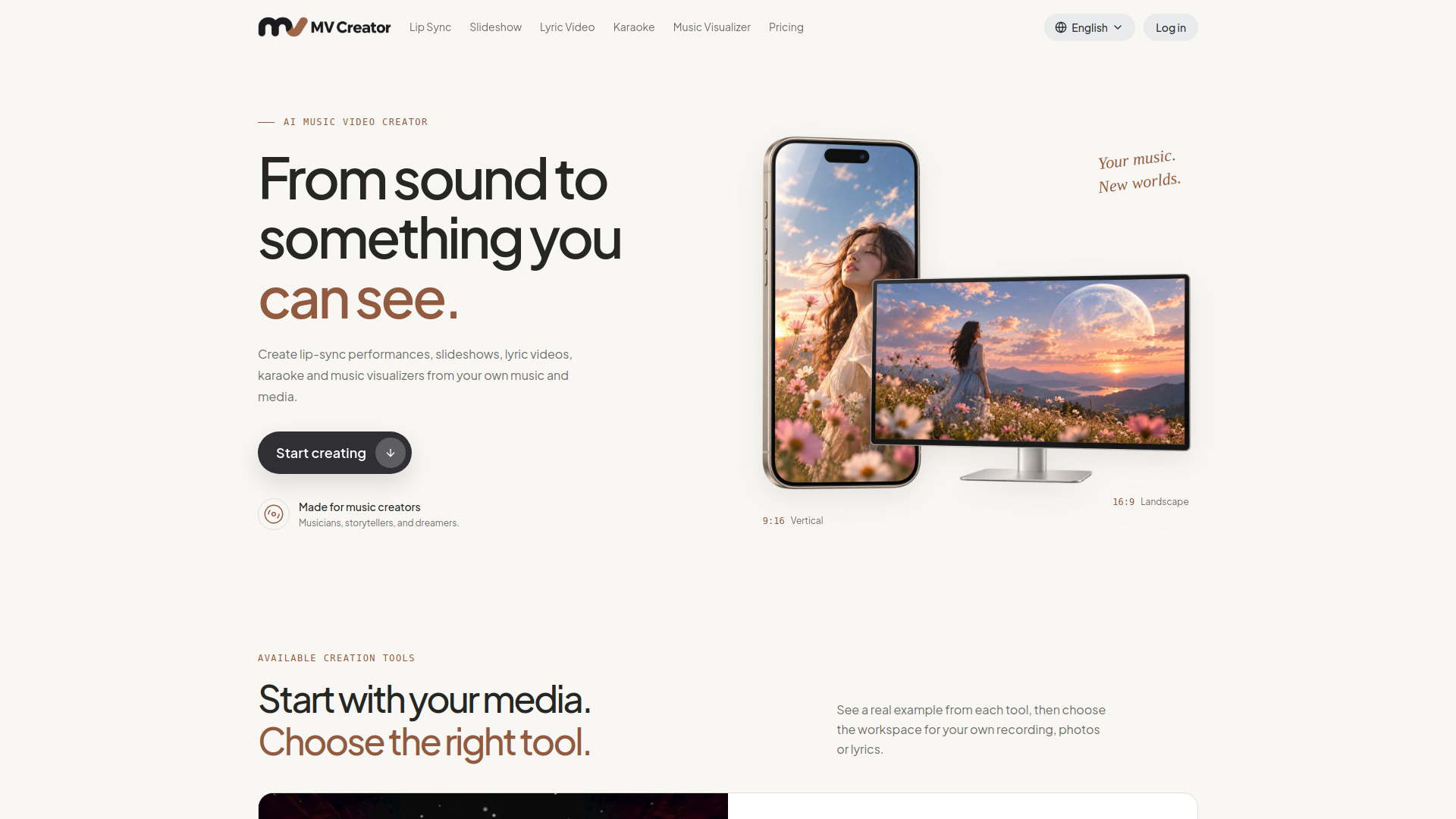
Create music videos from your audio, photos, and lyrics
Explore other tools in related categories.
Image to Video
AI video generator and editor with multimodal references and synchronized sound

AI Video Generator
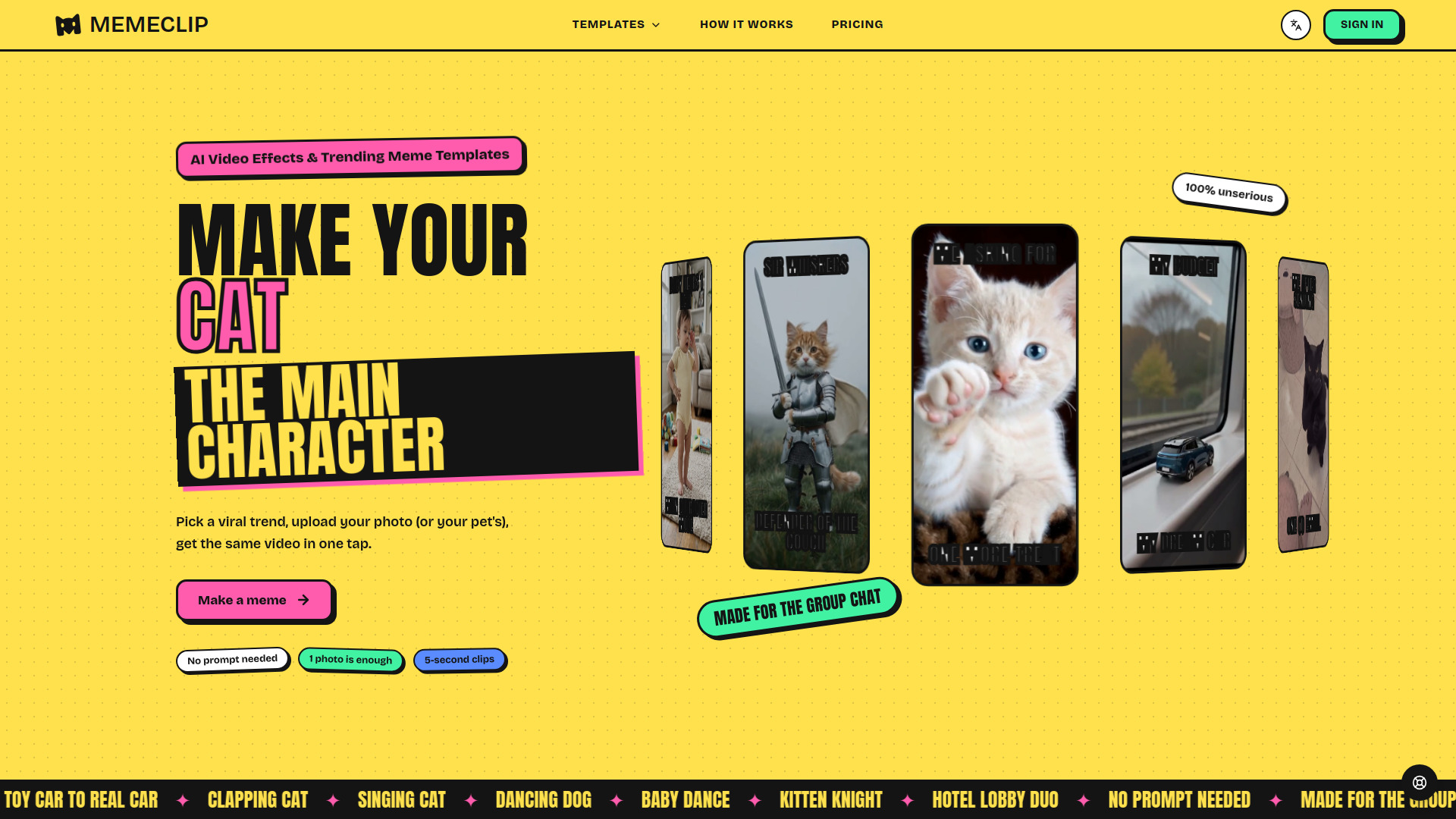
Turn photos into short AI-powered meme videos using trending templates.

AI UGC Video Generator
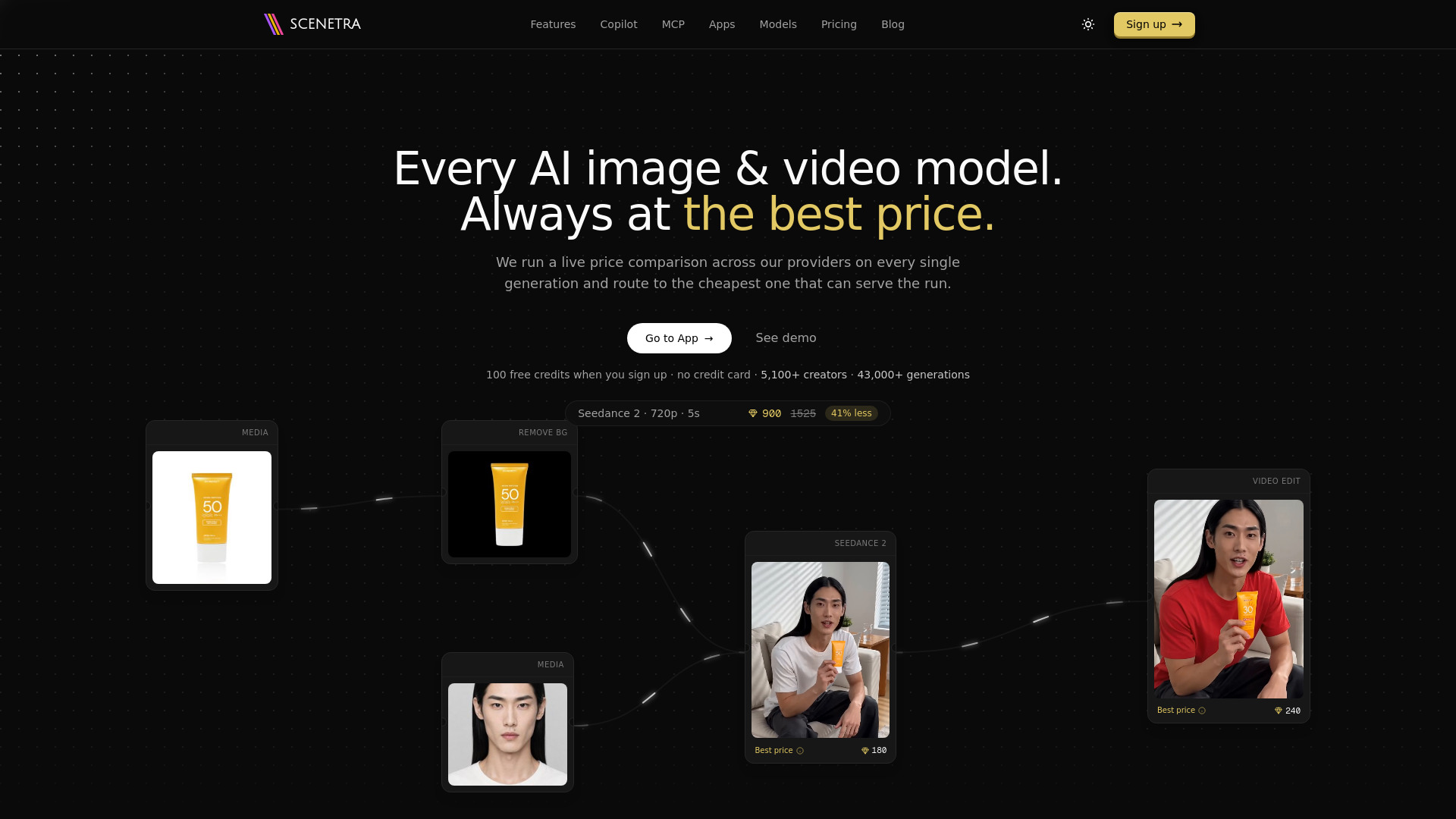
AI image and video generation at the best price: 50+ models in one visual workspace, billed at provider cost with 0% markup.
MV Creator is an AI music video creator that turns your audio, photos, and lyrics into visual content. It offers five specialized tools: Lip Sync AI, Slideshow Maker, Lyric Video Maker, Karaoke Video Maker, and Music Visualizer Maker. The platform is designed for musicians, storytellers, and creators who want to give their recordings a visual dimension.
Video generation uses Credits. You can review the quote before submitting. AI artwork and character images are charged separately. Karaoke vocal removal, when available, is also charged separately. View the plans for Credit options.
How do I make a video with photos and music?
Open Slideshow Maker, add your photos and song, then arrange the photos and select an audio segment. You can add a music spectrum or text, or keep a simple photo sequence with music.
How do I make a lyric video?
Open Lyric Video Maker, add your recording and recognize, paste, or import the lyrics. Choose an animated text template, check the words and timing in the preview, then generate your video.
Which tool should I use for a karaoke video?
Use Karaoke Video Maker for singing practice or sing-along videos. Add a song or prepared instrumental and timed lyrics, preview the current-line highlighting, and add optional photo backgrounds. The classic effect highlights whole lines; use Lyric Video Maker for other animated text templates.
Can I make a singing video from one photo?
Yes. In Lip Sync AI, choose a character with a suitable portrait, upload your song, and select a segment to create an AI singing performance. Use this tool when you want the person in the image to sing, rather than a photo slideshow.
Is video generation free? How is it charged?
Video generation uses Credits. Review the quote before submitting; AI artwork and character images are charged separately. Karaoke vocal removal, when available, is also charged separately. You can view the plans for Credit options.
Can I use my own song and images?
Yes. Use recordings and images you own or have permission to use. Slideshow Maker accepts photos or AI artwork; Lip Sync AI uses a saved portrait. Lyric videos combine your song and lyrics with an optional cover, while karaoke videos use your selected audio and timed lyrics with optional photo backgrounds.
Which video formats and aspect ratios can I download?
Download completed MP4 videos from your history. Slideshows, lyric videos, and karaoke videos support 16:9, 9:16, and 1:1. Lip-sync videos use the original character image without a separate aspect-ratio setting. Review the finished file before sharing.