What is Myndra
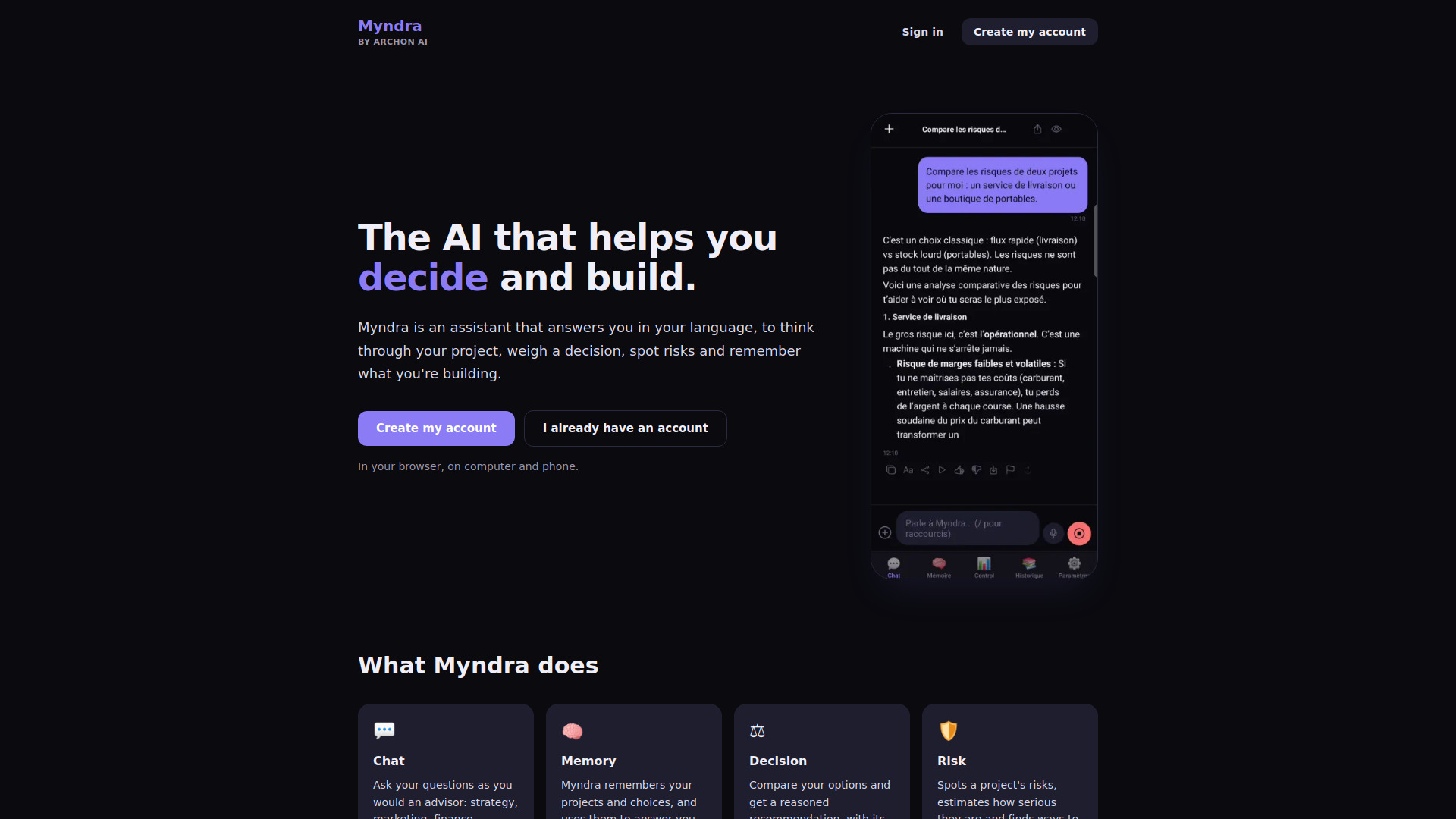
Myndra is an AI assistant developed by Archon AI that helps you think through your project, weigh a decision, spot risks, and keep track of what you are building. It answers in your language and works in your browser on both computer and phone.
How to use Myndra
- Create an account using your email address and a password, or with your Google account. If you use email, confirm your registration by clicking the link you receive.
- Access Myndra at app.myndra.dev in your browser. On iPhone, you can add it to your home screen via Safari (Share, then "Add to Home Screen") so it opens like an app.
- Ask questions or describe your project in the chat. Myndra responds in the language of your question.
- Use the available features such as Decision, Risk, Bias, Document analysis, Simulation Lab, and Multi-Agent to get structured help.
- Myndra remembers your projects and choices to provide more relevant answers. You can view and delete your memories at any time.
Features of Myndra
- Chat: Ask questions like you would to an advisor on strategy, marketing, finance, or writing. Includes dictation, read-aloud, and web search when needed.
- Memory: Myndra retains your projects and choices and uses them to inform responses. You can see and delete your memories whenever you want.
- Decision: Compare options and get a reasoned recommendation with strengths and limitations.
- Risk: Identify project risks, estimate their severity, and find ways to mitigate them.
- Bias: Detect cognitive biases that may distort your reasoning before making a decision.
- Document: Analyze a PDF or Word document and extract the key points.
- Simulation Lab: Explore three possible futures for a scenario: optimistic, realistic, and pessimistic.
- Multi-Agent: Multiple AIs debate your question, and an arbiter makes a final decision.
Use Cases of Myndra
- Finding your first customers for a delivery service in Ouagadougou.
- Assessing the risks of opening a second store this year.
- Drafting a three-month marketing plan for your app.
- Choosing between two suppliers with help to decide.
- Preparing a decision, meeting, or strategy as a manager or executive.
- Selling, finding clients, and organizing your activity as a freelancer or merchant.
- Working on a thesis, project, or first business plan as a student.
FAQ
Do I need to install anything?
No. Myndra works in your browser on both computer and phone. On iPhone, you can add it to your home screen from Safari (Share, then "Add to Home Screen").
Does Myndra only speak French?
No. Myndra responds in the language of your question, whatever it is, and the site displays in the language of your phone or computer.
How do I create an account?
With your email address and a password, or with your Google account. With an email address, you confirm your registration by clicking the link received by email.
Can I delete my account?
Yes, at any time from the Settings. Your account and data are then erased.