Newsletter
Join the Community
Subscribe to our newsletter for the latest news and updates

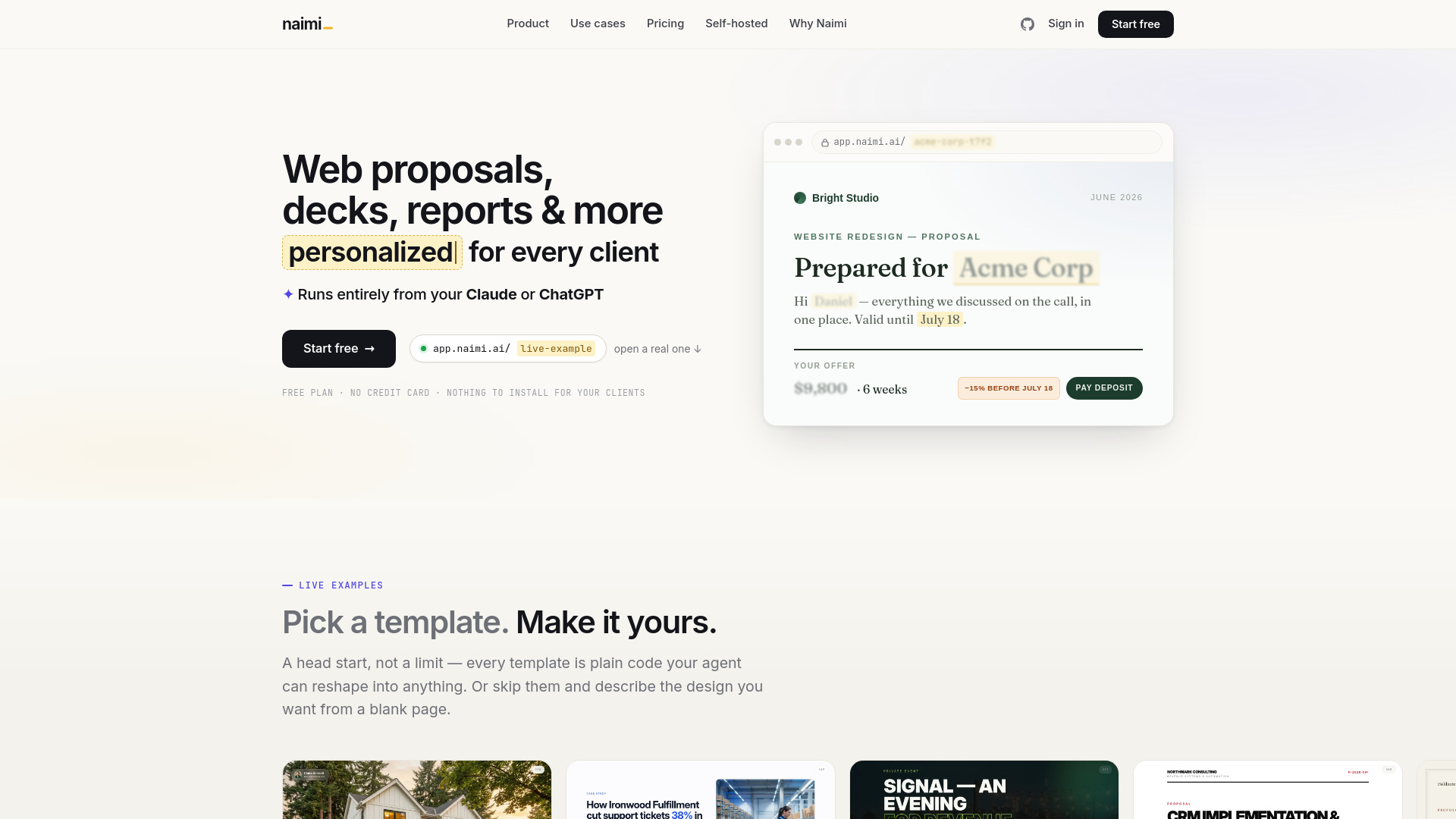
Interactive AI-powered web proposals with tracked client links.
Naimi is a platform that turns proposals, decks, and offers into interactive web presentations. Each presentation is personalized for every client, sent as a single tracked link. It is built to work with AI tools like Claude Code, Cursor, and Codex, allowing users to create templates and personalize content through natural language.
What is a web presentation? A presentation that lives at its own web address instead of inside a file. It opens in any browser like a beautifully designed page: slides, prices, calculators, videos, buttons. You send a link, not an attachment — and unlike a PDF, it can react to the reader and report back to you.
Do my clients need an account or an app? No. A client opens their link in any browser — phone or laptop — with no login, no registration, no download.
I am not technical. Can I actually use this? Yes. You talk to an AI agent in plain language — “make our proposal look like this, and make the price personalized”. The agent does all technical work. Day to day you either fill a short form per client or just tell the agent.
Which AI tools does Naimi work with? Any agent you already use: Claude Code, Cursor, Codex and similar. Naimi ships a kit these agents understand natively — it is public on GitHub, so you can try it before you even create an account — plus a REST API and an MCP server. Creating presentations for clients also works without any agent — right in the web app.
Do I have to pay for AI on top of Naimi? No. Building templates runs through your own agent on whatever plan you already have — a paid subscription, a free tier, or an open-source model. Naimi adds zero AI fees: no credits, no tokens, no markup.
Can I start from my existing PDF or PowerPoint? Yes — that is the most common start. Give the agent your current deck, a competitor’s proposal, screenshots, even a photo of a sketch. It rebuilds the content as an interactive web template and marks the parts that should change per client.
What do I see after I send a presentation? When it was opened, how many times, and how long the client actually spent in it. You can get a Telegram ping the moment it happens — or point a webhook at anything else your agent can wire up — so you call while your proposal is literally on their screen. Anything the client fills in or selects is saved for you too.
Is there really a free plan? Yes — free forever, no credit card. Three team seats, three templates and up to 30 new tracked presentations a month — enough to run real deals and see whether personalized links close better than attachments.
Can I run Naimi on my own servers? Yes. There are one-time self-hosted editions (from $149) for teams that prefer their own infrastructure — full source, Docker deploy, your data stays with you.