LogoTopAIHubs
icon of Nana Banana 2 AI Image Generator

Nana Banana 2 AI Image Generator

Fast AI image generator and editor for creators—rapid iterations, precise edits, and improved in-image text rendering.

Introduction

What is Nana Banana 2 AI Image Generator

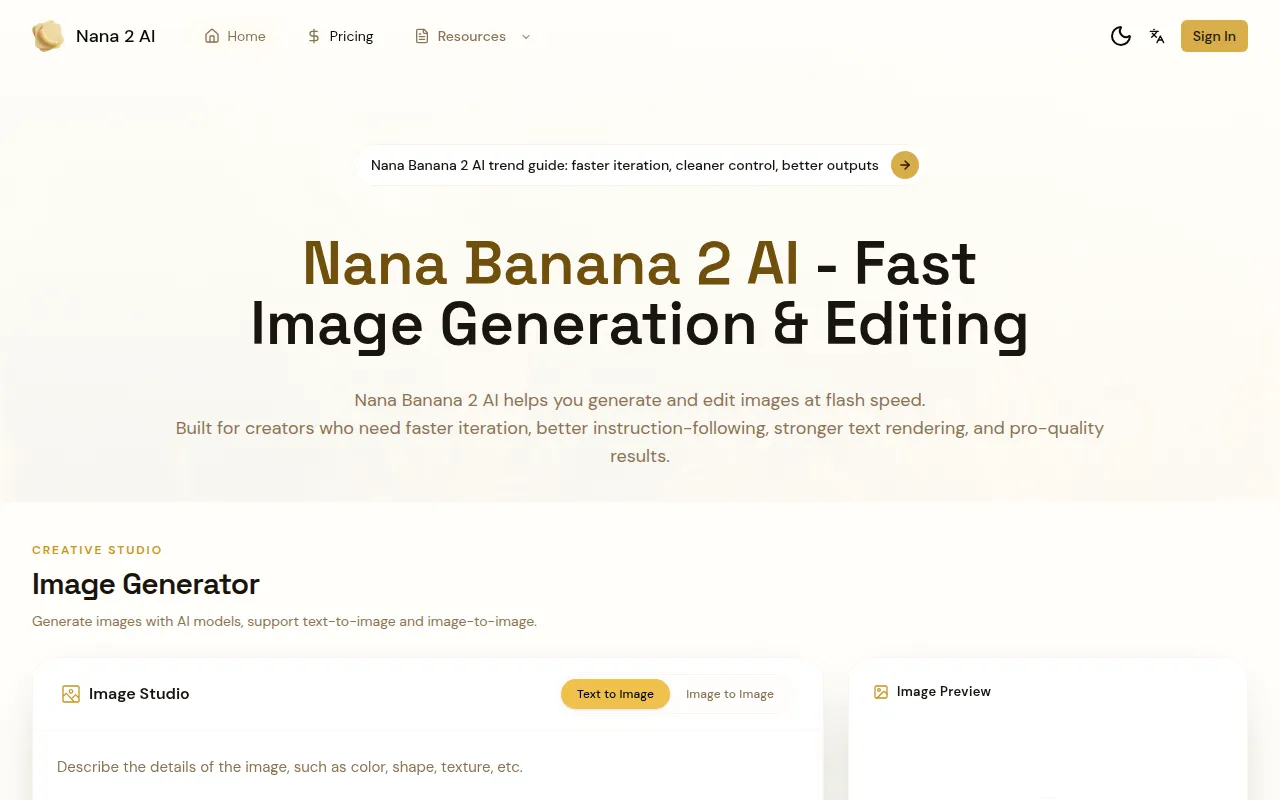
Nana Banana 2 AI is a professional AI image generation and editing platform designed for creators. It focuses on rapid iteration, precise instruction-following, and dependable text rendering to help users move from idea to final assets faster.
How to use Nana Banana 2 AI Image Generator
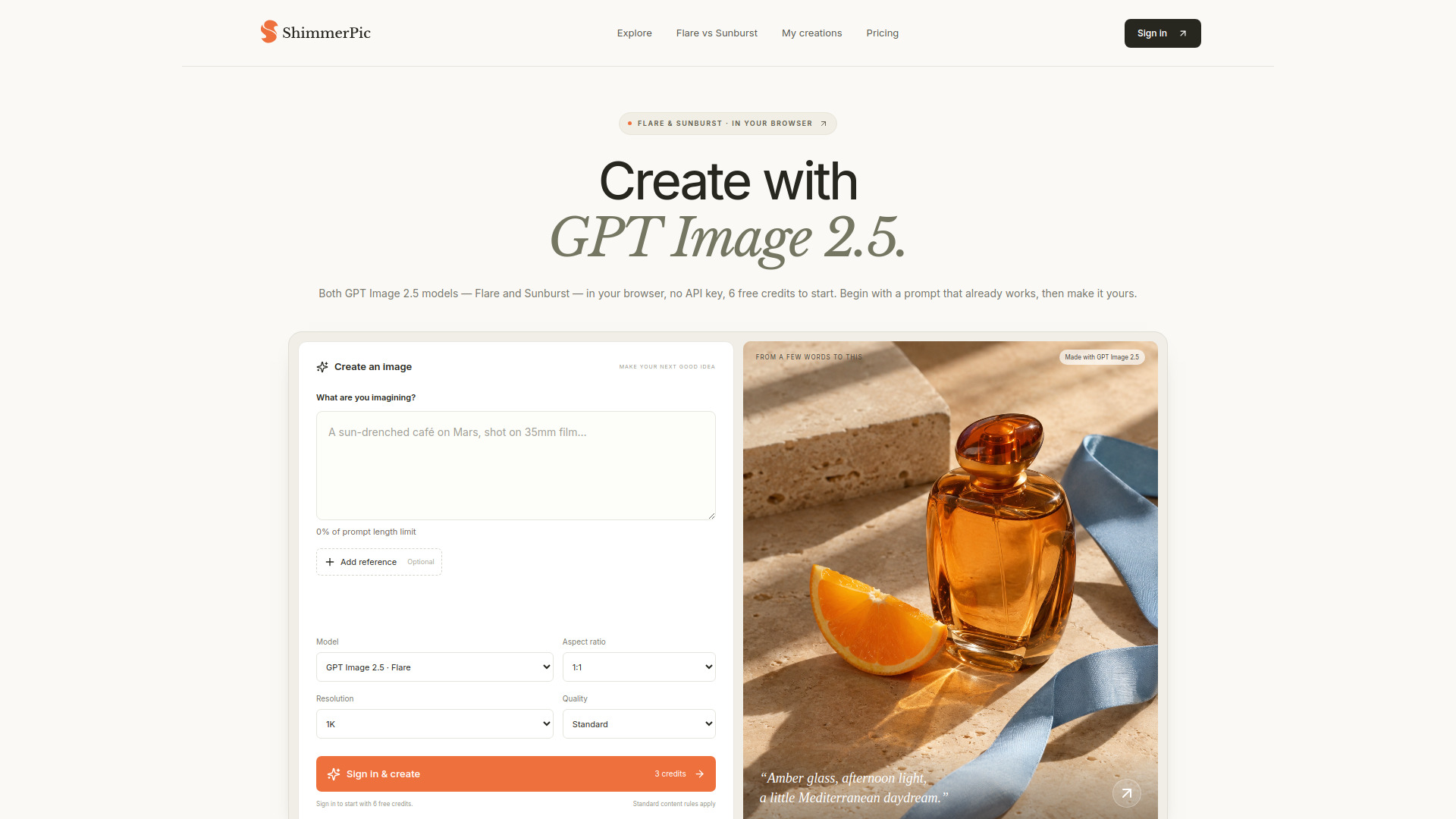
  1. Start with a Prompt or Image: Describe what you want to create, or upload an image as a reference or edit source. Supports common formats like JPG, PNG, and WebP.
  2. Refine with Clear Instructions: Request targeted changes for style, layout, lighting, color, and text. Iterate quickly until the image matches your intent.
  3. Export and Publish: Review your final image and download it for social posts, ads, product pages, or client work.
Features of Nana Banana 2 AI Image Generator
  • Prompt-to-Image Generation: Turn prompts into polished visuals in seconds.
  • Guided Image Editing: Upload an image and direct precise edits for color, composition, product details, backgrounds, and style shifts.
  • Better Instruction Following: Outputs stay aligned with requests, even with multiple constraints.
  • Text Rendering You Can Ship: Produce visuals with clearer text for posters, covers, menus, and social creatives.
  • Style Range: Pro to Flash: Move between quick ideation and pro-quality finishing.
  • Batch Workflow (Pro): Handle multiple generations or edits in one flow.
  • Flash-Speed Iteration: Generate multiple directions in seconds.
  • Instruction-First Editing: Follows detailed prompts and edit requests closely.
  • Stronger Text Rendering: Cleaner in-image text and more stable typography.
  • Pro Quality, Flexible Speed: Switch between fast drafts and polished outputs.
Use Cases of Nana Banana 2 AI Image Generator
  • Concept Frames to Campaign-Ready Assets: Generate visuals quickly from prompts.
  • Product Shots and Background Swaps: Edit images for e-commerce.
  • Social Media Creatives: Produce visuals with clearer text for social posts.
  • Posters, Covers, and Menus: Create designs with readable text.
  • Staging Listing Visuals: Polish real estate images.
  • Class Project Covers: Generate usable drafts quickly.
FAQ
  • Is Nana Banana 2 AI really free to use? Yes. Nana Banana 2 AI offers free standard usage for everyday generation and editing. A Pro plan is available for higher-resolution exports, batch workflows, and faster processing.
  • How do I generate images with Nana Banana 2 AI? Visit nanabanana2ai.io, enter a prompt, and generate your first result in seconds. You can then refine with follow-up instructions and download the version that fits your use case.
  • Can Nana Banana 2 AI edit an existing image? Yes. Upload an image, describe the changes you want, and Nana Banana 2 AI will apply guided edits such as style adjustments, background changes, color tuning, and text updates.
  • Can I use Nana Banana 2 AI on my phone? Yes. Nana Banana 2 AI works in modern mobile browsers on iPhone and Android. Open nanabanana2ai.io, create or edit your image, and download your result directly.
  • What export formats are supported? Nana Banana 2 AI supports common formats including JPG, PNG, and WebP for generation and editing workflows.
  • Is Nana Banana 2 AI officially affiliated with Google? The provided content does not mention any affiliation with Google.
  • What's included in the Pro plan? The Pro plan includes higher-resolution exports, batch workflows, and faster processing.

Newsletter

Join the Community

Subscribe to our newsletter for the latest news and updates