LogoTopAIHubs
icon of nana banana video

nana banana video

All-in-one AI studio for generating professional, watermark-free videos, images, and music.

Introduction

What is nana banana video

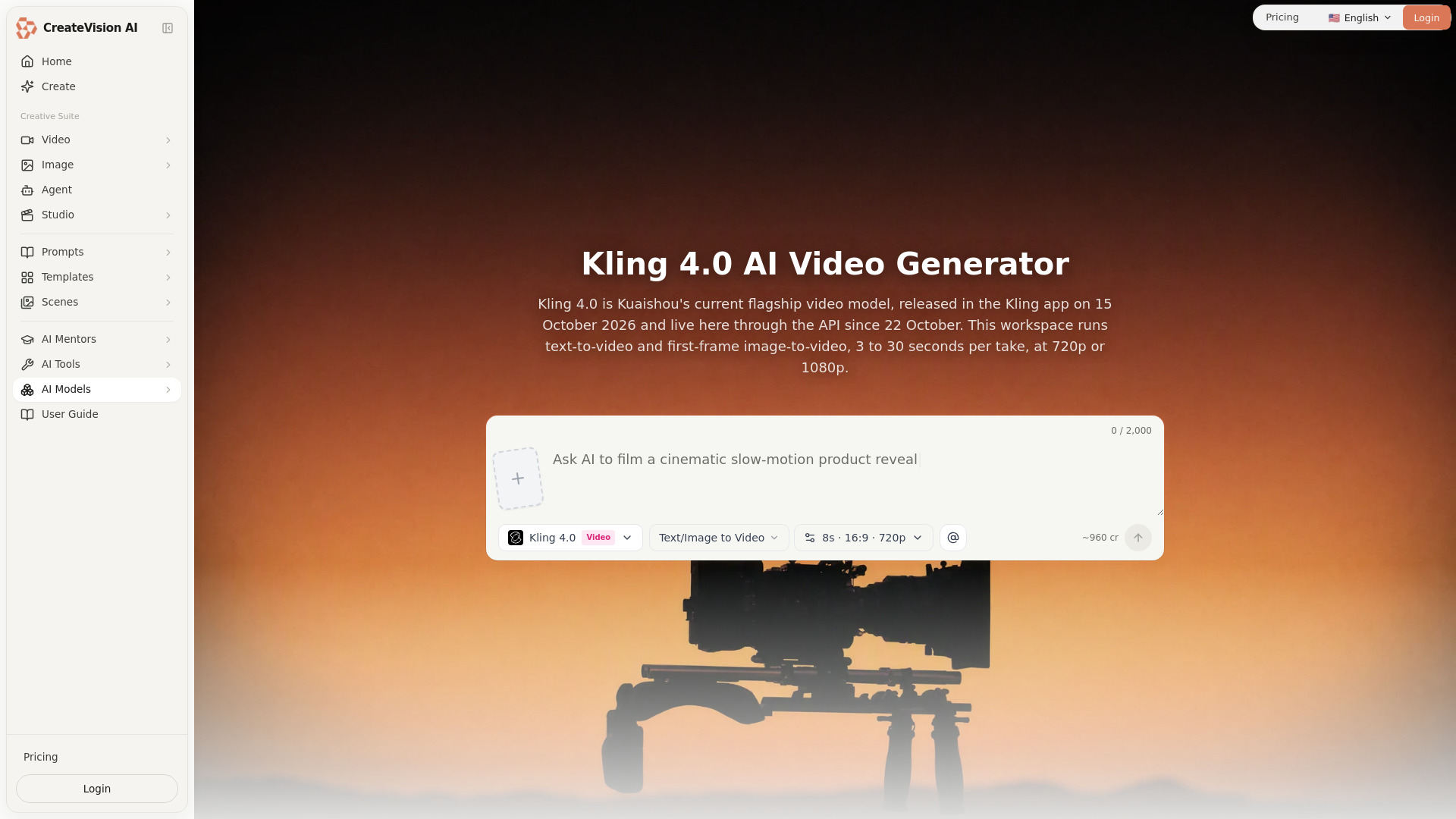
Nana Banana Video is an all-in-one AI studio designed for generating professional, watermark-free videos, images, and music. It offers a platform to create stunning visuals and audio content using advanced AI models.
How to use nana banana video
  1. Sign In: Access the platform by signing in.
  2. Select Generation Type: Choose between 'Text to Video' or 'Image to Video' for video generation, or 'Text to Image' for image generation.
  3. Enter Prompt: Describe the video or image you want to create in the prompt area.
  4. Choose AI Model: Select from available AI models like Sora 2, Veo 3.1, or Midjourney.
  5. Generate: Click the 'Generate' button to start the creation process.
  6. Preview/Download: View the generated content and download it.
Features of nana banana video
  • AI Video Generation: Create videos from text prompts or images.
  • AI Image Generation: Generate images from text prompts.
  • Watermark-Free Output: All generated content is free of watermarks.
  • Multiple AI Models: Supports advanced models like OpenAI Sora 2 and Google Veo 3.1.
  • High-Quality Output: Generates 1080p and 4K videos.
  • Fast Generation: Videos are typically generated within 3-10 minutes.
  • Commercial Rights: Full commercial license included.
  • UGC & Commercial Use: Suitable for creating UGC ads and e-commerce content.
  • Keyframes to Video: Create cinematic videos from multiple keyframes.
  • Prompt Generator: Assists in creating better prompts for video generation.
  • Multiple Languages: Supports various language options.
Use Cases of nana banana video
  • UGC Ads: Create engaging user-generated content style ads for TikTok, Instagram, and Shopify.
  • Faceless YouTube Videos: Generate content for educational, review, or storytelling channels without filming.
  • E-commerce Product Videos: Transform product images into dynamic videos to increase conversion rates.
  • Cinematic Videos: Create movie-like videos from storyboards or keyframes for filmmakers and animators.
  • TikTok Content: Generate viral content for consistent posting schedules.
Pricing
  • Starter Yearly: $8.33/month (billed annually), includes 1,000 credits/month (1200/year), Sora 2 Video, Image Generation, 1080p Output, Save 17%.
  • Pro Yearly: $24.99/month (billed annually), includes 3,300 credits/month (6000/year), All AI Models, 4K Output, No Watermark, Priority Support, Save 17%.
  • Ultra Yearly: $83.33/month (billed annually), includes 12,000 credits/month (24000/year), All AI Models, 4K Output, No Watermark, API Access, Dedicated Support, Save 17%.
FAQ
  • How to convert Nano Banana to video? Sign in, select 'Image to Video' or 'Text to Video', enter your prompt or upload an image, choose an AI model (Sora 2, Veo 3.1), and click 'Generate'.
  • Is Nana Banana to video free? The service offers free trial credits to test video generation without payment. Paid plans are available for more extensive use.
  • How to remove watermark from Nana Banana videos? All videos generated by Nana Banana Video are watermark-free.
  • Nana Banana vs Sora vs Veo 3 - which is better? The platform allows you to choose from models like OpenAI's Sora 2 and Google's Veo 3.1 Fast, enabling comparison and selection based on your needs.
  • Can I use Nana Banana videos commercially? Yes, a full commercial license is included with every video generated.
  • How long does it take to generate a video? Video generation typically takes 3-10 minutes, depending on the model and complexity.
  • What video formats are supported? The platform supports exporting videos in MP4 format.
  • Do I need to create an account to use it? An account is required to save videos and access more features. Sign-in is necessary.
  • How to get 1080p video from Nana Banana? The 'Starter Yearly' plan includes 1080p output. Higher resolution options may be available on other plans.
  • What are the best prompts for video generation? Prompts should describe your desired video effect, camera movement, style, pacing, and subject action. The platform also offers a prompt generator to assist.

Newsletter

Join the Community

Subscribe to our newsletter for the latest news and updates