Newsletter
Join the Community
Subscribe to our newsletter for the latest news and updates

AI image generation and editing with references, consistent subjects, and high-resolution output.
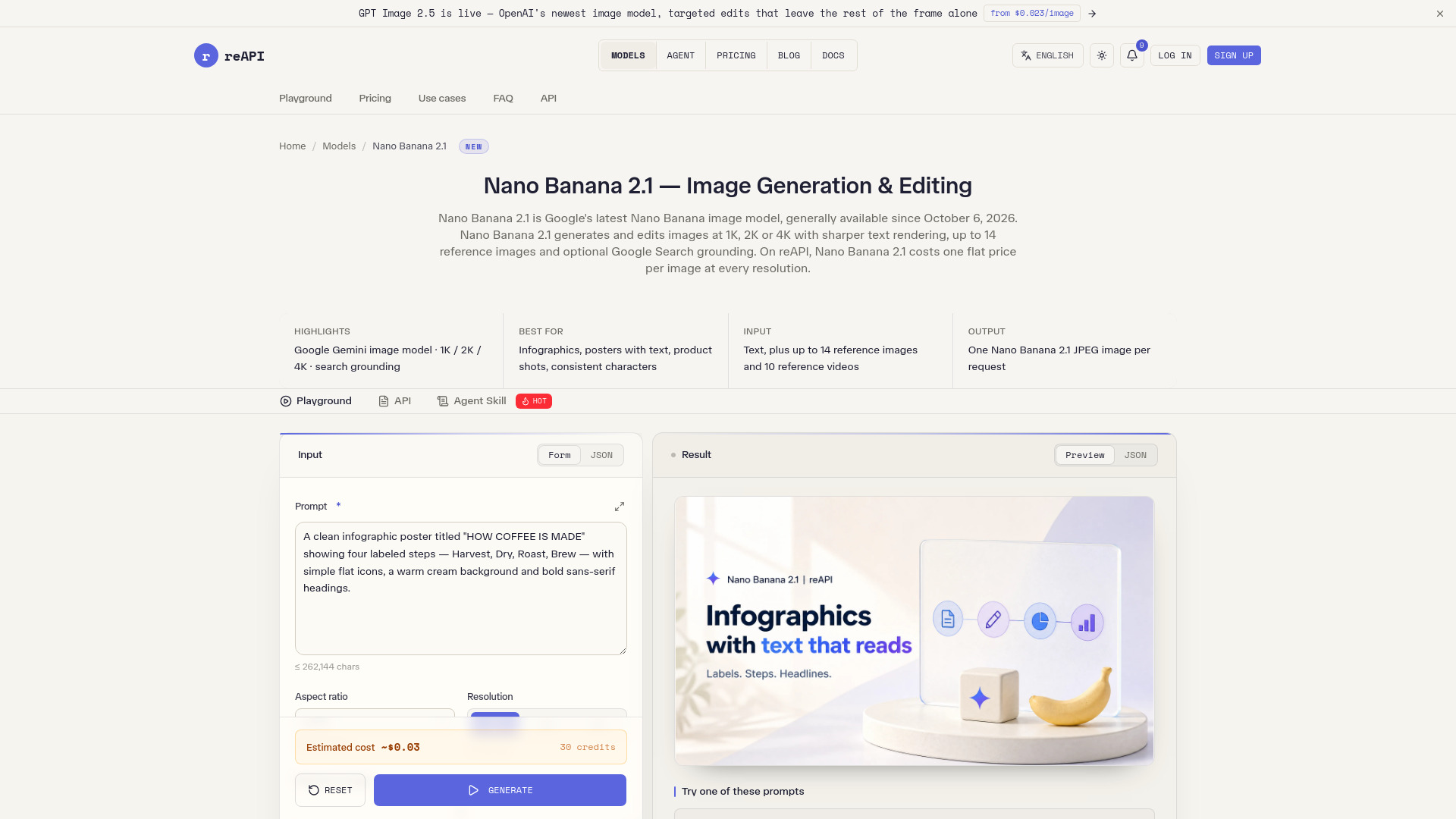
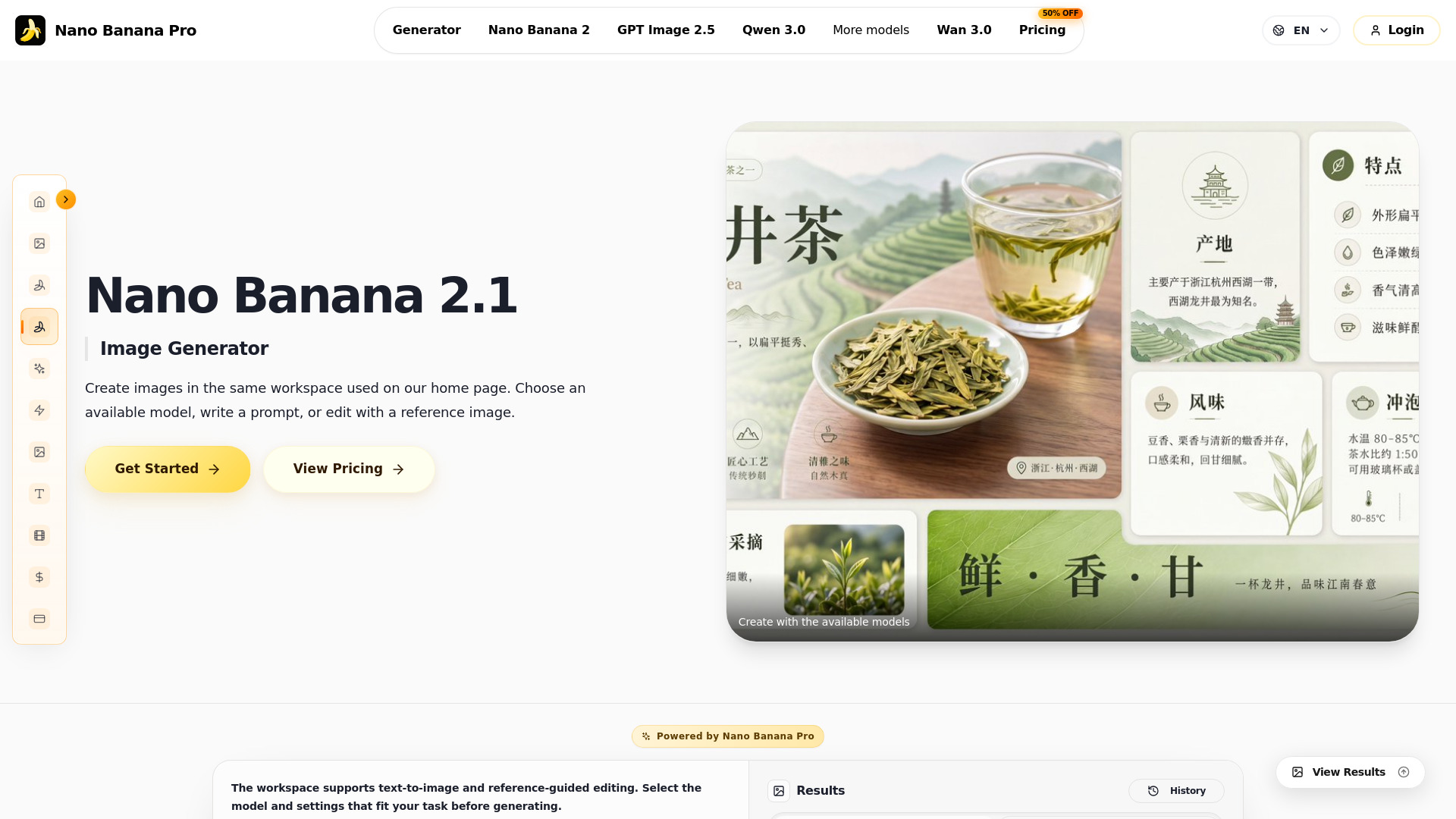
Nano Banana 2.1 is an image generation and conversational editing model in the Gemini family. It updates Nano Banana 2 with improvements in visual quality, prompt adherence, subject consistency, and text rendering. Its uses include original images, photo edits, product concepts, posters, and illustrated explanations.
Pricing information is available on the pricing page. The header indicates "UP TO 50% OFF" on pricing. Sign in to claim 100 starter credits and begin creating. Generation costs 4 credits per image.
What is Nano Banana 2.1? Nano Banana 2.1 is an image generation and conversational editing model in the Gemini family. It updates Nano Banana 2 with improvements in visual quality, prompt adherence, subject consistency, and text rendering. Its uses include original images, photo edits, product concepts, posters, and illustrated explanations.
What is different from Nano Banana 2? Nano Banana 2.1 improves visual design, realism, multi-turn consistency, multi-reference edits, and text or infographic layouts. Mask-guided editing and wide-format image quality also improve. A useful way to apply these changes is to define a precise brief and compare the result against the details you care about.
Is Nano Banana 2.1 designed for quick iteration? Nano Banana 2.1 retains the speed-oriented approach of the Flash family while improving image quality and editing control. Develop a few clear visual directions, review them, and refine the most useful one. Generation time varies with the task and settings.
Can Nano Banana 2.1 work with several reference images? The model supports multiple references and image fusion. Assign a clear role to each reference, such as the product, person, pose, or style, and specify how the elements should appear together. Use the reference settings available in your chosen workflow.
How should I describe an image edit? Identify the change first, then the details to retain: replace the background with an ivory studio wall, keep the bottle shape and label, and match the existing light direction. Clear preserve-and-change instructions help Nano Banana 2.1 follow a focused editing brief.
Can Nano Banana 2.1 create posters with text? Yes. The model supports in-image text and improved typography and infographic layouts. Supply the exact wording, language, hierarchy, and position. Short, deliberate copy is easier to review; check spelling, small text, and factual labels before publishing.
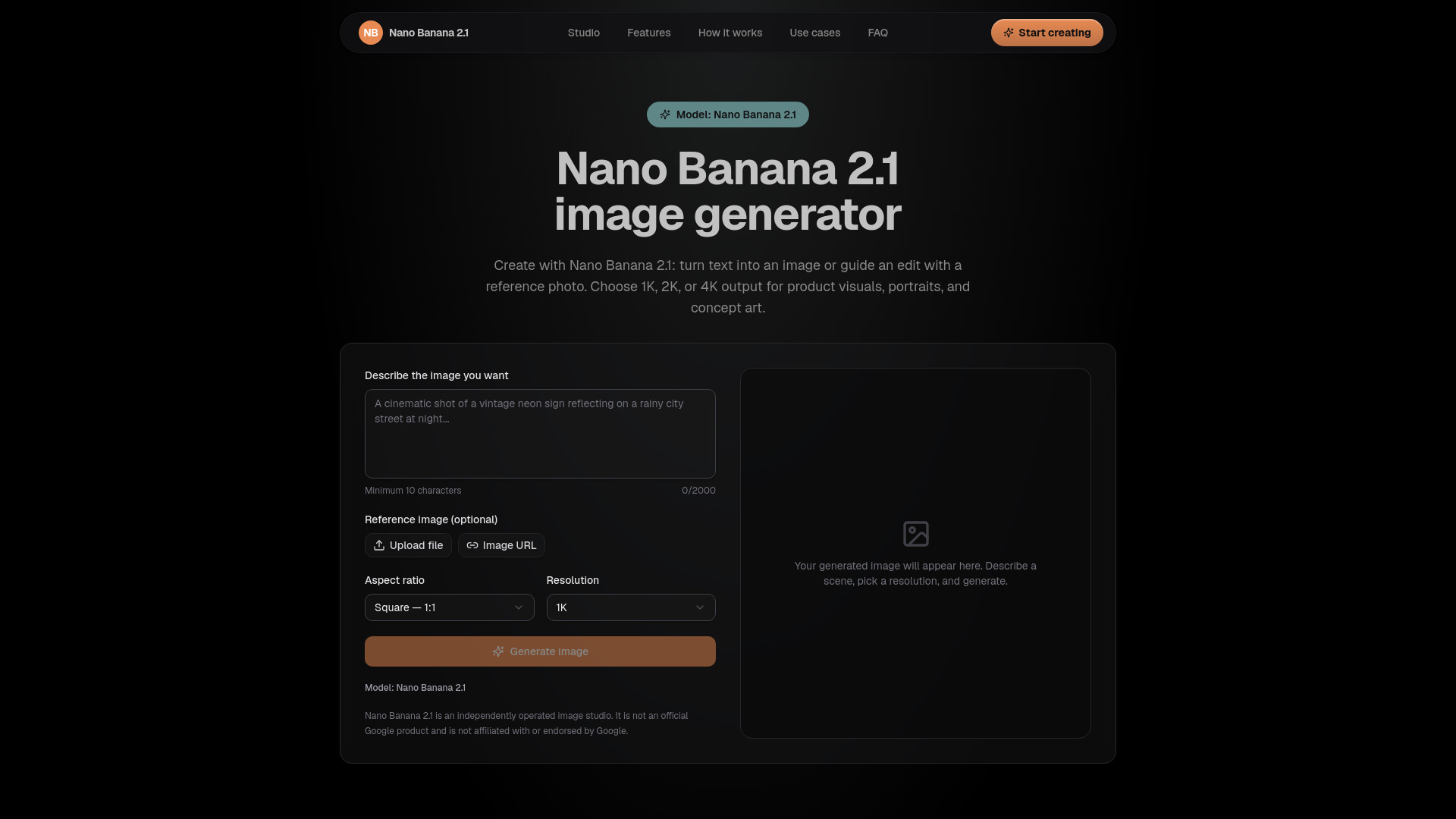
Does Nano Banana 2.1 support high-resolution images? Nano Banana 2.1 supports 1K, 2K, and 4K image output, with improved visual quality across these resolutions and improvements for wide panoramic formats. Choose the settings offered in your workflow and frame the image for its final use.
How can I keep a character or product recognizable? Use a clear reference and name the defining features: face, hair, clothing, silhouette, materials, or product markings. Reuse the same reference and creative direction across scenes, and inspect each result for details that drift.
What should I check before using an image? Review faces, hands, product details, spelling, translations, and factual information in diagrams. Nano Banana 2.1 can improve a creative workflow, but a final review remains part of preparing a visual for a real audience.
How do I begin on Nano Banana 2.1? Open Create, enter an image brief, and add references if needed. You can prepare your prompt before signing in; sign in to generate and save your work. Review the chosen model, settings, and credit charge before submitting, and compare plans on the pricing page.