What is Nano Banana 2.1 AI Image Generator
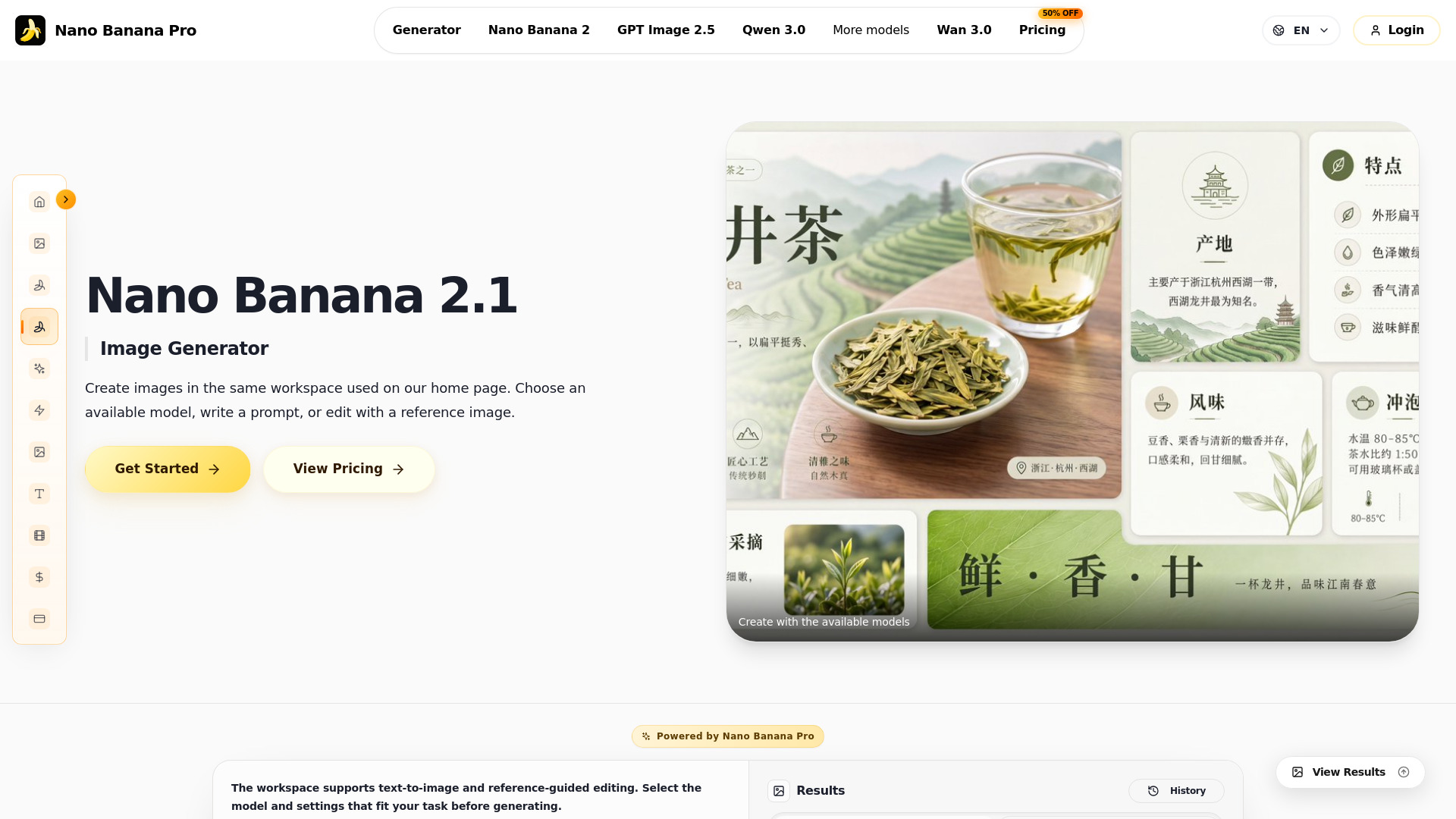
Nano Banana 2.1 is an AI-powered image generator and editor that allows users to create and edit images from text prompts or reference images. It is part of a suite of AI models available on the Nano Banana Pro platform, which includes other models like Nano Banana 2, Nano Banana Pro, GPT Image 2.5, Qwen Image 3.0, and Seedream 5.0. The tool is designed for generating product visuals, campaign concepts, and illustrations.
How to use Nano Banana 2.1 AI Image Generator
- Choose Model: Select "Nano Banana 2.1" from the available models in the generator interface.
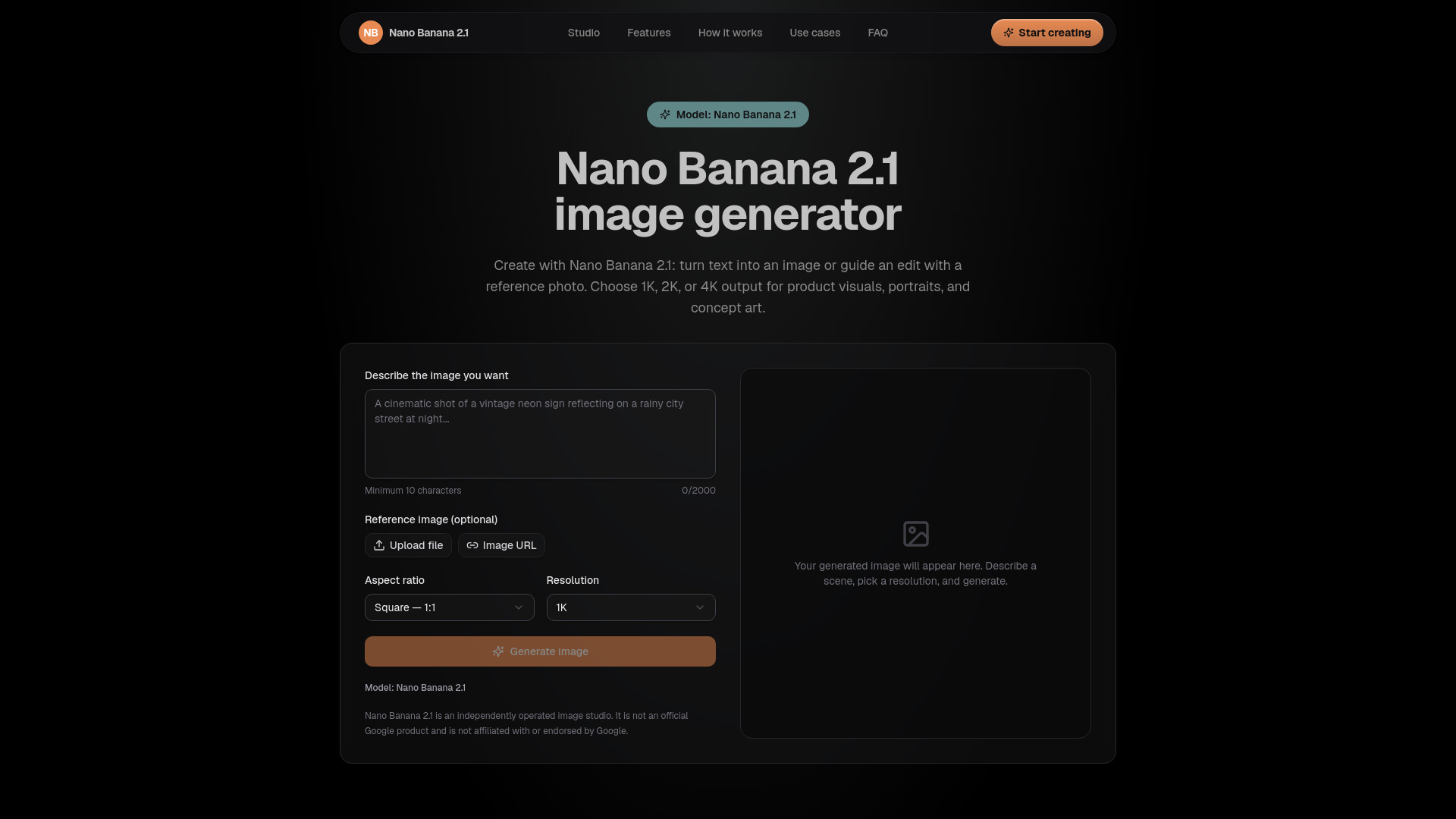
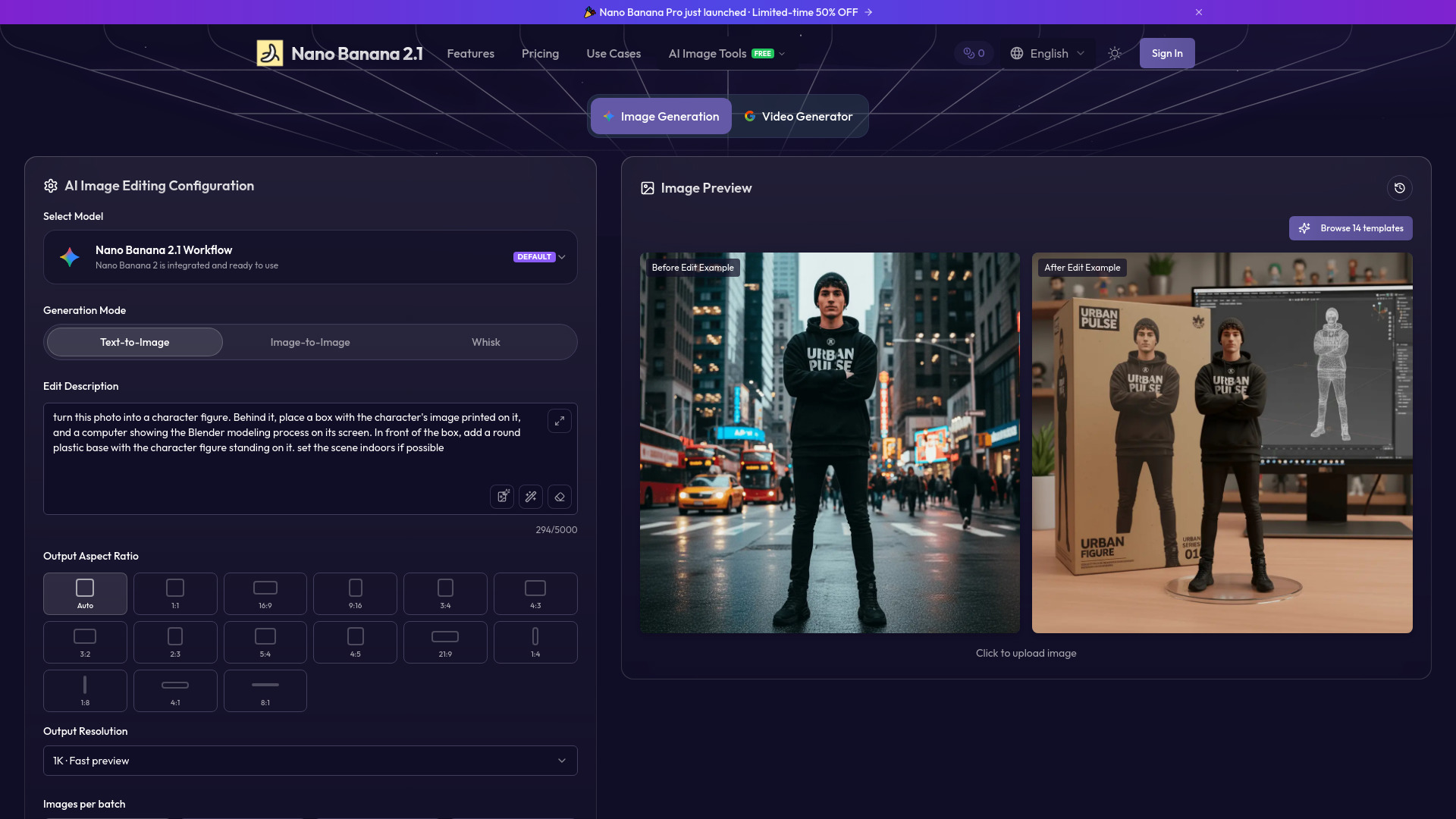
- Select Workflow: Choose between "Text to Image" or "Image to Image" mode.
- Describe the Image: Enter a detailed prompt in the text area (up to 2500 characters). You can also use the "Random prompt" button to insert a random prompt.
- Adjust Settings: Set the desired size (e.g., square), quality (e.g., 2K), and format (e.g., PNG).
- Generate: Click the generate button to create the image. You can also enable "Google Search" for web search integration and adjust advanced batch settings if signed in.
- Refine: Compare results, change details, and iterate to improve the visual for your project.
Features of Nano Banana 2.1 AI Image Generator
- Text-to-Image Generation: Create images from textual descriptions.
- Image-to-Image Editing: Work from a reference image and provide instructions for changes.
- Multiple Model Options: Choose from various AI models including Nano Banana 2.1, Nano Banana 2, Nano Banana Pro, GPT Image 2.5, Qwen Image 3.0, and Seedream 5.0.
- Customizable Output: Adjust size, quality (up to 2K), and format (PNG).
- Advanced Batch: Option to repeat tasks (available after sign-in).
- Google Search Integration: Toggle web search for additional context.
- Prompt Assistance: Random prompt generator to inspire ideas.
- Character Limit: Up to 2500 characters for detailed prompts.
Use Cases of Nano Banana 2.1 AI Image Generator
- Product Photography: Generate realistic product visuals, such as a yellow water bottle on a charcoal pedestal with studio lighting.
- Campaign Concepts: Create visual concepts for marketing campaigns.
- Illustrations: Produce custom illustrations from prompts or reference images.
- Reference Editing: Modify existing images based on specific instructions.
- Creative Exploration: Experiment with different styles and compositions.
Pricing
Pricing information is available on the platform, with a "50% OFF" badge indicating a discount. Users can check the Pricing page for detailed plans and tiers. The generator interface shows a "Current Balance" and "Available" credits, suggesting a credit-based system.
FAQ
Q: What models are available in the generator?
A: The generator offers multiple models including Nano Banana 2.1, Nano Banana 2, Nano Banana Pro, GPT Image 2.5, Qwen Image 3.0, Seedream 5.0 Pro, Seedream 5.0 Flash, and Wan 3.0.
Q: Can I use a reference image?
A: Yes, you can switch to "Image to Image" mode to work from a reference image and provide editing instructions.
Q: Is there a character limit for prompts?
A: Yes, prompts can be up to 2500 characters.
Q: Can I generate multiple images at once?
A: Yes, the "Advanced batch" feature allows you to set task repeats, but it requires sign-in.
Q: Is Google Search integration available?
A: Yes, there is a toggle for Google Search, which is off by default.