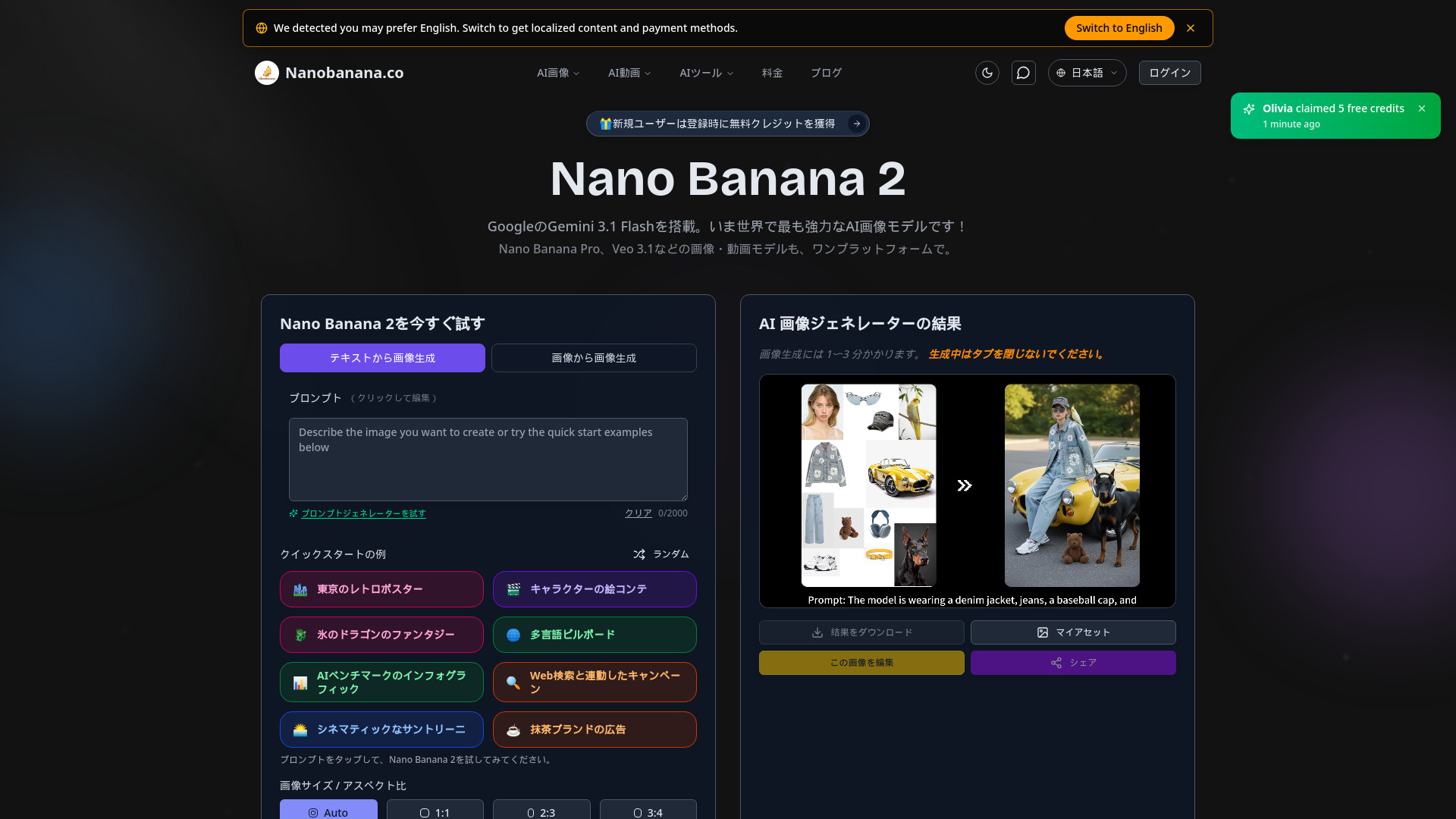
What is Nano Banana 2.co
Nano Banana 2.co is an advanced AI image and video editor powered by Google Gemini models. It offers a platform to transform ordinary photos into studio-quality visuals using simple text prompts, eliminating the need for extensive editing skills or software like Photoshop.
How to use Nano Banana 2.co
- Upload an image or paste a URL.
- Describe the desired changes using text prompts (e.g., "Change the sky to sunset, add neon signs").
- Receive high-quality results within approximately 30 seconds.
- Refine the image with further prompts or generate alternative versions.
- Download the final output in high-resolution PNG/WebP format.
Features of Nano Banana 2.co
- Powered by Google Gemini models (Nano Banana 2 uses Gemini 3.1 Flash Image, Nano Banana Pro uses Gemini 3 Pro Image).
- Advanced AI image and video editing capabilities.
- Text-to-image generation.
- Conversational editing for iterative refinement.
- High-resolution output (up to 4K).
- Breakthrough text rendering for clear and accurate text in images.
- Multi-image editing and merging (up to 10 images in Pro).
- Character consistency across multiple edits and poses.
- Photo restoration and colorization.
- Precise object editing, background replacement, and style transfer.
- Integration with Google Search for factual accuracy.
- SynthID watermarking for AI authenticity verification.
- Responsible AI principles with bias mitigation.
- Fast processing speeds.
Use Cases of Nano Banana 2.co
- Virtual Makeup Try-on: Transform portraits by applying realistic makeup effects.
- Photo Dollification: Convert real photos into doll-like illustrations or anime styles.
- AI Image Compositing: Seamlessly blend multiple elements with realistic lighting and perspective.
- Photo Restoration: Revive old or damaged photos by removing scratches and restoring colors.
- Interior Design: Virtually stage empty rooms with furniture and decor.
- E-commerce: Create lifestyle images by integrating product photos into scenes.
- Marketing & Advertising: Generate campaign visuals, posters, and social media content quickly.
- Concept Art: Visualize scenes from scripts for game development or film pre-production.
- Fashion: Style clothing, adjust fabric textures, and create realistic product mockups.
Pricing
Nano Banana offers several pricing plans:
- Starter (Monthly): $8.2 USD/month, includes 299 credits, basic AI models, and standard features.
- Basic (Monthly): $24.9 USD/month, includes 1399 credits, access to advanced image and video AI models (Sora 2, Veo 3, Runway), and priority customer support.
- Pro (Monthly): $49.9 USD/month, includes 3099 credits, all features of Basic, plus premium support and exclusive tools.
- Annual Subscription: Discounts are available for annual payments, with up to 49% off for the annual Starter plan.
- One-time Payment: Options are available for one-time purchases.
- Add-on Credits: Additional credit packs can be purchased as needed.
FAQ
- What is Nano Banana? Nano Banana is an AI-powered image editing platform built on Google Gemini models, transforming photos into studio-quality visuals with text prompts.
- What is the AI image model Nano Banana 2? Nano Banana 2 is powered by Google DeepMind's Gemini 3.1 Flash Image architecture, designed for speed and iterative workflows, offering instant generation, conversational editing, and web knowledge integration.
- Nano Banana 2 vs Nano Banana Pro? Nano Banana 2 is for speed and iteration (Gemini 3.1 Flash), while Nano Banana Pro is for high-fidelity output and complex editing (Gemini 3 Pro Image), offering advanced features like Thinking Mode and multi-image fusion.
- What is Nano Banana Pro? Nano Banana Pro uses Google's Gemini 3 Pro Image model, featuring advanced text rendering, Thinking Mode for composition planning, 2K/4K output, up to 10-image fusion, character consistency, and Google Search integration.
- What makes Nano Banana Pro unique? Its Gemini 3 Pro architecture, industry-leading text rendering, Thinking Mode, 10-image fusion, Google Search integration, and studio-quality control make it ideal for professional use.
- What is the editing process like? Upload an image, describe changes with text prompts, receive results in about 30 seconds, refine with more prompts, and download high-resolution output.
- What editing features are available? Features include character consistency, background replacement, multi-image merging, photo restoration, object editing, style transfer, and more, all included in all plans.
- Is Nano Banana suitable for professional use? Yes, it's used by wedding photographers, advertising agencies, and e-commerce sellers for its quality, consistency, and commercial licensing.
- Why choose Nano Banana over alternatives? Nano Banana excels in realism and consistency, maintaining details like faces and brand colors that other editors distort, as confirmed by blind A/B tests.
- What are the technical advantages of the Nano Banana Gemini Flash Image architecture? It utilizes a native multimodal structure with sequential context awareness and interleaved generation for complex simultaneous edits.
- What safety measures does Nano Banana implement with Gemini Flash Image? It includes content filtering, SynthID watermarking for authenticity, and bias mitigation, adhering to responsible AI principles.