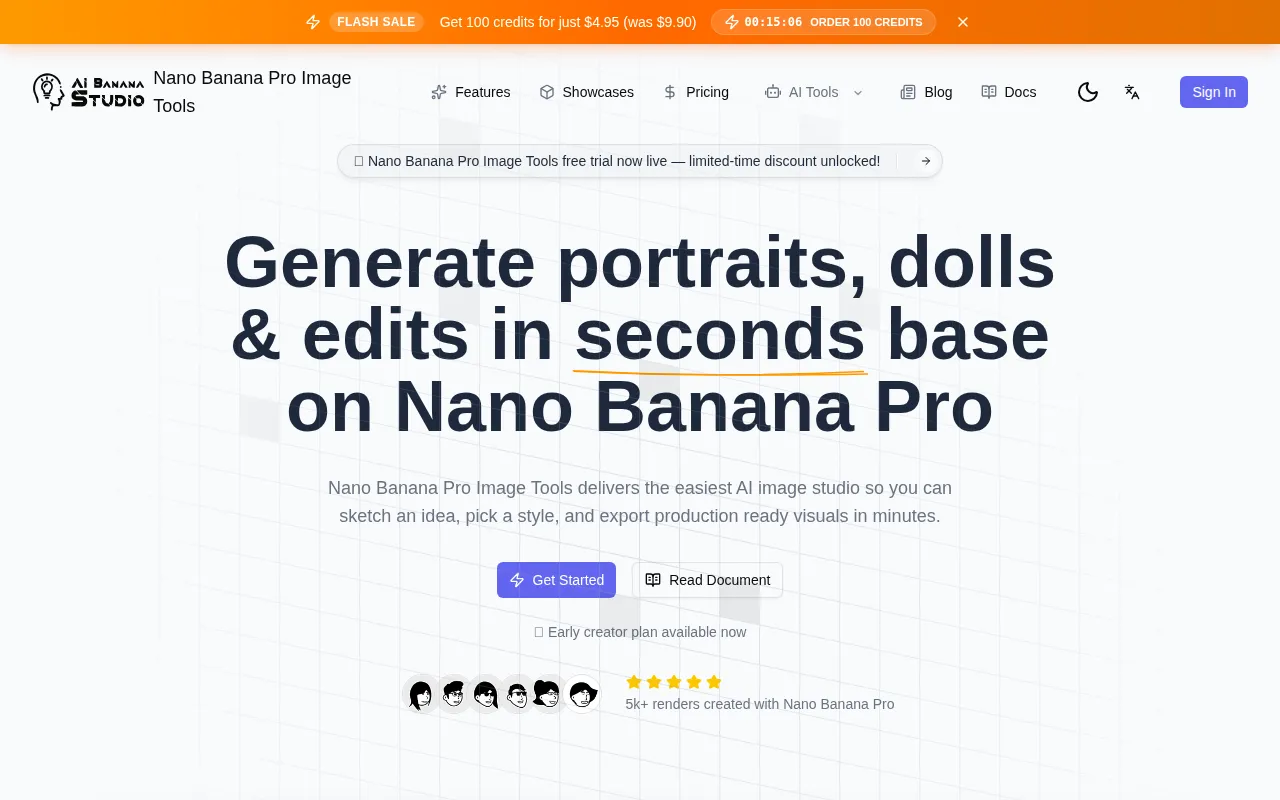
What is Nano Banana Pro Image Tools
Nano Banana Pro Image Tools is a guided AI creation suite designed for portrait, doll, and retouch workflows. It offers an easy-to-use AI image studio that allows users to sketch ideas, select styles, and export production-ready visuals quickly.
How to use Nano Banana Pro Image Tools
- Activate your studio: Choose a plan to unlock the preset library.
- Describe your look: Upload references or use sliders to define faces, outfits, and materials.
- Fine-tune & retouch: Utilize the retouch lab for one-click polishing of skin, fabrics, and props.
- Publish anywhere: Export layered PSDs, transparent PNGs, or shareable web links directly from the platform.
Features of Nano Banana Pro Image Tools
- Guided prompt composer: Visual sliders and guardrails assist in creating structured prompts from adjectives.
- Portrait stabilizer: Ensures consistency in faces, lighting, and framing across batches or collections.
- Doll designer: Allows for stylized material switching (vinyl, clay, crochet, plush) with a single click.
- Retouch lab: Enables in-app editing for stray hairs, fabric smoothing, and scene relighting.
- Batch automation: Facilitates queuing variations, aspect ratios, and export presets for efficiency.
- Share-ready hosting: Provides branded galleries and download links with CDN acceleration.
Use Cases of Nano Banana Pro Image Tools
- Portrait Studio: Create consistent portraits for editorial, cosplay, or batch collections.
- Doll & Toy Maker: Design collectible-style dolls with tactile and playful aesthetics.
- Retouch Lab: Polish skin, fabrics, and props with automated filters and sliders.
- Campaign Storyboarding: Develop full campaigns using guided prompts for efficient visual creation.
- Merchandise Mockups: Quickly generate mockups for products with stylized looks.
- Team Collaboration: Facilitates team workflows for creating visuals.
FAQ
- What is Nano Banana Pro Image Tools? Nano Banana Pro Image Tools is a guided AI creation suite built for portrait, doll, and retouch workflows that anyone can master in minutes.
- Do I need design or 3D skills? The tool is designed for ease of use, implying minimal need for specialized design or 3D skills.
- What can I make inside the studio? Users can create portraits, dolls, and retouched photos.
- How fast can I see results? The platform emphasizes speed, with the ability to generate visuals in minutes and export them quickly.
- Is my brand safe? The platform offers safe hosting and is designed for professional use.
- Can I collaborate with my team? The studio is designed for team workflows, suggesting collaborative capabilities.