What is Neatstack Studio
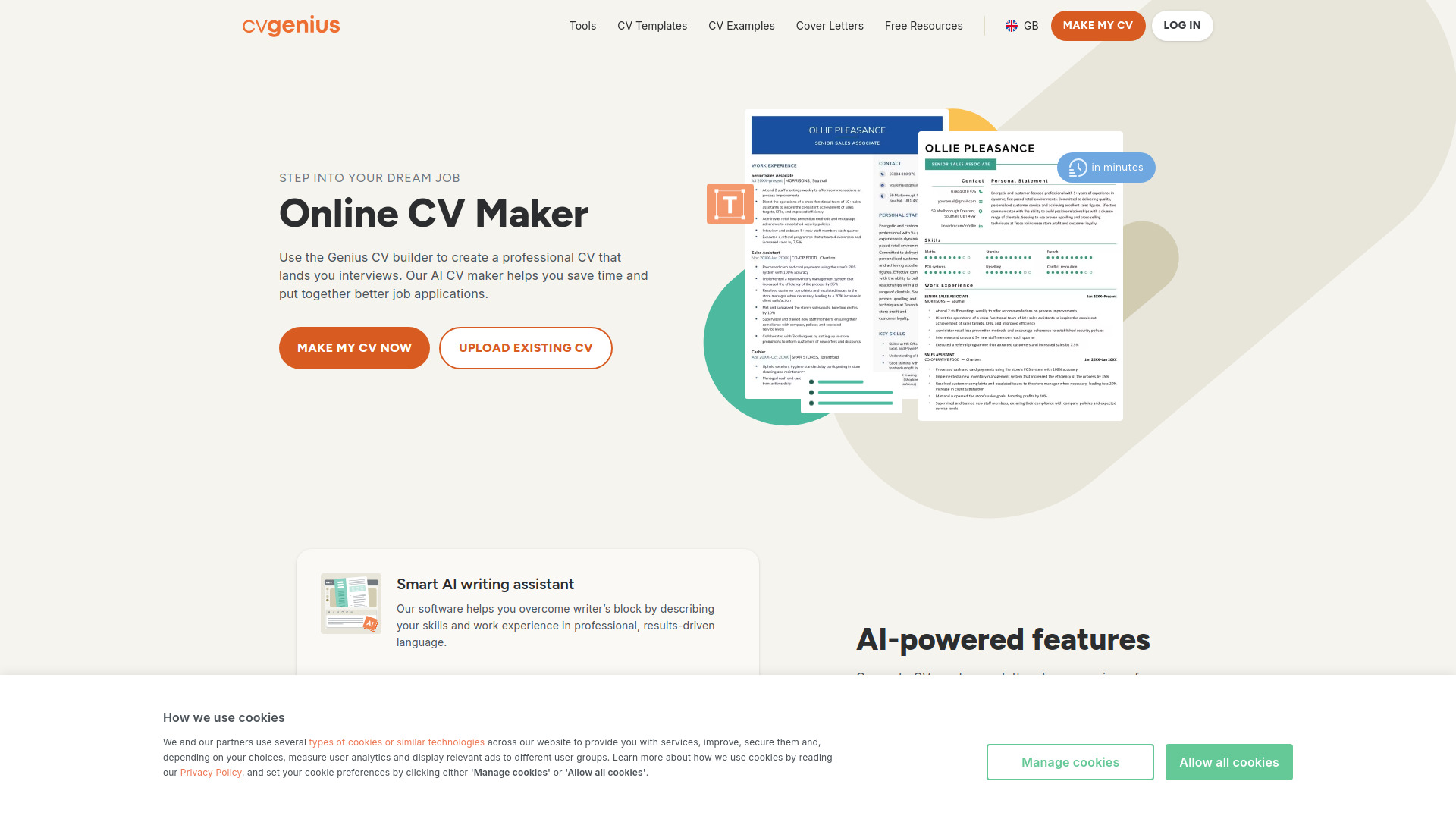
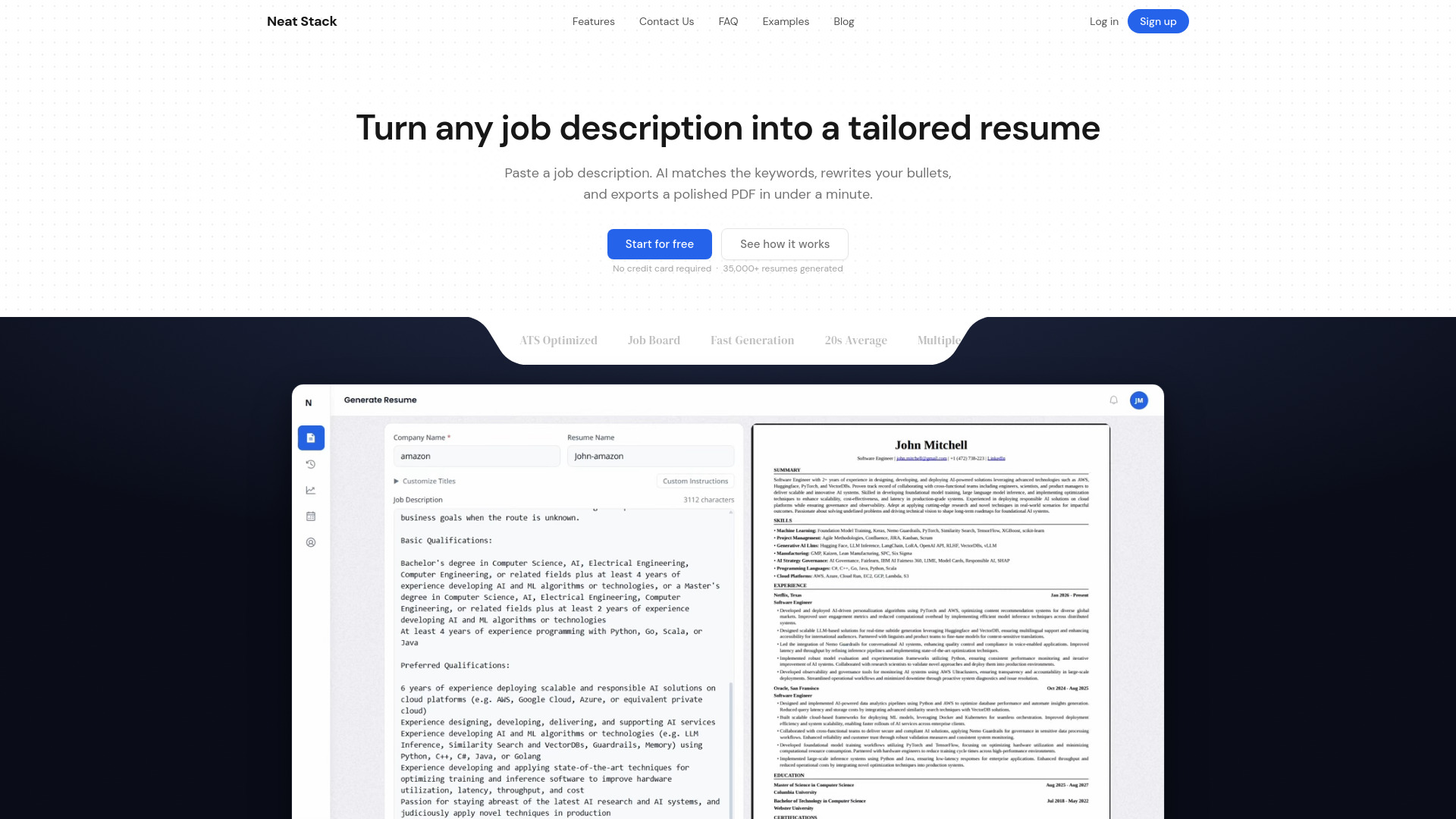
Neatstack Studio is an AI-powered resume builder that turns any job description into a tailored, ATS-optimized resume in under a minute. It matches keywords, rewrites experience bullets, and exports polished PDFs.
How to use Neatstack Studio
- Pick a template and add your details, or paste a job description and let AI fill it in for you.
- AI optimizes your resume by matching your experience to the job requirements, picking the right keywords, and formatting everything for ATS compliance.
- Export and apply: Download a polished PDF or Word document, perfectly formatted and ready to submit.
Features of Neatstack Studio
- Resume Builder: Paste a job description, pick a template, and get a tailored resume in seconds.
- Resume History: Every resume you generate is saved. Search, preview, and download anytime.
- Analytics: Track your resumes, target companies, and see how your job search is trending.
- Calendar: Log interviews, follow-ups, and deadlines so nothing slips through.
- Templates: ATS-optimized templates designed for every industry, including Professional, Corp to Corp, and Classic.
- Custom Templates: Request a template tailored to your industry or style, with options for private or public access.
- ATS Optimization: Ensures your resume passes Applicant Tracking Systems with single-column, reverse-chronological format and standard section headings.
- Fast Generation: Average generation time is under 20 seconds.
- Export Options: Download as PDF or Word document (DOCX).
Use Cases of Neatstack Studio
- Job seekers who want to tailor their resume to a specific job description quickly.
- Professionals applying to companies that use ATS software to filter resumes.
- International job seekers needing ATS-optimized formatting that follows global resume conventions.
- Individuals who want to avoid the hassle of prompt engineering with general-purpose AI tools like ChatGPT.
- Users who need to track their job search activities, including resumes generated, interviews, and follow-ups.
Pricing
- Free: 4 resumes per day, all templates, AI tailoring.
- Pro: $9/month, 20 resumes per day, priority support.
- Unlimited: $29/month, unlimited resumes, priority support.
FAQ
What is an ATS and why does it matter? An Applicant Tracking System (ATS) is software that companies use to filter resumes before a human ever sees them. Over 90% of large companies use one. If your resume isn't formatted correctly or missing the right keywords, it gets rejected automatically. Neat Stack optimizes your resume to pass these systems.
How does Neat Stack tailor my resume? You paste a job description, and our AI analyzes the requirements, keywords, and skills the employer is looking for. It then rewrites your experience bullets and skills section to match - while keeping everything truthful to your actual background.
How fast does Neat Stack generate a resume? The average generation time is under 20 seconds from the moment you paste a job description. Most users have a tailored, ATS-optimized resume ready to download in less than a minute.
How is Neat Stack different from using ChatGPT for my resume? ChatGPT is a general-purpose tool — you have to prompt it correctly, format the output yourself, and export it manually. Neat Stack is purpose-built for resumes: it reads the job description, rewrites your resume to match, applies ATS-safe formatting, and exports a polished PDF in one step. No prompt engineering required.
Does Neat Stack work for international job seekers? Yes. Neat Stack works for job seekers in any country. The AI tailors your resume to the specific job description regardless of location. ATS-optimized formatting follows global resume conventions used by major applicant tracking systems.
What is the best resume format for passing ATS? A single-column, reverse-chronological format with standard section headings (Summary, Experience, Education, Skills) performs best across all major ATS platforms. Avoid two-column layouts, tables, headers/footers, and graphics — these often break ATS parsing. Neat Stack uses ATS-safe formatting by default on every resume.
Can I edit the resume after it's generated? Yes. Every generated resume can be edited directly in the browser before downloading. You can tweak wording, reorder sections, or add details before exporting to PDF.
What formats can I download? You can download your resume as a PDF or Word document (DOCX). Both are ATS-friendly and ready to submit.
Is my data safe? Your data is encrypted in transit and at rest. We never share your personal information or resume content with third parties. You can delete your account and all data at any time.
Can I cancel my subscription? Yes, you can cancel anytime from your dashboard. No questions asked. You'll keep access until the end of your billing period.