What is nixm
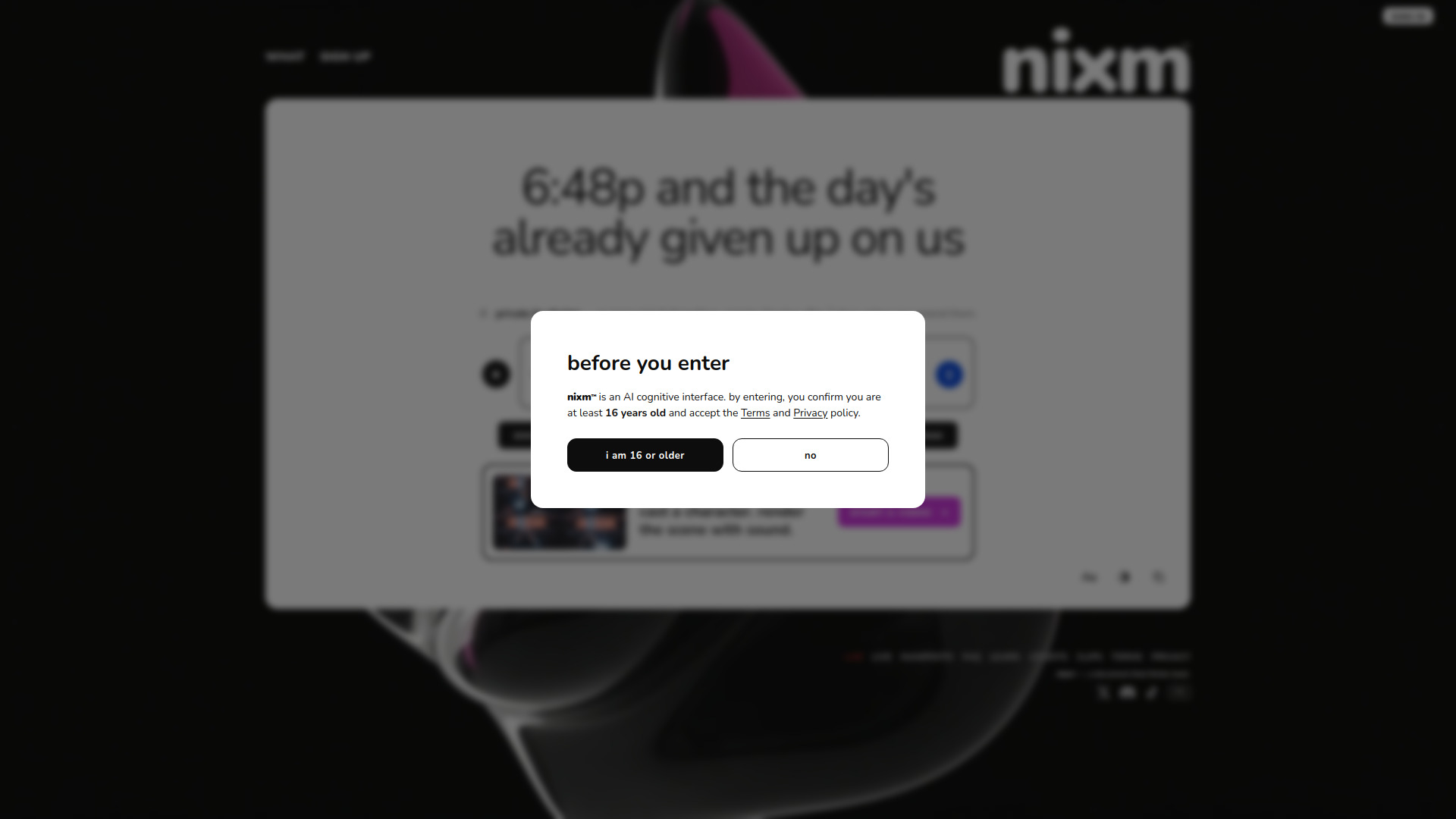
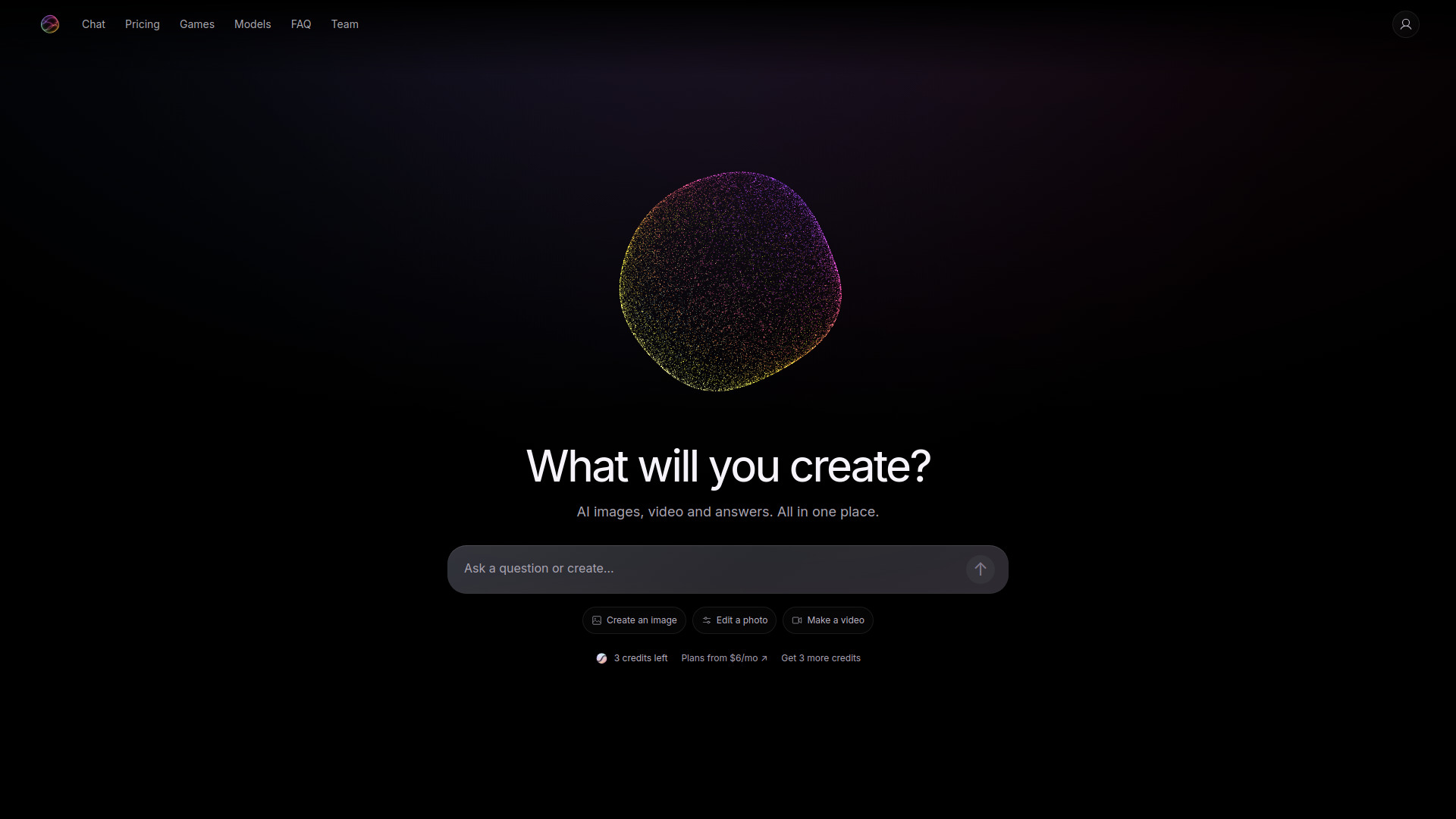
nixm is an AI platform that combines a cinematic AI video generator with sound and a private AI chat. It is built around the concept of a "nixm" — a document that thinks back. A nixm is a unique URL that carries a primed intelligence: you seed it with intent, and anyone who opens it enters the same focused context. The platform emphasizes privacy: no transcript of the dialogue is kept, and the signal's distilled log dissolves after seven days unless extended. Video generation is paid per clip with no subscription and no watermark, and the first HD clip is free.
How to use nixm
- Open nixm and type what's on your mind — not a command, just your intent (e.g., "prep for jack's party this weekend" or "think through our brand direction for q1").
- nixm locks to your intent and returns a nixm — a URL that holds your primed intelligence.
- Share the nixm with anyone; they step into the same context immediately, with no setup or onboarding. Alternatively, keep it private for yourself.
- For video generation, use the cinematic studio: cast a character from a photo or a rendered frame, name it, and direct it in scenes. Specify shape (landscape or vertical), clip quality (HD or 4K), and scene length (3–30 seconds). nixm shows you the shot and the price before spending credits.
Features of nixm
- Cinematic AI video with sound: Generate video clips with synchronized audio in a single pass. Paid per clip, no subscription, no watermark.
- Character casting (CAST): Cast a character once from a photo or frame, name it, and maintain its appearance across different scenes and shots.
- Lip sync: Give a cast character a line, and the voice and mouth movements are generated together in one pass. Short lines fit an 8-second shot.
- Private AI chat: No transcript is kept, and the signal's distilled log dissolves after seven days. No account is required to start a chat.
- Signal-based context: Each nixm carries a primed intelligence with two signals: an intent signal (the mission) and a collab signal (settings, constraints, voice). The model arrives already briefed.
- Ephemeral by design: Signals dissolve after seven days unless extended. No thread to leak, no archive to mine.
- Inline rendering: Ask nixm to show something — a particle field, a chart, a 3D scene, an interactive demo — and it renders live inside the conversation.
- Image and research generation: Generate images and researched documents with linked sources directly in the chat.
- Settings for video renders: Configure shape (auto, landscape, vertical), clip quality (HD = 1 credit, 4K = 2 credits), scene length (5, 10, 15, or 30 seconds), and an optional look (e.g., "35mm, grain, cold light").
Use Cases of nixm
- The list: Seed a nixm with a shared goal (e.g., party prep). Everyone with the link adds to it in real time, avoiding group chat context collapse.
- The brief: Share a nixm with a direction (e.g., brand direction for Q1). Your team enters the same mental model instantly, and the AI holds the thread.
- The proxy: Seed a nixm with your thinking on a problem (e.g., hiring plan). Others work inside your framing without starting over.
- The visual: Ask nixm to show you something — a 3D chart, a portrait, a cinematic clip with sound — and it renders inline. Or generate a researched doc with sources.
- Cinematic studio: Cast a character and render scenes with sound, maintaining continuity across shots. Use for short films, lip-synced dialogue, or any narrative video.
Pricing
- Video generation is paid per clip: no subscription, no watermark. The first HD clip is free.
- Video credits: HD = 1 credit, 4K = 2 credits. 1 video credit per 5 seconds of video.
- Credits can be purchased: 50 credits for CA$5.99.
- New users receive 20 free credits upon signing up.
- Signals can be extended by 7 days for 1 credit.
FAQ
Do I need an account to use nixm?
No account is required to start a private chat. However, signing in (via email magic link or Google) gives you 20 free credits, saves your signals, and allows you to buy more credits.
How long do signals last?
Signals dissolve after seven days unless you extend them. You can extend a signal by seven days for 1 credit.
Is my chat private?
Yes. No transcript of the dialogue is kept, and the signal's distilled log dissolves after seven days. There is no thread to leak, no archive to mine, and no training data to opt out of.
What video formats and lengths are available?
Clips can be 3 to 30 seconds, in landscape or vertical orientation, at HD or 4K quality. Sound is included in the same pass.
Can I keep a character consistent across multiple clips?
Yes. Use the CAST feature to cast a character once from a photo or frame, name it, and it will hold its appearance across different scenes and shots.
How does lip sync work?
Give a cast character a line, and the voice and mouth movements are generated together in one pass. Short lines fit an 8-second shot.