
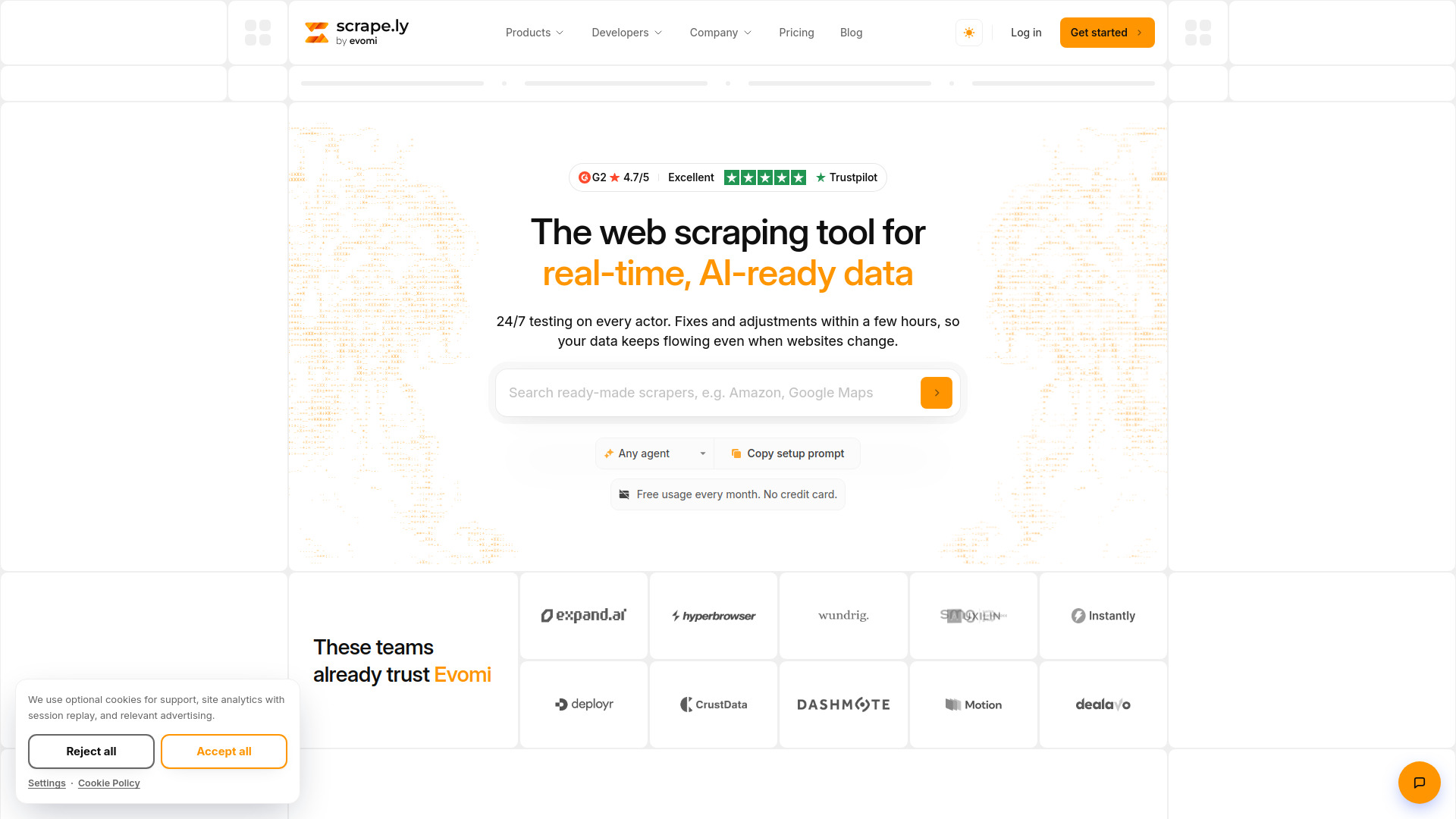

Scrapely
AI Developer Tools
Scrape.ly is a web scraping platform with ready-made scrapers for sites like Google Maps, Amazon, LinkedIn and TikTok, plus an API and MCP server for AI agents.
Check pricingVisit site

AI Writing
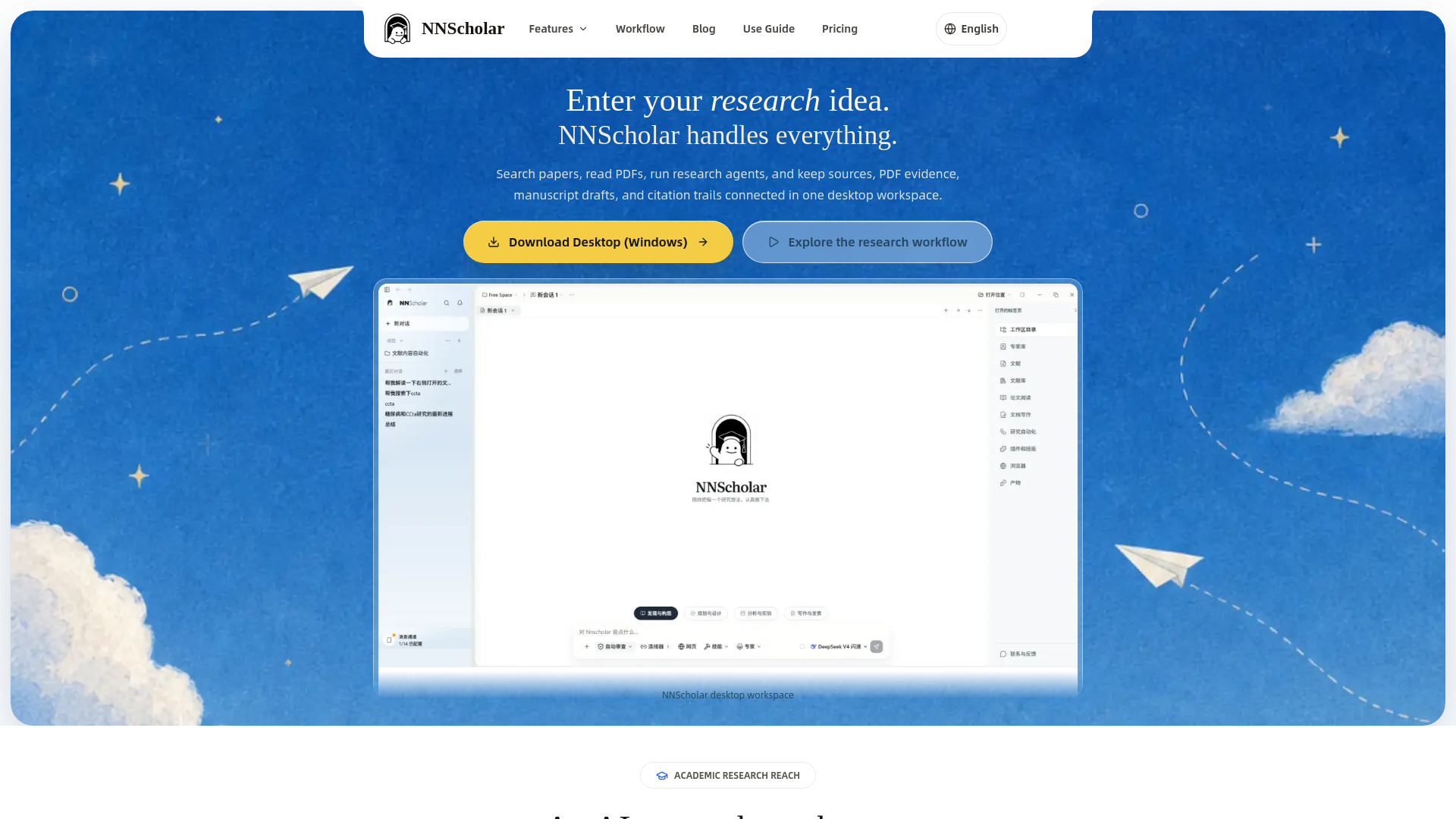
An AI workspace for literature reviews, research evidence, and academic writing
Explore other tools in related categories.
AI Developer Tools
Scrape.ly is a web scraping platform with ready-made scrapers for sites like Google Maps, Amazon, LinkedIn and TikTok, plus an API and MCP server for AI agents.

AI Productivity Tools
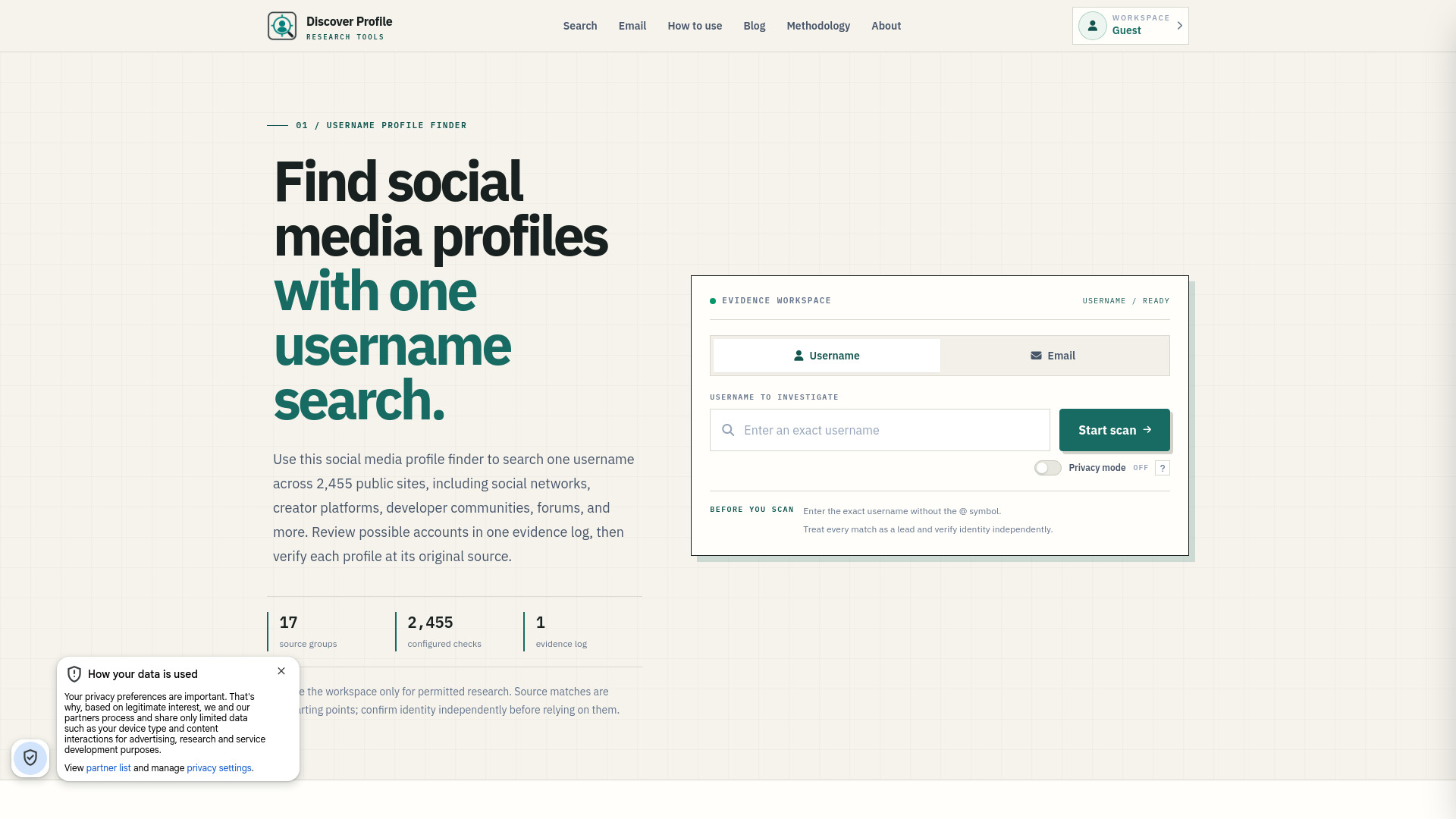
Discover Profile is a free online social media profile finder and OSINT tool for username searches, email lookups, and public account discovery across thousands of websites.
AI Predictions
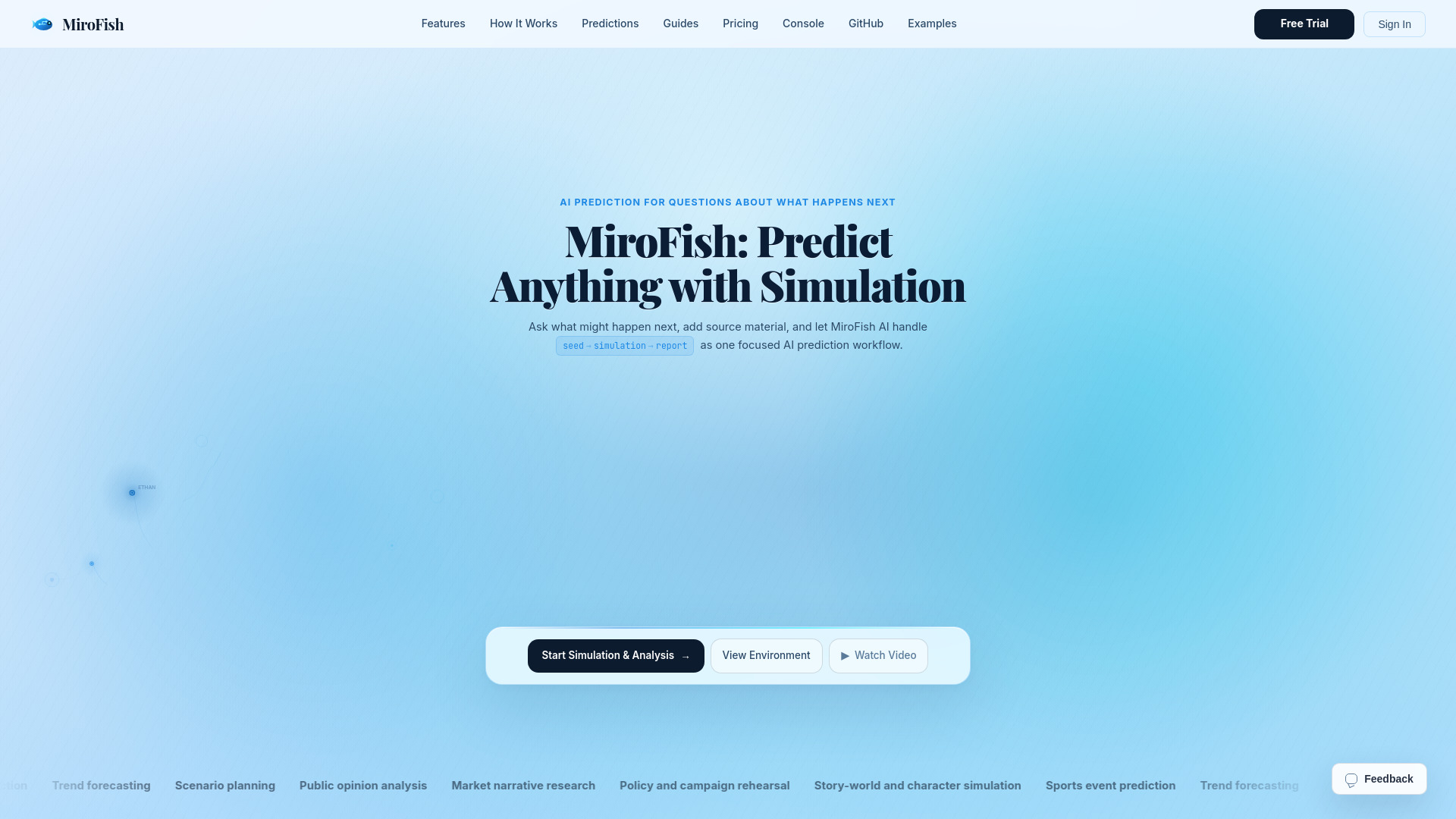
AI prediction and scenario planning with knowledge graphs, multi-agent simulation, and structured reports.
NNScholar is a desktop AI research workspace designed for literature reviews, research evidence management, and academic writing. It connects paper search, PDF reading, evidence tracking, citation verification, research planning, and academic writing so that a research question, sources, notes, drafts, figures, and submission materials stay in one traceable project space. It is available for macOS, Windows, and Web.
What is NNScholar? NNScholar is a desktop AI research workspace for literature reviews. It connects paper search, PDF reading, evidence tracking, citation verification, research planning, and academic writing so a research question, sources, notes, drafts, figures, and submission materials stay in one traceable project space.
How is NNScholar different from ChatGPT, Claude, or Zotero? General AI tools are usually one-off chat surfaces, while Zotero is mainly a reference manager. NNScholar connects search, PDF reading, literature context, claim-evidence links, reference verification, research tasks, and deliverables into one continuous academic workflow.
Is NNScholar useful for literature reviews, proposals, and paper writing? Yes. Start from a research question, then move through literature discovery, abstract screening, PDF reading, multi-document Q&A, evidence organization, research planning, paper structure, and submission preparation. It fits graduate students, postdocs, clinical researchers, and labs.
How does NNScholar help with literature search and screening? NNScholar helps you search around a research topic, import DOI, arXiv, PMID, and batch references, then save candidate papers into the current research space. Screening, abstract comparison, and evidence organization can continue from the same context.
Can it read PDFs, translate papers, and answer across documents? Yes. NNScholar is designed for PDF reading, selected-text translation, highlights, annotation, side-by-side reading, PDF chat, and multi-document Q&A, so papers become traceable evidence sources rather than isolated files.
How can AI answers and references stay verifiable? NNScholar focuses on source-grounded work instead of black-box generation. The evidence board, reference verification, and literature tracking connect sources, claims, evidence, research decisions, and risks so you can return to original materials before using a conclusion.
Should I use Desktop or WebUse? WebUse is the fastest way to start in the browser. Desktop is better for long-running research projects, focused PDF reading, local files, and a dedicated research environment. macOS and Windows download options will be listed on the download page, and you can use WebUse first.
How do NNScholar credits and plans work? Free signup includes 100 welcome credits. Intro Month is a once-per-account first-payment offer with 1,000 credits, Lite includes 1,000 credits per month, Pro includes 8,000 credits per month, Max includes 60,000 credits per month, and Team includes a 120,000-credit shared organization pool with member budgets, invoices, and audits.