What is Nut Studio
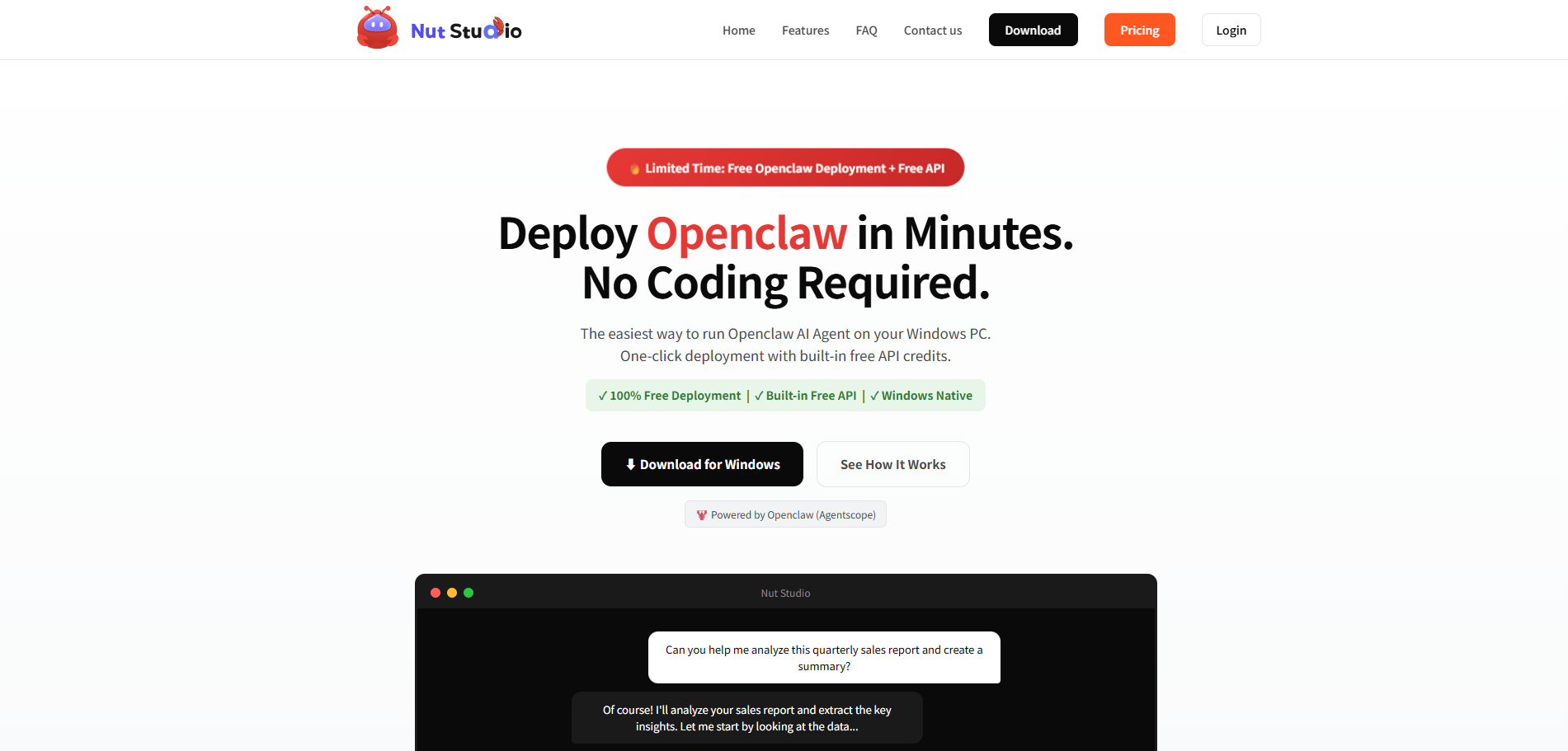
Nut Studio is a Windows desktop application designed for the easy deployment of Openclaw AI Agents on personal computers. It offers a one-click setup process, requiring no coding, terminal commands, or Docker knowledge, allowing users to deploy an AI agent in approximately 3 minutes.
How to use Nut Studio
- Download: Obtain the installer for Nut Studio.
- Install: Run the installer on your Windows PC.
- Use: Chat with your AI agent instantly.
Features of Nut Studio
- 3-Minute Setup: Deploy an AI agent with a single click, no coding, terminal, or Docker required.
- Multi-Channel Access: Interact with your agent via Desktop App, Telegram, or Discord.
- Multi-Agent Support: Create multiple specialized agents, each with its own memory, skills, and configuration.
- 100% Local & Private: All your data remains on your machine, with no cloud dependencies.
- Free to Start: Includes built-in API credits with 30 free credits daily.
- Native Windows App: Runs directly on your Windows desktop, lightweight and fast.
- Openclaw Integration: Powered by Openclaw (Agentscope).
Use Cases of Nut Studio
Nut Studio enables AI agents for various tasks, including:
- Workplace Assistant: Scheduling meetings, summarizing conversations, managing calendars, drafting emails.
- Coding Assistant: Writing code, debugging errors, code reviews, explaining algorithms.
- Learning Assistant: Researching topics, explaining concepts, acting as a personal tutor, creating study plans.
- Travel Assistant: Booking trips, translating languages, planning itineraries, providing recommendations.
- General Automation: Research and information gathering, workflow automation, tool integrations, task planning and execution.
Pricing
Nut Studio is free to download and use. Registered users receive 30 free API credits daily. Users can also connect their own API keys for other model providers.
FAQ
What is Openclaw?
Openclaw is an AI Agent framework for building and running autonomous AI workflows, capable of interacting with tools and coordinating actions using large language models. Nut Studio simplifies its deployment.
What is Nut Studio?
Nut Studio is a Windows desktop application that simplifies the deployment and execution of Openclaw AI Agents locally, offering a user-friendly, one-click setup.
Do I need technical experience to use Nut Studio?
No, Nut Studio is designed for accessibility, handling most setup automatically for users without development experience.
Is Nut Studio free?
Yes, Nut Studio is free to download and use, with 30 free API credits provided daily. Users can also integrate their own API keys.
What can I do with Nut Studio Openclaw agents?
Openclaw agents can automate tasks like research, workflow automation, tool integration, and task planning. Nut Studio facilitates exploration of these capabilities.
Who is Nut Studio for?
AI enthusiasts, developers testing AI workflows, researchers experimenting with AI agents, and anyone interested in running Openclaw without complex setup.
Is Nut Studio safe to use?
Yes, Nut Studio runs locally, does not collect personal files without permission, and sends external API requests directly to providers. Your data remains private.
Does Nut Studio support skills for Openclaw?
Yes, Nut Studio includes built-in skills and supports custom skill configuration and training for specific needs.