Newsletter
Join the Community
Subscribe to our newsletter for the latest news and updates

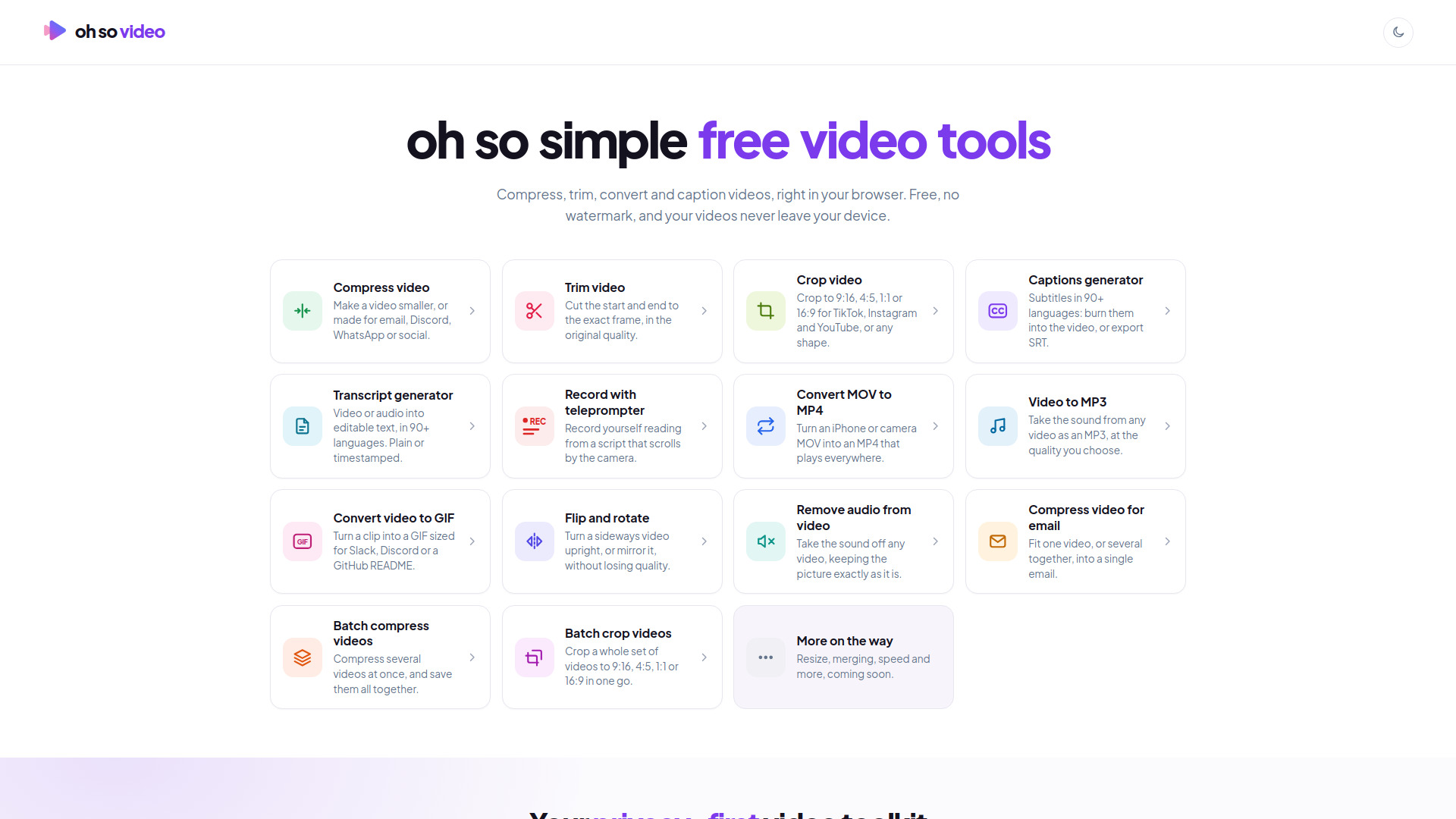
Oh so simple video tools. No uploads, no account, no watermark.
Oh So Video is a collection of free online video tools that run entirely in your browser. It allows you to compress, trim, caption, convert, and mute videos without uploading them to a server, without creating an account, and without watermarks. Your videos never leave your device.
No installation, account, or upload is required. Keep the page open while processing, especially on mobile devices.
Oh So Video is completely free. There is no account, no trial, no watermark, no hidden limit, no premium tier, and no subscription. Every tool is free to use as often as you like.
Is Oh So Video really free?
Yes. No account, no trial, no watermark, and no hidden limit. Every tool is free to use as often as you like. There's no premium tier and no subscription.
Does my video get uploaded to your servers?
No. Everything runs in your browser, on your device. There are no servers that receive your videos: the work happens on your own hardware, the way a desktop app would, without the install.
What video formats does it support?
MP4, MOV, WebM, and MKV, from phones, cameras, and screen recorders, including iPhone HEVC and Apple ProRes. Trim has to play the video to show you where to cut, so a ProRes file goes through Convert MOV to MP4 first.
Is there a file size limit?
It depends on the tool. Compress, Convert MOV to MP4, the batch pages, and Captions take a video of any size, because your video is read a piece at a time. Trim and Remove audio take up to 2 GB, since the copy is written beside the original on your device. Captions caps length instead: three hours on a computer, an hour on a phone, since the transcribing happens on your device. Big videos are quickest on a computer.
Can I use it on my phone?
Yes, on an iPhone or an Android phone in an up-to-date browser: Chrome, Safari, Firefox, or Edge. There's no app to install. Keep the page open while it works, because phones pause pages in the background.
Do I need to install anything?
No. Open the page, drop your video on it, and go. Nothing to download, nothing to configure, and no extension or plug-in.
Why is it free?
Because it costs almost nothing to run. The work happens on your device rather than on servers we'd have to pay for, so there's no bill to pass on. There's no investor money behind it, nothing harvested, and no ads: visits are counted without cookies, and that's all.
Who built this?
Tom Limb, founder and CEO of Videvo and formerly Head of Video at Magnific. He built Oh So Video because the free tools he could find either took your footage to a server or stamped a watermark on the result.