What is Opolyo AI
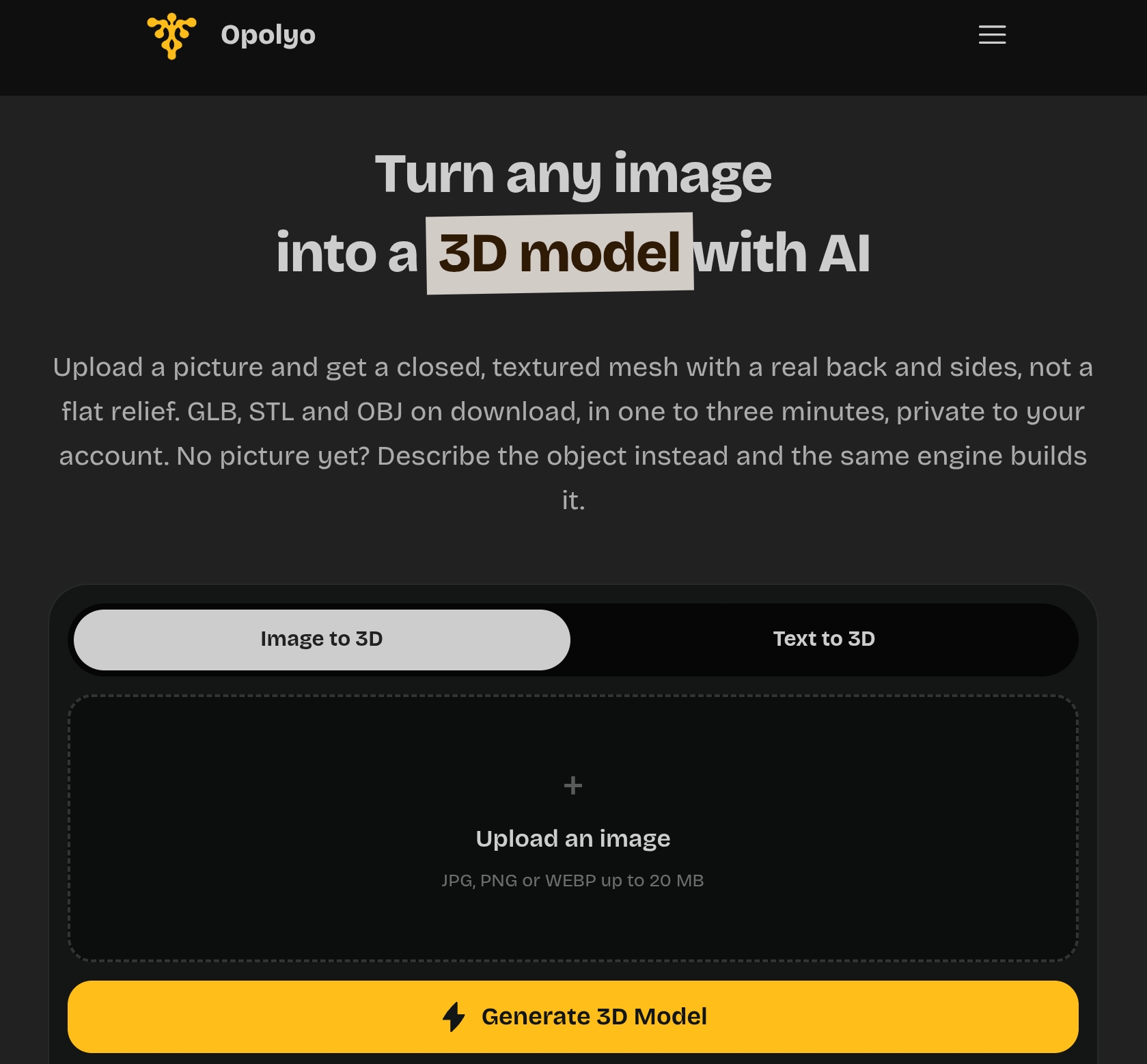
Opolyo is an AI-powered tool that converts images or text prompts into textured 3D models. It generates closed meshes with real depth, not flat reliefs, and supports downloads in GLB, STL, and OBJ formats, with conversion to FBX and USDZ. The tool is designed for creators, designers, and hobbyists, offering control over texture quality, topology, and polygon count.
How to use Opolyo AI
- Choose your input: Select either "Image to 3D" or "Text to 3D" from the main navigation.
- Upload an image or enter a prompt: For images, upload a JPG, PNG, or WEBP file (up to 20 MB). For text, describe the object you want to create.
- Adjust settings: Set texture quality (Standard or Ultra), topology (triangle or quad), and polygon count (from 500 to 2,000,000 faces). The workspace shows the price for your exact combination before you spend credits.
- Generate: Click "Generate 3D Model" to start the process. Generation typically takes one to three minutes.
- Download: Once complete, download your model in GLB, STL, or OBJ format, or convert to FBX or USDZ as needed.
Features of Opolyo AI
- Image to 3D: Upload a photo and get a fully textured 3D model with a real back and sides.
- Text to 3D: Describe an object in text and the AI builds a 3D model from your description.
- Texture options: Choose between Standard and Ultra texture quality, with shaded or PBR (physically based rendering) maps.
- Topology control: Select triangle or quad topology, with quad recommended for editing or animation.
- Polygon budget: Set the maximum number of faces from 500 to 2,000,000, with the mesh landing at or under your chosen limit.
- Multiple formats: Download as GLB, STL, or OBJ, and convert to FBX or USDZ.
- Privacy: Models are private to your account.
- Pricing transparency: The workspace shows the exact credit cost before you generate.
Use Cases of Opolyo AI
- Product & design: Turn reference photos into 3D models for product visualization or design.
- Art & hobby: Create figures and props from photos or text prompts.
- Film & video: Generate characters and set dressing with textures ready for use.
- 3D printing: Export binary STL files directly from your browser for printing.
- Game assets: Produce quad-topology models with FBX export for Unity and other game engines.
- Just exploring: Upload any image and watch it transform into a 3D model.
Pricing
Opolyo uses a credit-based system. The exact cost for each generation is displayed in the workspace before you spend credits, based on your chosen settings (texture quality, topology, polygon count). Specific pricing tiers are not detailed on the main page, but the tool emphasizes transparent pricing per generation.
FAQ
What file formats can I download?
You can download your models as GLB, STL, or OBJ. You can also convert them to FBX or USDZ.
How long does generation take?
Typically one to three minutes.
Can I use my own images?
Yes, upload a JPG, PNG, or WEBP file up to 20 MB.
Is my work private?
Yes, models are private to your account.
Can I control the polygon count?
Yes, you can set a maximum from 500 to 2,000,000 faces.
What is the difference between triangle and quad topology?
Triangle is the default and suits most uses. Quad topology is better if you plan to edit or animate the mesh.