What is Panorama AI
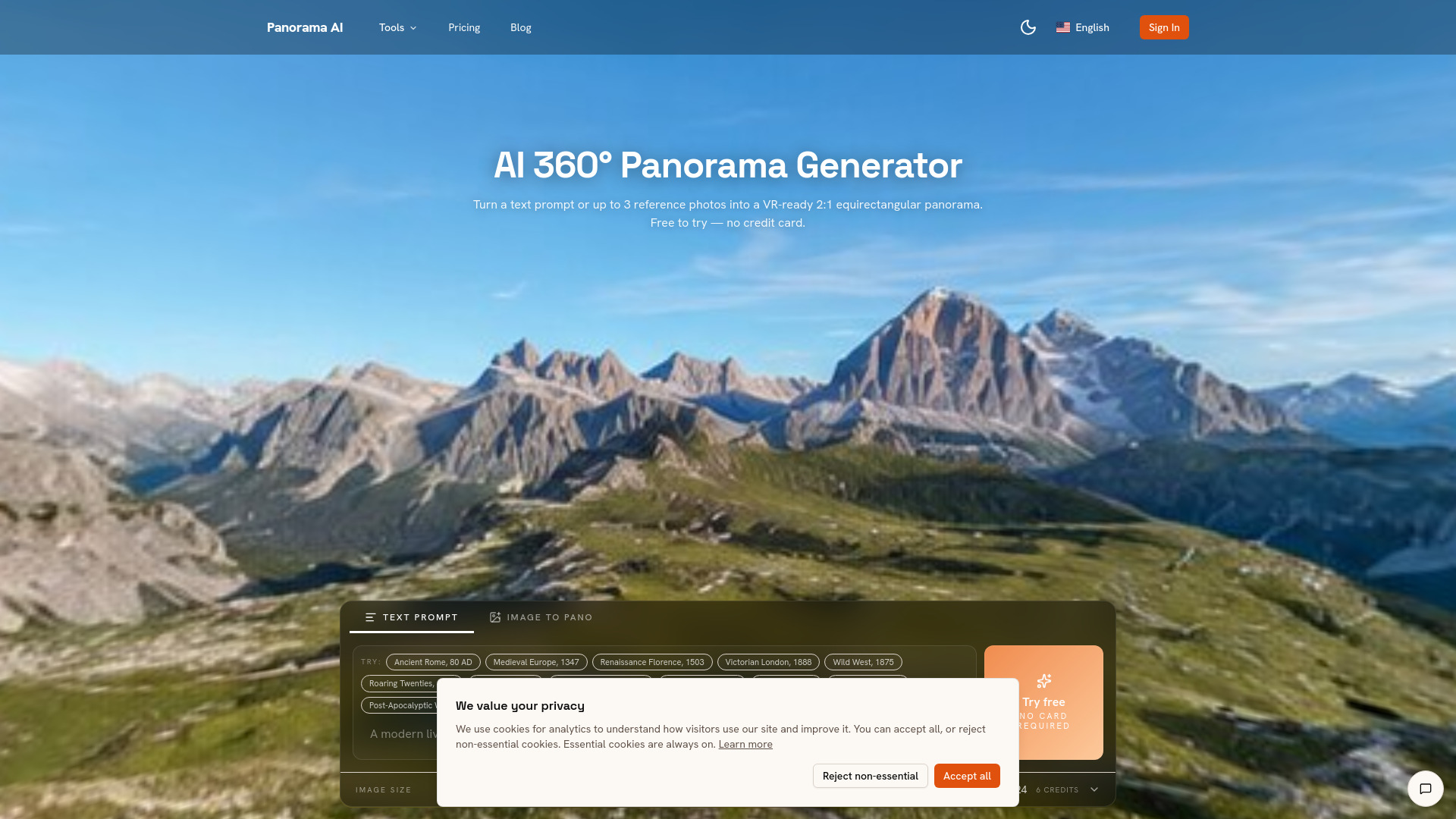
Panorama AI is an AI-powered platform that generates VR-ready 360-degree panoramas from text prompts or up to three reference photos. It produces seamless 2:1 equirectangular panoramas in resolutions up to 4K, suitable for virtual reality, real estate, and client work. The platform includes a built-in 360-degree viewer for immediate preview and offers commercial usage rights on paid plans.
How to use Panorama AI
- Pick a preset or describe your scene: Choose from six one-click scene presets (living room, beach, mountain, mall, street, custom) or enter a custom text prompt.
- Optionally drop 1-3 reference photos: Reference images steer the AI toward your desired style, lighting, and color palette. Skip this step for pure text-to-panorama generation.
- Hit Generate and track progress: The AI generates the panorama, performs seam blending, and fixes poles. Live progress updates are provided.
- Preview and download: View the result in the embedded 360-degree sphere viewer. Download as PNG, share the link, or embed it.
Features of Panorama AI
- Text-to-360: Describe your scene in plain English; the prompt is rewritten with equirectangular hints.
- Image-to-360: Use up to three reference photos to guide style, lighting, and color palette.
- Built-in 360° viewer: Pan, zoom, and fullscreen the result directly in the browser, including on mobile.
- Seam-aware post-processing: Mirrors and cross-fades the outer 80px on each side over a symmetric alpha gradient to make the wrap-around invisible.
- 4K equirectangular output: Generate at 1K (1024×512), 2K (2048×1024), or 4K (3840×1920) resolution.
- VR-ready: Output drops directly into Meta Quest, Apple Vision Pro, Three.js, A-Frame, Unreal, Blender, Unity, and other 360° viewers.
- Commercial usage license: Included with paid credits (subscriptions or one-time credit packs).
Use Cases of Panorama AI
- Virtual reality experiences: Create immersive environments for VR headsets.
- Real estate listings: Generate 360-degree views for property showcases.
- Client renders: Produce panoramas for architectural visualization and mood boards.
- Game backdrops: Use as skyboxes or environment maps in game engines.
- Concept art and fictional scenes: Quickly visualize imagined locations like ancient Rome, cyberpunk Tokyo, or alien planets.
- HDRI workflows: Export as .hdr for image-based lighting in Blender, Unreal, or Unity (note: 8-bit source, not true 32-bit HDR).
Pricing
Panorama AI operates on a credit-based system. Each output debits a few credits depending on resolution. Pro plans start at $29.9/month; the annual plan is the best value at $9.9/month equivalent. One-time credit packs start at $19.9. Free trial credits are available, but outputs made with them are limited to personal/evaluation use. Paid credits (from subscriptions or credit packs) include a commercial usage license.
FAQ
How do I generate a 360° panorama?
Type a scene description (or attach up to 3 reference photos), pick a resolution, and hit Generate. The AI produces a seamless 2:1 equirectangular panorama in a few minutes — preview it in the built-in 360° viewer, then download the PNG.
How long does each panorama take?
Generation typically takes a few minutes. Larger outputs and peak-hour traffic can stretch this further; you'll see live progress while it runs.
What format is the output?
A 2:1 equirectangular PNG (1024×512 / 2048×1024 / 3840×1920). Drop straight into Three.js, A-Frame, Unreal, Blender, Unity, or any 360° viewer.
Does it work on mobile?
Yes — both generation and the embedded sphere viewer work in any modern mobile browser. Pan with your finger to look around.
Can I use the panoramas commercially?
Yes. Every output generated with paid credits includes a commercial usage license, whether the credits come from a subscription (Pro, Pro+, Pro Max) or a one-time credit pack. Only outputs made with free trial credits are limited to personal / evaluation use.
How much does it cost?
Sign up to try it free. Pricing then runs on a credit-based system — each output debits a few credits depending on resolution. Pro plans start at $29.9/month; the annual plan is the best value at $9.9/month equivalent. One-time credit packs start at $19.9.
What's the difference between text-to-panorama and image-to-panorama?
Text-to-panorama generates the entire scene from your prompt alone — fastest and cheapest. Image-to-panorama lets you attach 1-3 reference photos that steer style, lighting, and color palette while still letting the model fill in the missing 360° coverage.
Can I use these AI panoramas in Blender, Unreal, or Unity?
Yes. The PNG output drops directly into Blender as an Environment Texture (Shader Editor → World → Background → Image Texture), into Unreal as a HDRIBackdrop or sky texture, and into Unity as a Skybox material with the Panoramic shader. For HDRI workflows, the .hdr export option wraps the output as a Radiance container so it drops into standard IBL pipelines (note the underlying source is 8-bit, not true 32-bit HDR — best for environment maps where extreme dynamic range isn't critical).