What is pdf.net
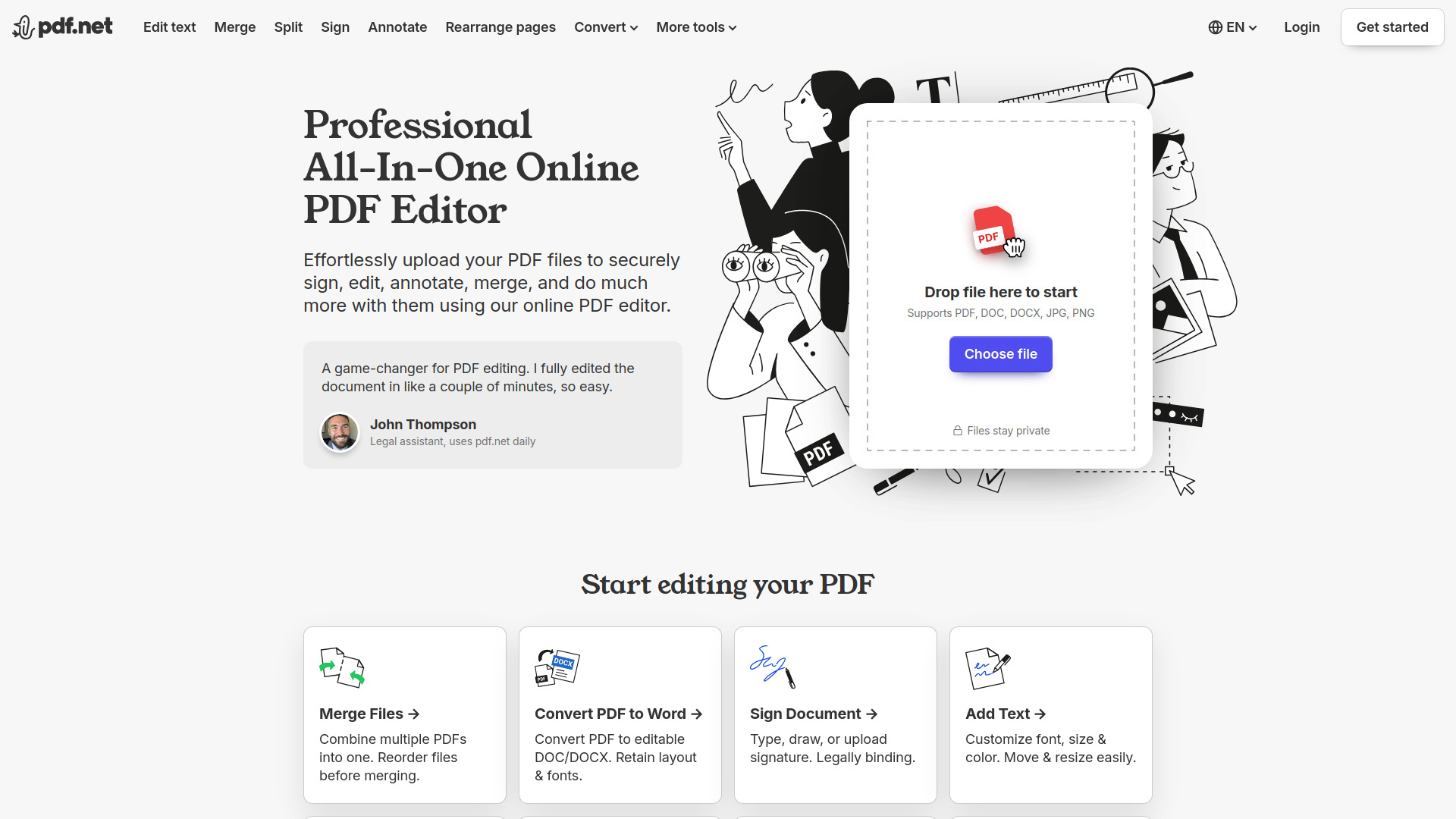
pdf.net is a professional, all-in-one online PDF editor. It offers a comprehensive suite of tools to edit, annotate, sign, convert, merge, split, compress, and protect PDF documents.
How to use pdf.net
- Upload your PDF file.
- Edit, customize, sign, merge, and perform other actions on the document.
- Download the updated file.
Features of pdf.net
- Edit Text: Modify existing text within PDF documents, including font, size, and color.
- Annotate: Mark up PDFs with drawing, highlighting, and erasing tools, offering various colors and line widths.
- Sign Documents: Add signatures by typing, drawing, or uploading an image. Signatures are legally binding.
- Merge Files: Combine multiple PDF documents into a single file, with the ability to reorder them.
- Split Files: Divide a PDF into multiple smaller files, with options to choose specific pages for division.
- Convert: Transform documents between various formats, including PDF to Word (DOC/DOCX), Word to PDF, Markdown to PDF, PNG to PDF, PDF to PNG, JPG to PDF, PDF to JPG, PDF to Excel, and PDF to CSV. It also supports converting bank statements to Excel.
- Compress: Reduce the file size of PDFs with three different compression levels.
- Rearrange Pages: Reorder pages within a PDF using drag-and-drop functionality, with options to delete or duplicate pages.
- Rotate Pages: Adjust the orientation of PDF pages, with options for single, multiple, or all pages.
- Add Images: Insert logos, photos, and graphics into PDFs, with control over size and position.
- Add Page Numbers: Automatically number pages, with customizable position, format, and margins.
- Bates Numbering: Apply Bates numbers to documents, with options for prefix, suffix, and numbering style.
- Protect PDF: Secure documents with a password to prevent unauthorized use.
- Unlock PDF: Remove passwords and restrictions from PDF files.
- AI Tools: Features like Chat PDF for asking questions about documents, PDF summarization, and AI PDF generation.
Use Cases of pdf.net
- Editing and annotating documents for review.
- Merging multiple files into a single PDF.
- Splitting large PDFs into smaller, manageable parts.
- Digitally signing contracts and agreements.
- Converting PDFs to editable formats like Word or Excel.
- Converting images (PNG, JPG) into PDF documents.
- Reducing the file size of large PDFs for easier sharing.
- Reorganizing pages in a document.
- Adding page numbers or Bates numbers for organization and legal purposes.
- Securing sensitive documents with passwords.
- Using AI to summarize or extract information from documents.
FAQ
- Are my files safe? Your files are safe due to secure HTTPS encryption and advanced safety protocols. Documents are kept private and protected.
- Can I access pdf.net on my phone? Yes, pdf.net is fully adapted and compatible with mobile devices (Android and iOS) and tablets.
- What upload formats are supported? Supported formats include PDF, DOC, DOCX, PNG, and JPG.
- How do I convert my files? Upload the document, select the desired output format, wait for processing, and then download the converted file.
- Do I need to create an account to use pdf.net? No account is needed for core features. Registering for free unlocks additional features.
- How do I print out my document? You can print directly from the editor or export the document and print it from your device.