Newsletter
Join the Community
Subscribe to our newsletter for the latest news and updates

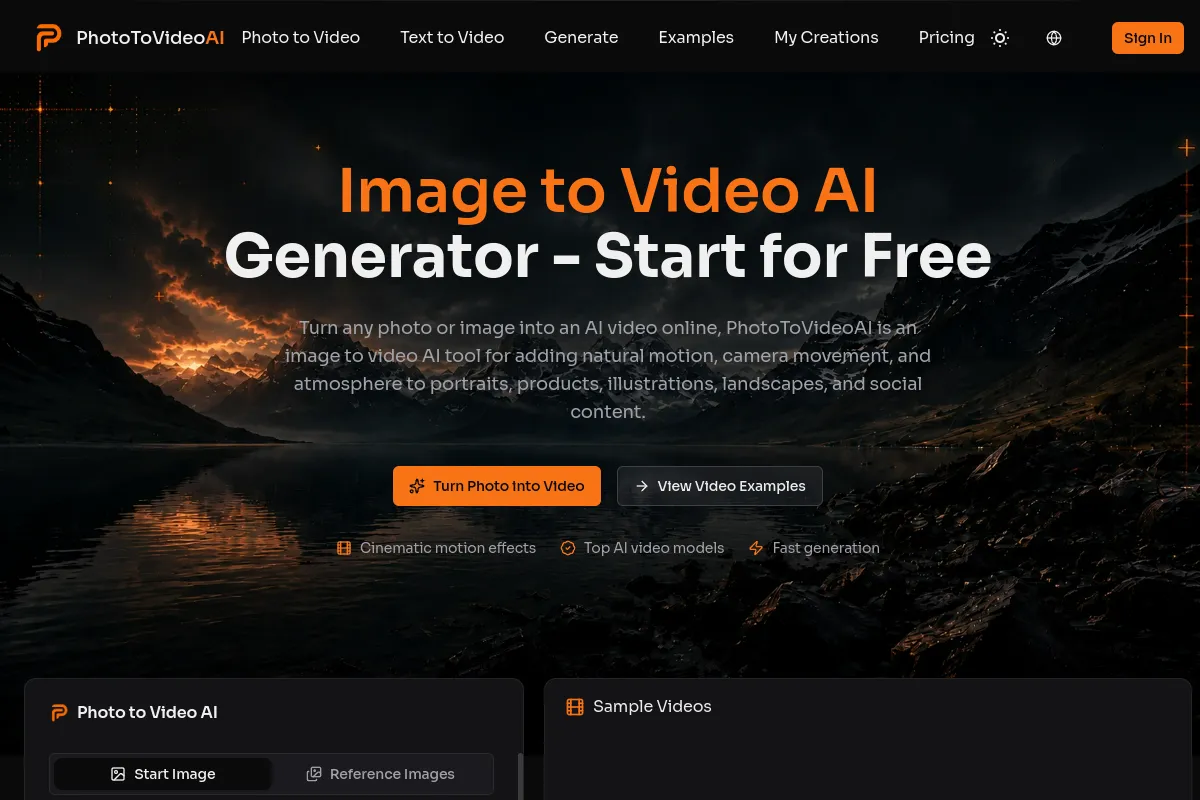
AI tool that turns photos or text prompts into short cinematic videos online.
Photo to Video AI is a free online tool that converts photos or text prompts into short cinematic videos. It uses AI to add natural motion, camera movement, and atmosphere to images, turning them into engaging video clips without requiring a sign-up.
Is Photo to Video AI free to use online? Yes. PhotoToVideoAI provides free trial credits for eligible photo to video AI generations, so you can test it online first.
Can I try image to video AI free without signing up? Yes. Image to video AI free trial credits let you try an eligible generation without signing up first; trial limits apply.
Can I use the generated video commercially? Paid users can use generated videos commercially, as long as they own or have permission to use the uploaded source image. Videos created with free trial credits are for testing only and cannot be used commercially.
Can I create AI image to video with audio? Yes. PhotoToVideoAI supports AI image to video with audio on eligible models and generations.
Can I download image to video AI without watermark? Yes. PhotoToVideoAI supports image to video AI without watermark downloads on eligible plans, models, or generations.
How do I turn a photo into a video with AI? Upload a clear photo, describe movement, and generate a short clip. Photo to video AI responds better to “slow camera push-in with gentle background motion” than “make it move.”
What photos work best for a photo to video AI generator? Photos with one clear subject and good lighting usually work best. A photo to video AI generator can animate portraits, products, illustrations, landscapes, and food images.
Is this also an AI video generator from image input? Yes. This photo to video AI tool is an AI video generator from image input: upload an image, add motion, and generate video.
Is photo to video AI suitable for product videos? Yes. Photo to video AI works for short product reveals and ad concepts; review any output that must keep exact package text or dimensions.