What is PicFixer
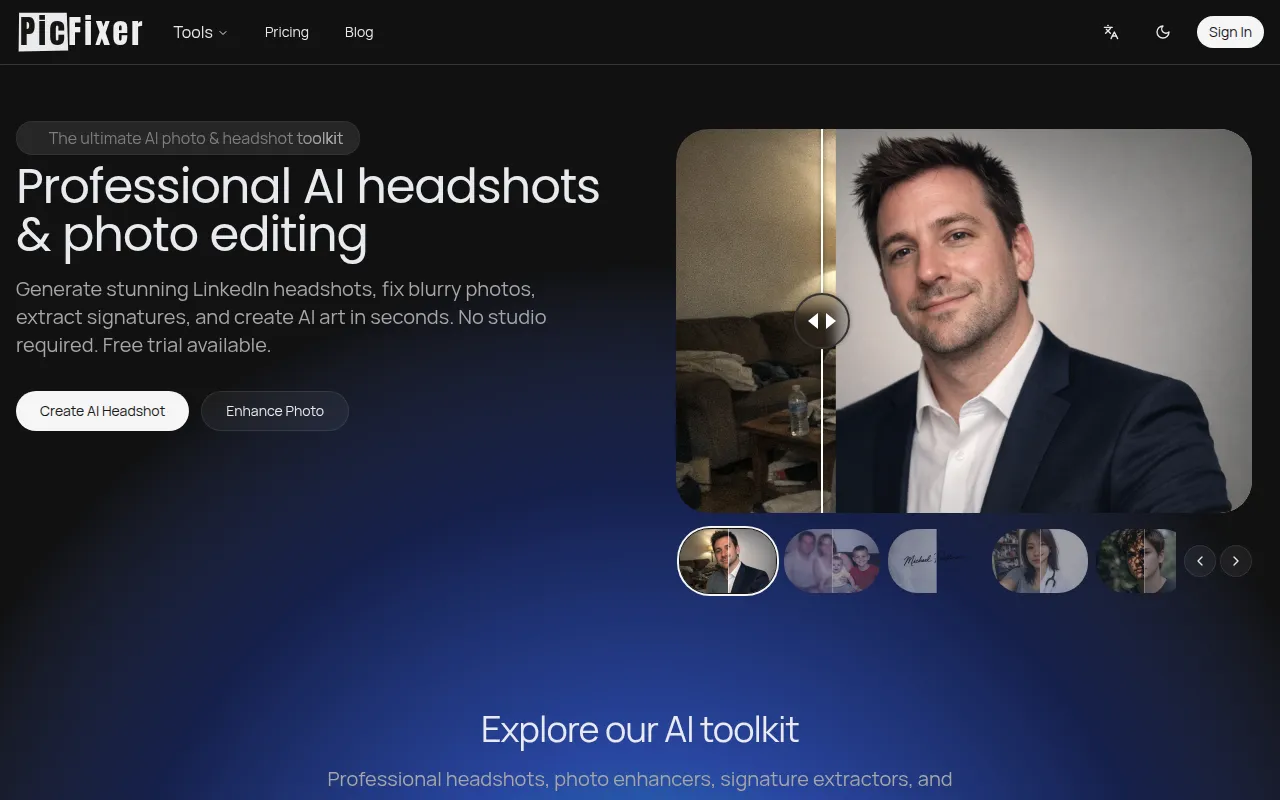
PicFixer is an AI-powered photo studio that offers a suite of tools for professional image creation and enhancement. It specializes in generating professional headshots, improving the quality of blurry photos, removing shadows, and extracting signatures.
How to use PicFixer
While specific step-by-step instructions are not detailed, the process generally involves uploading existing photos or selfies and utilizing the AI tools to achieve desired results. For example, users can upload selfies to generate professional headshots, or use the photo enhancer on blurry images.
Features of PicFixer
- AI Headshot Generator: Creates professional headshots for various platforms like LinkedIn, ERAS applications, and acting portfolios.
- Photo Enhancer: Upscales blurry or low-resolution images, recovers facial details, and removes noise.
- Shadow Removal: Eliminates harsh shadows from photos, correcting lighting for a more natural look.
- Signature Extraction: Extracts handwritten signatures from images into transparent PNG files.
- Creative Art Generators: Produces AI-generated art such as caricatures, movie posters, and album covers.
- Industry-Specific Headshots: Offers tailored headshots for professions like doctors (ERAS compliant), real estate agents, actors, and business teams.
Use Cases of PicFixer
- Generating professional headshots for LinkedIn profiles, resumes, and business cards.
- Creating compliant photos for medical residency applications (ERAS).
- Enhancing old, blurry, or low-quality photographs.
- Quickly obtaining transparent PNGs of signatures for digital documents.
- Designing creative visuals like movie posters, album covers, and caricatures.
- Improving outdoor portraits affected by harsh lighting or shadows.
FAQ
- Do I need professional photos to create an AI headshot? No, you can upload everyday selfies. The AI automatically corrects lighting, background, and attire.
- Are the ERAS headshots compliant with application guidelines? Yes, the ERAS Headshot Generator is calibrated for correct dimensions, resolution, and standard background colors required for medical residency applications.
- Is the signature extraction tool free? Yes, signature extraction is free to try and works best on high-contrast photos.
- How does the AI photo enhancer work? The AI analyzes blurry photos, removes noise, and reconstructs details to upscale the image.
- Who owns the generated images? Paid users receive full commercial rights to the generated images.