What is Pixelmax.art
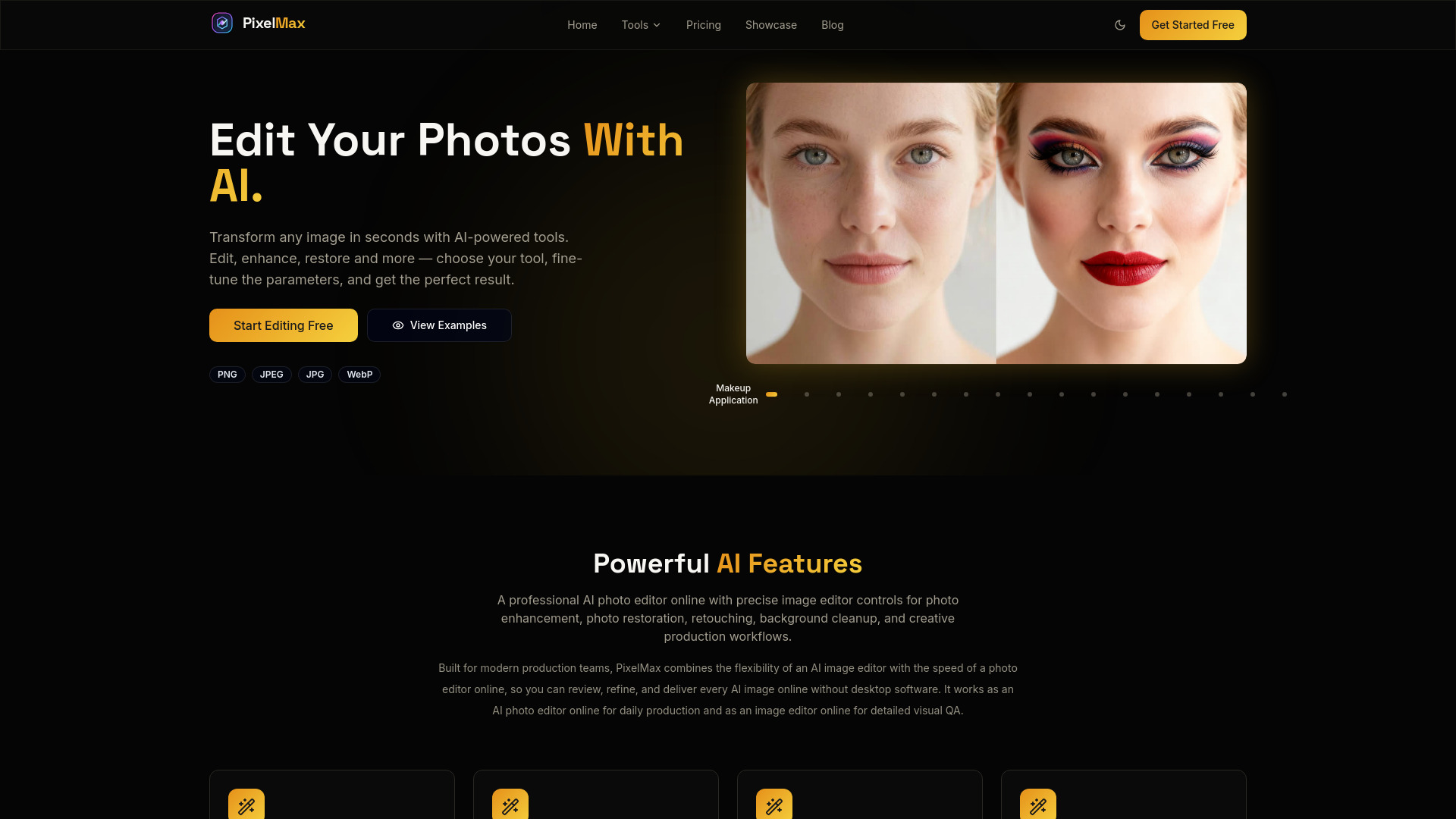
Pixelmax.art is a free AI-powered online photo editor that allows users to edit, enhance, restore, and transform images directly in their web browser. It offers a wide range of AI-driven tools for tasks such as background removal, object manipulation, portrait enhancement, and creative style transfer.
How to use Pixelmax.art
- Visit the Pixelmax.art website and click on "Start Editing Free" or "Get Started Free" to access the editor.
- Choose a specific tool from the available options, such as "Remove Background", "Photo Enhancer & Upscaler", or "Makeup Application".
- Upload your image in a supported format (PNG, JPEG, JPG, WebP, or TIFF).
- Adjust the parameters or provide text prompts as needed for the selected tool.
- Run the AI processing and wait for the result.
- Download the edited image in PNG or JPEG format.
Features of Pixelmax.art
- AI-Powered Editing: Tools like GPT Image 2 Edit, Seedream Edit, and Nano Banana 2 Edit allow prompt-based image editing with reference images and mask control.
- Object Manipulation: Add, remove, or replace objects in images using text instructions.
- Portrait Enhancement: Tools for age modification, expression change, hair change, makeup application, and headshot generation.
- Photo Restoration: Restore old or degraded photos by reducing noise, blur, and damage.
- Background Removal: Remove backgrounds from images with a single click.
- Creative Tools: Style transfer, colorization, sketch-to-image, and city teleport for placing subjects in iconic locations.
- Outpainting: Expand images by setting canvas size and placement.
- Format Support: Upload PNG, JPEG, JPG, WebP, and TIFF; download results in PNG or JPEG.
Use Cases of Pixelmax.art
- Professional Photography: Enhance portraits, restore old photos, and create studio-quality headshots.
- Marketing and Advertising: Rewrite text in images, add or replace objects, and create visuals for campaigns.
- E-commerce: Remove backgrounds for product photos and generate lifestyle images.
- Creative Projects: Apply style transfer, colorize black-and-white photos, and generate images from sketches.
- Social Media: Create engaging visuals with makeup application, hair changes, and city teleport effects.
Pricing
Pixelmax.art offers a free tier with credits for new users. Paid plans (Lite, Pro, Ultra) provide additional credits and longer image storage durations. Users can also purchase one-time credit packs that never expire. No credit card is required to sign up.
FAQ
Is Pixelmax free to try?
Yes, every new account comes with free credits to try the editor without a credit card.
How do credits work?
Each AI operation consumes one or more credits depending on complexity. Credits are only deducted when a job completes successfully.
What image formats are supported?
Uploads: PNG, JPEG, WebP, TIFF. Downloads: PNG or JPEG.
How long are my images stored?
Storage duration depends on plan: Free and Lite keep images for 3 days, Pro for 7 days, Ultra for 15 days. You can delete images anytime.
Can I buy extra credits?
Yes, subscribers can purchase one-time credit packs at a discounted rate. Credit packs never expire.
Is my data private?
Your images are always private, and Pixelmax never uses your photos to train AI models.
Can I use edited images commercially?
Yes, all processed images are yours to use for any purpose, including commercial projects, with no watermark on paid plans.
What happens if I cancel my subscription?
You keep access until the end of the billing period. Unused monthly credits expire, but purchased credit packs remain.